Working from home has become the new normal for millions of people. Your workspace affects how you feel and work. A cluttered desk leads to a cluttered mind. A clean, simple space helps you focus better.
Creating a calm home office doesn't require expensive furniture or major renovations. Small changes make a big difference. The key is removing what you don't need and keeping what serves you.
Why Minimal Design Works
Your brain processes everything it sees. Too many objects create visual noise. This noise makes it harder to concentrate on important tasks.
Minimal spaces reduce stress. They feel peaceful and organized. You spend less time looking for things. More time gets devoted to actual work.
Studies show that clean environments boost productivity. Workers in tidy spaces make better decisions. They also feel more motivated throughout the day.
Start with a Clean Slate
Remove everything from your workspace. Put items in boxes or another room. This step feels extreme but works well.
Look at your empty desk and surrounding area. Notice how calm it feels. This is your starting point.
Now add back only essential items. Ask yourself if each item serves a clear purpose. If not, leave it out.
Choose the Right Desk
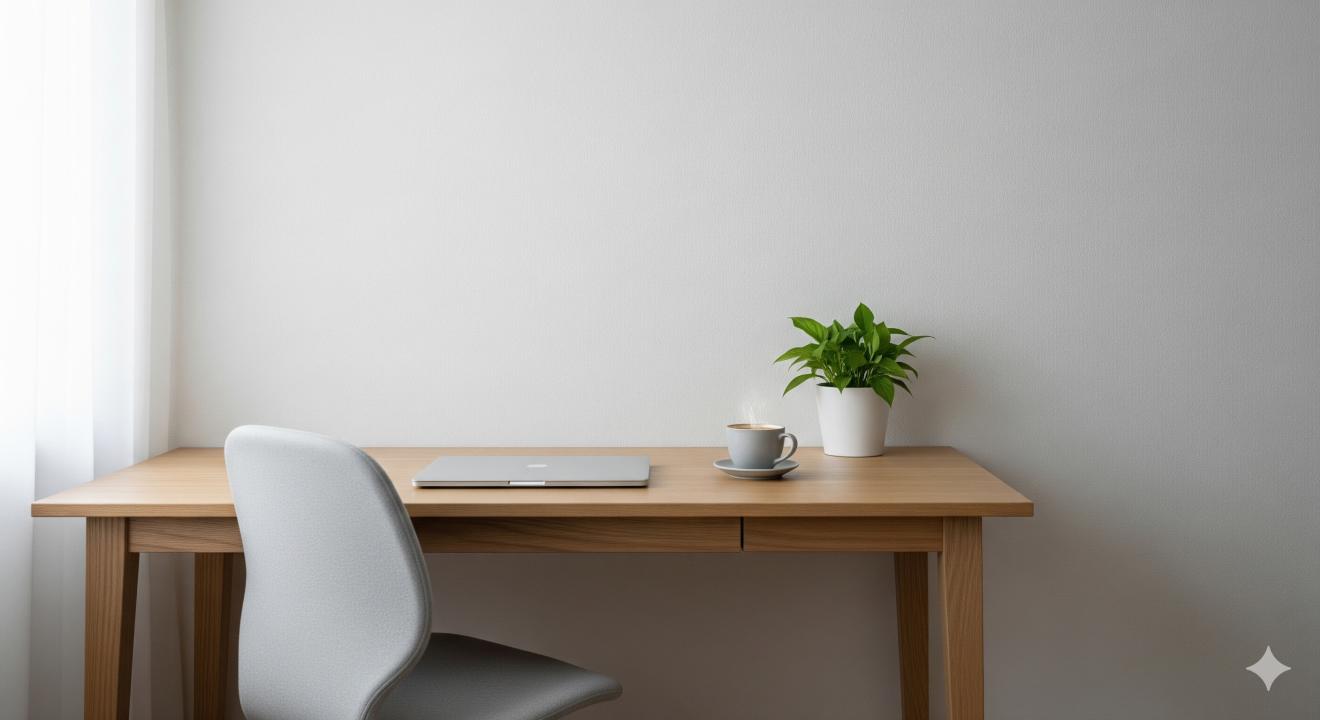
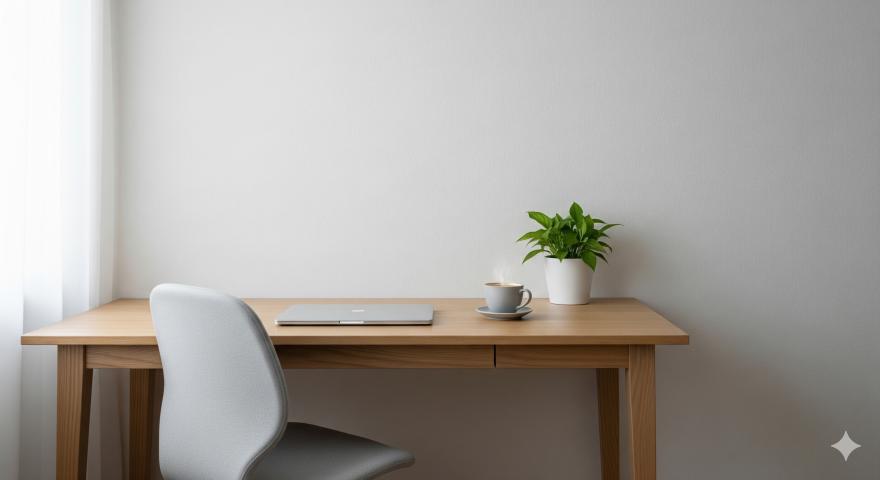
Your desk is the foundation of your workspace. Pick something simple and functional. Avoid desks with lots of drawers or decorative details.
White, light wood, or black desks work best. These colors feel timeless and clean. They match any room >
Size matters too. Get a desk that fits your space without overwhelming it. You need room to work but not excess surface area that collects clutter.
Pick a Comfortable Chair
Your chair affects your health and focus. Invest in something ergonomic and simple. Avoid chairs with busy patterns or bright colors.
Neutral colors like gray, black, or beige blend well. They won't compete with other elements in your room.
Test chairs before buying. Sit for at least 10 minutes. Make sure your feet touch the floor comfortably.
Use Natural Light
Position your desk near a window if possible. Natural light improves mood and energy. It also reduces eye strain from computer screens.
Avoid placing your screen directly in front of or behind a window. This creates glare problems. Side lighting works best.
If natural light is limited, add a simple desk lamp. Choose warm white bulbs over cool ones. They feel more comfortable for long work sessions.
Add One Plant
Plants bring life to minimal spaces. They also clean the air and reduce stress. Choose low-maintenance options that fit your skill level.
Snake plants, pothos, or succulents work well. They don't need much care or water. Place one small plant on your desk or nearby shelf.
Avoid filling your space with multiple plants. One well-placed plant creates the right impact.
Keep Technology Simple
Hide cables and cords as much as possible. Use cable management solutions or tape them under your desk. Visible wires create visual clutter.
Choose tech items in matching colors. White, black, or silver devices look cohesive together. Avoid mixing too many different colors or brands.
Keep your computer desktop clean too. Organize files in folders. Use a simple wallpaper without busy patterns.
Storage Solutions That Work
You need some storage but keep it minimal. Choose pieces that serve multiple purposes. A small bookshelf can hold supplies and display a few meaningful items.
Closed storage works better than open shelving. Drawers and cabinets hide necessary items that aren't used daily.
Label everything clearly. This helps you find things quickly and put them back in the right place.
Color Choices That Calm
Stick to a simple color palette. White, beige, gray, and soft blues promote focus. These colors feel peaceful and professional.
Add one accent color if desired. Soft green or warm wood tones work well. Use this color sparingly in small accessories or your chair.
Avoid bright red, orange, or neon colors. They can feel energizing but also distracting during long work sessions.
Apps That Help Maintain Minimal Spaces
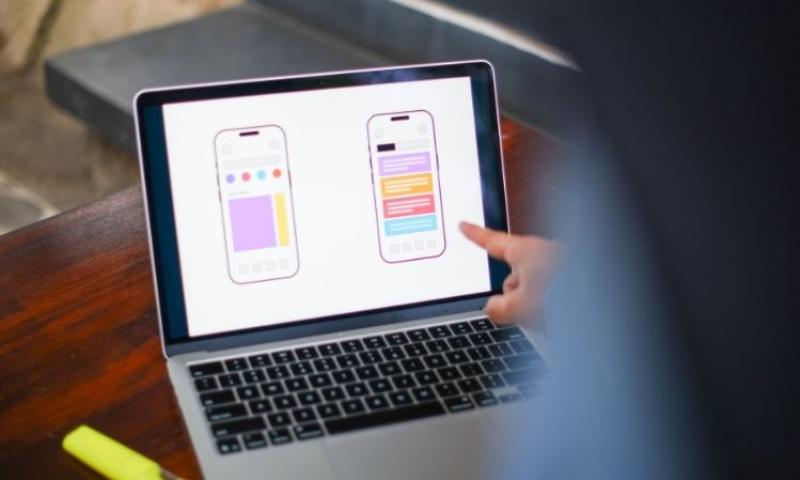
Several apps can help you design and maintain your minimal workspace. Room planning apps let you test furniture layouts before buying anything.
Decluttering apps provide daily reminders to tidy up. They also offer tips for organizing different types of items.
Focus apps block distracting websites while you work. This extends the minimal concept to your digital space too.
Color palette apps help you choose cohesive colors for your room. Upload a photo of your space to see how different colors might look.
Create Boundaries
Your home workspace needs clear boundaries. This helps you focus during work hours and relax afterward.
If possible, dedicate a specific area only to work. This could be a spare room, corner of your bedroom, or section of your living room.
Use a room divider or bookshelf to create separation. Even in small spaces, visual boundaries help your brain switch between work and personal time.
Maintain Your Minimal Space
Set up daily routines to keep your space clean. Spend 5 minutes each evening putting things away. This prevents clutter from building up.
Do a deeper clean weekly. Dust surfaces and organize any items that have accumulated. This keeps your space feeling fresh.
Review your setup monthly. Remove items you haven't used. Add anything that would genuinely improve your work experience.
When designing a calm home workspace with minimal decor, remember that less truly is more. Every item in your space should have a purpose.
Budget-Friendly Minimal Updates
Creating a minimal workspace doesn't require spending lots of money. Start with what you already own. Remove excess items before buying new ones.
Shop secondhand for basic furniture pieces. Look for simple, clean-lined items in good condition. A fresh coat of white or black paint can update older pieces.
DIY storage solutions work well too. Use boxes covered with contact paper. Make desk organizers from small containers.
Focus your budget on items you use most. A good chair and proper lighting make the biggest difference in daily comfort.
Common Mistakes to Avoid
Don't make your space so minimal that it's not functional. You still need basic supplies within reach. Find the balance between clean and practical.
Avoid copying someone else's setup exactly. Your work needs are different. Design for how you actually work, not how it looks in photos.
Don't rush the process. Take time to see how you use your space. Make adjustments based on real experience.
Remember that minimal doesn't mean boring. Add personality through thoughtful choices rather than lots of decorations.
Long-term Benefits
A well-designed minimal workspace pays dividends over time. You'll spend less time organizing and cleaning. More energy goes toward productive work.
The calm environment reduces daily stress. This improves both work performance and overall well-being.
You'll also save money long-term. Buying fewer, better-quality items costs less than constantly replacing cheap decorations and organizers.
For more inspiration on creating peaceful work environments, check out these modern home office design trends that prioritize function over excess.
FAQ
Q: How minimal is too minimal for a home workspace? A: Your workspace is too minimal if you can't do your work effectively. You should have easy access to daily supplies like pens, paper, and chargers. The goal is removing excess, not essential items.
Q: Can I add personal touches to a minimal workspace? A: Yes, but choose carefully. One meaningful photo, a small plant, or a single piece of art can add personality without creating clutter. Stick to items that truly matter to you.
Q: What's the best way to hide computer cables in a minimal setup? A: Use cable management trays that attach under your desk. Cable clips can route cords along desk edges. For a completely clean look, drill a small hole in your desk to pass cables through to hidden power strips below.
Q: How do I maintain a minimal workspace when I have lots of work supplies? A: Use closed storage like drawers or cabinets to hide necessary items. Keep only daily essentials on your desk surface. Store everything else nearby but out of sight.
Q: Should I paint my home office walls for a minimal look? A: White or light neutral colors work best for minimal spaces. They reflect light and make rooms feel larger. You don't need to paint if your current walls are already a neutral color.
Q: What's the difference between minimal and empty? A: Minimal spaces contain everything you need but nothing extra. Empty spaces lack necessary items for function. Your workspace should support your work while avoiding visual clutter.
Q: How often should I declutter my minimal workspace? A: Do a quick 5-minute tidy each day. Weekly, spend 15 minutes organizing and cleaning. Monthly, review all items and remove anything you haven't used recently.
Q: Can I use a minimal design in a shared home office space? A: Yes, but coordination helps. Agree on a color scheme and storage system with others who use the space. Define clear boundaries for personal items and shared supplies.