Introduction: “Why Is My WiFi Connected but the Internet Not Working?”
If you’ve ever looked at your screen and thought, “My WiFi icon is full, so why can’t anything load?” you’re not alone. This confusion is a common frustration for beginners, but it also affects developers, students, remote workers, and even experienced professionals more than they admit.
I remember my first week working from home. My WiFi was connected, and the router lights were blinking, yet Slack wouldn’t load, and Google refused to cooperate. I rebooted everything twice before I realized something important: WiFi and the Internet are not the same thing.
If you’ve wondered about the difference between WiFi and the Internet, this guide is for you. There’s no jargon, just a straightforward explanation with real-world examples.
Let’s finally clarify the confusion between the Internet and WiFi.
First Things First: What Is the Internet?
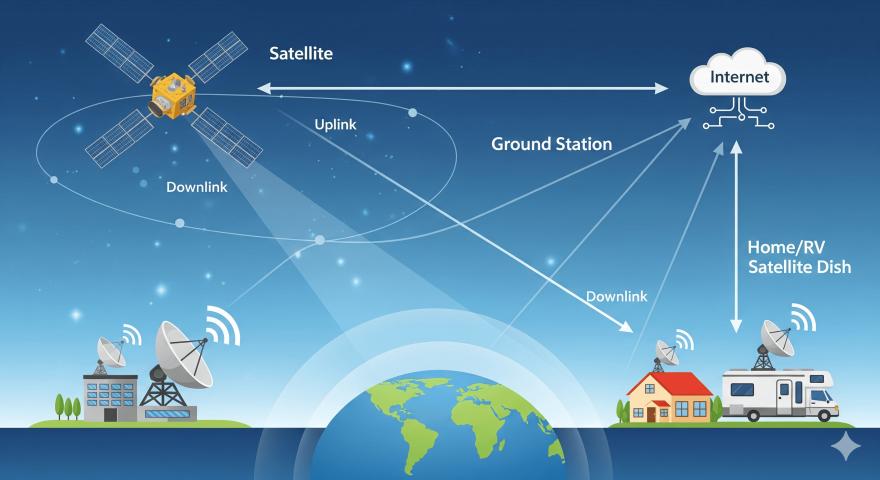
The Internet is a massive global network. It connects millions of servers, data centers, websites, apps, and services around the world.
When you:
Open a website
Watch a YouTube video
Send an email
Push code to GitHub
You’re accessing data that exists somewhere else, often thousands of miles away. That global connection is the Internet.
Think of the Internet as the highway system of the digital world. It lets information travel from one place to another, no matter where you are.
So… What Exactly Is WiFi?
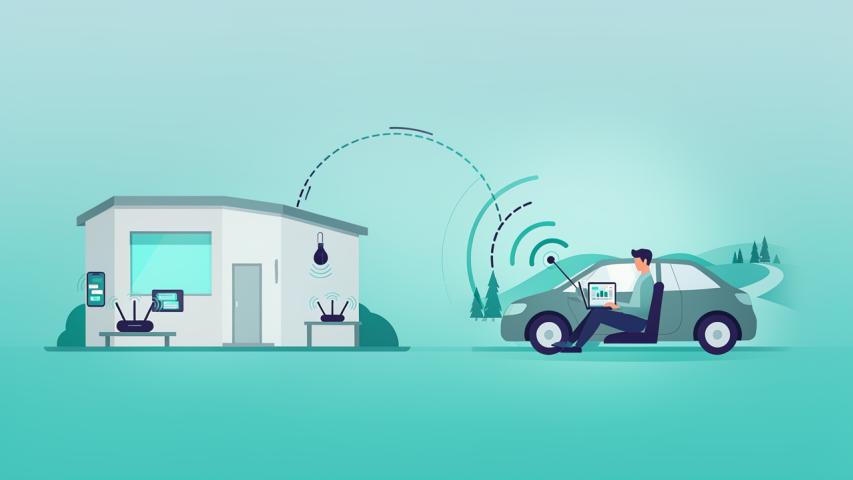
WiFi is not the Internet. It’s simply a wireless way to connect your device to a local network, usually through a router. That router may connect to the Internet, but WiFi alone doesn’t guarantee that.
In simple terms:
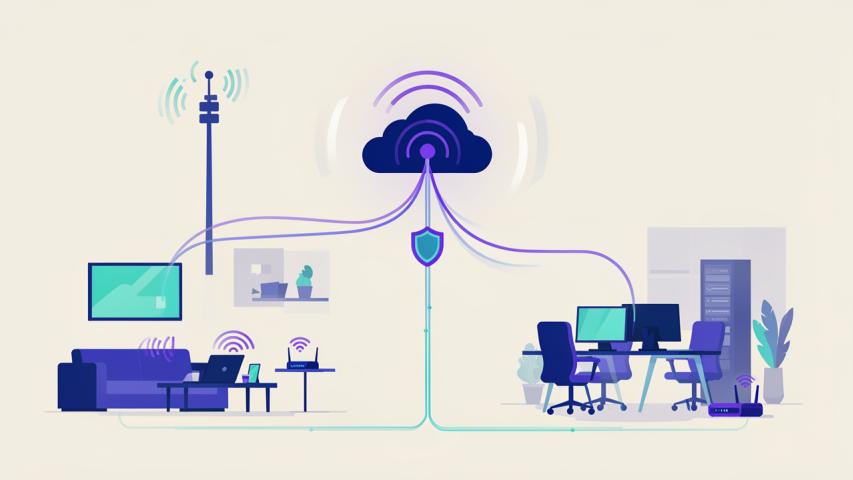
WiFi connects your device to the router
The Internet connects the router to the world
WiFi is like:
The road from your house to the highway
If the highway is closed, that local road won’t get you very far.
Internet vs WiFi: The Core Difference (No Tech Jargon)
Here’s the clearest way to explain the internet vs wifi difference (yes, many people type it that way too):
Internet → The global network that provides access to websites and online services
WiFi → A wireless connection that links your device to a router
You can have:
WiFi without Internet
Internet without WiFi
That’s the part most beginners don’t realize.
Real-Life Examples That Make It Click
Let’s use everyday situations to explain the difference between WiFi and internet.
Example 1: WiFi Connected, No Internet
You connect to WiFi at a café, but nothing loads.
What’s happening?
Your phone is connected to the router (WiFi works)
The router isn’t connected to the Internet (Internet is down)
Result: No browsing, no streaming.
Example 2: Internet Without WiFi
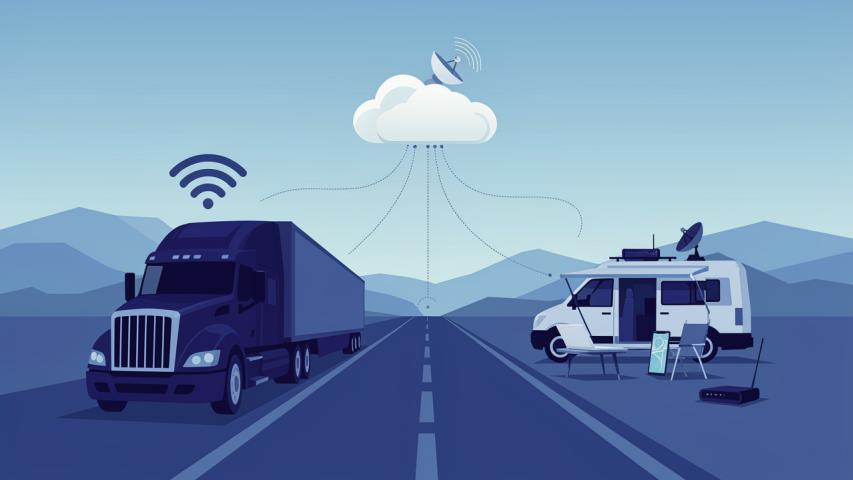
You turn off WiFi and use mobile data.
What’s happening?
No WiFi involved
Your phone connects directly to the Internet via cellular networks
Result: The Internet works just fine.
Example 3: Local Network, No Internet
You’re printing files or sharing folders between two laptops on the same network.
What’s happening?
Devices talk to each other over WiFi
No Internet needed
Result: WiFi works without Internet.
Why This Confusion Is So Common
Most devices blur the lines.
Your phone shows:
A WiFi symbol
Pages loading
So naturally, people assume they’re the same thing.
But under the hood:
WiFi is just the connection method
Internet access depends on what that connection leads to
Once you grasp this difference, troubleshooting becomes easier. You’ll stop restarting your router out of frustration most of the time.
How Routers, Modems, and ISPs Fit In
This is where beginners often feel overwhelmed, so let’s keep it simple.
ISP (Internet Service Provider): Gives you access to the Internet
Modem: Brings Internet into your home
Router: Shares that Internet with devices
WiFi: The wireless signal from the router
If your Internet Service Provider (ISP) goes down, WiFi can still work. However, the Internet won’t. This is why developers working from home always check, “Is it my WiFi or my Internet?” before blaming their code.
Why Developers Care About Internet vs WiFi
On platforms like Dev.to, this topic comes up more than you’d expect.
Here’s why it matters:
API calls fail even though WiFi is “connected”
Docker containers won’t pull images
Cloud services appear offline
Remote SSH connections drop unexpectedly
Knowing the difference between the Internet and WiFi helps you troubleshoot more effectively instead of guessing. I’ve seen junior developers waste hours thinking their app was broken when the real issue was an unreliable Internet connection, not the WiFi.
Common Myths (Let’s Bust Them)
“If WiFi is on, the Internet must be working”
Nope. WiFi just means local connectivity.
“WiFi speed equals Internet speed”
Not always. You might have strong WiFi but slow Internet or the opposite.
“Restarting WiFi fixes Internet issues”
Sometimes, but often the problem is upstream with the ISP.
How to Quickly Tell What’s Actually Broken
Next time something doesn’t load, try this:
Check if WiFi is connected
Try opening your router’s admin page
Switch to mobile data
Run a simple ping or speed test
If your mobile data works but WiFi doesn’t, it’s likely a router issue. If neither works, the problem is probably with the Internet connection itself. Understanding this saves time and stress.
Why Beginners Should Learn This Early
Understanding wifi vs internet basics:
Makes troubleshooting easier
Helps when setting up home networks
Prevents unnecessary tech panic
Builds foundational tech knowledge
This distinction is crucial, whether you’re a student, freelancer, developer, or just trying to work from home.
The Bigger Picture: Internet and WiFi in Modern Life
Today, everything depends on connectivity:
Cloud-based tools
Remote work
Streaming
Smart devices
But all of it relies on layers:
Physical infrastructure (Internet)
Local connectivity (WiFi)
Once you see them as separate layers, tech problems feel less mysterious—and more solvable.
Conclusion: WiFi Is the Path, Internet Is the Destination
Here’s the takeaway I wish someone had shared with me years ago: WiFi doesn’t equal the Internet. The Internet doesn’t need WiFi.
WiFi connects your device to a network. The Internet connects that network to the world. Once you understand this, the difference between the Internet and WiFi becomes clear, and you’ll never be confused by a “connected but offline” message again.
Tech seems complicated until the basics make sense. When they do, everything else builds on those foundations naturally.
Frequently Asked Questions (FAQs)
1. What is the main difference between WiFi and Internet?
WiFi is a wireless connection method, while the Internet is a global network that provides access to online services.
2. Can I have WiFi without Internet?
Yes. WiFi can work locally even if the Internet connection is down.
3. Can I access the Internet without WiFi?
Yes. Mobile data and wired connections provide Internet without WiFi.
4. Why does my WiFi show connected but no Internet?
Your device is connected to the router, but the router isn’t connected to the Internet.
5. Is WiFi faster than the Internet?
WiFi speed and Internet speed are different things. One doesn’t automatically determine the other.