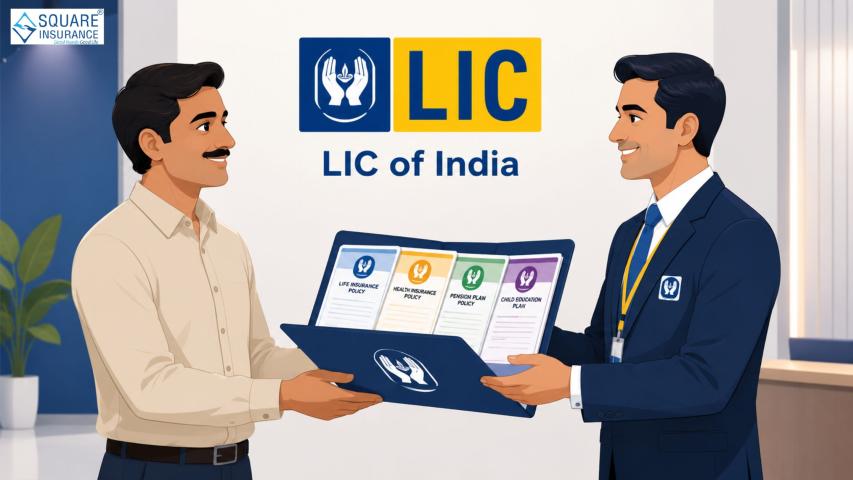
Life Insurance Corporation of India (LIC) has been a cornerstone of
financial security for millions of Indians. With the rise of digital platforms,
LIC has made it easier for policyholders to manage their policies online
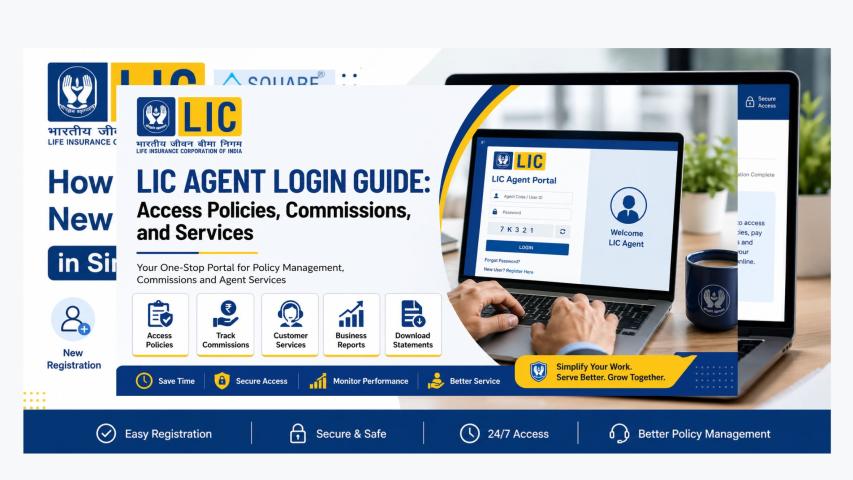
through the LIC Customer Portal Login. This portal allows
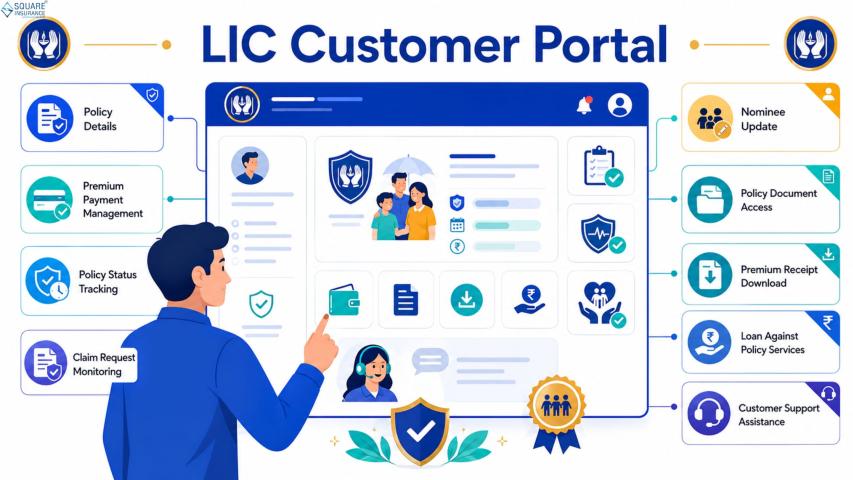
users to view policy details, pay premiums, track claims, and access other
services from the comfort of their homes. In this comprehensive guide, we cover
everything you need to know about logging in, features, benefits, and tips to
make the most of the LIC online portal.
What is the LIC Customer Portal?
The LIC Customer Portal is an official online platform
provided by LIC to policyholders, enabling digital access to various insurance
services. The portal is designed to simplify policy management and reduce the
need for in-person visits to LIC branches. With a secure login, users can
manage policies, premiums, and claims efficiently.
Benefits of Using the LIC Customer Portal
1. Easy Policy Management
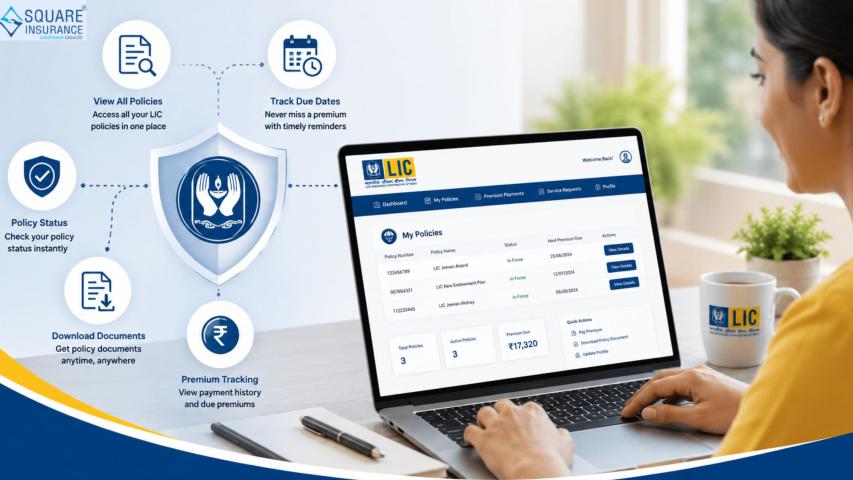
Through the portal, policyholders can view their policy details, including
maturity dates, sum assured, premium status, and coverage details.
2. Online Premium Payments
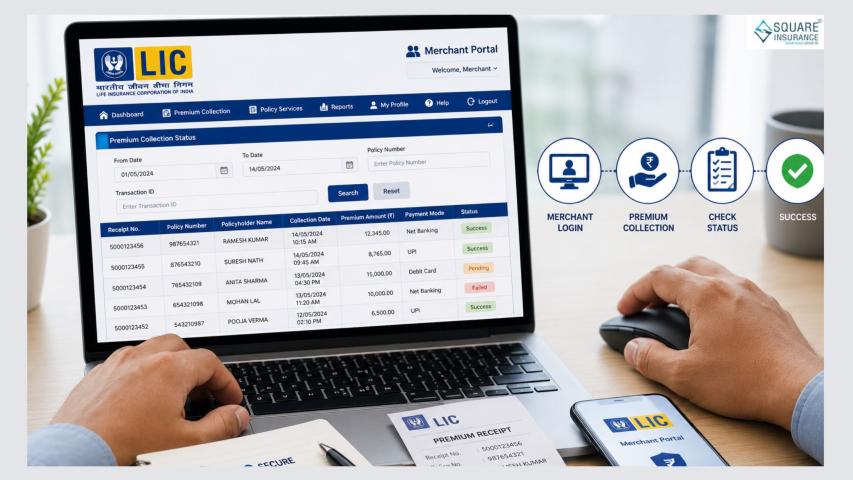
The LIC portal allows for hassle-free premium payment using multiple
options, such as net banking, debit/credit cards, or UPI. Timely payments help
avoid policy lapses and maintain continuous coverage.
3. Track Claims and Maturity Benefits
Users can track the status of claims and maturity benefits, ensuring
transparency and reducing dependency on branch visits.
4. Access Policy Documents
The portal provides easy access to digital copies of policy documents,
premium receipts, and other relevant certificates, eliminating the need for
physical paperwork.
5. Notifications and Alerts
Policyholders receive timely reminders about premium due dates, policy
renewals, and other important updates, helping maintain uninterrupted coverage.
How to Register for LIC Customer Portal Login
Step 1: Visit the LIC Portal
Open the official LIC website and navigate to the customer login section.
Step 2: New User Registration
Click on the “New User? Register” option. Enter your policy number, date of
birth, and premium details as required.
Step 3: Create User ID and Password
After validating your policy details, create a unique User ID and password
for your account. Ensure that your password is strong and secure.
Step 4: Verification
LIC may send an OTP to your registered mobile number or email for
verification. Enter the OTP to complete the registration process.
Step 5: Login
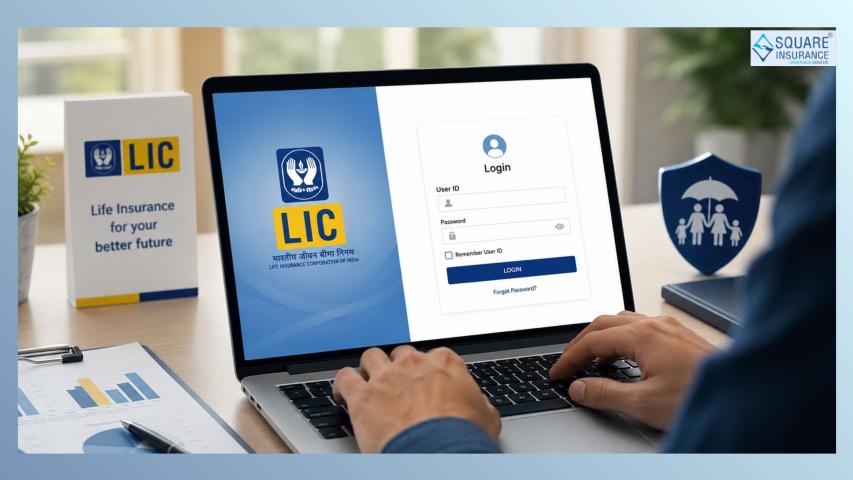
Once registered, enter your User ID and password to access your LIC Customer
Portal account.
Key Features of LIC Online Portal
1. Policy
Summary – Quick view of all active policies and key details.
2. Premium
Payment – Pay online and download receipts instantly.
3. Claims
Status – Track ongoing claims or maturity claims easily.
4. Nominee
Updates – Update nominee details online without visiting a branch.
5. Policy
Servicing Requests – Raise requests for address change, payment mode
change, or policy endorsement.
6. Digital
Documents – Access premium receipts, policy contracts, and
endorsements.
7. Renewals
& Installments – Renew policies and manage installment payments.
Security Measures on LIC Customer Portal
LIC ensures that all transactions and account details on the portal are
secure. Some of the security measures include:
·
OTP verification for login and key actions
·
Two-factor authentication for sensitive
transactions
·
Secure encryption protocols for payment and data
storage
·
Regular monitoring and alerts for suspicious
activities
Policyholders are advised to never share login credentials and to use
official channels only.
Tips for Using the LIC Customer Portal Effectively
1. Keep
your registered mobile number and email updated for OTPs and notifications.
2. Regularly
check your policy details and payment status to avoid lapses.
3. Use
strong and unique passwords for the portal.
4. Download
and store policy documents digitally for future reference.
5. Use
the portal to raise service requests before visiting the branch, saving time
and effort.
Common Issues and Troubleshooting
·
Forgot Password: Use the
“Forgot Password” link to reset your password using your registered mobile or
email.
·
Login Failure: Ensure you are
entering the correct User ID, password, and captcha. Clear browser cache if
needed.
·
Policy Not Found: Check that
you have entered the correct policy number and date of birth. Contact LIC
support if the issue persists.
·
Payment Issues: Verify payment
method details and retry; if the problem continues, contact the LIC helpdesk.
Conclusion
The LIC Customer Portal Login is a game-changer for
policyholders seeking convenience, transparency, and efficiency in managing
their life insurance policies. By using the portal, policyholders can monitor
their policies, pay premiums, track claims, and access important documents with
ease. For personalized guidance on policy management, premium payments, or
financial planning, Square Insurance offers expert solutions
to help you make informed decisions and protect your financial future.
Frequently Asked Questions
Q1. What is the LIC Customer Portal Login?
The LIC Customer Portal is an official online platform for policyholders to
manage policies, pay premiums, and track claims digitally.
Q2. How do I register on the LIC Customer Portal?
Visit the official LIC website, click on “New User? Register,” enter your
policy details, create a User ID and password, verify using OTP, and login.
Q3. Can I pay my LIC premium online through the portal?
Yes, the portal supports online premium payments via net banking, debit/credit
cards, or UPI.
Q4. Is the LIC portal secure for transactions?
Yes, the portal uses OTP verification, encryption, and two-factor
authentication to ensure secure access and transactions.
Q5. Can I access my policy documents digitally?
Yes, the LIC portal provides access to policy contracts, premium receipts, and
endorsements in digital format.