Step by Step Guide for Customers in LIC Login New
Portal
The Life Insurance Corporation of
India (LIC) has always been at the forefront of providing reliable insurance
solutions to millions of policyholders across the country. With the increasing
digitalization of services, LIC launched its new customer portal, allowing
policyholders to manage their policies online, check premiums, track claims,
and access important documents conveniently.
For many customers, navigating this
new platform can seem challenging initially. This guide on LIC
Customer Portal Login provides a step-by-step walkthrough, helping you
understand how to access your account and make the most of the portal’s
features efficiently.
Why
Use the LIC Customer Portal?
The LIC customer portal is designed
to empower policyholders by offering:
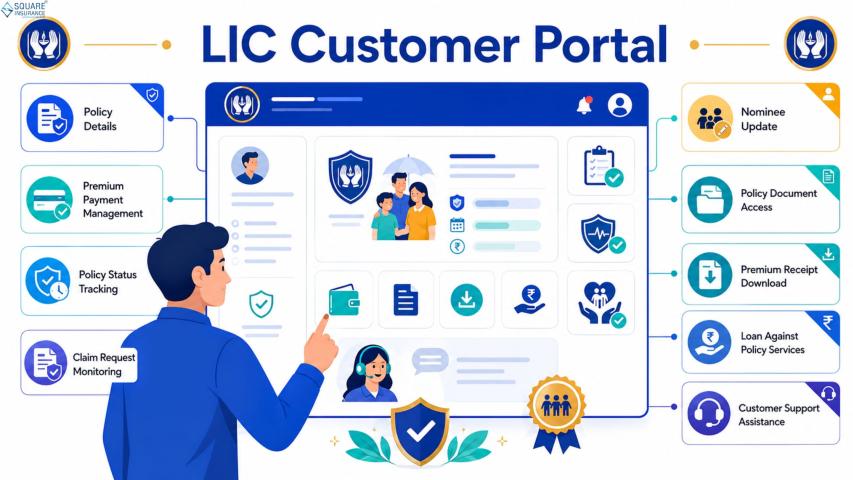
- Easy access to policy details: View policy number, maturity dates, premium payments,
and nominee information.
- Online premium payments: Pay premiums without visiting a branch.
- Claim tracking:
Track the status of claims in real time.
- Policy document access: Download e-policies and receipts.
- Premium reminders and notifications: Stay updated with upcoming payments.
By using the LIC portal, customers
can save time, reduce paperwork, and
ensure accurate information regarding their policies.
Step
1: Access the LIC New Portal
To begin, open your preferred web
browser and visit the official LIC customer portal. Ensure you are accessing
the legitimate LIC website to
avoid phishing or fraud attempts.
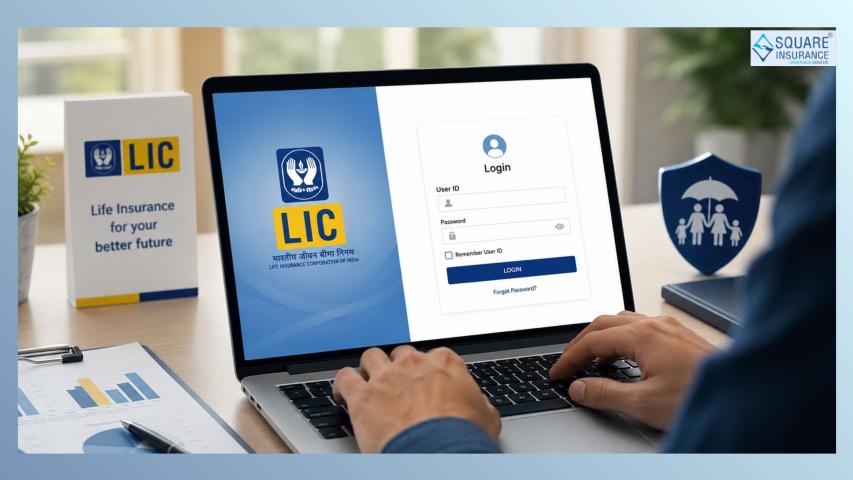
Look for the “Customer Login” button on the
homepage. Clicking this button will redirect you to the secure login page.
Step
2: Register as a New User (If Not Already Registered)
If you are logging in for the first
time, you must register on the portal:
- Click “New
User? Register Here”.
- Enter your policy
number or LIC application
number.
- Provide personal
details such as your full name, date of birth, and mobile number.
- Create a username
and password for your online account.
- Verify your mobile number through an OTP (One-Time Password) sent via
SMS.
- Submit the form to complete registration.
Once registration is successful, you
will be able to log in anytime using your username and password.
Step
3: Log in to the Portal
For returning users:
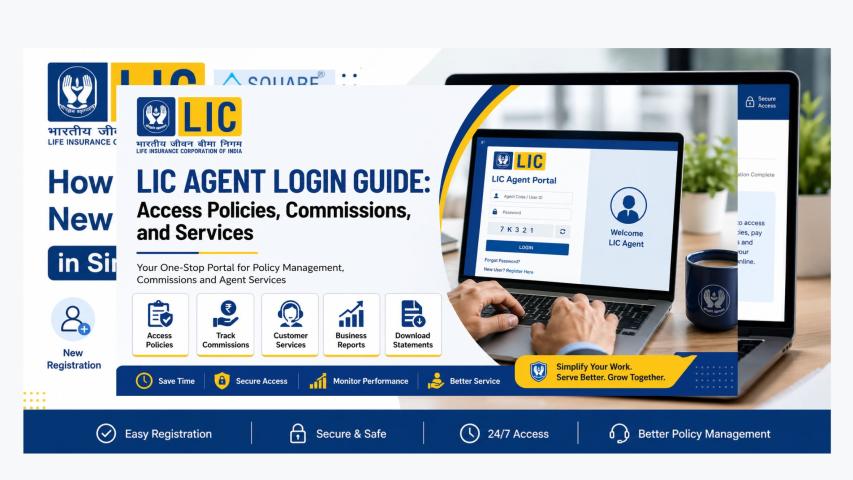
- Go to the LIC
customer login page.
- Enter your username
and password.
- Complete the CAPTCHA
verification to ensure security.
- Click “Login”.
Upon successful login, you will be
directed to your dashboard,
where all your policies and related information are accessible.
Step
4: Navigate Your Dashboard
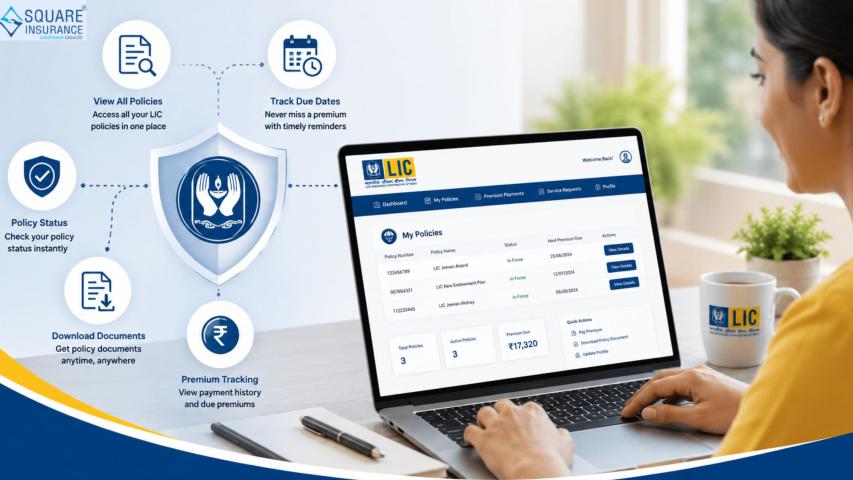
Once logged in, your dashboard serves as the central hub
for all policy-related activities. Key features include:
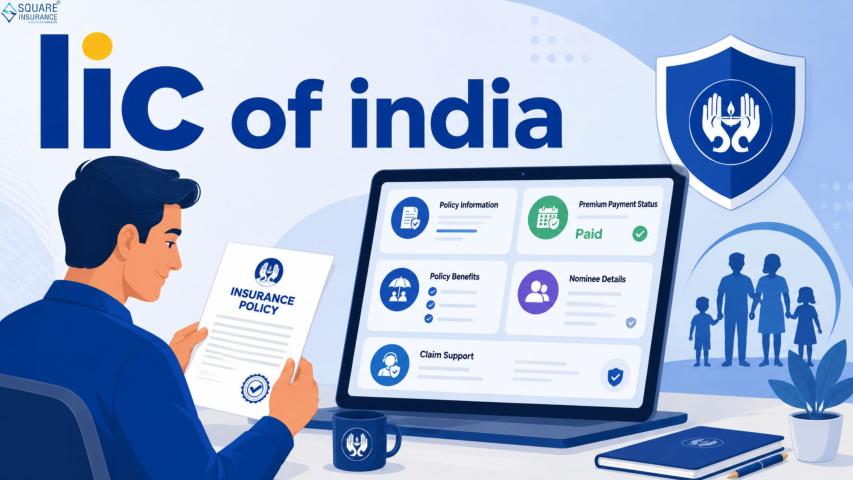
- Policy Summary:
Displays all active policies, premium due dates, and maturity details.
- Premium Payment:
Options to pay premiums online using net banking, credit/debit cards, or
UPI.
- Claims Section:
Track pending claims, upload documents, and check claim status.
- Policy Documents:
Download policy contracts, e-receipts, and payment history.
- Notifications:
View reminders for upcoming premiums or policy-related announcements.
Familiarizing yourself with the
dashboard ensures efficient management
of your insurance portfolio.
Step
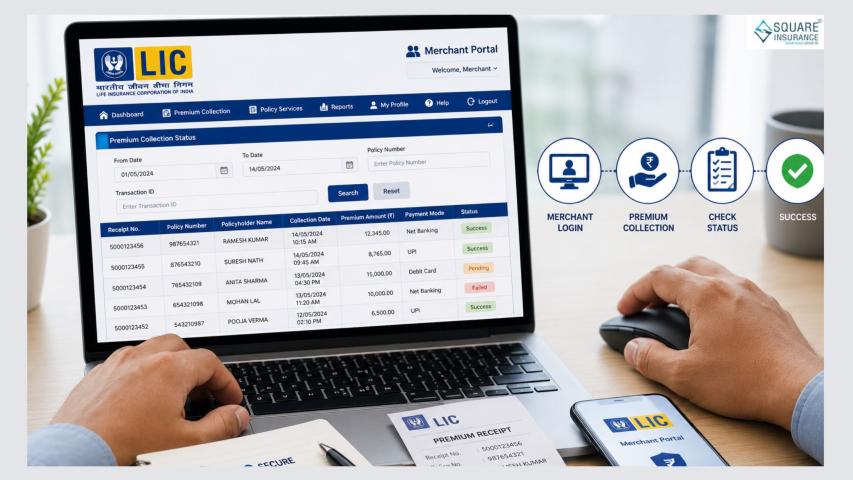
5: Pay Premiums Online
One of the most useful features of
the LIC portal is the online premium
payment system. To pay premiums:
- Go to the “Pay Premium” section on your dashboard.
- Select the policy for which payment is due.
- Enter the premium
amount if not pre-filled.
- Choose your payment
method (net banking, UPI, or credit/debit card).
- Confirm and complete the payment.
- Download or save the payment receipt for future reference.
Paying online ensures timely premium
submission, avoiding lapses or penalties.
Step
6: Track Claims
The LIC portal allows customers to monitor claim status efficiently:
- Click on the “Claims” section.
- Enter your claim
reference number or policy number.
- Check the current
status, whether pending, approved, or processed.
- Upload additional documents if requested.
Real-time tracking reduces the need
for repeated branch visits, ensuring smoother claim processing.
Step
7: Access Policy Documents
E-policies and official documents
are crucial for record-keeping. To download them:
- Navigate to the “Policy Documents” tab.
- Select the policy you want to view.
- Click “Download
e-Policy” or “Download
Receipt”.
- Save the PDF securely on your device.
Having digital access minimizes
dependency on physical copies and simplifies verification for loans or claims.
Step
8: Update Personal Information
If you change your address, contact number, or nominee details,
it’s important to update your LIC portal profile:
- Go to the Profile/Settings
section.
- Update the required information.
- Submit and verify via OTP if required.
Keeping information current ensures notifications and policy communication
reach you promptly.
Step
9: Use Additional Features
The LIC new portal offers additional
features for customer convenience:
- Premium Calculator:
Helps estimate future premiums for planning.
- Policy Comparison Tool: Compare multiple LIC policies for better investment
decisions.
- FAQs and Support:
Access help articles and submit queries online.
- Download Forms:
Obtain policy service request forms without visiting a branch.
Leveraging these tools maximizes the
value of your LIC membership.
Tips
for Secure and Efficient Portal Use
To ensure smooth and safe usage:
- Use a strong
password and update it regularly.
- Enable two-factor
authentication if available.
- Avoid logging in from public Wi-Fi or shared devices.
- Regularly check your dashboard notifications.
- Keep policy
numbers and receipts backed up digitally.
Following these practices enhances
security and makes policy management hassle-free.
Conclusion
The LIC customer portal simplifies the way policyholders manage their
insurance needs, from checking policies and paying premiums to tracking claims
and accessing e-documents. By following this step-by-step guide, you can navigate the portal confidently,
ensuring that your insurance transactions are smooth, timely, and secure.
For policyholders who want to add an
extra layer of protection for their vehicles, life, or health while managing
insurance online, Square Insurance
provides comprehensive, reliable solutions designed for ease of use and peace
of mind.
Frequently
Asked Questions
1. How do I register on the LIC
customer portal?
You can register by providing your policy number, personal details, mobile
number, and creating a username and password. An OTP verification completes the
registration.
2. Can I pay LIC premiums online?
Yes, the portal allows online payments through net banking, UPI, and
debit/credit cards for all registered policies.
3. How can I track my LIC claim
status?
Log in to the portal, navigate to the “Claims” section, enter your claim number
or policy number, and view the current status.
4. Is my information secure on the
LIC portal?
Yes, LIC uses secure encryption protocols. Customers should also use strong
passwords and avoid public Wi-Fi for login.
5. Can I update my contact details
in the portal?
Yes, the “Profile/Settings” section allows updating phone numbers, addresses,
and nominee details.