Managing your policy
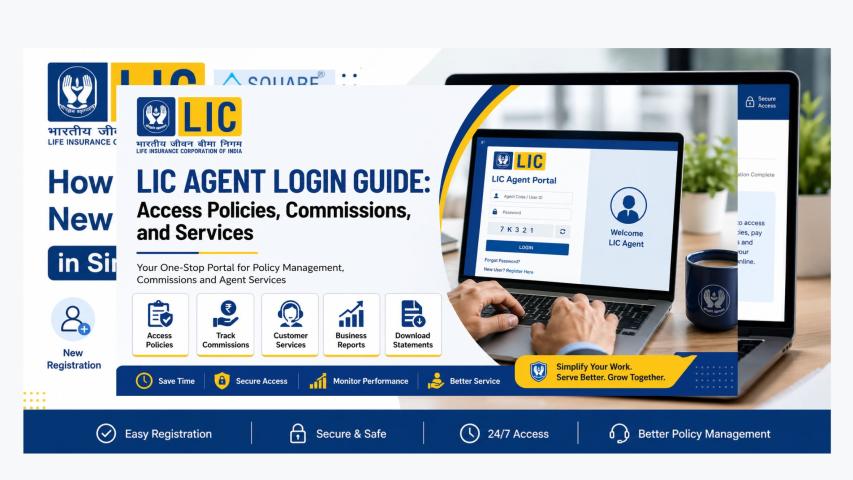
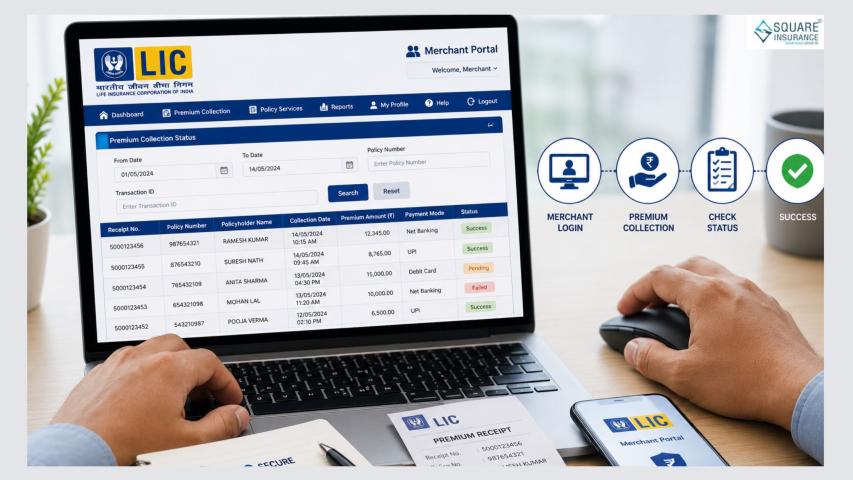
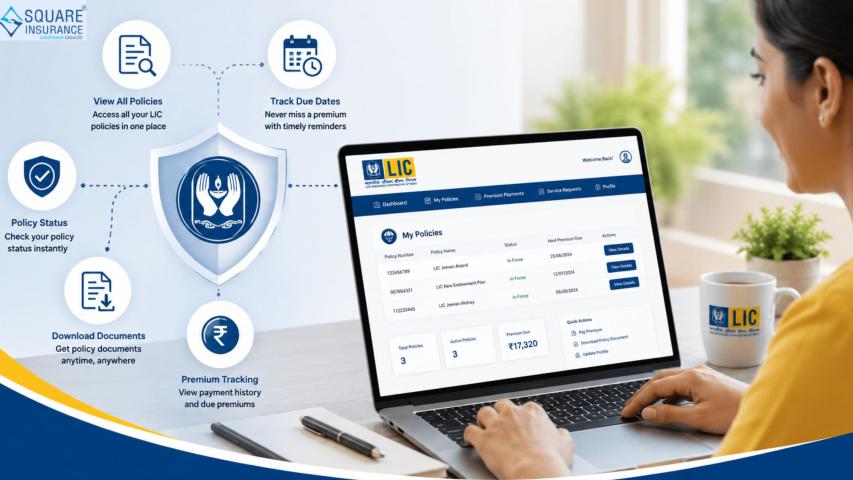
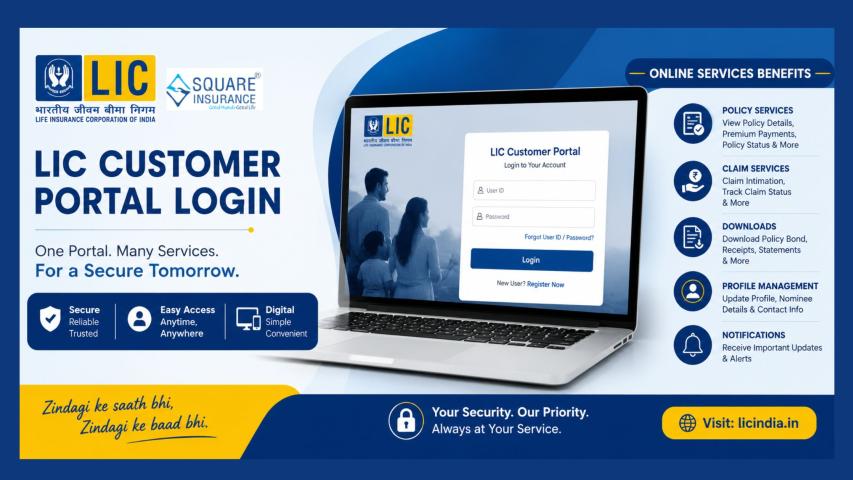
online through the customer portal of Life Insurance Corporation of India is
convenient and time-saving. You can check policy details, pay premiums,
download receipts, and track transactions from the comfort of your home.
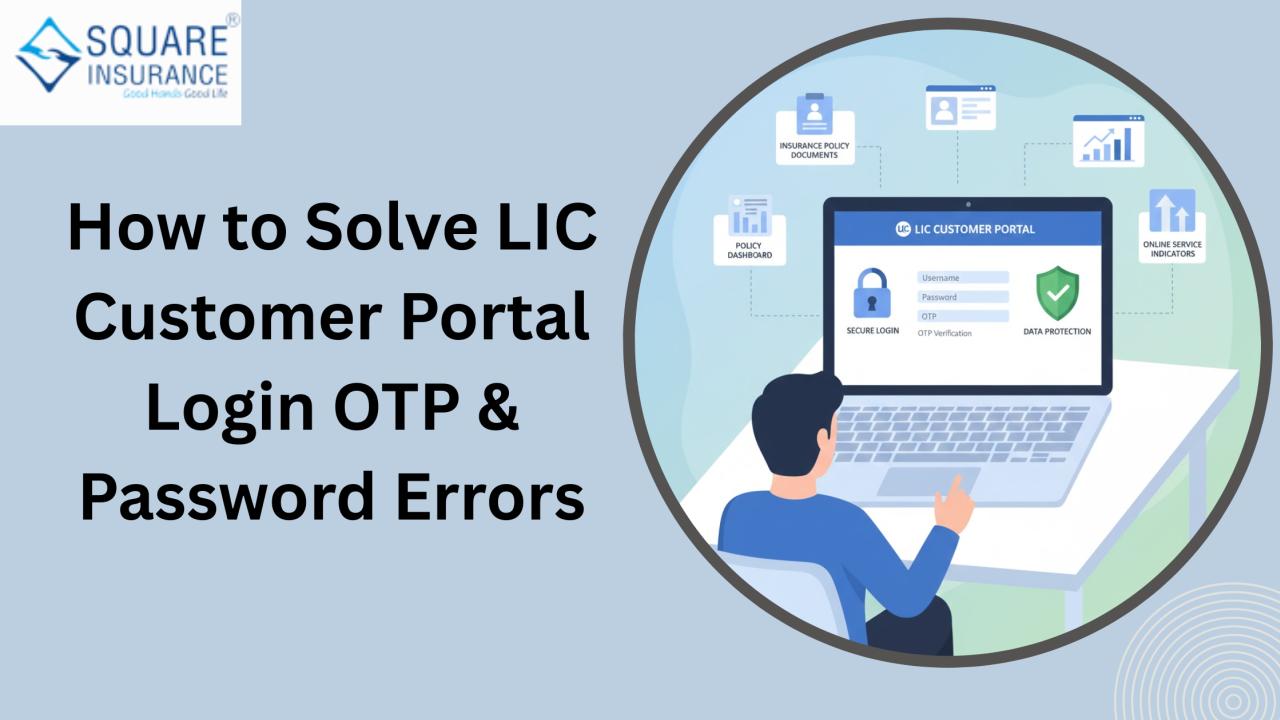
However, many users sometimes face login problems—especially related to OTP (One-Time Password) and password errors during LIC Customer Portal Login. These issues can be frustrating, particularly when you need urgent access to your policy details.
In this detailed guide,
we will explain why these errors happen and how you can solve them easily with
simple, practical steps.
Understanding OTP and
Password Errors
Before solving the
issue, it is important to understand what these errors mean.
- OTP Error: This usually happens when you do not receive the OTP
on your registered mobile number or email, or when you enter an incorrect
or expired OTP.
- Password Error: This occurs when the system does not accept your
password, often due to incorrect entry, forgotten password, or account
lock.
Most login issues are
temporary and can be resolved quickly by following the right steps.
Common OTP Problems and Their Solutions
1. OTP Not Received on Mobile
This is one of the
most common issues.
Possible
Reasons:
- Poor network signal
- Incorrect registered mobile
number
- DND (Do Not Disturb) settings
- Technical delay from the server
How to Fix It:
- Check your mobile network
signal and ensure it is stable.
- Wait for at least 1–2 minutes
before requesting another OTP.
- Restart your phone and try
again.
- Ensure your registered mobile
number is active.
- If your number has changed,
update it through proper policy servicing channels.
Avoid clicking the
“Resend OTP” button repeatedly within seconds, as this may delay the process
further.
2. OTP Expired
An OTP is usually
valid for a short time. If you take too long to enter it, the system may show
“OTP Expired.”
Solution:
- Click on “Resend OTP.”
- Enter the new OTP immediately
after receiving it.
- Do not switch between apps
while waiting for the OTP, as delays may cause expiry.
3. Incorrect OTP Entered
Sometimes users
accidentally enter the wrong digits.
Tips:
- Double-check the numbers before
submitting.
- Ensure you are entering the
latest OTP, not a previous one.
- Avoid copying extra spaces
while pasting OTP (if applicable).
4. Registered Mobile Number Not Updated
If your registered
mobile number is outdated, you may not receive OTP at all.
What to Do:
- Update your mobile number in
your policy records.
- Visit your nearest branch
office if online updating is not available.
- Keep your email ID updated as
an additional communication channel.
Keeping contact
details updated helps avoid OTP-related problems in the future.
Common Password Errors and How to Solve
Them
1. Incorrect Password
This is the most
frequent login issue.
Possible
Causes:
- Typing mistakes
- Caps Lock turned on
- Extra spaces before or after
the password
- Using an old password
How to Fix:
- Re-enter the password
carefully.
- Turn off Caps Lock and check
keyboard settings.
- Try typing the password
manually instead of copy-pasting.
- Ensure there are no spaces
added unintentionally.
2. Forgot Password
If you do not remember
your password, do not panic.
Steps
to Reset Password:
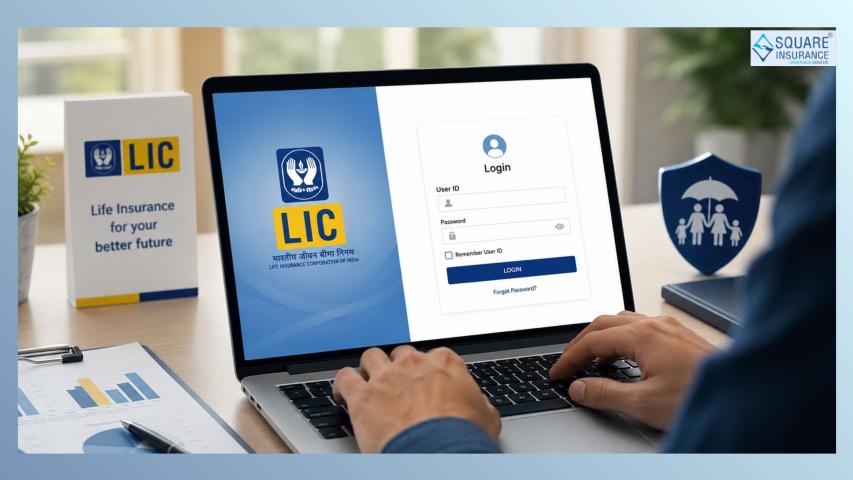
- Click on the “Forgot Password”
option.
- Enter your User ID or policy
details.
- Verify using OTP.
- Create a new strong password.
When creating a new
password:
- Use a mix of letters, numbers,
and special characters.
- Avoid using easy combinations
like your date of birth.
- Do not reuse old passwords.
3. Account Locked Due to Multiple Failed Attempts
If you enter the wrong
password several times, your account may get temporarily locked for security
reasons.
Solution:
- Wait for some time (usually 30
minutes).
- Try again after the lock
period.
- Use the password reset option
if needed.
This security feature
protects your account from unauthorized access.
4. Password Not Meeting Criteria
While setting a new
password, you might see an error if it does not meet required guidelines.
Tips:
- Follow the minimum character
requirement.
- Include at least one uppercase
letter.
- Add at least one number.
- Include a special symbol (if
required).
Always read the
password guidelines displayed on the screen.
Browser and Technical Issues That Affect
Login
Sometimes the problem
is not with OTP or password but with technical settings.
1. Browser Cache Issue
Old browser cache may
interfere with login.
Solution:
- Clear browser cache and
cookies.
- Restart the browser.
- Try logging in again.
2. Unsupported Browser
Using outdated
browsers can cause errors.
Solution:
- Update your browser to the
latest version.
- Try accessing the portal from a
different browser.
3. Slow Internet Connection
A weak internet
connection can interrupt OTP verification.
Solution:
- Switch to a stable Wi-Fi
network.
- Avoid using public networks for
login.
- Restart your router if
necessary.
Safety Tips While Fixing Login Issues
When dealing with OTP
and password problems, keep these safety tips in mind:
Never share OTP with
anyone.
- Do not reveal your password to
others.
- Avoid responding to suspicious
calls asking for login details.
- Always log in through the
official website only.
- Log out after completing your
task.
Security should always
come first while accessing financial information.
When to Contact
Support
If you have tried all
the steps and still cannot log in, you may need assistance.
You should consider
contacting official support if:
- OTP is not received even after
multiple attempts.
- Your account remains locked for
a long time.
- Policy details are not visible
after login.
- You suspect unauthorized
access.
Explain your issue
clearly and keep your policy number ready for faster resolution.
How to Avoid Login Issues in the Future
Prevention is always
better than fixing problems repeatedly.
Here are some simple
habits to follow:
- Keep your mobile number and
email updated.
- Store your password securely in
a safe place.
- Do not attempt multiple
incorrect logins.
- Use a strong but memorable
password.
- Ensure your mobile network is
active before requesting OTP.
Regularly checking
your login credentials can prevent last-minute stress, especially during
premium payment or tax filing season.
Conclusion
Facing OTP and
password errors while logging into the LIC customer portal can be inconvenient,
but most issues are minor and easily fixable. Whether it is an expired OTP,
incorrect password, or temporary account lock, following the right steps can
help you regain access quickly.
Always stay calm,
carefully recheck your details, and use the password reset option when needed.
Maintaining updated contact information and practicing good digital security
habits will make your online experience smooth and hassle-free.
With proper awareness
and simple troubleshooting steps, you can confidently manage your policy online
without worrying about login errors.