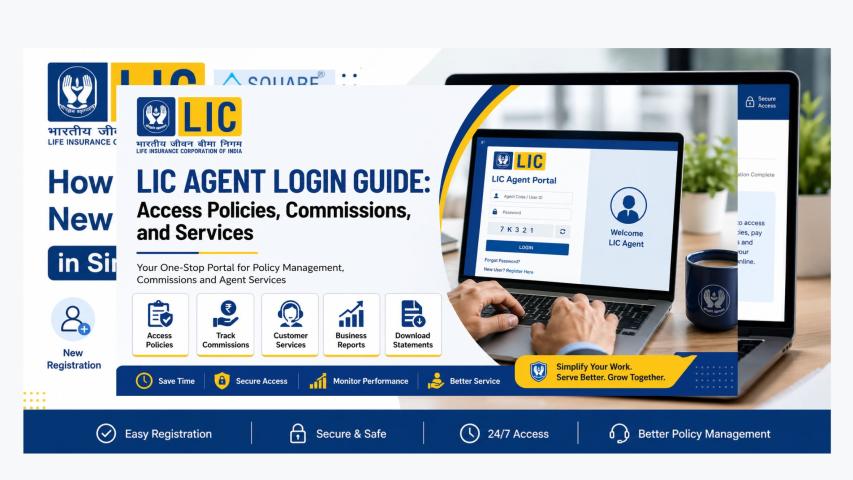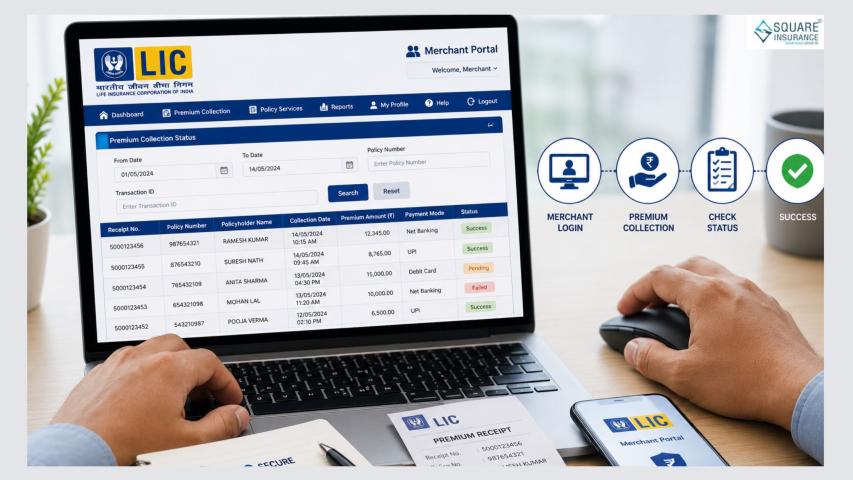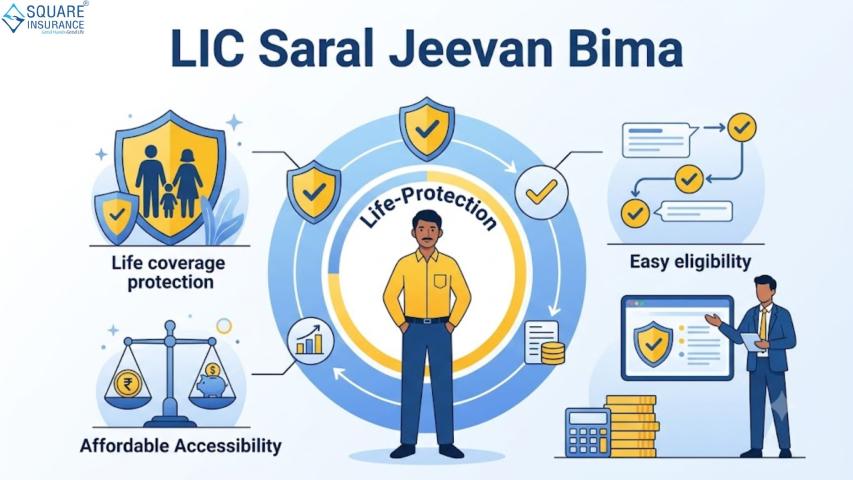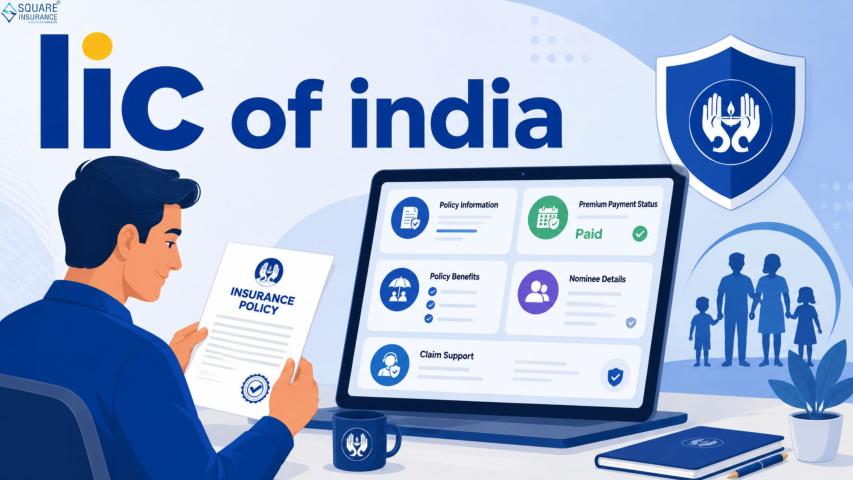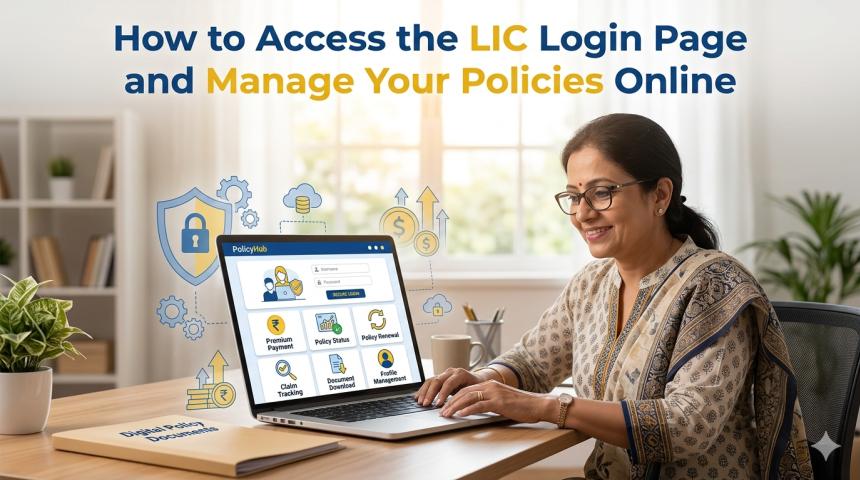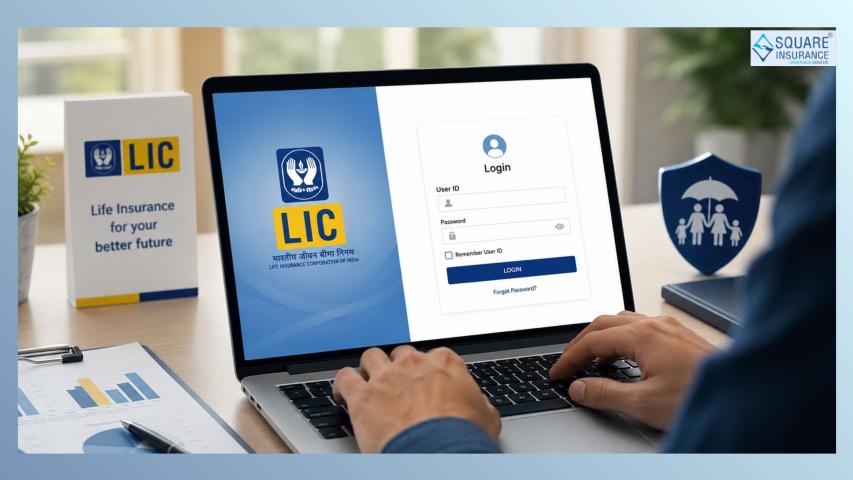
Online services have made it easier to manage life insurance policies. Instead of visiting an office for every query or payment, policyholders can now use the LIC Customer Portal login to access their policy information, pay premiums, and manage various aspects of their insurance from anywhere. The portal is designed to be user-friendly and accessible from both mobile devices and personal computers.
This article will guide you on how to access the LIC Customer Portal on mobile and PC, what features you can use, and tips for a smooth experience.
What is the LIC Customer Portal?
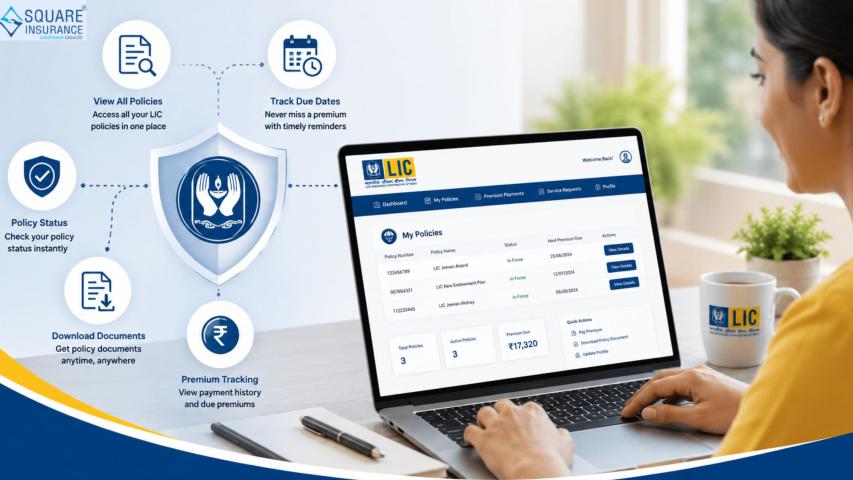
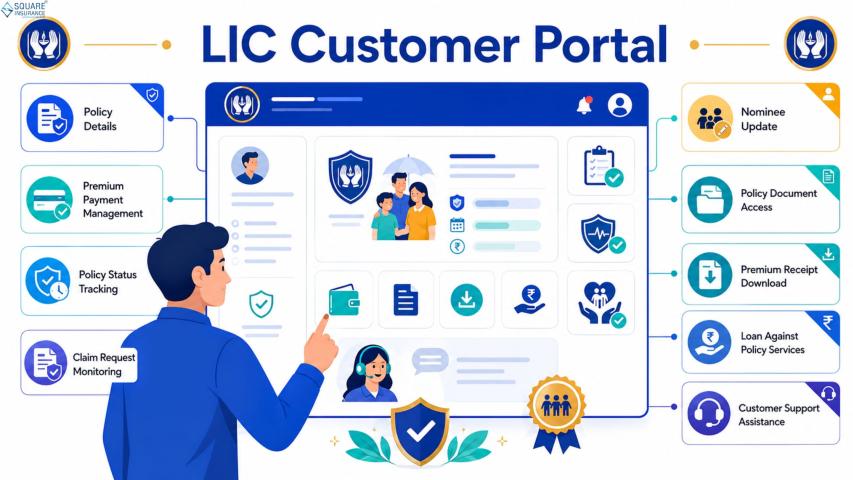
The LIC Customer Portal is an online platform that allows policyholders to view and manage their life insurance policies. Through the portal, users can check premium due dates, policy status, and plan details. It also allows downloading of policy-related documents and updating personal information.
The portal is available 24/7, making it convenient for users who prefer managing their insurance digitally instead of relying on physical visits to branch offices.
Benefits of Using the LIC Customer Portal
Using the LIC Customer Portal offers several advantages:
1. Easy Access to Policy Information
Users can quickly check policy details, premium schedules, and policy status from one central dashboard.
2. Convenient Premium Payment
Premiums can be paid online without the need to visit a branch, saving both time and effort.
3. Available Anytime, Anywhere
The portal can be accessed from any location with an internet-enabled device, making it convenient for busy users.
4. Digital Documents
Policy statements, premium receipts, and other important documents can be downloaded anytime.
5. Quick Updates
Users can update personal information such as phone numbers, email addresses, and communication preferences without visiting an office.
Requirements to Access the Portal
Before accessing the LIC Customer Portal, ensure you have the following:
- A registered policy number
- A smartphone, tablet, or computer with internet access
- Login credentials, including user ID and password
First-time users may need to complete a simple registration process to create their login credentials.
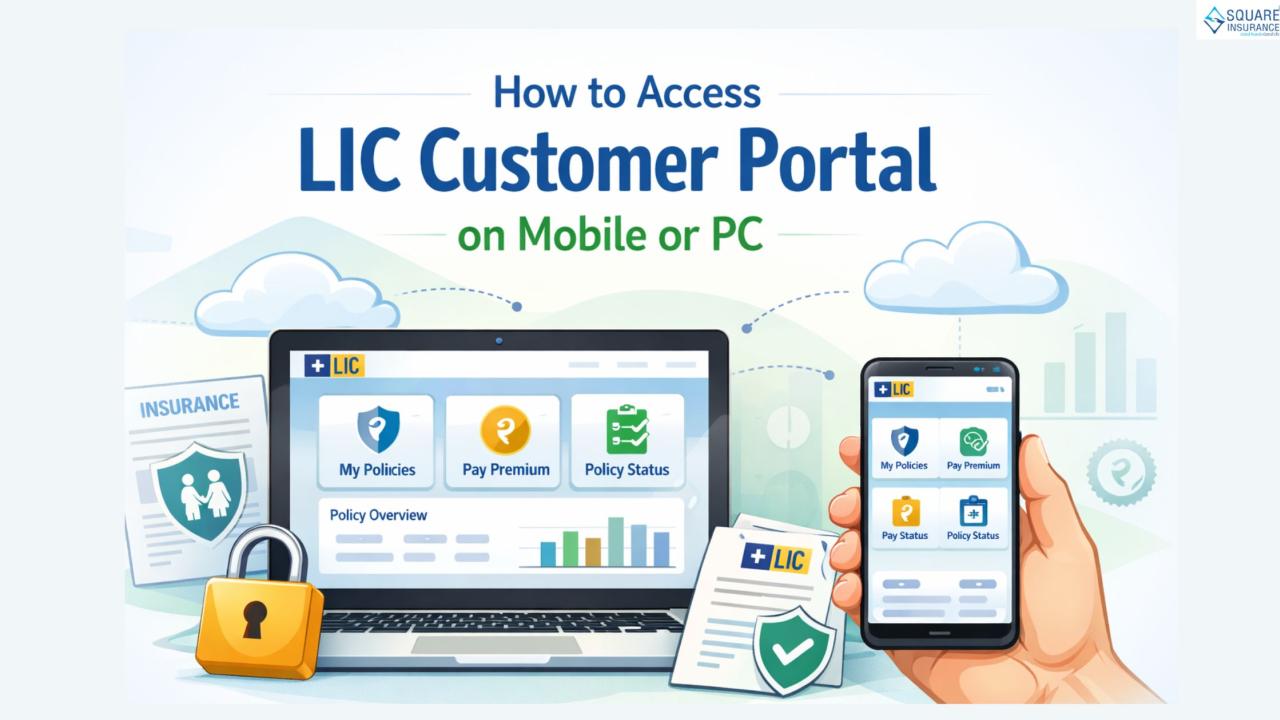
Accessing the LIC Customer Portal on Mobile
Using a mobile device is convenient for users who are on the go or prefer quick access. The process is simple and straightforward.
Step 1: Open a Mobile Browser
Use any internet browser installed on your smartphone.
Step 2: Go to the Portal Login Page
Enter the official portal URL in the browser to reach the login page.
Step 3: Enter Login Credentials
Provide your registered user ID and password in the required fields.
Step 4: Complete Security Verification
Some pages may require a verification code or captcha for security purposes.
Step 5: Access the Dashboard
Once logged in, your dashboard will appear. From here, you can view your policy details, check premium status, and perform other tasks.
Using a mobile device allows quick access anytime, even while traveling.
Accessing the LIC Customer Portal on PC or Laptop
Accessing the portal on a computer may be more comfortable for users who prefer a larger screen. The steps are very similar to using a mobile device.
Step 1: Open a Web Browser
Start your computer and open any internet browser.
Step 2: Visit the Customer Portal
Enter the official portal address to reach the login page.
Step 3: Enter Your Credentials
Provide your registered user ID and password.
Step 4: Enter Security Verification
Complete the captcha or verification step as required.
Step 5: Log In to Your Account
After logging in, the dashboard will appear with all the available options, including policy details, premium payments, and document downloads.
A computer interface provides more space to navigate through multiple options and documents.
Key Features of the LIC Customer Portal
Once logged in, policyholders can access a variety of features:
Policy Details – Check plan type, premium amounts, and policy status.
Premium Payment – Make online payments easily and receive instant confirmation.
Policy Statements – Download policy statements and premium receipts.
Profile Updates – Update personal contact details or other information.
Policy Status Tracking – Track the current status of your policy.
These features allow policyholders to manage their insurance without physical visits.
Tips for Safe Portal Access
For a secure and smooth experience, keep these tips in mind:
Use a Secure Internet Connection – Avoid public Wi-Fi networks when logging in.
Protect Your Credentials – Always keep your login information confidential and do not share it with others.
Log Out After Use – Always log out, especially if using a shared device.
Update Password Regularly – Changing passwords periodically helps protect your account.
Conclusion
The LIC Customer Portal makes managing life insurance policies convenient and accessible. Whether using a mobile phone or a computer, policyholders can view policy information, pay premiums, download documents, and update personal details easily.
By accessing the portal regularly, users can stay informed about their policies, avoid missing payments, and handle insurance-related tasks efficiently. By accessing the portal regularly, users can stay informed about their policies, avoid missing payments, and handle insurance-related tasks efficiently. This digital access ensures that policy management is smooth, secure, and saves both time and effort.