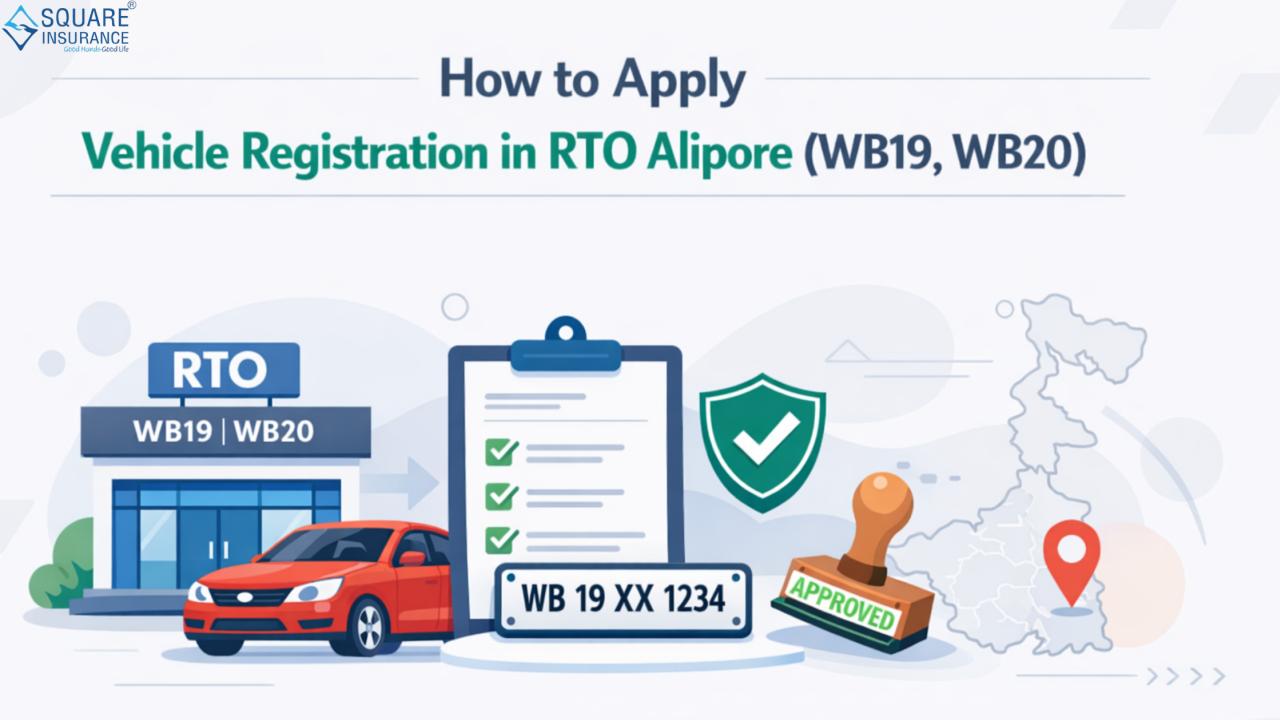
Registering a vehicle in India is a crucial step for legal compliance and road safety. For residents of West Bengal, the RTO Alipore (WB19, WB20) is one of the key Regional Transport Offices that handles vehicle registration for private cars, commercial vehicles, two-wheelers, and more. This guide provides a comprehensive overview of the process, required documents, and step-by-step procedures to successfully register your vehicle at RTO Alipore.
Understanding RTO Alipore
The Regional Transport Office (RTO) Alipore, identified by codes WB19 and WB20, serves vehicle owners in parts of Kolkata and surrounding areas. This office ensures that all vehicles comply with the Motor Vehicles Act, 1988, and other state regulations. Registering your vehicle at the RTO is mandatory to obtain a legal registration number, fitness certification, and eligibility for insurance coverage.
Documents Required for Vehicle Registration
Before applying for vehicle registration at RTO Alipore, it is essential to have the following documents ready:
- Proof of Identity – Passport, Aadhaar Card, Voter ID, or Driving License.
- Proof of Address – Utility bills, Aadhaar Card, Passport, or Rent Agreement.
- Vehicle Purchase Invoice – Original invoice from the dealer.
- Form 20 – Application for Registration of a Motor Vehicle (filled and signed).
- Form 21 – Sale certificate from the dealer.
- Form 22 – Roadworthiness certificate issued by the dealer (for new vehicles).
- Insurance Certificate – Mandatory motor insurance policy.
- PAN Card or Form 60/61 – For vehicles above a certain value.
- Temporary Registration (if applicable) – For vehicles recently purchased.
Having all these documents in proper order can save time and ensure smooth processing at RTO Alipore.
Step-by-Step Vehicle Registration Process in RTO Alipore
Step 1: Visit RTO or Apply Online
Vehicle registration can be initiated either through a physical visit to RTO Alipore or via the Parivahan Sewa online portal. Online registration helps reduce queues and speeds up the process.
Step 2: Submission of Forms and Documents
Submit Form 20, along with all required documents, at the RTO counter. Ensure that every document is self-attested and originals are presented for verification.
Step 3: Payment of Fees
Vehicle registration fees vary based on the type of vehicle:
- Two-wheelers: Approximately ₹600–₹800
- Private Cars: ₹1,000–₹2,500 depending on engine capacity
- Commercial Vehicles: Fees are higher, based on weight and capacity
The payment can be made through cash, demand draft, or online payment at the RTO portal.
Step 4: Vehicle Inspection
For certain vehicles, especially commercial ones, an inspection is conducted by RTO officials to verify roadworthiness. During inspection, the Vehicle Identification Number (VIN), engine number, and other details are checked.
Step 5: Temporary Registration Number
Once your documents are verified and fees are paid, the RTO issues a temporary registration number (TRN), valid for 30 days. This allows you to legally use the vehicle until the permanent registration number is assigned.
Step 6: Permanent Registration Number
The RTO processes the permanent registration, assigns the number plate, and issues Registration Certificate (RC). You can collect the RC from the RTO office or have it delivered to your address in some cases.
Special Registration Categories in RTO Alipore
- Commercial Vehicles: Higher scrutiny, including fitness certificates, route permits, and insurance validation.
- Luxury & Imported Vehicles: Require customs clearance, special taxes, and higher registration fees.
- Two-Wheelers and Scooters: Usually faster processing but still require insurance verification.
- Transfer of Ownership: If you buy a second-hand vehicle, the ownership must be transferred using Form 29 and Form 30.
Common Mistakes to Avoid
- Submitting incomplete or incorrect forms.
- Missing insurance details.
- Not providing proper address or identity proof.
- Using an incorrect payment mode or insufficient fees.
- Skipping vehicle inspection if required.
Avoiding these mistakes ensures faster approval and avoids rejection or delays.
Vehicle Registration Fees at RTO Alipore
The fees for registering a vehicle at WB19/WB20 RTO are structured as follows:
| Vehicle Type | Fee Range (INR) |
|---|---|
| Two-Wheelers | 600 – 800 |
| Private Cars | 1,000 – 2,500 |
| Commercial Vehicles | 2,500 – 5,000 |
| Luxury Vehicles | Varies based on value |
Note: Taxes and additional road permit charges may apply depending on vehicle type and engine capacity.
Vehicle Registration Timeline
- New Vehicle Registration: Typically completed within 7–15 days if all documents are in order.
- Transfer of Ownership: Can take 10–20 days, depending on verification.
- Luxury or Imported Vehicles: May take up to 30 days due to customs and tax clearances.
Frequently Asked Questions (FAQs)
Q1: Can I register my vehicle online at RTO Alipore?
Yes, you can start the registration process online through the Parivahan Sewa portal and then complete verification at the RTO office.
Q2: What is the validity of temporary registration?
Temporary registration is valid for 30 days, after which you must obtain a permanent registration number.
Q3: Are insurance and RC mandatory for registration?
Yes, having a valid motor insurance policy is compulsory. The Registration Certificate (RC) is issued only after verification of insurance.
Q4: Can I transfer ownership of a used vehicle at RTO Alipore?
Yes, ownership can be transferred using Form 29 and Form 30 along with valid ID, address proof, and insurance details.
Q5: What if my documents are incomplete?
Incomplete documents may lead to rejection of your registration application. Always ensure all forms and proofs are correct and self-attested.
Conclusion
Registering your vehicle at RTO Alipore (WB19, WB20) is a straightforward process when you have all necessary documents, fees, and forms ready. By following the step-by-step procedure outlined in this guide, vehicle owners can ensure smooth registration, avoid delays, and comply with legal requirements. Additionally, having a valid registration allows you to secure insurance coverage and protects your vehicle legally. Always keep your RC and insurance details updated.
Square Insurance provides easy solutions for motor insurance policies, making it simple for vehicle owners to manage their coverage efficiently.
Please Note: - Manage your policies easily with Square Insurance POS Apps on Google Play – online anytime, anywhere.