Ever Wonder Why Your Internet Feels Slow Even When It’s “Fast”?
You’ve likely encountered this before: you pay for high-speed internet, run a speed test, and see impressive results. Yet your video calls freeze, online games lag, or web pages load slowly.
So what’s going on?
In many situations, the problem isn’t just your internet speed; it’s the relationship between latency and bandwidth. These two networking concepts significantly affect how smooth your online experience feels.
Understanding the difference between latency and bandwidth can help you fix internet issues, select better internet plans, and improve your network for activities like gaming, streaming, remote work, and video conferencing.
In this guide, we’ll break down:
What latency means
What bandwidth means
The key differences between latency and bandwidth
Why both matter for real-world internet performance
How to improve them for a better online experience
Let’s dive in.
What Is Latency?
Latency is the time it takes for data to travel from your device to a server and back again. Simply put, it measures how quickly a network responds after you send a request.
Latency is typically measured in milliseconds (ms). A lower number means a faster response time. High latency indicates a noticeable delay between an action and the server's response.
You can think of latency as the response time of your internet connection.
For example:
You click a website link.
Your device sends a request to a server.
The server processes the request and sends the webpage back.
The time between your click and the moment the webpage starts loading is called latency.
Simple Analogy
A helpful way to understand latency is by comparing it to sending a message to a friend and waiting for their reply.
If they reply instantly → Low latency
If they take several seconds to respond → High latency
Even if the message itself is very small, the delay in getting a response still affects the experience. The same idea applies to internet communication. Faster responses mean smoother browsing, gaming, and streaming.
Typical Latency Ranges
| Performance | |
| 0–20 ms | Excellent | |
| 20–50 ms | Very good | |
| 50–100 ms | Acceptable | |
| 100–200 ms | Noticeable delay | |
| 200+ ms | Poor |
Activities That Need Low Latency
Latency matters most when real-time interaction is required:
Online gaming
Video conferencing (Zoom, Teams, etc.)
VoIP calls
Live streaming
Remote desktop connections
Even with high bandwidth, high latency can still cause delays.
What Is Bandwidth?
Bandwidth is the maximum amount of data that can be sent over a network connection in a certain amount of time. Simply put, it shows how much information your internet connection can handle at once.
Bandwidth is typically measured in:
Mbps (Megabits per second)
Gbps (Gigabits per second)
The higher bandwidth, your connection can carry more data at the same time. This is why connections with greater bandwidth usually allow for faster downloads, smoother streaming, and improved performance when multiple devices are connected.
Simple Analogy
A common way to understand bandwidth is by comparing it to a highway.
A two-lane road = Low bandwidth
A six-lane highway = High bandwidth
More lanes let more cars travel at the same time. In the same way, higher bandwidth allows more data to flow across the network at once without causing delays.
Examples of Bandwidth Usage
Certain online activities require more bandwidth because they transfer larger amounts of data.
Common high-bandwidth activities include:
Streaming HD or 4K videos
Downloading large files or software updates
Cloud backups and file syncing
Smart home devices connected to the internet
Multiple users sharing the same network
When bandwidth is limited or insufficient, you may experience:
Slow download speeds
Videos buffering frequently
Lower streaming quality
Delays when multiple devices are active
Having adequate bandwidth ensures that your network can support all connected devices and activities without interruptions.
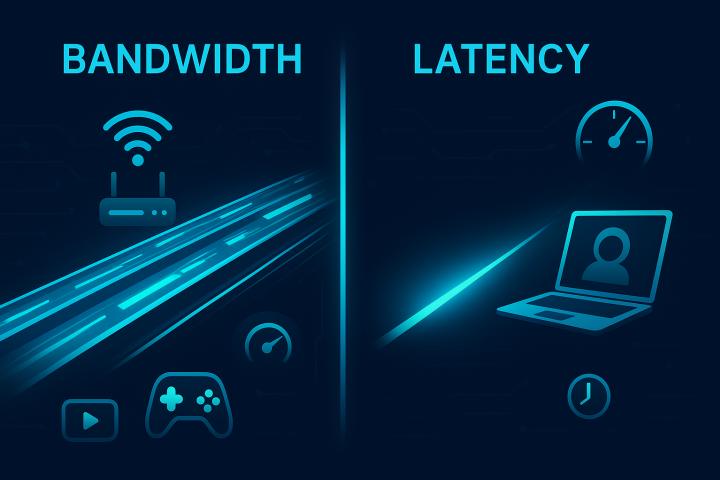
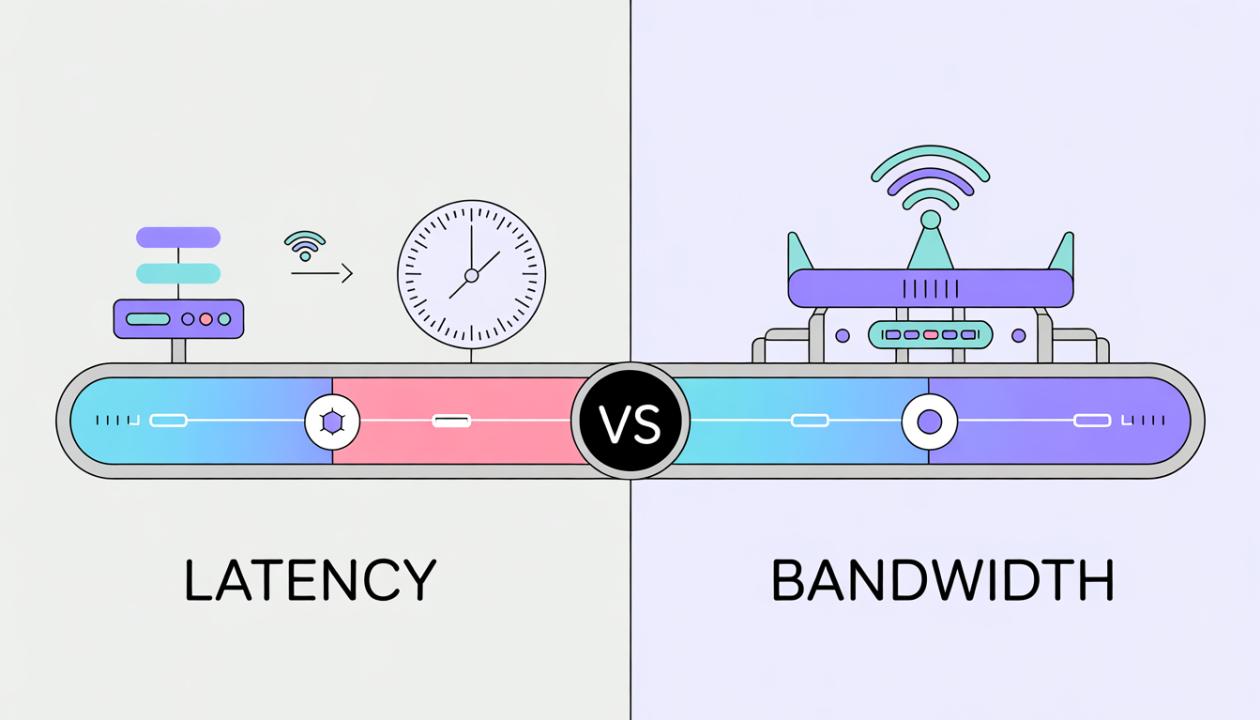
Latency vs Bandwidth: Key Differences
Although both affect internet performance, latency and bandwidth measure completely different things.
Here’s a quick comparison:
Feature | Latency | Bandwidth |
Definition | Time delay in data transmission | Amount of data transferred per second |
Measurement | Milliseconds (ms) | Mbps or Gbps |
Focus | Speed of response | Data capacity |
Impact | Real-time activities | Large downloads & streaming |
Example | Delay in video call | Download speed |
Quick Summary
Latency = How fast data responds
Bandwidth = How much data can move at once
You need both working together for a smooth internet experience.
Why Latency and Bandwidth Both Matter
Many people assume a higher internet speed automatically means better performance. But that’s not always true.
Your online experience depends on both bandwidth and latency.
Scenario 1: High Bandwidth, High Latency
You might have a 500 Mbps connection, but if latency is high:
Video calls lag
Online games feel delayed.
Remote work tools respond slowly.
This often happens with long-distance connections or congested networks.
Scenario 2: Low Bandwidth, Low Latency
In this case:
Response times are fast.
But downloads are slow.
Streaming quality may drop.
This setup works okay for browsing and messaging, but struggles with heavy data usage.
Scenario 3: High Bandwidth + Low Latency (Ideal)
This is the best combination.
Benefits include:
Smooth video calls
Fast downloads
Lag-free gaming
Quick webpage loading
Most people want both low latency and high bandwidth for modern internet needs.
Real-World Examples
Understanding latency vs bandwidth becomes easier when looking at real-life use cases.
Online Gaming
Gaming requires very low latency.
Even a 50–100 ms delay can cause:
Input lag
Delayed character movement
Poor competitive performance
Bandwidth requirements are actually moderate.
Video Streaming
Streaming platforms like Netflix or YouTube rely mostly on bandwidth.
Typical requirements:
SD streaming → 3–5 Mbps
HD streaming → 5–10 Mbps
4K streaming → 25+ Mbps
Latency matters less because buffering can compensate for it.
Video Conferencing
Apps like Zoom or Teams need both:
Good bandwidth for video quality
Low latency for natural conversation
High latency can cause people to talk over each other due to delays.
Cloud Applications
Cloud-based tools rely heavily on low latency.
Examples include:
Google Docs
Remote desktops
SaaS platforms
Even small delays can make apps feel sluggish.
What Causes High Latency?
Network latency can increase for several reasons. Understanding these factors can help you identify where delays are happening.
1. Distance to Servers
The farther your data travels to reach a server and come back, the longer the delay. This is why accessing services that are hosted far away can increase response time.
2. Network Congestion
When too many users share the same network at once, traffic builds up. Data packets must wait their turn, which creates noticeable delays.
3. Poor Routing
Sometimes data takes inefficient paths across the internet. These longer routes add extra time before information reaches its destination.
4. Wireless Interference
Wi-Fi signals can be interrupted by walls, electronic devices, or other wireless networks. This slows down communication between your device and the router.
5. Outdated Hardware
Older routers, modems, or network equipment may have trouble processing data quickly. This adds extra milliseconds of delay to your connection.
What Affects Bandwidth?
Bandwidth determines how much data can move through your connection at once. Several factors can limit it.
Internet Plan Limits
Your Internet Service Provider (ISP) sets the maximum bandwidth your connection can support based on your subscription plan.
Multiple Connected Devices
When several devices use the same network at the same time, like streaming, gaming, or downloading, each device gets only part of the available bandwidth.
Background Applications
Automatic updates, cloud backups, and large downloads happening in the background can quietly use up bandwidth and slow down other activities.
Network Equipment
Older routers or outdated networking hardware may not support modern high-speed internet connections. This limits the bandwidth you can actually use.
How to Improve Latency and Bandwidth
If your internet performance feels slow or inconsistent, a few practical steps can help improve both latency and bandwidth.
Upgrade Your Internet Plan: Choosing a higher-speed plan increases the total bandwidth available for your household or business.
Use a Wired Connection: Ethernet connections offer more stable performance and typically lower latency than Wi-Fi.
Upgrade Your Router: Modern routers support faster speeds, better traffic management, and improved handling of multiple devices.
Limit Background Downloads: Pause unnecessary downloads, updates, or backups to improve internet performance.
Choose the Right Internet Technology: Modern technologies like fiber, fixed wireless, and advanced satellite systems deliver lower latency and higher bandwidth compared to older internet connections.
The Future of Internet Performance
As internet usage keeps growing, the need for lower latency and higher bandwidth is increasing. Modern applications require faster response times and efficient data transfer.
Several emerging technologies are being developed to meet these demands and improve overall internet performance.
Key technologies shaping the future include:
Fiber networks – Deliver extremely high speeds and very low latency through advanced fiber-optic infrastructure.
5G connectivity – Provides faster wireless speeds and reduced delay, improving mobile and real-time applications.
Low-Earth orbit satellite internet – Uses satellites positioned closer to Earth to reduce latency compared to traditional satellite systems.
Edge computing – Processes data closer to the user instead of sending it to distant servers, significantly reducing response time.
These innovations are designed to support the growing needs of modern digital experiences.
They will enable faster and more reliable performance for:
Remote work and collaboration tools
Smart home technologies and connected devices
Online gaming and real-time multiplayer experiences
Virtual reality and immersive applications
Cloud computing and data-driven services
As these technologies continue to evolve, users can expect faster connections, smoother online interactions, and more powerful digital services in the years ahead.
Conclusion
Understanding latency and bandwidth is key to grasping your internet performance. Bandwidth determines how much data your network can handle, while latency measures how quickly that data is returned.
A connection with high bandwidth but poor latency can still feel slow, especially during real-time activities like gaming or video calls. Conversely, low bandwidth can limit download and streaming quality, even with great latency.
The best internet experience comes from combining high bandwidth with low latency. When both are optimized, you’ll enjoy smoother streaming, faster downloads, responsive apps, and lag-free communication.
By understanding how these two factors work together, you can diagnose network issues, select better internet services, and enhance your overall online experience.
Frequently Asked Questions (FAQs)
1. What is the main difference between latency and bandwidth?
Latency is the delay in data transmission. Bandwidth is the amount of data that can be transferred per second. Latency affects how responsive a connection is. Bandwidth affects how much data you can download.
2. Is low latency more important than high bandwidth?
It depends on the activity. Low latency is important for gaming, video calls, and real-time apps. High bandwidth matters for streaming, downloading, and when multiple users share a connection.
3. What is considered good latency for internet connections?
A good latency is usually below 50 milliseconds (ms). For online gaming and real-time applications, under 20 to 30 ms is excellent.
4. Does higher bandwidth reduce latency?
No. Increasing bandwidth does not automatically reduce latency. They are different factors in network performance, but both help improve your internet experience.
5. Why do I have high bandwidth but still experience lag?
Lag can happen due to high latency, network congestion, server distance, or Wi-Fi interference, even when you have high bandwidth.