Ever had your connection suddenly “change” and break something important?
Maybe your remote desktop stopped working, your security camera went offline, or your game server became unreachable overnight. If you’ve ever faced these annoying problems, chances are your IP address changed. That’s where a static IP address comes in.
In this guide, we’ll explain everything you need to know about static IPs in a simple, conversational way. We’ll cover what they are, how they work, and when you really need one.
What Is a Static IP Address?
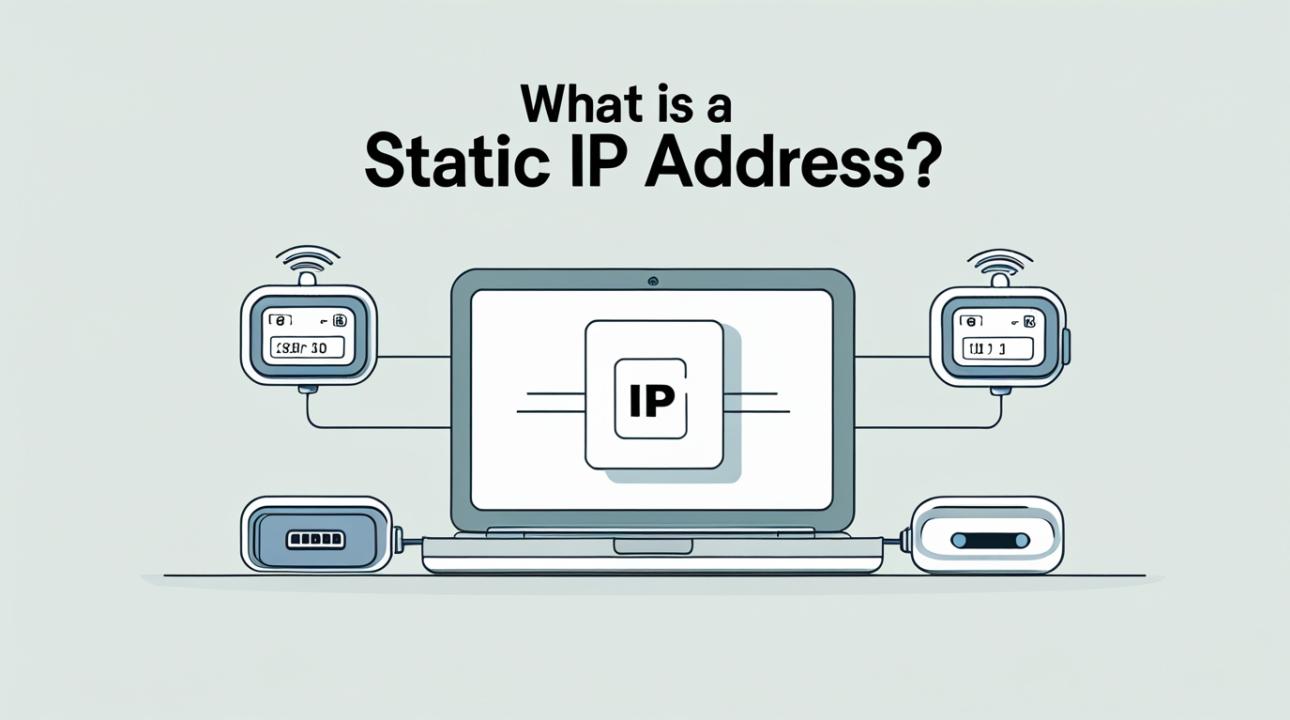
A static IP address is a fixed, unchanging number assigned to your device or network. Unlike dynamic IP addresses, which change at times, a static IP remains constant.
Think of it like your home address. If your house location never changes, people or systems can always find you easily. That’s what a static IP does for your device on the internet.
Key Characteristics:
Permanent (doesn’t change)
Manually assigned (usually by your ISP)
Ideal for consistent access and communication
How Does a Static IP Address Work?
To understand static IPs, let’s first look at how IP addressing works in general.
Every device connected to the internet needs an IP address to send and receive data. Usually, most ISPs assign dynamic IP addresses using a system called DHCP (Dynamic Host Configuration Protocol). These addresses can change over time.
A static IP, however, is:
Assigned manually or reserved by your ISP
Permanently linked to your connection or device
Not part of the automatic rotation system
Here’s a simple breakdown:
Your ISP assigns you a fixed IP address.
Your router or server uses that address consistently.
External devices can always connect to you using the same IP.
Because the IP never changes, services that rely on stable connections work much more reliably.
Static vs. Dynamic IP Address: What’s the Difference?
|
|
| |||
| Changes over time | No | Yes | |||
| Setup | Manual / ISP-assigned | Automatic (DHCP) | |||
| Cost | Usually paid | Typically free | |||
| Stability | High | Moderate | |||
| Best for | Servers, remote access | Everyday browsing |
If you only browse the internet, stream videos, or use social media, a dynamic IP works well. However, if you have more specific needs, a static IP can really help.
Why Would You Need a Static IP Address?
Not everyone needs a static IP, but in some cases, it can be very helpful.
1. Hosting a Website or Server
If you run your own website, FTP server, or application server, a static IP makes sure users can always access your system without interruption.
2. Remote Access
Do you need to connect to your office computer from home? A static IP keeps remote desktop connections steady and reliable, removing issues caused by changing IPs.
3. Online Gaming or Streaming
Gamers and streamers often benefit from static IPs because:
Reduced connection interruptions
Easier port forwarding
Stable multiplayer hosting
4. Smart Home Systems
Devices like security cameras, smart locks, and automation hubs depend on steady connections. A static IP ensures you can access them anytime.
5. Business Applications
Businesses use static IPs for:
Email servers
VPNs (Virtual Private Networks)
Secure communication systems
Advantages of a Static IP Address
Reliable Connectivity
No sudden disconnections due to IP changes, ideal for critical applications.
Easier Remote Access
You can connect to your devices anytime without reconfiguring settings.
Better DNS Support
Static IPs work seamlessly with DNS (Domain Name System), making it easier to link domain names to your server.
Improved Hosting Capabilities
Running servers becomes much simpler and more stable.
Disadvantages of a Static IP Address
Higher Cost
Most ISPs charge extra for static IPs.
Security Risks
Because your IP is always the same, it can be easier for attackers to target. Proper security measures (like firewalls) are essential.
Manual Configuration
Setup can be more technical compared to dynamic IPs.
Static IP Address vs. Public and Private IP
It’s important not to confuse static IPs with public or private IPs.
Public IP: Visible on the internet (assigned by ISP)
Private IP: Used within your local network (assigned by router)
Static IP: Can be either public or private, but doesn’t change
For example:
A business may have a static public IP for its server
A printer might have a static private IP within an office network
Is a Static IP Address Right for You?
Here’s a quick way to decide:
You should consider a static IP if you:
Run a website or server
Need reliable remote access
Use VPNs frequently
Manage smart devices or IoT systems
Operate a business network
You don’t need one if you:
Only browse, stream, or use social media
Don’t host or access systems remotely
Want a simple, low-cost setup
How to Get a Static IP Address
Getting a static IP is easier than you might think.
Option 1: Through Your ISP
Most internet providers offer static IPs as an add-on service. This is the most reliable option.
Option 2: Configure It Locally
You can set a static IP within your local network using your router settings. This is helpful for devices inside your network, but it won’t provide a public static IP.
Option 3: Use Dynamic DNS (Alternative)
If you want to avoid paying for a static IP, Dynamic DNS services can offer some of the same benefits by linking a changing IP to a fixed domain name.
Best Practices for Using a Static IP
To make the most of your static IP:
Use strong passwords and firewalls
Enable network encryption
Regularly update your devices
Monitor for unusual activity
Consider VPNs for added security
Conclusion
A static IP address is all about consistency and control. If you need reliable connections for business, hosting, remote work, or smart devices, it can make a big difference.
However, it’s not necessary for everyone. For regular internet use, dynamic IPs work just fine. The important thing is to understand your needs and choose accordingly.
If reliability, accessibility, and stability are important to you, a static IP is worth considering.
FAQs
1. What is the main purpose of a static IP address?
A static IP address gives a device a permanent address. This makes it easier to host servers, allow remote access, and keep connections stable.
2. Is a static IP better than a dynamic IP?
The choice depends on your needs. Static IPs work better for hosting and remote access, while dynamic IPs are cheaper for everyday use.
3. Does a static IP improve internet speed?
No, a static IP does not directly increase speed, but it can improve connection stability for certain applications.
4. Can I change my dynamic IP to a static IP?
Yes, you can request a static IP from your ISP or configure one within your local network settings.
5. Is a static IP address safe?
A static IP can be safe if you have the right security measures in place, like firewalls and encryption. Without these, it might be more exposed than dynamic IPs.
6. Do businesses need a static IP address?
Many businesses find static IPs useful for hosting services, VPNs, and secure communications. However, not all businesses need one based on their activities.