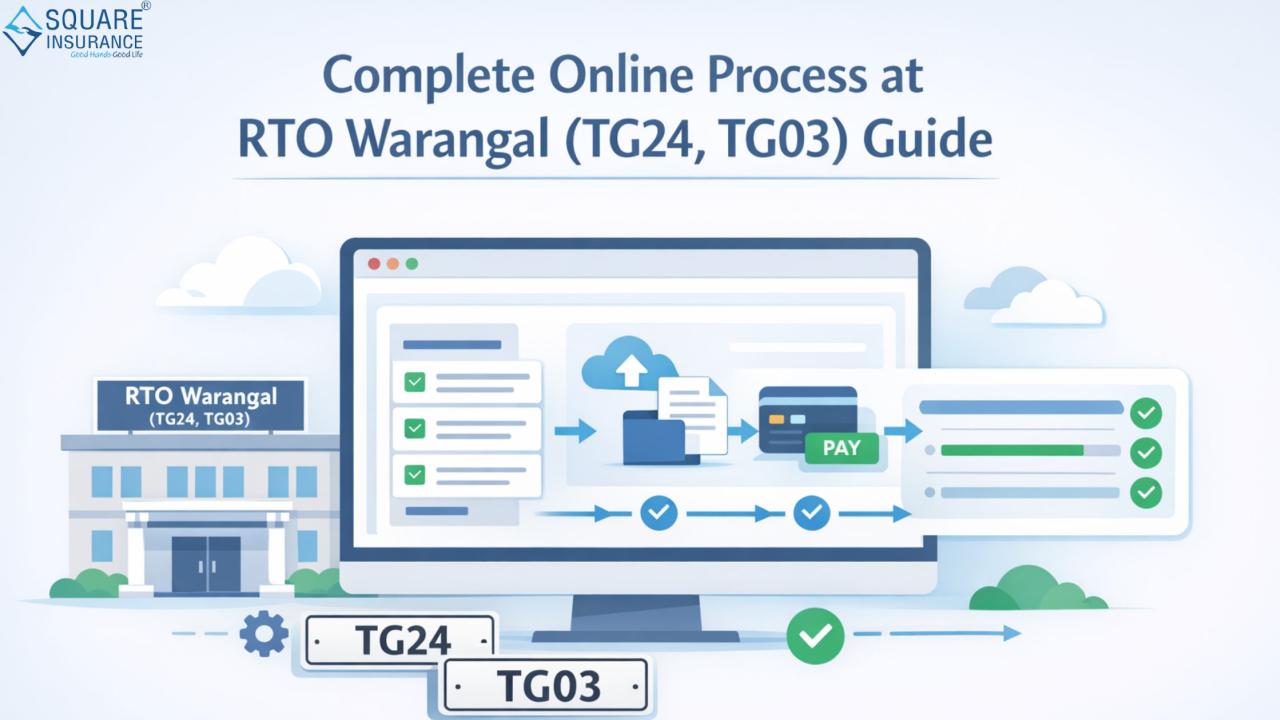
Managing vehicle-related services has become much easier with the digital transformation of Regional Transport Offices across India. If you are a vehicle owner or planning to buy one, understanding the online procedures can save both time and effort. The services offered by RTO Warangal (TG24, TG03) are now largely accessible online, reducing the need for multiple office visits and long queues.
From vehicle registration to driving license applications and road tax payments, the online system ensures transparency, speed, and convenience. In this guide, you will learn the complete step-by-step online process for key RTO services in Warangal.
Overview of RTO Warangal (TG24, TG03)
RTO Warangal operates under the Telangana Transport Department and plays a vital role in vehicle regulation and driver licensing in the region. The codes TG24 and TG03 are assigned to different jurisdictions within Warangal, ensuring proper administrative control.
Key Services Offered:
- Vehicle Registration (New & Transfer)
- Driving License (DL) Issuance & Renewal
- Road Tax Payment
- Vehicle Ownership Transfer
- Duplicate RC & DL
- Hypothecation Services (Loan-related updates)
- Fitness Certificate for vehicles
Why Choose Online RTO Services?
Before diving into the process, it’s important to understand the benefits:
- Time-saving: No need to stand in long queues
- Convenience: Access services from home
- Transparency: Track application status easily
- Secure Payments: Online tax and fee payment options
Complete Online Process at RTO Warangal (TG24, TG03)
1. Vehicle Registration Process Online
Registering a new vehicle is mandatory. Here’s how you can do it online:
Step-by-Step Process:
- Visit the official Parivahan portal
- Select “Vehicle Registration” under services
- Fill in vehicle details (engine number, chassis number, dealer info)
-
Upload required documents:
- Invoice
- Insurance certificate
- Address proof
- Identity proof
- Pay registration fees and road tax online
- Book an appointment for physical inspection (if required)
- Receive your Registration Certificate (RC)
2. Driving License (DL) Application
Applying for a driving license is now a seamless digital process.
Steps:
- Visit the Sarathi portal
- Choose “Apply for Driving License”
- Fill out the application form
-
Upload documents:
- Aadhaar Card
- Passport-size photo
- Age proof
- Book a slot for driving test
- Pay the applicable fees
- Appear for the test at RTO Warangal
- Receive DL via post
3. Road Tax Payment Online
Paying road tax is essential for legal vehicle operation.
Steps:
- Visit the Parivahan website
- Select “Pay Vehicle Tax”
- Enter vehicle registration number
- Verify details
- Make payment using net banking, UPI, or card
- Download receipt for future reference
4. Vehicle Ownership Transfer
If you are buying or selling a used vehicle, ownership transfer is crucial.
Process:
- Log in to the Parivahan portal
- Select “Transfer of Ownership”
- Fill Form 29 and Form 30
-
Upload:
- RC copy
- Insurance
- Address proof of buyer
- Pay transfer fees
- Submit application for approval
5. Duplicate RC or DL Application
Lost your RC or DL? Apply online easily.
Steps:
- Visit respective portal (Parivahan/Sarathi)
- Select “Duplicate RC/DL”
- Enter vehicle/license details
- Upload FIR copy (if required)
- Pay fees
- Download digital copy or wait for physical delivery
6. Hypothecation Addition/Removal
If your vehicle is financed, hypothecation must be updated.
Steps:
- Select “Hypothecation Services”
- Enter vehicle details
- Upload NOC from bank
- Pay applicable charges
- Submit request for approval
Important Documents Required
Make sure you keep these documents ready:
- Aadhaar Card
- PAN Card
- Address Proof
- Vehicle Invoice
- Insurance Policy
- Pollution Under Control (PUC) Certificate
- Passport-size photographs
Tips for Smooth Online Processing
- Double-check all details before submission
- Keep scanned documents ready in correct format
- Use a stable internet connection
- Track application status regularly
- Save payment receipts
Common Challenges and How to Avoid Them
1. Incorrect Information Submission
Always verify details before final submission.
2. Document Upload Errors
Ensure files are clear and within size limits.
3. Payment Failures
Retry using a different payment method if needed.
Frequently Asked Questions (FAQ's)
Q1. What is the difference between TG24 and TG03 in Warangal?
TG24 and TG03 represent different rto jurisdictions within Warangal for administrative purposes.
Q2. Can I complete all RTO services online in Warangal?
Most services can be completed online, but some may require physical verification.
Q3. How long does it take to get a Driving License?
It usually takes 2–4 weeks after passing the driving test.
Q4. Is online road tax payment safe?
Yes, it is completely secure when done through official government portals.
Q5. What should I do if my RC is delayed?
You can track the status online or contact RTO Warangal for updates.
Q6. Can I transfer vehicle ownership without visiting RTO?
The application can be submitted online, but verification may require a visit.
Conclusion
The digital transformation of services at RTO Warangal (TG24, TG03) has simplified processes for vehicle owners and drivers. From registration to licensing and tax payments, everything is now more accessible and efficient. By following the correct steps and keeping documents ready, you can complete most tasks without hassle.
Choosing the right insurance partner is equally important for a secure driving experience. Square Insurance helps you compare and select the best policies tailored to your needs, ensuring complete peace of mind on the road.
Please Note: Manage your policies easily with Square Insurance POS Apps on Google Play online anytime, anywhere.