Ever feel like your online store has outgrown its current platform? Maybe your website is slow, hard to manage, or missing features that your competitors already have. You’re not alone.
Many businesses reach a point where their ecommerce platform starts to hold them back instead of helping them grow. That’s where ecommerce migration comes in. It is a powerful process that can change how your online business operates.
If you're wondering whether migrating your ecommerce store is worth the effort or what it really means, this guide explains it in a simple, practical way.
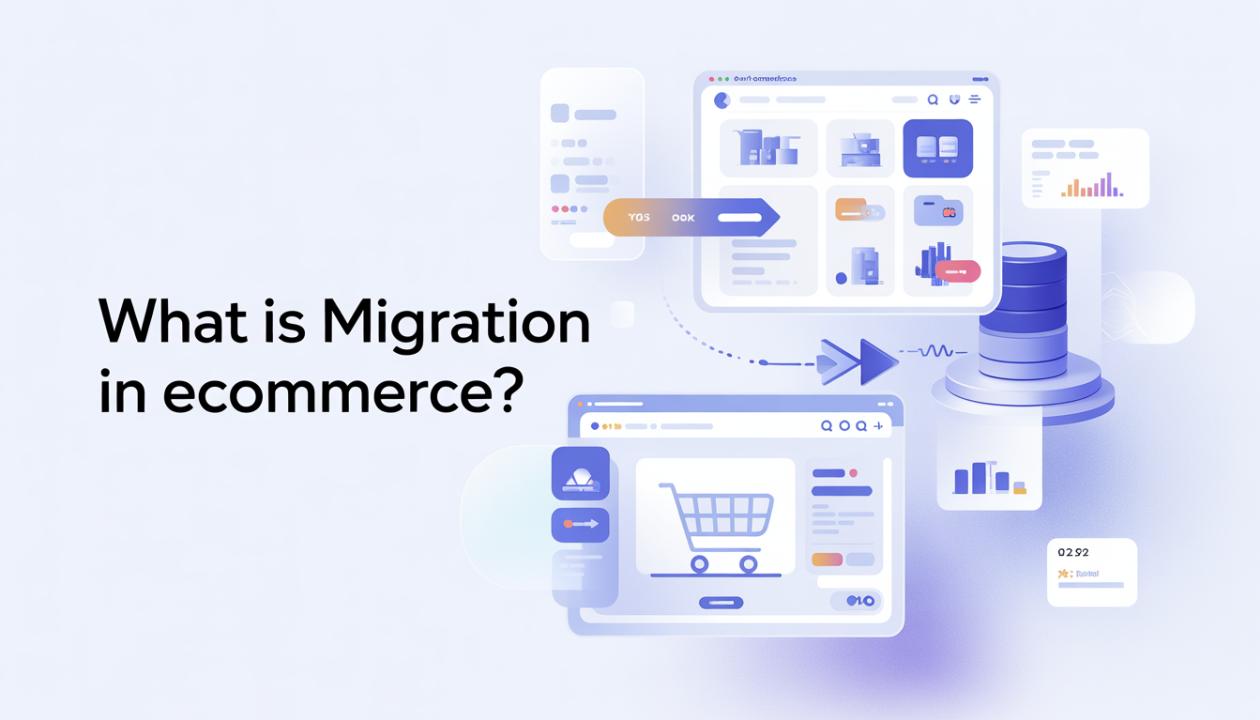
What Is Migration in Ecommerce?
Ecommerce migration is the process of moving an online store from one platform, system, or environment to another. Businesses usually migrate to improve performance, scalability, user experience, or to access better features.
This process can involve transferring critical components such as:
Product data
Customer information
Order history
Website design
Content (blogs, pages, media)
SEO elements (URLs, metadata)
In simple terms, ecommerce migration is like relocating your entire digital store to a new home. You ensure that nothing valuable is lost in the process.
A successful migration means your customers can keep shopping seamlessly, your data stays safe, and your search engine rankings remain protected. Professional eCommerce migration services are designed to make this happen.
Why Do Businesses Migrate Ecommerce Platforms?
Ecommerce migration is rarely driven by just one issue. Most businesses choose to switch platforms when their current system starts to limit growth, performance, or customer experience. As digital expectations change, staying on an outdated platform can hold your business back.
Here are the most common reasons why businesses choose to migrate:
1. Performance Issues
Slow-loading pages, frequent crashes during high traffic, or a poor mobile experience can directly impact sales. Customers expect fast, seamless browsing. Anything less can lead to abandoned carts and lost revenue.
2. Limited Features
Older platforms often lack modern features like AI-driven product recommendations, automation tools, or multi-channel selling. Without these features, it becomes harder to compete in today’s ecommerce market.
3. Scalability Problems
As your business grows, your platform needs to keep up. Managing more products, higher traffic, and increased transactions requires a system built for scalability. Many legacy platforms struggle with this.
4. Rising Costs
What may start as an affordable solution can become expensive over time. Costs for plugins, third-party integrations, maintenance, and hosting can add up quickly, making the platform less cost-effective.
5. Need for Better User Experience
Modern ecommerce platforms focus on clean design, faster navigation, and optimized checkout processes. A better user experience not only improves customer satisfaction but also increases conversions.
Types of Ecommerce Migration
Not all ecommerce migrations are the same. Depending on your business goals, you may need to move specific parts of your store or completely change your setup. Here are the most common types of ecommerce migration:
1. Platform Migration
This involves moving your online store from one ecommerce platform to another, such as Shopify to Magento or WooCommerce to BigCommerce. Businesses usually do this to access better features, scalability, or performance.
2. Hosting Migration
Hosting migration means switching to a new hosting provider to improve website speed, security, or uptime. This often happens when your current hosting can no longer handle your store’s growth.
3. Design Migration
In this type, you update your store’s theme, layout, or user interface without changing the main platform. It’s ideal for improving user experience and modernizing your brand’s look.
4. Data Migration
This focuses on transferring essential store data, such as products, customer details, and order history, to a new system. Getting this right is critical to avoid data loss or inconsistencies.
5. URL Structure Migration
This involves changing your website’s URLs. While sometimes necessary for better structure or rebranding, it can be risky if not done correctly, as it may affect your search engine rankings and SEO performance.
Key Elements Involved in Ecommerce Migration
A successful ecommerce migration isn’t just about copying data. It requires careful planning, validation, and execution to ensure nothing breaks during the transition. Every part of your store needs precise handling to avoid disruptions in user experience, sales, or search rankings.
Here are the key elements involved:
1. Product Data
This includes all product-related information such as names, descriptions, images, pricing, categories, and inventory levels. A proper transfer keeps your catalog consistent and functional.
2. Customer Information
Customer accounts, login credentials, contact details, and purchase history must move securely. This helps maintain trust and ensures a smooth experience for returning users.
3. Order History
Keeping past orders is essential for customer support, business analysis, and legal or financial compliance. Losing this data can create major operational problems.
4. SEO Data
One of the most critical aspects of migration is handling URLs, meta titles, descriptions, and redirects. Proper management ensures your search engine rankings stay stable and you don’t lose traffic.
5. Integrations
All third-party tools, such as payment gateways, shipping providers, CRM systems, and marketing platforms, must reconnect and be tested to ensure smooth operation in the new environment.
Step-by-Step Ecommerce Migration Process
Migrating an online store can feel overwhelming, but breaking it into clear steps makes the process manageable and much less risky. Here’s a practical roadmap to guide you:
Step 1: Audit Your Current Store
Start by examining your existing store. Identify what’s working well, what’s underperforming, and what needs improvement. This helps you avoid carrying over unnecessary issues.
Step 2: Choose the Right Platform
Choose a platform that fits your business goals, budget, and future growth. The right choice now can save you serious headaches later.
Step 3: Backup Everything
Before making any changes, create a complete backup of your store. This ensures you have a safety net if anything goes wrong during migration.
Step 4: Plan Data Mapping
Determine how your existing data, including products, customers, and orders, will transfer to the new system. Proper mapping prevents data loss and inconsistencies.
Step 5: Migrate Data
Transfer all essential data using migration tools or expert services. This includes products, customer information, and order history.
Step 6: Design & Development
Rebuild or improve your store’s design and functionality. This is your chance to enhance user experience and modernize your site.
Step 7: SEO Setup
Protect your search rankings by setting up 301 redirects, keeping metadata, and ensuring there are no broken links.
Step 8: Testing
Thoroughly test every aspect of your store, including the checkout process, login functionality, payment gateways, and mobile responsiveness.
Step 9: Launch
Once everything has been tested and is ready, go live with your new store.
Step 10: Monitor Performance
After launch, monitor traffic, conversions, and any technical issues. Early tracking helps you quickly fix problems and optimize performance.
Common Challenges in Ecommerce Migration
Ecommerce migration can open up new opportunities. However, if not handled carefully, it can also bring serious risks. Understanding these challenges ahead of time can help you plan better and avoid costly mistakes.
Data Loss: Incomplete or poorly done data transfers can lead to missing product information, customer records, or order history. This impacts both operations and customer trust.
SEO Drops: Not implementing proper redirects or preserving metadata can cause a significant drop in search rankings and organic traffic.
Downtime: Without careful planning, your store might experience downtime during migration, resulting in lost sales and a poor user experience.
Compatibility Issues: Not all plugins, themes, or integrations work well on a new platform. This can disrupt essential features such as payments, shipping, or analytics.
Customer Experience Disruption: Major changes in design, layout, or navigation can confuse returning customers, which may impact engagement and conversions.
Best Practices for a Smooth Migration
Want to avoid headaches? Follow these proven tips:
Plan thoroughly before starting.
Use staging environments for testing.
Keep URL structures consistent when possible.
Implement 301 redirects carefully.
Test everything multiple times.
Communicate changes to your customers.
Work with experts if needed.
How Ecommerce Migration Impacts SEO?
SEO is one of the most sensitive areas during migration. If done incorrectly, you could lose years of search engine rankings overnight.
What to Protect:
URL structure
Meta titles and descriptions
Internal linking
Backlinks
Site speed
What to Do:
Set up 301 redirects for all old URLs
Submit updated sitemaps to search engines.
Monitor traffic and rankings closely after launch.
Is Ecommerce Migration Worth It?
Short answer: Yes, if done right.
Migration can:
Improve website speed
Boost conversions
Enhance user experience
Enable business growth
Reduce long-term costs
But it’s not a quick fix. It requires strategy, time, and attention to detail.
Conclusion
Ecommerce migration isn't just a technical upgrade; it’s a strategic move that can shape your business's future. If your current platform limits growth, harms performance, or raises costs, migration may be the best decision you make.
The key is to approach it with a clear plan, the right tools, and a focus on maintaining what already works, especially your SEO and customer experience. When done right, ecommerce migration can create new opportunities and set your store up for long-term success.
FAQs About Ecommerce Migration
1. What is ecommerce migration in simple terms?
It’s the process of moving your online store from one platform or system to another without losing important data or functionality.
2. How long does ecommerce migration take?
It depends on the size and complexity of the store, but it can take from a few days to several weeks.
3. Will I lose SEO rankings after migration?
You might see temporary changes, but proper redirects and SEO planning can minimize or prevent ranking loss.
4. Can I migrate my ecommerce store without downtime?
Yes, with careful planning and staging environments, downtime can be minimized or avoided.
5. Do I need a developer for ecommerce migration?
For small stores, tools may be sufficient. But for complex migrations, hiring an expert is highly recommended.