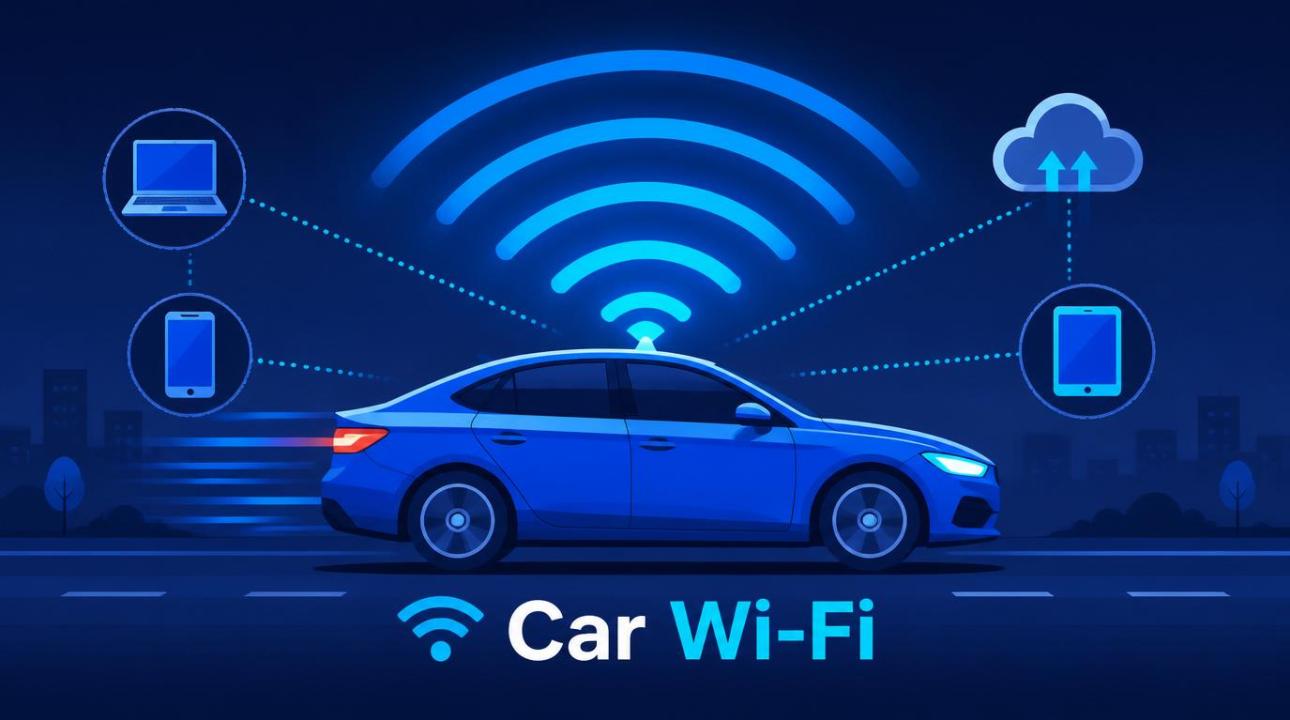
You're on a road trip, kids in the back seat, and the cries of "there's no internet!" start before you've even left your city. Sound familiar? Getting reliable car Wi-Fi used to feel like a tech project meant for IT pros, but in 2026, it's genuinely easy, and you have more options than ever.
Whether you need internet in the car for navigation, streaming, remote work, or keeping passengers connected, this guide walks you through every real option without jargon or pushing any specific brand or service.
Why your car needs internet and why it matters more now
Modern life is connected, and your car is no longer just a way to get from A to B. Passengers stream music, video call friends, and browse maps. Drivers rely on real-time traffic data. Electric vehicle owners check charging station availability on the go. If you work remotely, a good internet connection can make a long commute feel productive.
The good news is that you don't need a new car or expensive equipment to get solid connectivity. Let’s look at the methods that actually work.
The 4 main ways to get car Wi-Fi
Mobile hotspot from your phone: Turn your smartphone into a Wi-Fi router using your existing data plan. No extra device needed.
Dedicated mobile hotspot device: A standalone device with its own SIM card. It works independently of your phone and can handle more connections.
Built-in car Wi-Fi: Some newer vehicles come with a built-in LTE or 5G modem. A subscription is required, but it's easy to use.
OBD-II Wi-Fi adapter: Plugs into your car's diagnostic port and adds internet without any complex setup.
Option 1: Use your phone as a hotspot
This is the easiest way to get car Wi-Fi instantly. Almost every modern smartphone supports tethering, which lets you share its mobile data as a Wi-Fi network that other devices can connect to.
To turn it on: go to your phone settings, find "Hotspot," "Personal Hotspot," or "Mobile Hotspot," and enable it. Your phone will create a Wi-Fi signal that passengers can join, just like any home network.
Good to know
Phone hotspots use your existing mobile data plan. If you have a limited plan, streaming or connecting multiple devices can deplete it quickly. Check your plan's hotspot data limit before depending on it daily.
The main drawback is battery drain. Running a hotspot makes your phone work hard, so keep a car charger plugged in. It's best for occasional use or short trips instead of all-day connectivity.
Option 2: A dedicated mobile hotspot device
If you need internet for longer trips or have several users at once, a dedicated hotspot device is a better choice. These small gadgets, sometimes called MiFi devices or pocket routers, connect to cellular networks using their own SIM card and create a Wi-Fi signal for everything in the car.
Key benefits over phone tethering include better battery life, since your phone isn’t doing the work, the ability to support 10 to 15 connected devices at the same time, and often improved signal quality. You can get a SIM-only data plan for these devices, keeping costs apart from your phone bill.
Many frequent travelers keep a dedicated hotspot in their car. It charges from a USB port or car charger and is always ready to use, with no setup needed each time you get in.
Option 3: Built-in vehicle Wi-Fi
Many vehicles made in the last few years come with a built-in cellular modem. This provides every passenger with Wi-Fi just by being in the car, without any setup.
The connection is usually more stable than a phone hotspot because the antenna is integrated into the car’s roof or body, improving signal reception. However, it can drain your phone's battery quickly.
Quick check
Look for a "Wi-Fi Hotspot" or "Connected Services" option in your car's infotainment settings. Many manufacturers offer a free trial period when the vehicle is new, so you might already have it activated.
The downside is a monthly subscription tied to the vehicle, similar to a phone plan. If you drive an older car, this option won't be available, but the alternatives mentioned work just as well.
Option 4: OBD-II Wi-Fi adapters
This is the most overlooked option for older vehicles. Your car has a small diagnostic port (called the OBD-II port) usually found under the dashboard on the driver's side. Certain adapters plug into this port and use a built-in SIM card to provide a Wi-Fi signal inside the car.
No installation is needed; it's plug-and-play. You buy the adapter, sign up for a data plan linked to it, and you have internet for your car right away. It draws a small amount of power from the car's electrical system, so there's no need for additional charging.
These adapters usually don't support as many connections as a dedicated hotspot device, but they're a neat, out-of-sight solution that works even when your phone is off.
Which option is right for you?
Here's a simple way to think about it: if you only need Wi-Fi occasionally and have a strong phone data plan, use your phone's hotspot. If you travel often or go on family road trips, a dedicated hotspot device is worth the extra cost. If you have a newer car and want an easy option, check if built-in Wi-Fi is already available. And if you drive an older car and want something permanent, an OBD-II adapter is impressively convenient.
The right car Wi-Fi setup really depends on how often you travel, how many devices need to connect, and whether you're comfortable adding a separate data plan or prefer keeping everything on one bill.
What about 5G for car internet?
5G wireless internet connectivity is becoming more common in both dedicated hotspot devices and built-in vehicle systems. If you drive through areas with good 5G coverage, the speed difference is significant, allowing for seamless 4K streaming or video calls without interruptions. That said, 4G LTE still meets most daily needs reliably. If 5G coverage in your area is spotty, don't prioritize it over plan costs or device compatibility.
Wrapping up
Getting the internet for your car doesn't need to be complicated. Whether you choose a phone hotspot for occasional use, a dedicated device for regular trips, a factory-built system in a newer vehicle, or a plug-in adapter for an older one, reliable connectivity on the road is easily achievable. Choose the method that best fits your driving habits and budget to avoid the frustration of "there’s no Wi-Fi."
Frequently asked questions
How can I get Wi-Fi in my car without a hotspot?
You can use a built-in vehicle Wi-Fi system (if your car supports it), an OBD-II adapter with a built-in SIM, or a dedicated mobile hotspot device. These options work independently of your phone and don't use your mobile plan.
Does car Wi-Fi use my phone’s data?
Only if you're using your phone as a hotspot. Dedicated hotspot devices, OBD-II adapters, and built-in vehicle systems have their own SIM cards and data plans that are separate from your phone bill.
Is it safe to use Wi-Fi in the car while driving?
Using Wi-Fi as a passenger is completely safe. As the driver, the main concern is distraction, not the Wi-Fi signal itself. Let passengers manage connected devices and keep your focus on the road. Many in-car systems are designed to restrict driver-facing screens while the vehicle is moving.
How much does a car internet cost per month?
If you use your phone as a hotspot, there’s no extra cost beyond your existing data plan. Dedicated hotspot devices and OBD-II adapters usually require a separate data plan, which can range from a few dollars for limited data to $50 to $80 per month for unlimited data. Built-in vehicle subscriptions differ by car manufacturer and region.
Can I get unlimited data for my car’s Wi-Fi?
Yes, many cellular carriers offer unlimited data plans for dedicated hotspot devices and SIM-enabled adapters. However, keep in mind that "unlimited" plans sometimes slow down speeds after hitting a monthly usage limit, so check the details before committing to a long-term contract.