You sit down to stream a movie, join a video call, or check your email, and suddenly, the internet has other plans. The wheel spins, the call freezes, and frustration rises. Sound familiar?
Most people don’t realize that the type of internet connection you use is just as important as the speed you're paying for. Two households can both pay for "100 Mbps" but have very different experiences due to the different technology delivering that signal to their homes.
Whether you're moving to a new place, troubleshooting slow speeds, or trying to understand what's happening behind your router, this guide explains the main types of internet connections available today. It covers what they are, how fast they truly are, and who they best serve.
"Understanding the types of internet connections is the first step toward making a smarter choice for your home or business."
Quick Comparison: All Types of Internet at a Glance
Before we dive in, here’s a side-by-side look at all the main types of internet connections on the market today.
| Connection Type | Typical Speed | Latency | Availability | Best For |
| Fiber Optic | 100 Mbps – 5 Gbps | 1–5 ms | Urban/Suburban | Power users, streaming, gaming |
| Cable | 100 Mbps – 1.2 Gbps | 5–40 ms | Urban/Suburban | Most households |
| DSL | 5 – 100 Mbps | 10–70 ms | Wide | Light browsing, small households |
| Satellite | 25 – 220 Mbps | 20–600 ms | Near-universal | Rural & remote areas |
| 5G Home Internet | 50 Mbps – 1 Gbps+ | 5–30 ms | Expanding | Urban, no cable alternative |
| Fixed Wireless | 25 – 100 Mbps | 10–50 ms | Rural/Suburban | Areas without cable or fiber |
| Dial-Up | Up to 56 Kbps | 100–200 ms | Legacy | Last resort only |
Every Type of Internet Connection, Explained
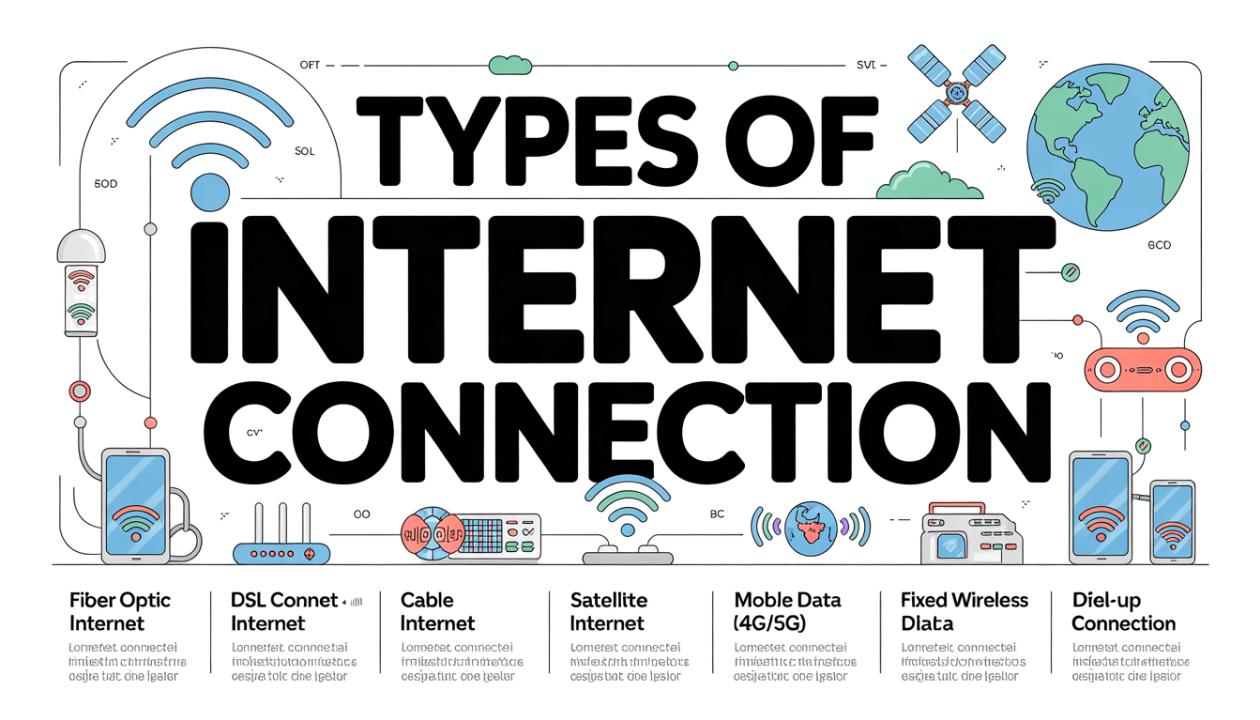
Let’s break down each major type of internet connection, how they work, what the real-world experience is like, and who benefits the most from each one.
1. Fiber Optic Internet
Fiber optic internet sends data as pulses of light through thin glass or plastic cables. It's the best type of internet connection currently available for homes, and the difference between fiber and other options is significant.
Unlike cable or DSL, which use older copper lines, fiber networks are built for data. This means your upload and download speeds are equal (symmetrical), which is crucial for video calls, uploading large files, or working from home.
Pros
Blazing fast speeds (up to 5 Gbps)
Equal upload & download
Extremely low latency
Reliable, unaffected by weather
Scales to future demand
Cons
Not available everywhere
Installation can take time.
Can be pricier upfront
2. Cable Internet
Cable internet uses coaxial cables originally designed for cable TV to provide broadband to your home. It's common in urban and suburban areas for good reasons: it's fast, relatively affordable, and widely available.
The downside is that cable is a shared network. Your neighborhood shares bandwidth, so speeds may drop during busy evening hours when everyone is streaming at once. Improvements to the DOCSIS 3.1 standard have helped, but the problem still exists.
Pros
Widely available
Fast download speeds
No new infrastructure needed
Consistent for most daily use
Cons
Speeds slow at peak hours
Upload speeds lag behind.
Shared bandwidth model
3. DSL Internet
DSL (Digital Subscriber Line) operates over your existing phone line. It was the leading broadband technology in the early 2000s and is still used in millions of homes today, especially in areas without cable or fiber.
Speeds depend heavily on your distance from the nearest telephone exchange. The farther you are, the slower the connection. If you’re within one or two miles, DSL can handle everyday browsing, HD streaming, and video calls adequately. Beyond that, it starts to struggle.
Pros
Uses existing phone lines
Available in many rural areas
Often lower cost
Cons
Speed drops with distance.
Slower than cable/fiber
Aging infrastructure
4. Satellite Internet
Satellite internet transmits a signal from orbiting satellites to a dish at your home. Historically, it was a last resort for rural users, slow and costly, with high latency. Low Earth Orbit (LEO) satellite networks have changed this situation.
LEO satellites orbit about 340 miles above the Earth, compared to 22,000 miles for geostationary satellites. This closer range significantly reduces latency from 600ms to under 50ms in many cases and allows for speeds that can compete with basic cable in some areas.
Pros
Available almost anywhere
LEO options are dramatically faster
Only option for many rural users
Cons
The weather can affect the signal.
Higher latency than wired
Equipment costs are high.
Data caps are still common.
5. 5G Home Internet
5G home internet provides broadband over the same cellular networks your smartphone uses, but with a dedicated router that connects like any other home device. There's no technician needed and no cables running through your walls.
In areas with strong 5G coverage, speeds can truly rival cable. The experience varies by location, but for many urban households without easy cable access, it's a practical and flexible alternative to consider.
Pros
No installation appointment
Easy to move with you
Can be very fast in covered areas
Cons
Coverage varies widely
Speeds inconsistent indoors
Not available in rural areas
6. Fixed Wireless Internet
Fixed wireless internet uses radio signals sent from a tower to a small antenna or rooftop dish. It's a good option in rural and semi-rural areas where laying cable or fiber isn't financially viable for service providers.
It’s not as fast or reliable as fiber or cable, but it is much better than old->
Pros
Available without cable lines
Lower latency than satellite
Useful bridge for rural areas
Cons
Line-of-sight required
Trees/terrain can block the signal.
Speeds moderate at best
How to Choose the Right Type for You
Now that you've seen all the major types of internet connections, the next question is: which one is actually right for your situation? The answer depends on three things: where you live, what you do online, and how many people share your connection.
If you're in a city or suburb
You likely have access to both fiber and cable. Fiber is the better long-term choice if it's available at a reasonable price, especially if you work from home, video call frequently, or have multiple users on the network simultaneously. Cable is a solid fallback and widely dependable for most households.
If you're in a rural area
Your options narrow considerably. Fixed wireless is usually your best bet if there's a nearby tower with a clear line of sight to your home. Modern LEO satellite internet has become increasingly viable for rural users who need something faster than older satellite services. DSL may still be available via telephone lines and can work for light use.
If you're a heavy user gamer, remote worker, streamer
Fiber is the gold standard for a reason. Low latency matters for gaming. Symmetrical speeds matter for video calls and uploads. The consistent performance of a dedicated wired connection beats wireless alternatives in nearly every demanding scenario.
Practical Tip
Before choosing any internet plan, run a speed test at different times of day on your current connection. Peak-hour slowdowns reveal a lot about infrastructure quality and they're worth checking before you switch.
Speed isn't everything. Latency Matters Too
When most people talk about internet speeds, they're thinking about download speed, which is how fast a file or video loads. But there's another metric that can quietly ruin your online experience: latency, also known as ping.
Latency is the time it takes for a signal to travel from your device to a server and back, measured in milliseconds (ms). For streaming video, it barely matters. But for video calls, online gaming, and real-time applications, it's everything.
This is why satellite internet, even at respectable speeds, can still feel sluggish for video calls. A 600ms round trip means your voice arrives well after you've finished speaking. Fiber's 1–5ms latency, by contrast, feels instantaneous because it practically is.
"A fast connection with high latency is like a wide road full of slow-moving traffic. The bandwidth is there, but nothing arrives on time."
Final Word
Understanding the types of internet connections available to you is genuinely empowering. It shifts the conversation from "why is my internet slow?" to "what kind of internet do I actually have, and is it the right one?"
Fiber remains the benchmark for speed and reliability. Cable is the practical choice for most urban and suburban households. Satellite and fixed wireless keep rural communities connected. And 5G home internet is quietly reshaping what "no wires needed" can mean.
Whatever you choose, make the decision based on your usage habits, your location, and what the infrastructure in your area can actually support, not just the number on a marketing brochure. The right connection doesn't just deliver the internet. It gets out of the way so you can use it.
Frequently Asked Questions
What is the fastest type of internet connection available?
Fiber optic internet is currently the fastest type of internet connection available to residential users. It can deliver symmetrical speeds of 100 Mbps to 5 Gbps or more, with latency as low as 1–5 milliseconds. It transmits data using pulses of light, making it inherently faster and more reliable than copper-based technologies like cable or DSL. Where fiber is available, it is almost always the best choice for performance.
What type of internet connection is best for rural areas?
For rural areas, the most practical options are fixed wireless internet and satellite internet, particularly newer Low Earth Orbit (LEO) satellite services. Fixed wireless is preferable when a nearby tower provides a clear line of sight, offering lower latency and more consistent speeds. LEO satellites have become a genuinely viable option in recent years, with speeds of 100–220 Mbps and latency far lower than that of older geostationary satellite systems. DSL remains available in some rural areas, but it is slower and dependent on your distance from the telephone exchange.
What's the difference between cable and fiber internet?
The core difference is the physical medium. Cable internet travels through copper coaxial cables, while fiber-optic internet uses glass or plastic strands that carry data as pulses of light. Fiber is faster, has lower latency, and offers symmetrical upload and download speeds. Cable is a shared-bandwidth network, meaning speeds can slow down during peak hours when many users are online simultaneously. Fiber networks are dedicated connections, so performance is more consistent. Cable has much wider availability, while fiber infrastructure is still being deployed in many areas.
How many Mbps do I actually need for my household?
A general guideline: a single user doing basic browsing and HD streaming needs around 25 Mbps. A household of two to three people streaming, video calling, and browsing simultaneously should aim for 100–200 Mbps. Larger households, gamers, remote workers uploading large files, or anyone running smart home devices across the network would benefit from 300 Mbps or more. The type of connection matters as much as raw speed. A fiber connection at 100 Mbps will consistently outperform a congested cable connection rated at the same speed during peak hours.
Is 5G home internet as good as cable or fiber?
In the right location, 5G home internet can approach cable speeds and is a genuinely practical alternative, particularly in urban areas with dense 5G coverage. It has a key practical advantage: no installation appointment, no cables through your walls. However, its performance is highly location-dependent. Thick walls, distance from towers, and local network congestion all affect real-world speeds. Fiber remains the most reliable and fastest option overall, and cable is more consistent than 5G home internet in most tested environments. That said, 5G home internet is a strong option for users who move frequently, live in apartments, or lack affordable cable access.