You're on a video call when the screen freezes. A 4K movie buffers every thirty seconds. Your kids yell that the game keeps lagging when it matters most.
Does this sound familiar? Most people don’t know if their internet connection is truly fast enough, or just feels fast enough, until it suddenly isn’t. The number on your plan doesn’t mean much if you don’t understand what it covers in real life.
This guide aims to clarify that. We’ll explain what internet speed really means, what counts as a good internet speed in 2026, and how many Mbps you need based on your household's actual internet use. No jargon, no fluff, no upselling.
What Is Internet Speed?
Internet speed measures the rate at which data travels between your devices and the internet. It is measured in megabits per second (Mbps) or gigabits per second (Gbps), and it works in two important directions:
Download speed refers to how fast data comes to you. This affects streaming, browsing, loading pages, and downloading files.
Upload speed refers to how fast data goes from you. This affects video calls, posting content, gaming, and cloud backups.
Latency (ping) indicates the delay in milliseconds between your device sending a request and receiving a response. Low latency is crucial for gaming, live streaming and video calls.
Most home connections have unequal download speeds that are much higher than upload speeds. This works fine for many households, but if you work from home, stream your content, or play competitive online games, upload speed is equally important.
Quick Stat:
As of 2026, the average fixed broadband download speed in the U.S. is around 250 to 300 Mbps. However, the right speed for your home depends on how many people use it and what they do, rather than on national averages.
What Is a Good Internet Speed?
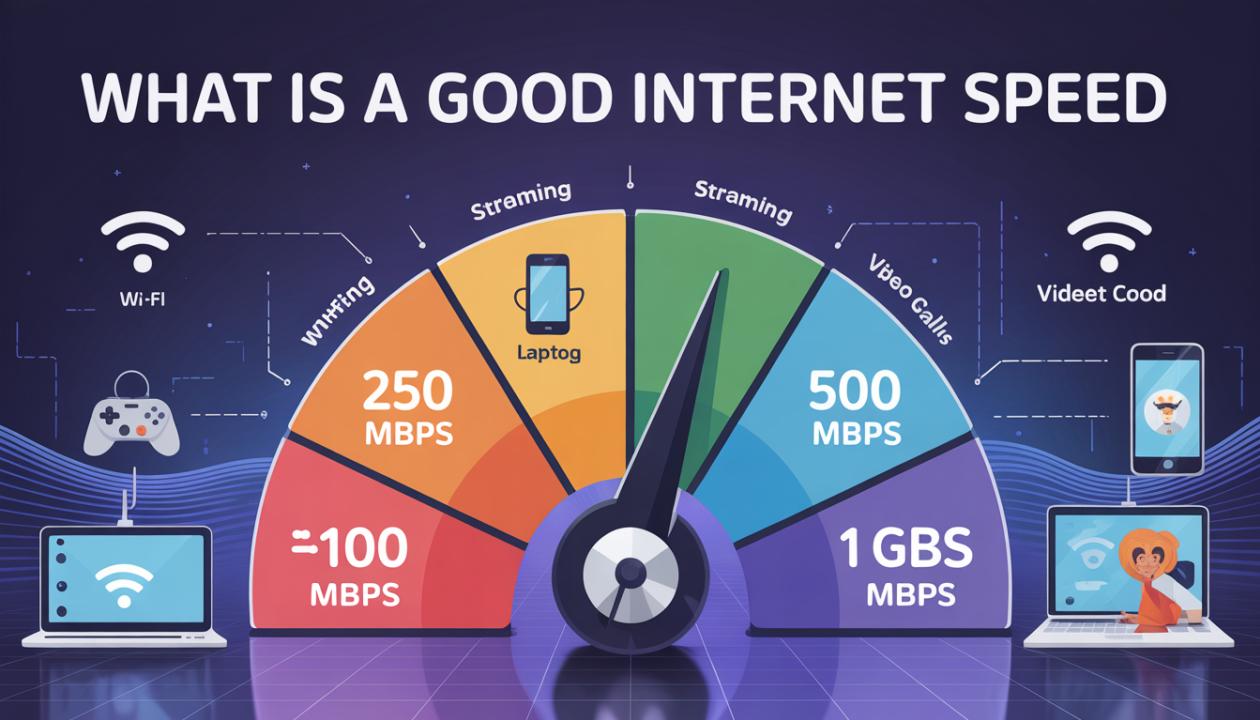
There isn't one speed that fits every household, but there is a practical approach. Here’s how download speeds compare against real-world needs:
| Speed Tier | Download Speed | Best For | Rating |
| Basic | 1–25 Mbps | Light browsing, email, 1 solo user | Bare Minimum |
| Standard | 25–100 Mbps | HD streaming, 2–3 users at once | Decent |
| Fast | 100–500 Mbps | 4K streaming, gaming, WFH, 4–6 users | Good Internet Speed |
| Gigabit | 500 Mbps – 1 Gbps+ | Large households, heavy uploaders, smart home | Excellent |
For most households in 2026, a good download speed is between 100 and 300 Mbps. This can comfortably support multiple users streaming, working from home, and browsing at the same time without any noticeable slowdown.
If you live alone and mainly browse and watch YouTube, 25 to 50 Mbps is sufficient. If you have four or more people using separate devices all evening, you'll want 200 Mbps or more.
How Much Internet Speed Do I Need?
Think of bandwidth like a highway. Every active device takes up a lane. When too many devices try to use the bandwidth, everything slows down. Here’s how much "lane space" common activities generally use:
1–5 Mbps: Email, casual browsing, social media scrolling
5–25 Mbps: HD and 4K video streaming per device
3–25 Mbps: Online gaming (low latency matters more than raw Mbps)
10–50 Mbps: Video calls, Zoom, Teams, Google Meet
10–50 Mbps: Cloud backups and large file transfers
1–5 Mbps each: Smart home devices, cameras, thermostats, speakers
Simple rule of thumb: Add up the Mbps for each device that might be active at the same time. Then add a 20 to 30 percent buffer for peak-hour congestion. That total becomes your target speed.
Real-World Example
For a family of four, with two people streaming 4K (25 Mbps each), one on a video call (15 Mbps), and one gaming (10 Mbps), you'll need about 75 to 100 Mbps at minimum. With the buffer, 150 to 200 Mbps is the comfortable range.
What Is Considered Fast Internet?
In 2026, the FCC defines broadband as a minimum of 100 Mbps download and 20 Mbps upload. Anything above that is considered fast from a regulatory standpoint. However, "fast" means your connection doesn't become a bottleneck, no matter what everyone else in the house is doing at the same time.
100+ Fast: Handles most families, allowing for multiple streams, calls, and gaming without issues.
500+ Very Fast: Future-proofed for 6 to 8 devices running demanding tasks at the same time. This is comfortable for heavy users.
1 Gbps Gigabit: Overkill for most households but ideal for heavy uploaders, large smart homes, or dedicated home offices.
One important detail to remember is that fast internet matters little if your Wi-Fi router cannot handle it. A 500 Mbps plan with an old router will feel slow. Your router, your home's wiring, and the device you're using all affect real-world speed. Always run a speed test on a device connected via Ethernet to get your true baseline.
Pro Tip:
Test your speeds at three different times: morning, evening peak, and late at night. If speeds drop noticeably in the evening, your area might be congested during peak times. No plan upgrade will solve this without changing connection types entirely. Fiber typically deals with congestion better than cable.
What Is a Good Download Speed?
Download speed is what most people focus on daily. It affects how quickly web pages load, how smoothly videos stream, and how fast files download. Here’s a practical breakdown by activity:
| Activity | Minimum Download Speed | Recommended |
| Standard HD Streaming | 5 Mbps | 10 Mbps |
| 4K / HDR Streaming | 15 Mbps | 25 Mbps |
| Online Gaming | 3 Mbps | 25 Mbps |
| Video Conferencing | 5 Mbps | 15 Mbps |
| Large File Downloads | 25 Mbps | 100+ Mbps |
| Smart Home Devices | 2 Mbps each | 5 Mbps each |
For a single user, a good download speed ranges from 25 to 50 Mbps. For a household of 3 to 5 people active in the evening, a comfortable baseline is between 100 and 300 Mbps.
Keep in mind that advertised download speeds are theoretical maximums under ideal conditions. Real-world speeds are often 70 to 90 percent of the number you see on the box. Always take this into account. A 200 Mbps plan delivering 160 to 180 Mbps consistently is better than a 300 Mbps plan that provides 180 Mbps only part of the time.
Final Verdict: How Fast Is Fast Enough?
There is no single answer to "what is a good internet speed," but there is a practical one. For most homes in 2026, download speeds of 100 to 300 Mbps with at least 20 Mbps upload speeds work for nearly every household.
Solo users can thrive on 25 to 50 Mbps. Families of four or more who stream, game, work from home, and use smart devices should aim for 200 Mbps or higher. If you want room to grow without worry, gigabit plans provide plenty of bandwidth.
What’s most important is to understand your household’s actual usage, test your real speeds instead of relying solely on your plan number, and ensure your router can deliver what you’re paying for. A good internet speed is only valuable if it performs well in real life, not just in advertising.
Frequently Asked Questions
Is 100 Mbps a good internet speed?
Yes, for most households, 100 Mbps is a very good internet speed. It supports 4 to 5 people streaming, browsing, and video calling at the same time without noticeable slowdowns. If your household has 6 or more heavy users or several 4K streams going at once, upgrading to 200 to 300 Mbps provides extra capacity.
What is a good internet speed for working from home?
For working from home, aim for at least 25 to 50 Mbps download and 10 to 20 Mbps upload per remote worker. If your work requires frequent video calls, large file transfers, or cloud-based applications, target 50 to 100 Mbps per person. Upload speed often matters more for remote workers than download speed, but many plans overlook it.
Is 25 Mbps fast enough for streaming?
25 Mbps is sufficient for one person streaming in 4K or two people watching HD content simultaneously. However, if multiple people are streaming at once or if you're doing other intensive tasks, buffering may occur. For a household, 50 to 100 Mbps is a more reliable baseline for smooth streaming on multiple screens.
What is a good upload speed?
A good upload speed for everyday tasks is at least 10 to 20 Mbps. This handles video calls, posting content, and cloud syncing well. If you livestream, regularly upload large files, or have demanding remote work, prioritize 50 Mbps or higher. Many standard broadband plans have much lower upload speeds than download speeds, so always check both figures before choosing a plan.
How do I know if my internet speed is good enough?
Run a speed test on a device connected via Ethernet, not Wi-Fi, to get your true baseline. Compare the result to what your household actually uses by adding up the Mbps for each device likely to be active at the same time. If your measured speed consistently falls short, your plan may not be sufficient or your router might be the issue. Upgrading your router often brings a bigger improvement than upgrading your plan, and it's usually cheaper too.