Introduction
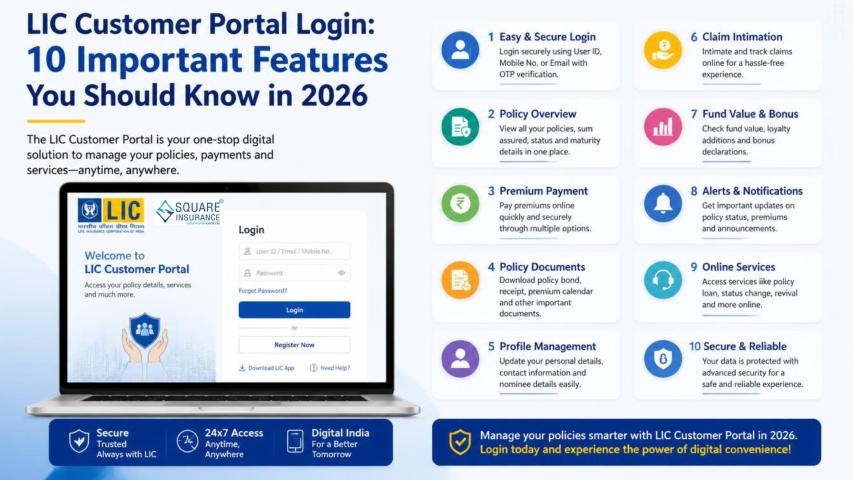
The online customer portal of the Life
Insurance Corporation of India has made policy management significantly easier
for millions of policyholders across India. From premium payments to policy
status checks, everything is now available at your fingertips. However, many
users often face login-related issues that prevent them from accessing their
accounts smoothly.
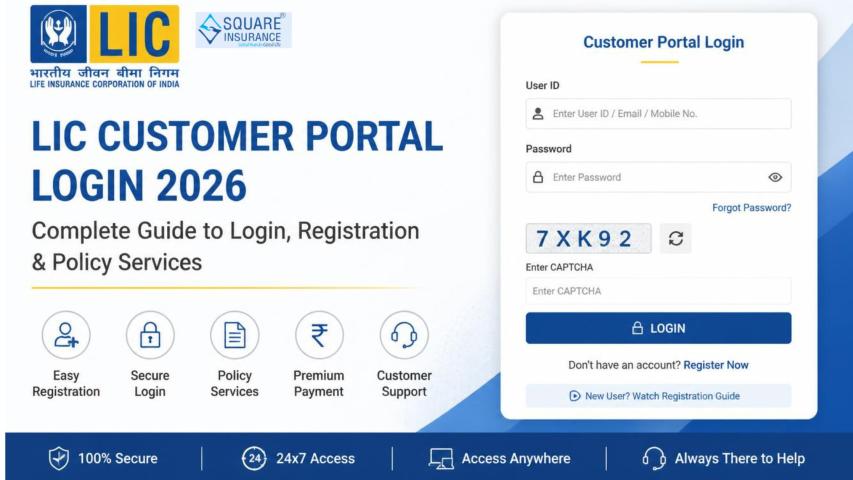
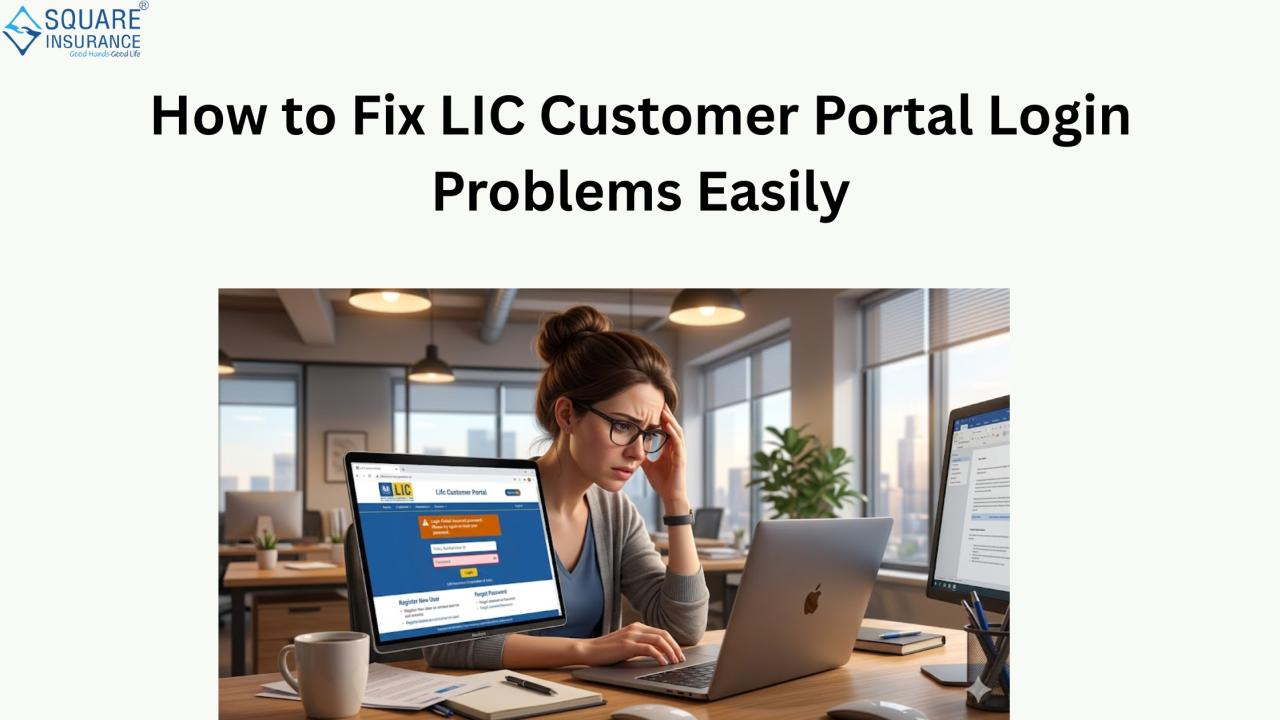
Whether it is a forgotten password,
server error, or incorrect credentials, LIC
customer portal login problems can be frustrating. The good news is
that most of these issues can be resolved easily with the right approach. In
this detailed guide, we will explore the common causes of login issues and
provide practical, step-by-step solutions to fix them quickly.
Understanding
LIC Customer Portal Login Issues
Before jumping into solutions, it is
important to understand why login problems occur in the first place. Most
issues are not technical faults but simple user-side errors or temporary system
glitches.
Common reasons include:
- Incorrect username or password
- Forgotten login credentials
- Account locked due to multiple failed attempts
- Browser compatibility issues
- Slow or unstable internet connection
- Server maintenance or downtime
- Expired session cookies or cache problems
Identifying the root cause helps in
applying the correct fix quickly instead of trying random solutions.
Step-by-Step
Solutions to Fix LIC Customer Portal Login Problems
1.
Verify Your Login Credentials
One of the most common issues is
entering incorrect login details. Double-check your:
- Username or registered email ID
- Password (check uppercase, lowercase, and special
characters)
If you are unsure, use the “Forgot
Password” option to reset it immediately.
2.
Reset Your Password
If you cannot remember your
password, resetting it is the safest solution. Follow these steps:
- Click on the “Forgot Password” option on the login page
- Enter your registered email ID or policy details
- Verify using OTP sent to your registered mobile number
- Create a new strong password
Make sure your new password is
unique and not used elsewhere.
3.
Clear Browser Cache and Cookies
Sometimes stored browser data can
interfere with login sessions. To fix this:
- Open browser settings
- Clear browsing history, cache, and cookies
- Restart the browser
- Try logging in again
This simple step often resolves
unexpected login errors.
4.
Try a Different Browser or Device
The portal may not work properly on
outdated browsers. Try using:
- Google Chrome
- Microsoft Edge
- Mozilla Firefox
Also, switch between mobile and
desktop to check if the issue persists.
5.
Check Internet Connectivity
A weak or unstable internet
connection can interrupt login requests. Ensure:
- You have a stable Wi-Fi or mobile data connection
- There are no network restrictions
- Speed is sufficient for loading secure pages
A quick network refresh often solves
the issue instantly.
6.
Disable Browser Extensions
Some ad-blockers or security
extensions may block login scripts. Temporarily disable:
- Ad blockers
- VPN services
- Security plugins
Then refresh the page and try
logging in again.
7.
Wait for Server Maintenance to Complete
At times, the LIC portal undergoes
scheduled maintenance or experiences heavy traffic. In such cases:
- Wait for some time
- Try logging in after 15–30 minutes
- Avoid repeated login attempts
These issues are usually temporary.
8.
Unlock Your Account
If you enter incorrect credentials
multiple times, your account may get locked for security reasons. To unlock it:
- Wait for a cooldown period
- Reset your password
- Contact customer support if required
Account locking is a protective
measure to prevent unauthorized access.
9.
Update Your Browser
An outdated browser can cause
compatibility issues. Always ensure:
- Your browser is updated to the latest version
- JavaScript is enabled
- Pop-ups are allowed for the portal
This ensures smooth functionality of
the login system.
Advanced
Troubleshooting Tips
If basic fixes do not work, try
these advanced steps:
- Use incognito/private browsing mode
- Restart your device
- Flush DNS cache (for advanced users)
- Check system date and time settings (incorrect time can
cause login errors)
These steps help resolve deeper
technical issues that are not immediately visible.
Security
Tips for Safe LIC Login
Since the LIC portal contains
sensitive personal and financial information, security is crucial. Always
follow these practices:
- Never share your password with anyone
- Avoid logging in from public Wi-Fi networks
- Always log out after using the portal
- Use strong, unique passwords
- Enable OTP-based verification whenever possible
Protecting your account is as
important as accessing it.
Conclusion
Login issues on the Life Insurance
Corporation of India customer portal are common but usually easy to fix. Most
problems arise due to incorrect credentials, browser issues, or temporary
system errors. By following the step-by-step solutions mentioned above, users
can quickly regain access to their accounts without technical assistance.
For long-term financial protection
and seamless policy management, it is always advisable to stay updated with
digital insurance tools and maintain secure login habits.
If you are looking for additional
insurance support, advisory services, or policy comparison options, platforms
like Square Insurance can
help simplify your insurance journey by offering expert guidance and easy
policy assistance.
Frequently
Asked Questions (FAQs)
1.
Why am I unable to log in to LIC customer portal?
You may be entering incorrect
credentials, facing browser issues, or the portal might be under maintenance.
2.
How do I reset my LIC portal password?
Click on “Forgot Password,” verify
your identity using OTP, and set a new password.
3.
Can browser cache affect LIC login?
Yes, stored cache and cookies can
interfere with login sessions. Clearing them often resolves the issue.
4.
What should I do if my LIC account is locked?
Wait for a cooldown period or reset
your password. If needed, contact customer support for assistance.
5.
Is LIC customer portal safe to use?
Yes, it uses secure encryption and
OTP verification to protect user data, provided you follow safe browsing
practices.