If you’re a Mac user searching for QuickBooks for Mac, you’ve probably discovered something frustrating: Intuit doesn’t make it easy to find.
Unlike the aggressively marketed QuickBooks Online, the Desktop version for macOS feels almost hidden. Walk into a Best Buy, and you’ll see Windows versions prominently displayed. Search on Amazon, and you’ll wade through third-party sellers with questionable reputations.
This guide changes that. I’ll show you exactly where to buy QuickBooks for Mac Desktop, how to choose between subscription and one-time purchase, and what to check before you spend a dime.
Table of Contents
What Is QuickBooks for Mac Desktop?
QuickBooks for Mac vs. QuickBooks Online: Which One Is Right for You?
Where to Buy QuickBooks for Mac Desktop (5 Reliable Sources)
Subscription vs. One-Time Purchase: The Critical Decision
Things to Check Before You Buy
How to Ensure You’re Getting the Right Version
Can You Switch from Windows QuickBooks to Mac?
Is QuickBooks Desktop for Mac Being Phased Out?
Final Verdict
Need Help Managing Multiple QuickBooks Companies?
What Is QuickBooks for Mac Desktop?
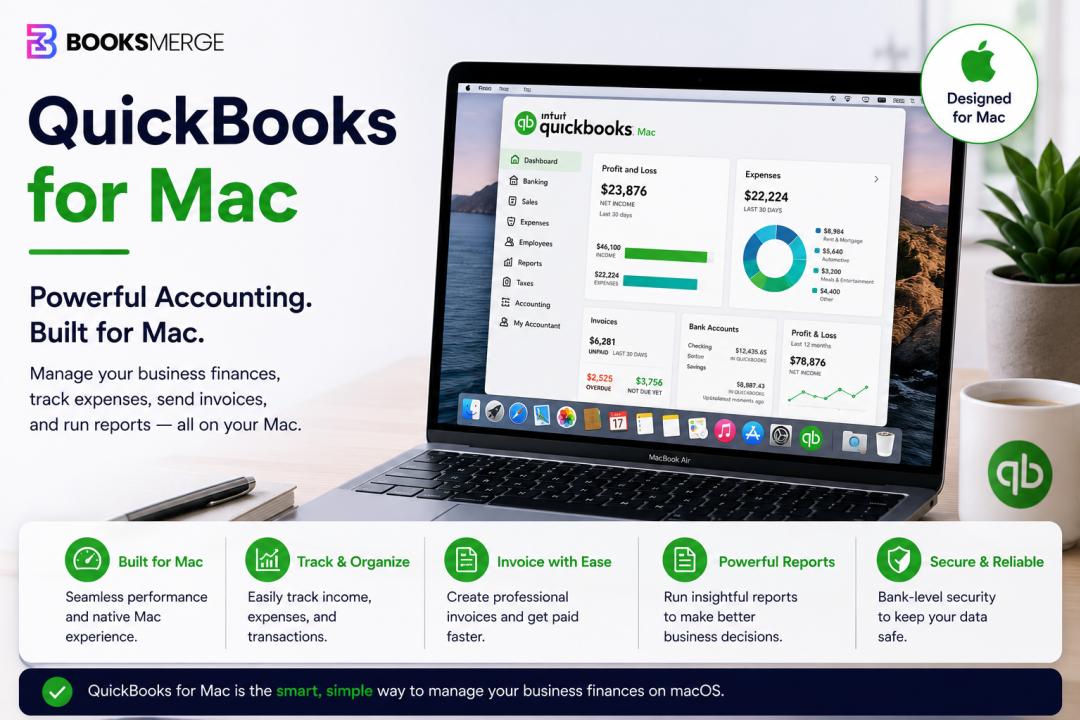
QuickBooks for Mac Desktop is a native macOS application designed specifically for Apple’s operating system. Unlike QuickBooks Online (which runs in a web browser), Desktop software installs directly on your Mac and stores your data locally.
Key characteristics:
Offline functionality – No internet connection required for core accounting tasks
One-time purchase option – Pay once, own it forever (though with limitations)
Mac-native interface – Designed to feel like a real Mac app, not a ported Windows program
Local data storage – Your financial data lives on your computer, not in the cloud
Business owners choose QuickBooks for Mac Desktop because they prefer owning their software, working offline, or avoiding monthly subscription fees.
QuickBooks for Mac vs. QuickBooks Online: Which One Is Right for You?
Before discussing where to buy, you need to decide which product you actually need. Many Mac users assume Desktop is their only option. That’s not true.
| Feature | QuickBooks for Mac Desktop | QuickBooks Online |
|---|---|---|
| Access | Installed on one Mac | Any device with a browser |
| Internet required | No (core features) | Yes |
| Pricing model | One-time or annual subscription | Monthly subscription |
| Automatic backups | You manage them | Automatic |
| Multi-user access | Limited (network install) | Unlimited (by plan) |
| Mobile app | No | Yes |
| Bank feeds | Yes | Yes (more reliable) |
| Third-party integrations | Fewer | Hundreds |
Choose Desktop for Mac if you:
Want to own your software (not rent it)
Work primarily offline or have unreliable internet
Prefer a traditional installed application
Don’t need mobile access or extensive integrations
Choose Online if you:
Want access from anywhere (including your phone)
Collaborate with an accountant or bookkeeper remotely
Need automatic backups and updates
Use many third-party apps that integrate with QuickBooks
Where to Buy QuickBooks for Mac Desktop (5 Reliable Sources)
The article from Cleverence provides excellent guidance on purchase channels. Here’s the consolidated, actionable version.
1. Official QuickBooks Website (Most Reliable)
URL: quickbooks.intuit.com (look for Desktop versions)
Why buy here: This is the safest option. You get the most current version, direct customer support, and guaranteed authenticity. Intuit sometimes offers exclusive online discounts or bundled services.
What to watch for: Intuit heavily promotes QuickBooks Online on their website. You may need to search for “QuickBooks Desktop for Mac” specifically.
Best for: Anyone who wants zero risk and direct support.
2. Authorized Resellers (Best for Physical Copies)
Examples: Best Buy, Staples, Office Depot, CDW
Why buy here: These retailers sell genuine software and often have knowledgeable staff. You can walk out with a physical box or a digital download code the same day.
What to watch for: Not every location stocks the Mac version. Call ahead or check online inventory before driving.
Best for: People who want a physical product and same-day possession.
3. Online Marketplaces (Proceed with Caution)
Examples: Amazon, eBay, Newegg
Why shop here: Competitive pricing. You might find older versions or discounted licenses.
What to watch for: This is where counterfeit software hides. Only buy from sellers with thousands of positive reviews and a clear returns policy. Avoid “lifetime license” deals that seem too cheap—they often are fraudulent keys that will be deactivated.
Best for: Experienced buyers who know how to verify seller legitimacy.
4. Apple App Store (Mac App Store)
Availability varies. Intuit has offered QuickBooks through the Mac App Store in the past, but availability changes. Search “QuickBooks” in the Mac App Store. If present, this provides the easiest installation and automatic updates through Apple’s system.
Best for: Users who prefer managing all software through the Mac App Store.
5. Direct from Intuit Sales (For Multiple Licenses)
If you need QuickBooks for Mac on multiple computers or are purchasing for an organization, call Intuit’s sales team directly. They can quote volume pricing and help with network installation setups.
Best for: Businesses buying 3+ licenses or needing network configuration support.
Subscription vs. One-Time Purchase: The Critical Decision
This is the most important financial decision in this guide. QuickBooks for Mac Desktop is available in two pricing models:
| Aspect | One-Time Purchase (Perpetual License) | Annual Subscription |
|---|---|---|
| Upfront cost | Higher (300−400 typically) | Lower (200−300/year) |
| Long-term cost | Lower after 2+ years | Higher over time |
| Updates included | Only security updates (no new features) | Full feature updates |
| Support included | 1 year only | Ongoing |
| Bank feed access | Works, but may break over time | Maintained |
The hidden catch with one-time purchases: After one year, you stop receiving feature updates. Bank feeds—the automatic import of transactions—may eventually stop working as banks change their systems. After 2-3 years, you might be forced to buy a new version anyway.
The hidden catch with subscriptions: You never own anything. Stop paying, and you lose access to your data in the QuickBooks format (though you can export reports).
My recommendation:
Choose one-time purchase if you have simple needs, don’t use bank feeds heavily, and want to minimize recurring expenses.
Choose subscription if you want ongoing updates, reliable bank feeds, and prefer predictable annual payments over large upfront costs.
Things to Check Before You Buy
1. macOS Compatibility
This is non-negotiable. QuickBooks for Mac Desktop requires a specific macOS version. Before purchasing:
Click the Apple menu → About This Mac
Note your macOS version (e.g., Sonoma 14.5, Ventura 13.6)
Check Intuit’s system requirements for the version you’re buying
Buying incompatible software means either returning it or upgrading your operating system (which has its own risks).
2. Your Actual Business Needs
Do you need advanced inventory tracking? Job costing? Payroll? The entry-level version may lack features you require. Conversely, you might be paying for features you’ll never use.
Review the feature comparison chart on Intuit’s website before clicking “buy.”
3. Multi-User Requirements
Standard QuickBooks for Mac Desktop is licensed for one user on one computer. If you need multiple people to access the same company file simultaneously, you need the multi-user network license (more expensive and more complex to set up).
4. Future-Proofing
QuickBooks Desktop for Mac is not Intuit’s strategic priority. QuickBooks Online receives the vast majority of development investment. Before spending hundreds of dollars, ask yourself: “Will this software still meet my needs in 3 years?”
How to Ensure You’re Getting the Right Version
Nothing is more frustrating than installing a product only to realize it’s the wrong one. Follow these steps:
Read the full product title carefully. Look for “Mac” and “Desktop” in the name. QuickBooks Online also works on Mac—but it’s a completely different product.
Check system requirements before purchasing. These are usually listed in the product description or on a specifications tab.
Confirm return policy before buying. This is critical for physical store and marketplace purchases. Some retailers do not accept returns on opened software.
When in doubt, call Intuit sales. A five-minute phone call can save you hours of frustration. Explain that you’re a Mac user and ask them to confirm the exact product you need.
Can You Switch from Windows QuickBooks Desktop to Mac?
Yes, but it’s not a one-click process.
Windows QuickBooks Desktop and Mac QuickBooks Desktop use different file formats. You can’t simply open a Windows company file on a Mac.
The conversion process:
From Windows QuickBooks, export your data
On the Mac, use the built-in import tool (File → Import → Convert from Windows)
Review all data after conversion—some details may not transfer perfectly
Warning: Complex businesses with extensive custom fields, advanced inventory, or third-party integrations may experience data loss. Always run a test conversion with a copy of your data before committing.
Better option: Consider QuickBooks Online instead. It works identically on Windows and Mac, eliminating platform compatibility issues entirely.
Is QuickBooks Desktop for Mac Being Phased Out?
This question appears frequently in user forums. The honest answer: Intuit has not announced an end-of-life date for QuickBooks Desktop for Mac, but the company’s strategic focus is clearly on QuickBooks Online.
Intuit continues to release updates and support the Desktop version for Mac. However, the pace of new feature development is significantly slower than for the Online product.
What this means for you: QuickBooks for Mac Desktop is safe to buy today. It will work for years. But don’t expect revolutionary new features. If you want the future of QuickBooks, that future is online.
Final Verdict
QuickBooks for Mac Desktop remains a solid choice for Mac-using business owners who prefer installed software, offline access, and a one-time payment model.
Purchase from the official Intuit website or an authorized reseller like Best Buy. Avoid unknown marketplace sellers unless you’re certain of their reputation. Choose subscription over one-time purchase if reliable bank feeds and ongoing updates matter to you. Verify macOS compatibility before spending money.
And if you’re currently on Windows QuickBooks and considering a switch to Mac, seriously evaluate whether QuickBooks Online might be the simpler path forward.
Need Help Managing Multiple QuickBooks Companies?
Whether you use QuickBooks for Mac Desktop, QuickBooks Online, or a mix of both across different entities, keeping data synchronized is a challenge. BooksMerge specializes in helping businesses manage financial data across multiple QuickBooks companies, ensuring consistency without manual re-entry.
Call 1-866-513-4656 today to learn how BooksMerge can streamline your multi-company QuickBooks workflow.