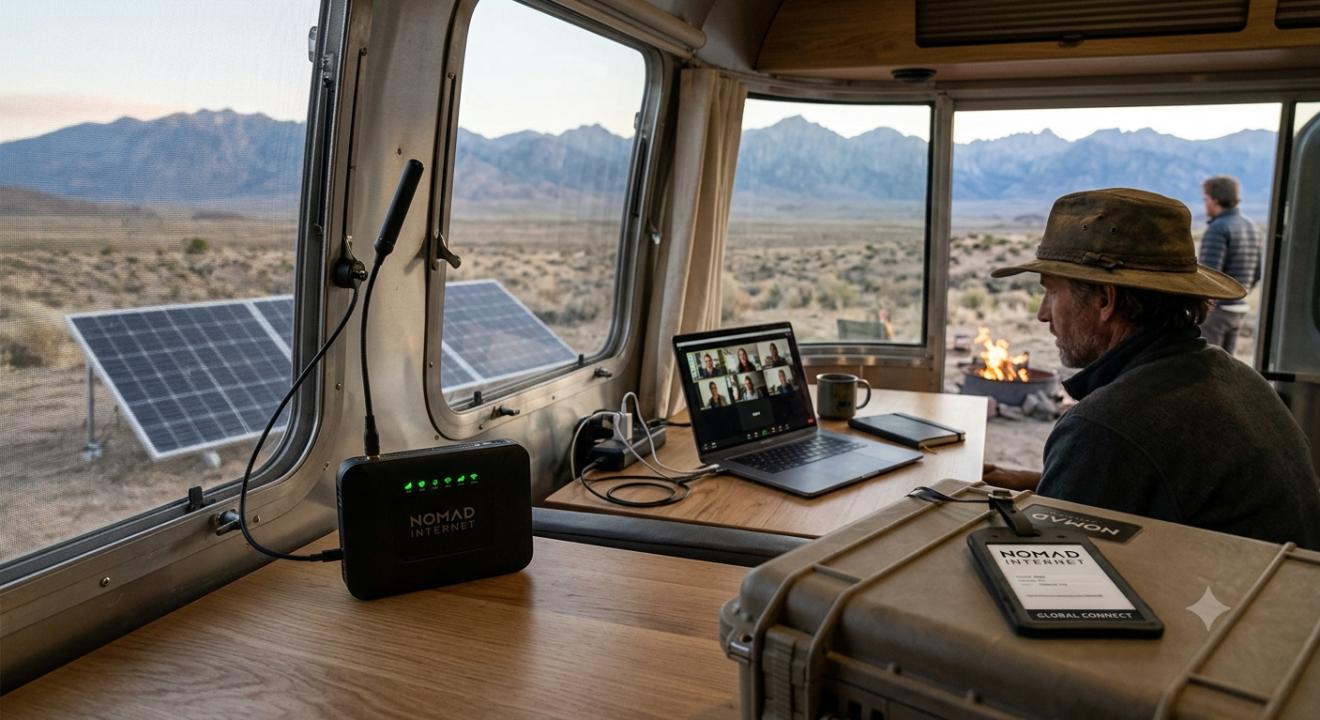
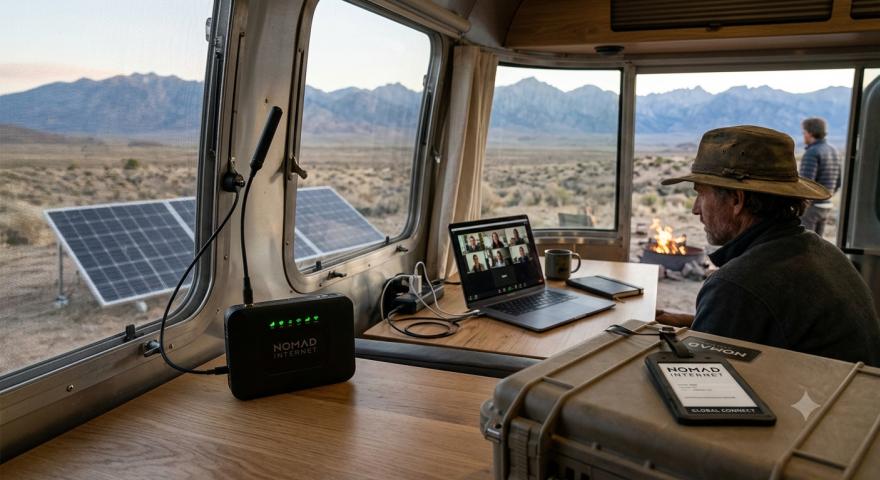
You live somewhere the cable company has never bothered to reach, or you're always on the road, and every time you search for a solution, you end up with the same three questions: will it actually work where I am, will the speed hold up once the "new customer" excitement wears off, and is the monthly bill going to sting more than it helps? If that sounds familiar, you're not alone. Rural residents, RV owners, and remote workers all run into the same wall when regular home internet just isn't an option.
That's usually the point where people start looking into wireless home internet options built on cellular networks rather than cable or satellite. This review breaks down what that experience actually looks like, what to expect from the technology behind it, and whether it makes sense for your specific situation, no sales pitch, just a straight look at the pros, the cons, and the fine print.
What Is This Type of Service, Exactly?
Nomad internet is a category of wireless home internet that uses cellular towers, the same kind that power your phone, to deliver a Wi-Fi signal to a router in your home, cabin, RV, or office. Instead of running a physical line to your property, a router pulls in a cellular signal and converts it into a usable Wi-Fi network for your devices.
This setup is popular with people who live in rural areas where cable or fiber never got built out, families who move often, van-lifers, and small business owners who need a backup connection. Because it depends on cell towers rather than buried cable, it can go almost anywhere there's a signal, which is exactly why it's grown in popularity over the last few years.
It's worth understanding early on that this kind of connection typically relies on LTE and 5G, and, depending on your router and location, you'll usually have access to only one of those network types at a time, not both simultaneously. That distinction matters more than people expect, because it directly affects your speed ceiling and how consistent your connection feels day to day.
How the Technology Actually Works
Picture a cell tower the same way you'd picture a radio station. Your router acts like an antenna, tuning into that tower's signal and translating it into an internet connection your laptop, smart TV, or phone can use over Wi-Fi. The strength of that signal depends on a few things:
Distance from the nearest tower: Closer generally means faster and more stable.
Physical obstructions: Trees, hills, and thick walls can significantly weaken a signal.
Network congestion: If many people in your area are using the same tower, speeds can drop during peak hours.
Router placement: A router near a window or mounted higher up will often perform better than one tucked in a closet.
None of this is unique to one company or one router brand. It's simply how cellular-based internet works, whether you're using it for a full-time home setup or a temporary fix while you wait for something more permanent.
Speed and Reliability: What to Realistically Expect
This is where most reviews get vague, so let's be specific. Speeds on cellular-based systems are inherently variable because they depend on tower load, distance, and network type. On a good day, with a strong signal and a 5G-capable tower nearby, users can see speeds that comfortably handle video calls, streaming, and browsing. On a rougher day, or in an area where the tower is overloaded, or you're stuck on an older network, things can slow down noticeably.
If you're coming from traditional fiber or cable, it helps to reset your expectations. This isn't a like-for-like replacement in every scenario; it's a different kind of solution built for different circumstances. For someone with no other option, it can be genuinely life-changing. For someone who already has fiber available, it's probably not an upgrade.
Reliability also depends heavily on your specific address. Two houses a mile apart can have completely different experiences depending on the terrain and the proximity of towers. This is why it's smart to research coverage in your exact location before committing to any plan, rather than relying on a general coverage map that shows broad regional availability.
Who Actually Benefits From This Kind of Internet
Based on how this technology is built, a few groups tend to get the most value out of it:
Rural homeowners who've been stuck choosing between expensive satellite internet or nothing at all often find this to be a solid middle ground faster than satellite in many cases, and without the same weather sensitivity.
RV owners and full-time travelers appreciate that the same router setup can work in multiple locations, as long as there's cell coverage. That flexibility is hard to get from a traditional wired connection.
Remote workers who need a dependable backup connection, or who are working from a cabin, farm, or second home, often use this as their primary or backup internet connection.
Small businesses in underserved areas sometimes use it as a stopgap while waiting for fiber infrastructure to catch up to their location.
On the flip side, if you're a heavy gamer who needs ultra-low latency, or you live somewhere with generally weak cellular coverage, this probably won't feel like an upgrade; it might feel like a downgrade with extra steps.
The Honest Pros and Cons
What tends to work in its favor:
No need for cable installation or trenching.
Portable, you can often take the router with you if you move.
Faster setup than most wired alternatives, since a technician visit is often not required.
A genuinely useful option for areas with no fiber or cable infrastructure.
What to watch out for:
Speeds fluctuate based on tower congestion and distance.
Coverage varies dramatically by exact address, not just by region.
Weather, terrain, and building materials can all affect signal strength.
It's not always a fair comparison to fiber-level speeds, so expectations need to be realistic.
Setting Up and Optimizing Your Connection
If you do go this route, a few small adjustments can make a real difference in day-to-day performance. Placing the router near a window facing the nearest tower often improves signal strength. Elevating the router, even just putting it on a shelf instead of the floor, can help too. Some users also find that external antennas or signal boosters improve consistency in areas with weaker coverage, though this adds to setup complexity and cost.
It's also worth testing your specific address before fully committing, if that option is available, since a next-door neighbor's experience doesn't always predict yours.
Final Verdict: Is It Worth the Money?
There's no universal answer here, because the honest truth is that this kind of internet is situational by design. If you live somewhere with no fiber, no cable, and spotty satellite performance, a cellular-based home internet setup can be a genuinely useful bridge, sometimes even a long-term solution. It gives people who've been overlooked by traditional infrastructure a real way to stay connected without needing construction crews or long installation waits.
But if you already have reliable fiber or cable access, this probably won't outperform your current service. And if your area has weak cell coverage to begin with, no router is going to fix that underlying problem.
The smartest move is to treat this the way you'd treat any infrastructure-dependent decision: check your actual address, understand that speeds will vary, and go in with realistic expectations rather than assuming it'll perform identically to a wired connection. When it fits the right situation, it's a practical, flexible option. When it doesn't fit, no amount of optimization will change that.
Frequently Asked Questions
Is mobile internet as fast as home cable internet?
It depends on your location and tower proximity. In strong coverage areas, mobile internet can rival cable speeds for everyday use like streaming and browsing, but it's generally more variable than a wired connection.
Does the router use LTE or 5G, or both at the same time?
Most routers connect to whichever network is strongest at your location, either LTE or 5G, rather than combining both simultaneously. Which one you get depends on your area's tower infrastructure.
Can this type of internet work well in rural areas?
Yes, this is one of the main reasons people choose it. As long as there's cellular coverage nearby, it can often outperform satellite internet and eliminate the need for cable installation.
Will the weather affect my connection?
Cellular-based internet is generally less affected by weather than satellite internet, though severe storms or heavy interference can still cause temporary slowdowns.
Is it a good fit for gaming or heavy streaming?
It can handle streaming reasonably well in strong signal areas, but competitive gaming that requires ultra-low latency may not perform as consistently as a wired fiber connection.