You've decided to sell online, or maybe your store already exists, but something feels off: orders are slipping through cracks, checkout abandonment is high, or customers keep asking why shipping takes so long. The frustrating part is that most guides tell you to "just build a website" without explaining what actually has to work together behind that website for a sale to happen at all. If you've ever wondered what's really running under the hood of a store like Amazon or a small Shopify shop, this guide breaks it down piece by piece, in plain language.
The Short Answer
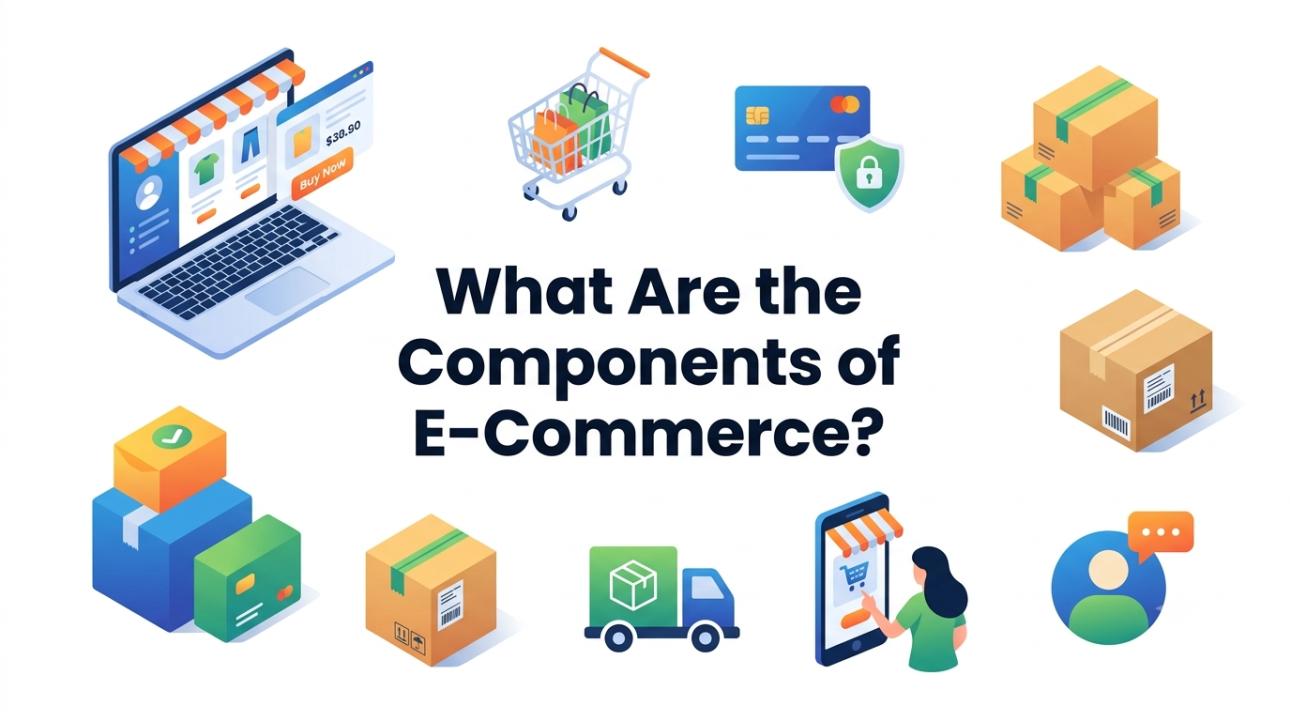
E-commerce is made up of nine core components: a storefront (website or app), a product catalog, a shopping cart and checkout system, a payment gateway, an order management system, shipping and fulfillment, customer support, security layers, and the underlying eCommerce infrastructure that holds everything together servers, hosting, databases, and integrations. Each piece handles a different job in the buying journey, and if even one is weak, the whole experience suffers.
1. The Storefront (Website or App)
This is the part where customers actually see product pages, navigation, search bars, images, and design. A storefront's job is simple to state and hard to execute: make it easy to find a product and easy to trust the brand. Slow load times, confusing menus, or a site that doesn't work on mobile are some of the fastest ways to lose a sale before it even starts.
2. Product Catalog and Inventory Management
Behind every product listing is a catalog system tracking names, descriptions, prices, variants (size, color), and stock levels. Inventory management connects to this catalog so that a store doesn't sell something it doesn't have in stock. Real-time syncing here matters; a mismatch between what's shown online and what's actually on the shelf is one of the most common reasons for canceled orders and unhappy customers.
3. Shopping Cart and Checkout
The cart holds selected items temporarily, while checkout is where the customer commits to buying. This stage is where most abandonment happens; studies consistently show cart abandonment rates hover around 70%. Extra steps, forced account creation, or hidden fees at the last screen are typical culprits. A clean, short checkout with visible pricing tends to convert far better.
4. Payment Gateway and Processing
This is the component that actually moves money. A payment gateway encrypts card or bank details and securely passes them to the payment processor, which communicates with banks to approve or decline the transaction. Multiple payment options cards, digital wallets, buy-now-pay-later reduce friction, but every gateway added also needs to meet strict security standards like PCI-DSS compliance.
5. Order Management System (OMS)
Once a payment clears, the order doesn't just disappear; it needs to be tracked from confirmation to delivery. An OMS coordinates inventory updates, invoicing, returns, and communication with fulfillment teams. Without a proper OMS, businesses often end up manually reconciling orders across spreadsheets, which doesn't scale past a handful of sales a day.
6. Shipping and Fulfillment
This covers everything from warehousing to the courier that drops the package at someone's door. Fulfillment can be handled in-house, outsourced to a third-party logistics provider, or run through dropshipping. Shipping speed and cost transparency directly affect conversion rates. Unexpected shipping costs are one of the top reasons shoppers abandon carts at checkout.
7. Customer Service and Support
Pre-sale questions, post-sale complaints, returns, and refunds all funnel through this component. Live chat, email support, FAQs, and self-service return portals fall under this umbrella. Fast, clear support builds the kind of trust that turns a one-time buyer into a repeat customer.
8. Security
Every component above depends on this one working correctly. SSL certificates encrypt data in transit, PCI-DSS compliance protects payment information, and fraud detection tools flag suspicious transactions before they cause damage. A single security lapse can undo years of built-up customer trust almost overnight.
9. eCommerce Infrastructure
This is the least visible component but arguably the most foundational. eCommerce infrastructure refers to the servers, hosting environment, content delivery networks (CDNs), databases, and APIs that keep a store running smoothly under real-world traffic, including sudden spikes during sales events.
Strong eCommerce infrastructure means fast page load times, minimal downtime, and seamless integration with payment gateways, shipping carriers, and marketing tools. Weak infrastructure, on the other hand, tends to show up as crashes during high-traffic periods, slow checkout processing, or broken integrations between systems that should communicate seamlessly.
How These Components Work Together
None of these pieces function well in isolation. A beautifully designed storefront means little if the payment gateway keeps timing out. A fast checkout is pointless if the order management system loses track of what was actually purchased. Think of it less as separate departments and more as a relay race: each component has to hand off cleanly to the next, and the eCommerce infrastructure is the track they're all running on. When store owners troubleshoot problems, it usually helps to trace the issue back through this chain rather than assuming it's just a "website problem."
Conclusion
Running a successful online store isn't about having one great feature; it's about making sure the storefront, catalog, checkout, payments, order management, fulfillment, support, security, and infrastructure all work in sync. When one link is weak, customers feel it, even if they can't name exactly what went wrong. Understanding these components gives business owners a clearer way to diagnose problems and prioritize fixes, instead of guessing where the friction is coming from.
Frequently Asked Questions
What are the main components of e-commerce?
The main components are the storefront, product catalog, shopping cart and checkout, payment gateway, order management system, shipping and fulfillment, customer support, security, and eCommerce infrastructure.
What is eCommerce infrastructure?
eCommerce infrastructure is the underlying technical foundation servers, hosting, databases, CDNs, and APIs that powers a store's speed, uptime, and ability to connect with payment and shipping systems.
Why do online stores lose customers at checkout?
Most checkout abandonment happens due to unexpected costs, forced account creation, too many steps, or slow page loads, all tied to weaknesses in the checkout and infrastructure components.
What is the difference between an order management system and inventory management?
Inventory management tracks stock levels and product data, while an order management system tracks the lifecycle of a placed order, from payment confirmation through shipping and returns.
Why is security important in e-commerce?
Security protects customer payment data and personal information; a single breach can permanently damage trust and often result in financial or legal consequences for the business.