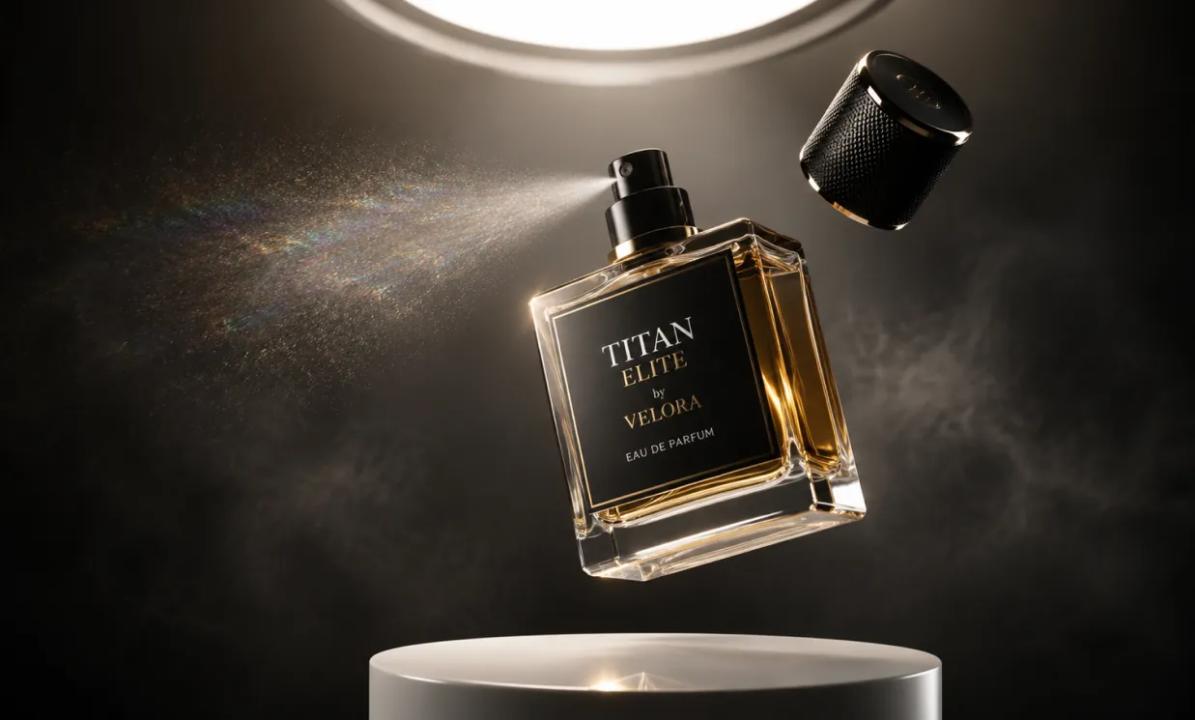
Free GPT Image 2 for product images is most useful when a startup treats generation as one step in a controlled creative workflow. The prompt matters, but the brief, ownership, review sequence, and final approval matter more. Without those pieces, a polished draft can still have the wrong crop, altered packaging, invented claims, or no clear owner.
This guide shows how startup product visuals can move from campaign request to reviewable direction without treating generated images as finished assets.
Start the AI product image workflow with a campaign slot
Do not begin with “make a premium product ad.” Begin with the place where the image must work. A website hero, marketplace tile, paid-social image, and vertical creator frame have different composition needs even when they feature the same product.
Use a small campaign-slot matrix before anyone writes a prompt:
| Campaign slot | Working ratio | Primary job | Space to protect | Review focus |
|---|---|---|---|---|
| Website hero | 16:9 | Establish the offer or category | Headline and CTA area | Crop at desktop and mobile widths |
| Product tile | 1:1 | Make the product easy to identify | Clear edge around the item | Shape, color, label, and shadow |
| Paid social | 4:5 | Stop the scroll and support one message | Copy-safe upper or lower band | Feed crop and visual hierarchy |
| Creator frame | 9:16 | Support a demonstration or reaction | Caption and interface-safe zones | Subject scale and background clutter |
These ratios are planning examples. The point is to make the destination explicit enough to judge the draft.
Turn the request into a versioned creative brief handoff
A good creative brief separates approved product facts from creative choices that can be explored and revised.
Record these fields in a shared document:
- Asset ID and version: a stable name such as
launch-hero-v03. - Destination: the exact campaign slot and working ratio.
- Product truth: approved shape, color, material, label position, and included accessories.
- Message: the single idea the composition should support.
- Composition: subject position, camera distance, crop, and copy-safe area.
- Visual direction: setting, lighting, palette, and material treatment.
- Prohibited additions: prices, awards, badges, claims, packaging, or props that were not approved.
- Source rights: who supplied each reference and whether the team may use it in the selected workflow.
- Owner and approver: the person preparing the draft and the person making the go/no-go decision.
Then translate the approved fields into a prompt. Avoid padding it with unsupported quality language.
Create a 4:5 product-image concept for [campaign slot].
Use the supplied product reference as the visual anchor.
Preserve [approved shape, color, material, label position, and proportions].
Place the product [position and crop] in [approved setting].
Use [light direction and softness].
Keep [specific area] clear for editor-added copy.
Do not add [unapproved claims, badges, prices, packaging, or accessories].
This template cannot guarantee preserved details; review must catch deviations.
Give every handoff one owner and one decision maker
Small teams lose time when everyone can comment but nobody owns the next step. Keep the role model simple:
- Requester: defines the campaign goal and destination.
- Product owner: supplies approved product facts and reference assets.
- Creative operator: prepares the brief, prompt, and version record.
- Reviewer: checks composition, product fidelity, and channel fit.
- Final approver: decides whether the direction may move to design finishing.
One person may hold several roles, but each responsibility should be named. “Reject v03 because the cap shape changed” is more actionable than “This feels off.”
The handoff package should contain the asset ID, references, prompt, ratio, filename, review notes, and next requested change. Keep rejected versions when they document a useful failure.
Review common failure cases before requesting another version
Surface polish can hide serious product-image errors. Diagnose the failure before rewriting the prompt.
The package or label drifts
Stop if the product's shape, proportions, color, label position, or parts change. Compare against the approved source; copy cannot repair a product error.
The composition leaves no usable copy space
An image may look balanced until copy is added. Specify the protected area, subject position, and crop instead of asking for “more impact.”
The scene invents a marketing claim
Remove unapproved badges, prices, awards, review stars, or benefits. Marketing claims require substantiation and approval.
Feedback changes too many variables
If the product, camera, lighting, background, and ratio all change at once, the team cannot tell which instruction fixed the problem. Freeze accepted elements and request a narrow revision:
Keep the product, camera angle, crop, and lighting unchanged.
Remove the two background props and leave the upper quarter clear.
Do not introduce new text or objects.
Use a go/no-go checklist before design finishing
A generated draft should move forward only when a human reviewer can answer “yes” to the relevant checks:
- Does the asset match the named campaign slot and working ratio?
- Are visible product details consistent with approved references?
- Is the copy-safe area genuinely usable at the intended crop?
- Are labels, reflections, edges, hands, and small details acceptable at full size?
- Are all visible claims, prices, badges, and logos approved?
- Are the source asset and planned use covered by the team's rights review?
- Is the selected version recorded with its prompt and review notes?
- Has a named approver accepted the direction for the next production step?
A “go” moves the concept into normal design, retouching, copy, legal, accessibility, and channel review. It is not publication approval.
Where Free GPT Image 2 for product images fits
The UGCMaker page currently presents a prompt field, optional reference-image upload, aspect-ratio choices, and generation controls. Those visible controls map to the brief-and-review workflow described above. They do not establish backend routing, usage allowances, output quality, speed, reliability, or commercial-use rights, and no generation test was performed for this article.
Conclusion
Free GPT Image 2 for product images should sit inside a documented startup process, not replace one. Define the campaign slot, protect product facts, assign ownership, diagnose failures, and require a human go/no-go decision. Teams evaluating a browser-based starting point can Explore UGCMaker’s Free GPT Image 2 workflow after confirming that its current terms and controls fit their intended use.
Disclosure: This educational article contains one promotional link to UGCMaker. No image generation or provider-performance test was performed.