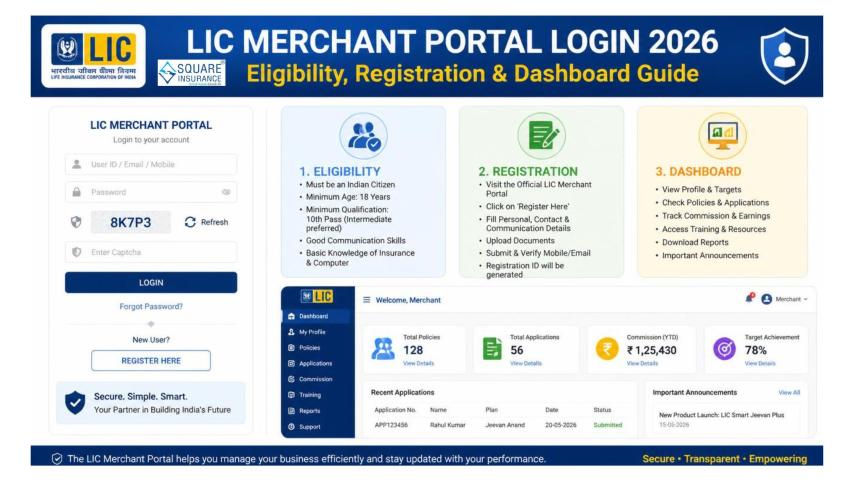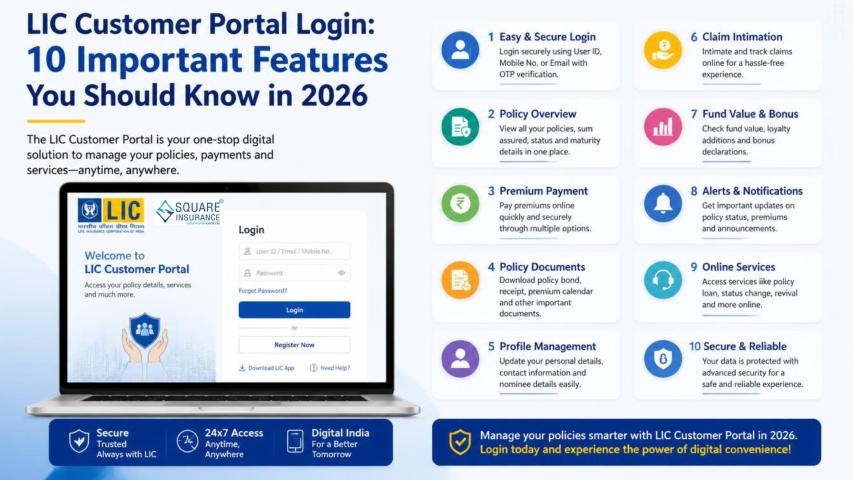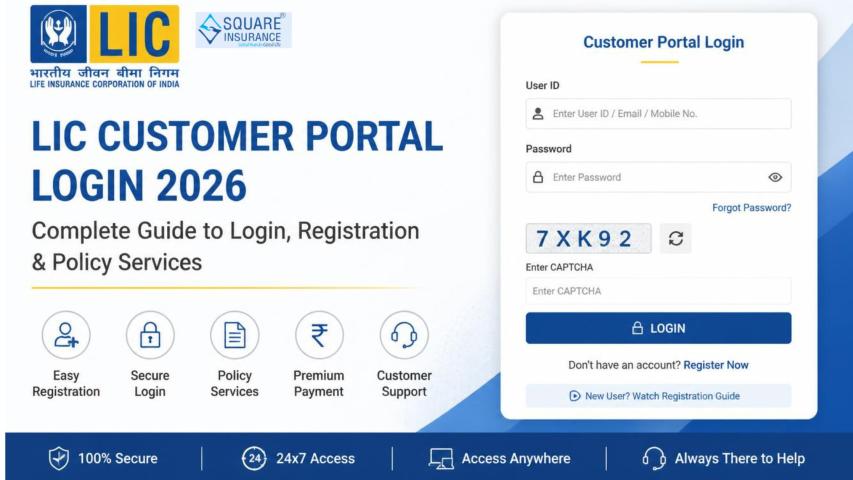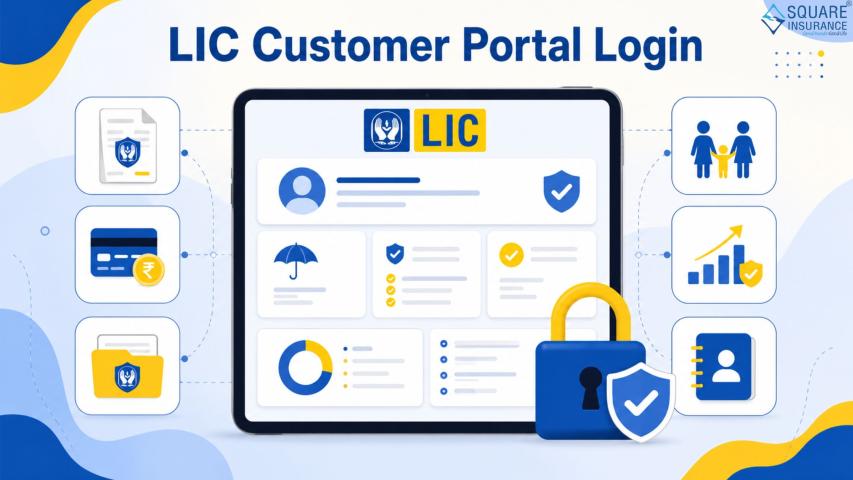
Managing several LIC policies through one online account can make it easier to track premiums, policy status, bonuses, loans, claims and other important information. With LIC Login, registered policyholders can use the LIC Customer Portal to enrol eligible policies and manage them through available online services. LIC's official FAQ specifically instructs registered users to use Basic Services → Add Policy and then enrol their remaining policies.
What Is LIC Customer Portal Login?
The LIC Customer Portal is an online service platform that allows registered policyholders to access various policy-related services. Depending on eligibility, customers can check policy status, premium information, bonus details, loan status, claim history, premium paid certificates and other services online.
LIC's large policyholder base makes digital policy management increasingly important. As of March 31, 2025, LIC reported 26.15 crore individual policies in force and 9.21 crore group insurance policies covering lives.
What You Need Before Adding LIC Policies Online
Before starting the enrolment process, keep the required policy information ready. LIC states that customers should have policy numbers for policies on their own life or the lives of minor children, along with the applicable instalment premium without service tax/GST.
You should also ensure that your personal information matches LIC's records. For initial Customer Portal registration, LIC lists details such as date of birth, mobile number and email ID among the required information.
How to Add and Enrol Multiple LIC Policies Online
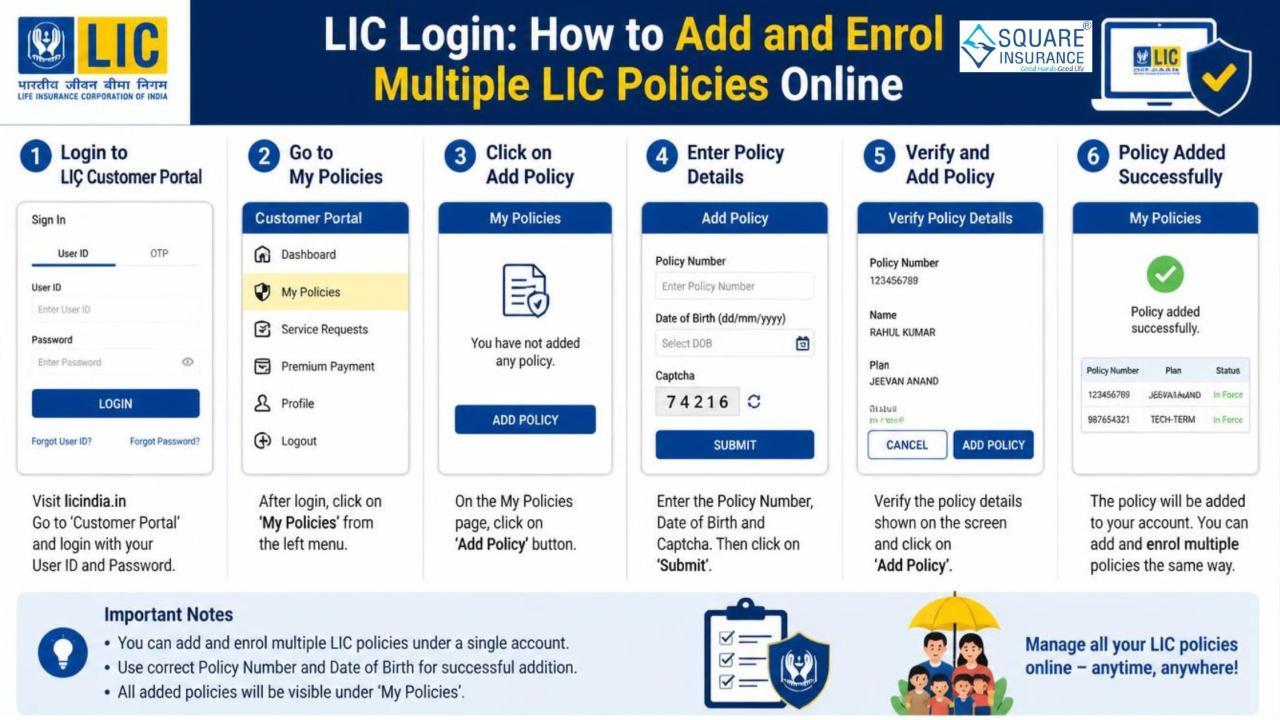
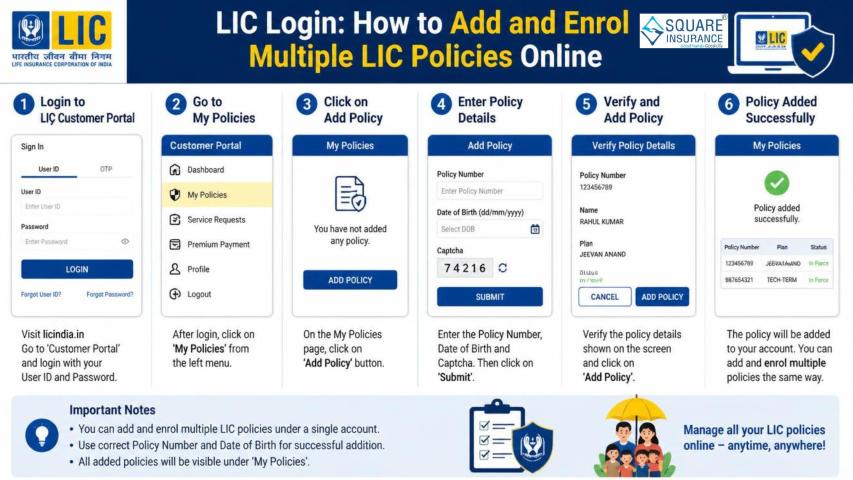
Follow these steps to add eligible policies to your existing LIC Customer Portal account:
Step 1: Open the LIC website
Go to the official LIC website and click on the Customer Portal option.
Step 2: Login to your account
Enter your registered user ID and password to access the Customer Portal.
Step 3: Go to Basic Services
After successful login, open Basic Services from the available portal options.
Step 4: Select “Add Policy”
Choose the Add Policy option to begin enrolling another eligible policy.
Step 5: Enter policy details
Provide the required information for the policy you want to add. Make sure the policy number and premium details are entered accurately.
Step 6: Enrol the remaining policies
LIC's official instructions state that users can enrol all their remaining eligible policies after selecting Add Policy.
Step 7: Verify your policy list
After enrolment, review your account and check whether the policies are appearing correctly under your available online services.
Can You Add Multiple LIC Policies to One Account?
Yes, eligible policies can be enrolled under your Customer Portal account. LIC's registration guidance specifically refers to adding and enrolling policies on your own life and the lives of your minor children.
However, not every policy belonging to another family member can simply be added to your profile. LIC's Customer Portal guidance indicates that policies on a spouse's life require separate registration by the spouse.
This distinction is important when a family has several LIC policies. Instead of assuming that every family member's policy can be combined into one account, check the applicable eligibility and registration requirements.
What Can You Do After Enrolling Your LIC Policies?
Once eligible policies are enrolled, the Customer Portal can make policy management more convenient. Available services may include:
- Checking LIC policy status
- Viewing premium due information
- Checking bonus status
- Viewing loan status
- Checking claim information
- Accessing premium paid certificates
- Viewing policy-related information and documents
- Using other eligible online services
LIC also offers additional Premier Services for eligible policies, including facilities such as online loan requests, address changes and other service requests after the required registration and verification process.
Real Example: Managing Three LIC Policies
Consider Amit, who has three LIC policies purchased at different times. Previously, he had to maintain separate physical records to remember premium dates and policy details.
After creating his LIC Customer Portal account, Amit logs in and uses Basic Services → Add Policy to enrol his remaining eligible policies. Once the policies are successfully enrolled, he can use the available portal services to review information associated with those policies.
This creates a more organised way to monitor multiple policies instead of relying only on physical documents.
4P Framework for Managing Multiple LIC Policies
Use this simple 4P framework:
- Prepare: Keep policy numbers and required premium information ready.
- Profile: Login using your registered Customer Portal credentials.
- Policy: Add and enrol each eligible policy through the appropriate portal option.
- Proof: After enrolment, verify that the correct policies appear in your account.
This approach can reduce data-entry mistakes and help you maintain a clear digital record of your LIC policies.
Common Problems When Adding LIC Policies
- Policy not appearing: Recheck the policy details entered during enrolment and confirm that the policy is eligible for the service.
- Incorrect premium information: Use the instalment premium shown in your policy documents and follow LIC's instructions regarding applicable tax/GST exclusions.
- Family member's policy cannot be added: Eligibility can depend on whose life the policy covers. Policies belonging to a spouse may require separate registration.
- Login problem: If you cannot access your account, LIC provides Forgot User-ID and Forgot Password options on its website. For further portal assistance, LIC lists its portal support channels.
FAQs:- Frequently Asked Questions
Q1. Can I add multiple LIC policies after creating my account?
Yes. LIC's official FAQ instructs registered users to select Basic Services → Add Policy and enrol their remaining eligible policies.
Q2. Can I add my child's LIC policy?
LIC allows policies on the lives of minor children to be registered under the parent's Customer Portal account, subject to its applicable requirements.
Q3. Can I add my spouse's LIC policy to my account?
LIC's guidance indicates that a spouse's policy requires separate registration by the spouse.
Q4. What if my policy is not visible after enrolment?
Check the entered policy details and eligibility. If the issue continues, contact LIC through its official support channels.
Q5. Is LIC Customer Portal available online?
Yes. LIC provides online Customer Portal and other digital services for eligible policyholders. Its current website also promotes MyLIC for managing LIC policies digitally.
Conclusion
LIC Login makes it easier for eligible policyholders to bring multiple LIC policies into one digital management process. By logging into the Customer Portal, selecting Basic Services → Add Policy, and enrolling eligible policies, customers can organise their policy information and access available online services more conveniently.
Before enrolling policies, keep the correct policy details ready and carefully verify the information after adding each policy. For broader insurance guidance and support in understanding policy-related services, square insurance can help you make more informed insurance decisions.