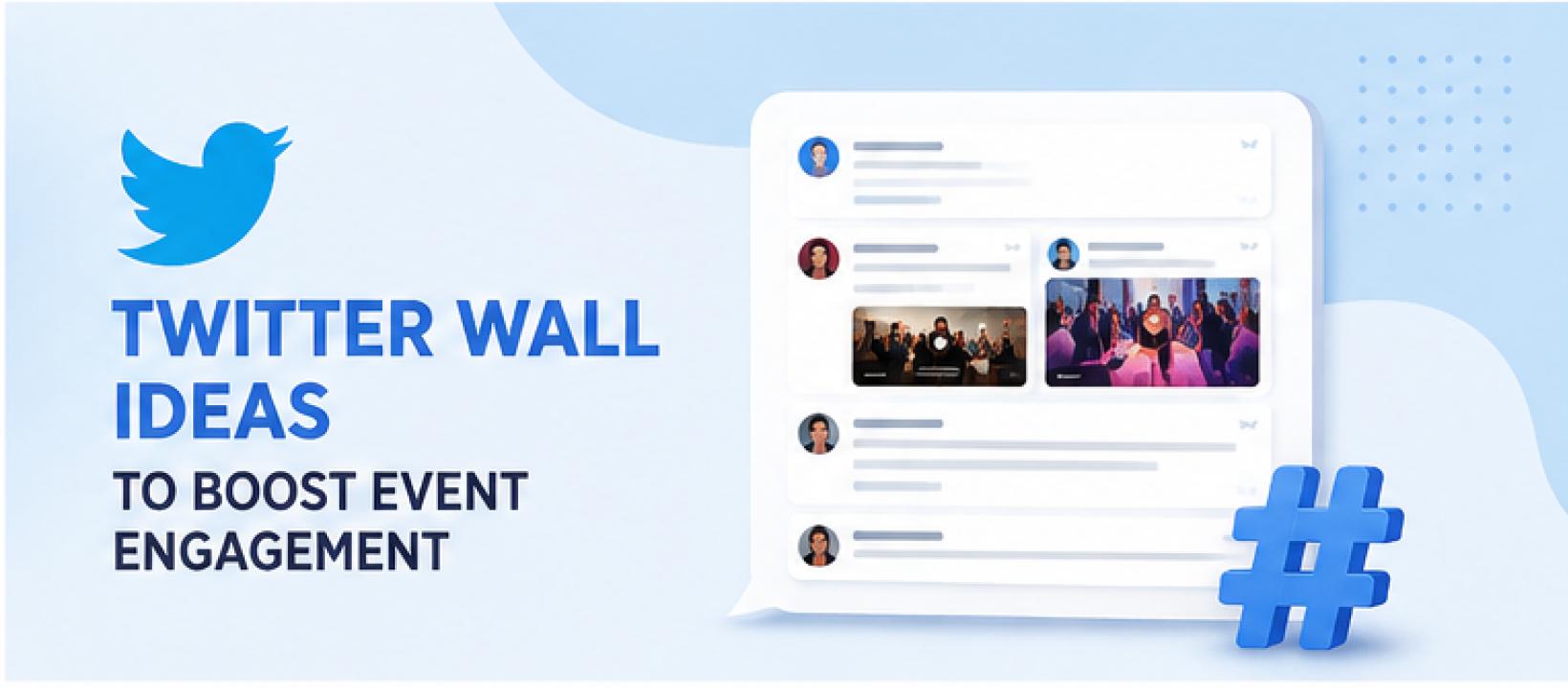
A Twitter Wall can turn an ordinary event screen into a live stream of conversations, photos, questions, reactions, and event updates. Instead of simply displaying tweets, you can use a Twitter wall to give attendees reasons to participate, interact with speakers, connect with other guests, and share their event experiences.
Whether you're organizing a conference, trade show, product launch, corporate event, festival, or brand activation, the right Twitter Wall ideas can make social media an active part of the event experience.
Best Twitter Wall Ideas to Boost Event Engagement
1. Create a Live Event Hashtag Wall
Give your event a dedicated hashtag and display tweets using that hashtag on a large screen. This is one of the easiest ways to turn your event's online conversation into part of the physical experience.
For example, a marketing conference could promote #MarketingSummit2026 and ask attendees to use it whenever they share photos, opinions, quotes, or takeaways.
As attendees see their posts appear on the big screen, others are more likely to join in.
How to make it engaging:
- Keep the hashtag short and easy to remember.
- Display it prominently on the Twitter wall.
- Add it to event badges, banners, presentations, and signage.
- Ask speakers to mention it during their sessions.
- Moderate posts before displaying them.
The key is to promote the hashtag before and throughout the event instead of expecting attendees to discover it themselves.
2. Run a “Best Tweet of the Day” Contest
Turn your Twitter social wall into a friendly competition by asking attendees to share their best event-related tweet.
It could be a funny observation, an interesting takeaway, a memorable quote, or a creative photo.
For example:
“Share your biggest takeaway from today's keynote using #BrandConf2026.”
Display selected entries throughout the day and announce the winning tweet during the closing session.
You can offer event merchandise, a small prize, a discount, or simply recognition. The possibility of being featured on the big screen can itself be a strong incentive.
3. Turn Your Twitter Wall Into a Live Q&A
A Twitter wall can become an additional channel for audience questions during keynote sessions, panels, and workshops.
Create a session-specific hashtag such as #AskJohn and ask attendees to post their questions using it.
The moderator can monitor incoming questions, select the most relevant ones, and display them on the event screen for the speaker to answer.
This works particularly well when:
- The audience is large.
- Attendees are hesitant to ask questions publicly.
- Remote participants are joining the event.
- You want to collect questions before a Q&A session.
It also keeps the Twitter wall connected to what's happening on stage instead of functioning as a separate display.
4. Showcase Speaker Quotes in Real Time
Encourage attendees to tweet memorable quotes from keynote speakers and presenters.
Then highlight the best quotes on your Twitter wall as the session progresses.
You can create a recurring feature such as “Quote of the Session” and select one standout quote after every presentation.
This gives attendees a reason to pay closer attention and share useful moments from the event.
It also creates a running visual summary of the most important ideas being discussed.
5. Create an Attendee Photo Wall
Events naturally generate hundreds of photos. Give those photos a place to be seen.
Ask attendees to share their event pictures using your official hashtag and display selected images on the Twitter wall.
Instead of simply asking people to “post about the event,” give them specific prompts:
- Share your best event selfie.
- Show us your favorite booth.
- Post your networking moment.
- Share your view from the audience.
- Capture your favorite event moment.
Visual content is especially effective on large screens because attendees can recognize themselves and their friends almost instantly.
6. Combine a Photo Booth With Your Twitter Wall
Take the attendee photo idea one step further by placing a branded photo booth near your Twitter wall.
Guests can take photos, add an event-themed frame, share them on Twitter/X using the event hashtag, and potentially see their photos displayed on the big screen.
This creates a simple participation loop:
Take a photo → Share it → Get featured → Encourage others to participate.
You can make it even more engaging by running a contest for the most creative photo or funniest pose.
7. Run a Live Poll on Twitter/X
Use your Twitter wall to turn audience opinions into live event content.
Ask a question related to your presentation, industry, product, or event and invite attendees to respond on X.
For example:
“What's the biggest challenge your marketing team faces today?”
Display the responses or poll results on the screen during the session.
You can then discuss the results with your audience or use them to introduce the next presentation topic.
This makes attendees feel that their opinions are contributing to the event rather than simply being collected for later.
8. Create a Speaker vs. Audience Challenge
Make keynote sessions more interactive by creating a friendly challenge between the speaker and the audience.
Ask the audience a question and collect their responses through Twitter/X.
For example:
“How many of you think AI will replace this task within five years?”
Display the audience responses on the Twitter wall and then reveal the speaker's prediction.
You can repeat this throughout the session with quick questions, predictions, or opinion-based challenges.
This keeps attendees actively involved instead of simply listening to a presentation.
9. Give Sponsors Their Own Twitter Wall Moment
Sponsors usually receive logos, banners, and booth space. A Twitter wall can give them another opportunity to engage with attendees.
Create a dedicated social segment around a sponsor's booth, product, or activation.
For example, ask attendees to visit the sponsor booth, take a photo, and tweet about their experience using the event and sponsor hashtags.
Selected posts can then appear on the Twitter wall.
This transforms sponsorship from simple logo visibility into an activity that encourages actual attendee participation.
10. Create a “Fan of the Hour” Spotlight
Use your Twitter wall to recognize attendees throughout the event.
Every hour, select one attendee whose contribution stands out and feature them as the “Fan of the Hour.”
You could select someone based on:
- The most creative post
- The best event photo
- The most useful takeaway
- The funniest event moment
- The best question
- The most interesting observation
Recognition doesn't always need to involve a prize. Seeing their name and post on a large event screen can create a memorable moment.
It also signals to other attendees that participating can get them noticed.
11. Build a Social Media Leaderboard
Turn social participation into a friendly competition with a Twitter leaderboard.
You could recognize attendees based on their event-related contributions, engagement, contest participation, or creative posts.
For example:
Top Event Contributors
@AttendeeOne
@AttendeeTwo
@AttendeeThree
Keep the focus on meaningful participation rather than simply rewarding people for posting the most.
You can also give additional points for answering questions, sharing useful takeaways, participating in challenges, or creating original content.
12. Create a Networking Twitter Wall
Networking can be difficult, especially when attendees don't know how to start conversations.
Use your Twitter wall to help people introduce themselves.
Ask attendees to post something like:
“I'm attending #MarketingMeetup2026. I work in content marketing and I'm looking to connect with SEO professionals.”
Display selected introductions on the screen.
You can also create networking prompts such as:
- Who are you hoping to meet?
- What are you looking to learn?
- What industry are you from?
- What is your biggest professional challenge?
This gives attendees natural conversation starters and can help them discover people with similar interests.
13. Create a Behind-the-Scenes Twitter Wall
Not everything interesting happens on the main stage.
Encourage attendees, organizers, speakers, and event staff to share behind-the-scenes moments throughout the event.
You could showcase:
- Stage preparation
- Speaker arrivals
- Booth setup
- Backstage activities
- Event crew moments
- Team preparations
- Unexpected event moments
Behind-the-scenes content makes the Twitter wall feel more authentic and gives attendees a glimpse into parts of the event they wouldn't normally see.
14. Create a Product Launch Reaction Wall
If you're launching a product at your event, use the Twitter wall to capture audience reactions immediately.
After revealing the product, ask attendees to share their first impressions using your campaign hashtag.
For example:
“Just saw our new product! What's your first reaction? Tweet it with #NewProductLaunch.”
Display selected reactions on the screen as they come in.
You can also invite influencers, customers, partners, and speakers to share their opinions.
This makes the product launch feel like a shared experience rather than a one-way announcement.
15. End the Event With a Social Media Recap
Don't let your Twitter wall stop being useful when the final session ends.
Create a “Best of the Event” segment using the best tweets, photos, quotes, reactions, and memorable moments collected throughout the day.
You can organize the recap into categories such as:
- Best photo
- Best tweet
- Best speaker quote
- Best attendee moment
- Funniest post
- Best takeaway
- Most memorable moment
Display the recap during the closing session or final celebration.
It gives attendees one last opportunity to see themselves and their contributions on the big screen while creating a memorable ending to the event.
How to Get More Engagement From Your Twitter Wall
A Twitter wall alone won't automatically make people post. You need to give attendees a clear reason to participate.
Start promoting your event hashtag before the event through registration emails, social posts, tickets, badges, presentations, and event signage.
During the event, use specific prompts instead of generic messages like “Tweet about our event.”
For example:
“Want to appear on the big screen? Share your best event moment using #YourEvent.”
You can also announce contests, recognize participants, ask questions, and create challenges throughout the event to keep the feed active.
Most importantly, moderate the content before displaying it publicly. A moderated Twitter wall helps ensure that only relevant and appropriate posts appear on your event screens.
Final Thoughts
A Twitter Wall can be much more than a screen displaying tweets. With the right strategy, it can become an active engagement channel throughout your event.
From live Q&As and hashtag contests to photo booths, networking challenges, speaker interactions, sponsor activations, and social media recaps, there are plenty of ways to give attendees a reason to participate.
The most important thing is to create an activity around your Twitter wall instead of simply putting a feed on a screen. Give people something to share, make participation easy, and recognize the contributions that make your event conversation worth following.
That is what turns a Twitter wall from a digital display into an actual event engagement tool.