This isn't a hot take on AI. It's a field report on how we migrated our image pipeline in one weekend, what the new generation of models actually changed for us, and the checklist we'd hand to any small team facing the same deadline.
The situation
Our product makes social media visuals for online sellers — product shots, promo banners, seasonal posts. We generate around 40,000 images a month, which sounds impressive until you remember it's two founders, one of whom still handles support tickets.
DALL·E 3 had been "fine" for two years. Fine quality, fine latency, fine pricing. We had no reason to touch it, which is exactly why the deprecation email stung: the model we hadn't optimized around was gone, and our fallback plan was a blank document.
Step 1: Test prompts before touching code
The biggest mistake we could have made was rewriting our API layer first and evaluating quality later. Instead, we did it backwards, and it saved us real money.
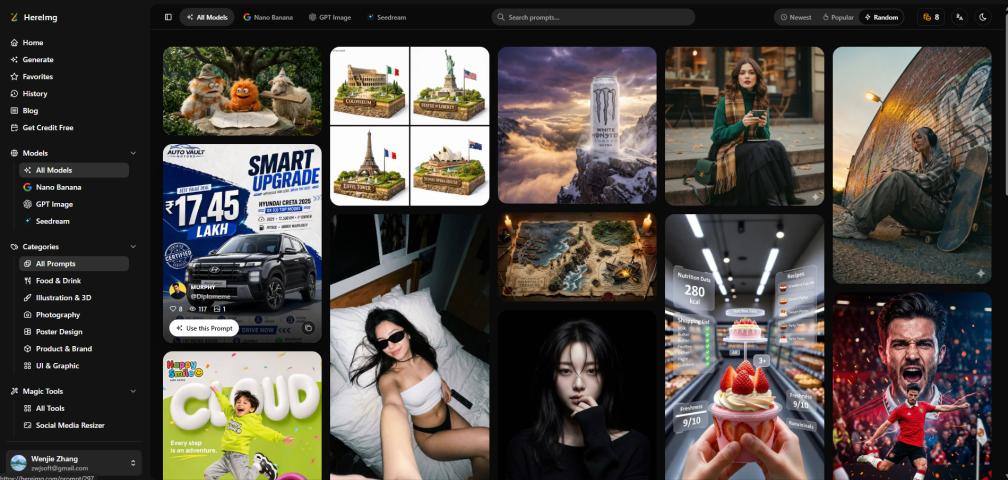
On Friday evening, we replayed our 50 most common prompts against the new models in a browser playground instead of burning API credits on trial-and-error. There are several free ones around; the one we kept returning to was this gpt image 2.5 tool, mostly because it exposes both model variants side by side and doesn't require a card to start.
That one evening paid for itself. Roughly a third of our prompts needed rewriting — the new models follow instructions more literally, which sounds like a compliment but isn't when your prompts were written to accommodate a lazier model. Phrases like "make it look professional" that DALL·E 3 politely ignored now produced literal, sometimes bizarre interpretations. We cut vague adjectives, added explicit composition instructions, and re-tested.
Step 2: Understand that "the new model" is actually two models
The confusing part of this generation is that GPT Image 2.5 ships as two distinct API models, and picking wrong costs you either latency or quality:
- GPT Image 2.5 Flare is the speed-optimized model. Quality is comparable to GPT Image 2, but latency drops by up to 50%. OpenAI positions it as the default for most applications — high-volume generation, social content, rapid prototyping.
- GPT Image 2.5 Sunburst is the quality-optimized model, producing better results than GPT Image 2 with longer generation times. It's aimed at production creative work where editing precision matters.
Our rule after testing: Flare for the 90% of requests that are "good enough is good," Sunburst for the paid tier where customers zoom in. Most teams probably only need Flare, and honestly, we nearly shipped Sunburst everywhere out of launch-week enthusiasm before the latency numbers talked us down.
Step 3: Run the boring checklist
The things that actually broke during migration weren't the glamorous ones:
- Text rendering. The new models render in-image text dramatically better, which meant our old "keep text short and pray" workarounds became unnecessary — but also meant our templates needed re-testing, since text now actually appears where you put it.
- Transparent backgrounds. Supported via PNG and WebP output, but you must explicitly set the background parameter. Our old pipeline assumed JPEG defaults everywhere; we shipped one night of broken overlays before catching it.
- Resolution. The API now goes up to 4K (3840×2160 landscape, 2160×3840 portrait) plus 2K squares. We upgraded our banner sizes for free — a feature we'd previously faked with upscaling.
- Quality tiers.
qualitynow spanslowtomaxwithxhighin between. We mapped our old three tiers onto the new scale and cut costs on background-removal->low where nobody could tell. - Snapshot pinning. Both models have dated snapshots (
-2026-09-08). After this experience, we pin snapshots in production and only update deliberately. Never again will a silent model update change our output mid-quarter.
The results
By Sunday night, the migration was done: Flare in production, Sunburst behind a flag for premium users. Median latency dropped roughly 40%, image quality complaints in support went down noticeably in the first week, and — the part I still can't quite believe — our per-image cost went down, because the quality tiers let us stop paying premium prices for images nobody scrutinizes.
What we'd tell other small teams
- Deprecations are a feature of the API economy, not a bug. Build an abstraction layer over your image provider from day one, even if it feels like over-engineering. Ours took four hours to write and saved the business.
- Evaluate in a playground, not in production. Prompt rewrites are where migrations actually happen. Do them where iterations are free.
- Ship the fast model, gate the premium one. Users notice latency far more than they notice the last 10% of quality.
- Pin your snapshots. Write it on a sticky note. Future you is begging you.
The whole thing was a reminder that "boring infrastructure dependency" and "existential weekend crisis" are the same thing at our scale. If your stack still calls a deprecated model, this is your sign — the next deprecation email won't be kinder than this one was.