PDFs are still one of the most common formats used in education. Lecture slides, textbooks, research papers, assignments, study guides, and exam materials are frequently distributed as PDF files.
The problem is that many popular PDF readers are designed as general-purpose document tools. They can handle everything from contracts and forms to signatures and business documents, but that often means students end up with complicated interfaces and features they rarely need.
BlazePDF takes a different approach.
BlazePDF is a PDF reader and annotation tool designed specifically around studying and working with academic materials.
You can explore it here: https://blazepdf.app
A PDF Reader Focused on Studying
BlazePDF provides a focused workspace where students can read and annotate their study materials without unnecessary distractions.
The annotation toolkit includes highlighting, drawing, text boxes, shapes, arrows, lines, images, and other tools commonly needed when reviewing educational content.
Colors, widths, and opacity can be customized, allowing students to develop their own annotation system. For example, different colors can be used for definitions, formulas, important concepts, questions, or topics that require additional revision.
Faster Annotation With Keyboard Shortcuts
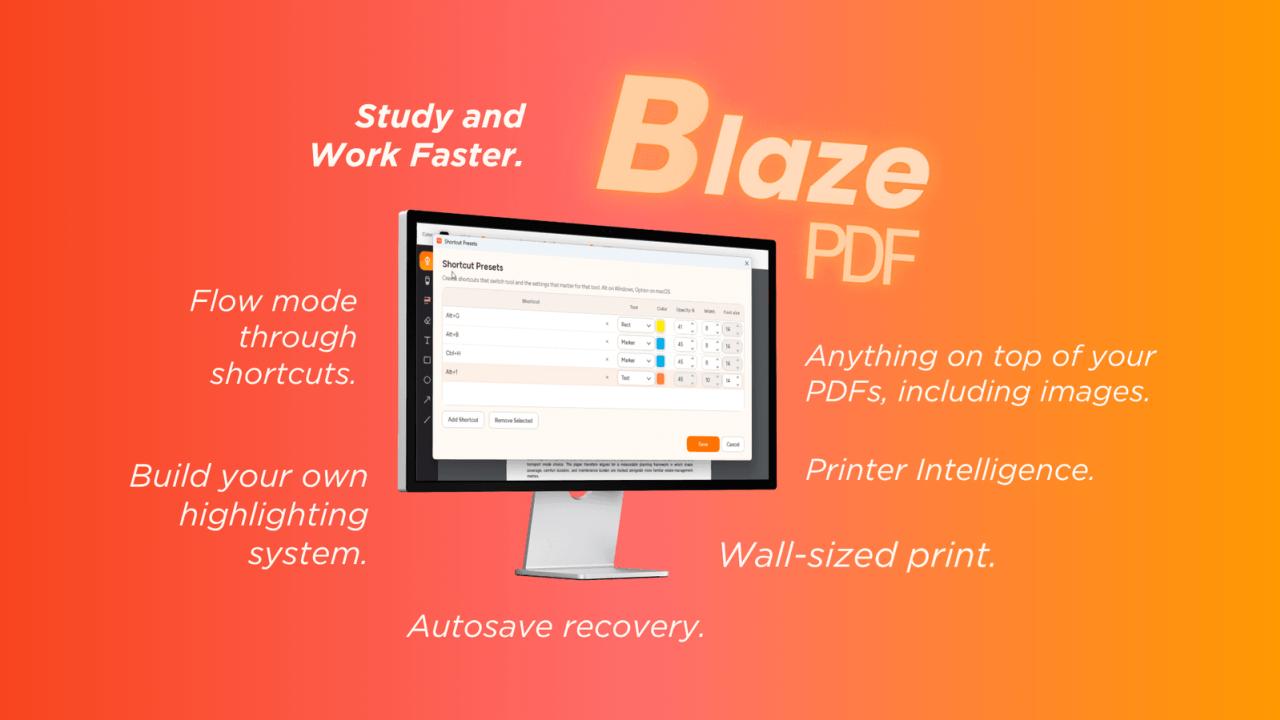
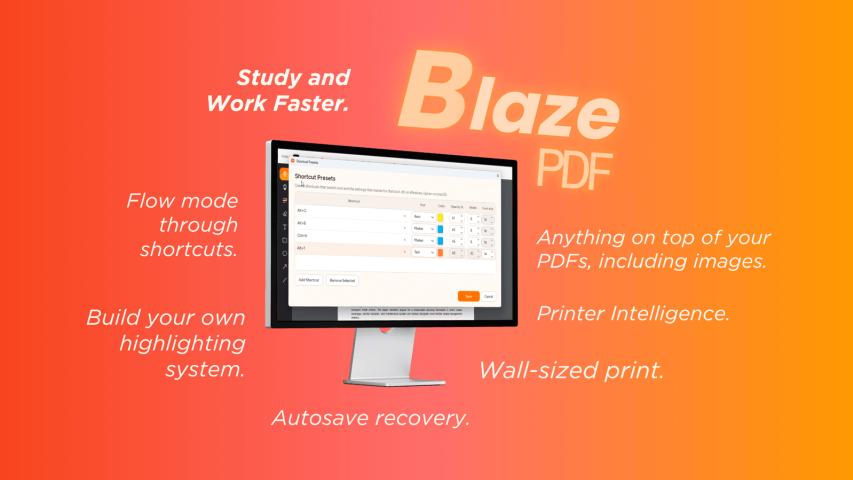
One of the core features of BlazePDF is customizable keyboard shortcuts.
Instead of repeatedly opening menus to select a highlighter, change its color, adjust its width, and return to the document, users can create presets for the annotation >
This can make a significant difference when working through large documents.
A student reviewing hundreds of lecture slides could have separate shortcuts for important information, definitions, potential exam questions, and content that needs additional research.
The goal is simple: spend less time interacting with the PDF software and more time studying the actual material.
Add More Than Just Annotations
BlazePDF also provides tools for expanding existing PDF documents.
Images such as diagrams, screenshots, charts, formulas, and reference materials can be inserted directly onto PDF pages and resized or repositioned as required.
Additional pages can also be added to documents. This provides extra space for calculations, summaries, explanations, diagrams, or additional notes without requiring a separate note-taking application.
Local-First PDF Reading
Privacy was another important consideration when designing BlazePDF.
Core PDF functionality works locally on the user's computer. Opening documents, reading PDFs, adding annotations, searching native PDF text, and exporting files do not require students to upload every document to an external server.
The core desktop PDF reader can also be used without creating an account.
For students working with personal notes, university materials, research documents, or other files they would prefer to keep on their own device, this provides a straightforward alternative to fully cloud-dependent PDF tools.
Tools for Printing PDFs
Digital studying is convenient, but sometimes printing a document is still the better option.
BlazePDF includes Smart Duplex, a feature designed to help users print double-sided PDFs even when their printer does not support automatic duplex printing.
Another feature, Poster Enlargement, allows a large PDF page or diagram to be divided across multiple sheets of paper. This can be useful for large charts, diagrams, reference sheets, and other visual study materials.
Making Scanned Materials Searchable
Not every study document starts as a digital PDF.
Students often have handwritten notes, scanned worksheets, photographs of textbook pages, or older documents where the text cannot normally be searched.
BlazePDF is expanding into AI-powered OCR functionality designed to make these materials searchable and easier to reuse.
Combined with its broader study tools, this can help bring digital PDFs, scans, photographs, annotations, and handwritten materials into a more unified workflow.
Who Is BlazePDF For?
BlazePDF is primarily designed for students, but it can also be useful for researchers, teachers, academics, and anyone who regularly reads and annotates large numbers of PDF documents.
It combines the functionality of a PDF reader, PDF annotator, study tool, and lightweight document workspace without trying to become an oversized general-purpose PDF suite.
The focus is on making common academic PDF workflows faster and more convenient.
If you regularly study from PDFs, review lecture slides, annotate research papers, or prepare for exams using digital documents, you can check out BlazePDF here:
Feedback is always welcome, particularly from students and developers interested in productivity, education, and better document workflows.