In the world of computers and digital communication, data must travel accurately from one location to another. Whether you are transferring files between storage devices, downloading software from the internet, reading information from a hard drive, or communicating across a network, even a small change in data can cause serious problems. To help detect these unwanted changes, computer systems use various error-detection techniques. One of the most widely used methods is Cyclic Redundancy Check (CRC).
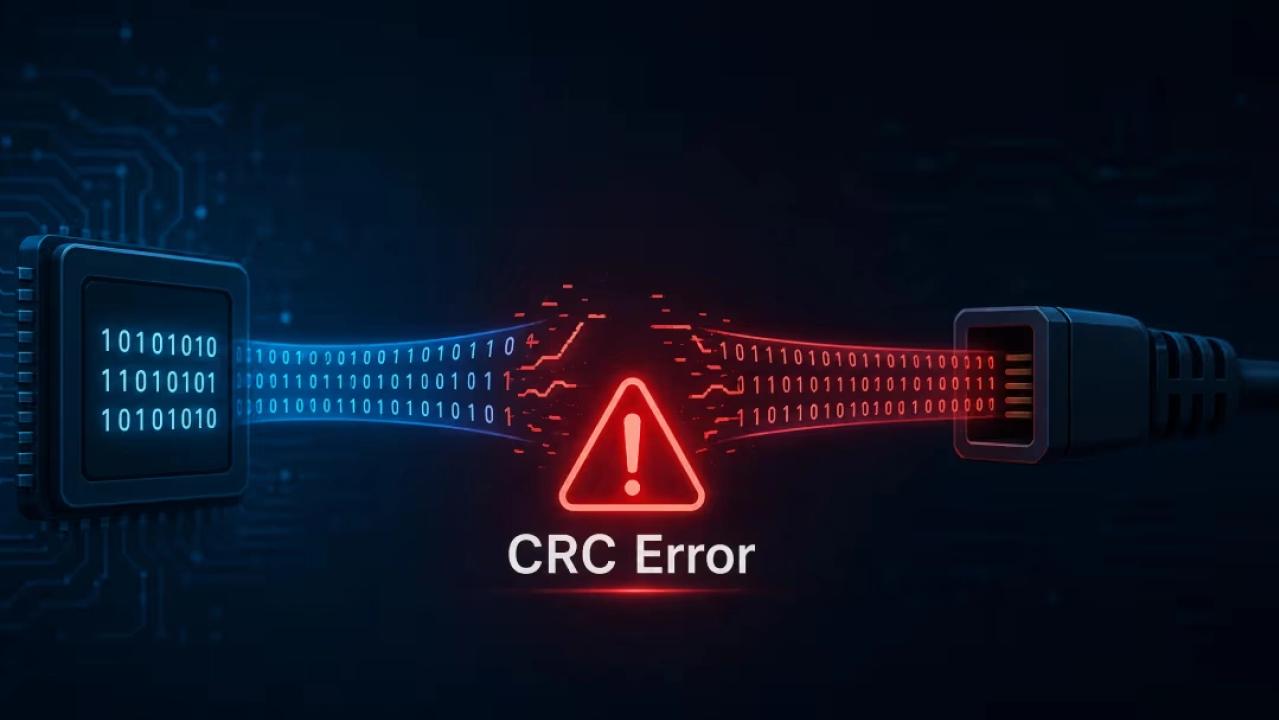
A CRC error occurs when the data received or read by a system does not match the original data according to the CRC value calculated for it. In simple terms, the computer expects the data to have a particular digital fingerprint, but the fingerprint it calculates does not match the stored or transmitted value. This usually indicates that the data has been corrupted, damaged, or incorrectly transferred.
Understanding CRC errors is important for anyone working with computers, storage devices, networking, or digital data. This article explains what a CRC error is, how CRC works, what causes these errors, where they commonly occur, and how they can be addressed.
What Is CRC?
CRC stands for Cyclic Redundancy Check. It is an error-detection technique used to determine whether digital data has been accidentally changed during storage or transmission.
When data is created or transmitted, a mathematical calculation is performed on that data. The result of this calculation is known as the CRC value, or checksum. This value is stored or transmitted along with the original data.
When the data is later received or accessed, the system performs the same calculation again. It then compares the newly calculated CRC value with the original value.
1. Damaged Storage Devices
There are two possible outcomes:
If the CRC values match, the data is assumed to be intact.
If the CRC values do not match, the system reports a CRC error.
CRC does not normally repair corrupted data. Its primary purpose is to detect errors so that the system can reject damaged data, request retransmission, or notify the user.
How Does a CRC Error Occur?
A CRC error occurs when data becomes different from its original form. Even a small alteration in the data can result in a different CRC value.
For example, imagine that a computer receives a file containing thousands or millions of bits. During transmission, one or more bits may be accidentally changed because of electrical interference, a damaged cable, a failing storage device, or another technical problem.
The receiving system calculates the CRC for the data it received. Because the data is no longer identical to the original, the calculated CRC does not match the expected CRC.
The system therefore identifies the data as corrupted and generates a CRC error.
This process is particularly useful because computers handle huge amounts of binary information. Checking every bit manually would be impractical. CRC provides a fast mathematical method for detecting many types of accidental data corruption.
Common Causes of CRC Errors
CRC errors can have several causes. The specific cause often depends on where the error occurs.
One of the most common causes of CRC errors is a failing or damaged storage device. Hard disk drives, external drives, USB drives, memory cards, and optical media can develop bad sectors or physical damage.
When a computer attempts to read corrupted information from such a device, the data may fail its CRC verification.
Repeated CRC errors from the same storage device should be taken seriously because they can indicate hardware deterioration.
2. Faulty or Damaged Cables
In networking and data-transfer environments, cables play an important role in maintaining data integrity. A damaged Ethernet cable, SATA cable, USB cable, or other connection can cause data transmission problems.
Electrical interference, loose connections, damaged connectors, and poor-quality cables can contribute to corrupted data and CRC errors.
3. Network Transmission Problems
Data traveling across a network can encounter interference, packet corruption, congestion, or hardware-related problems. Network protocols commonly use checksums or CRC-based mechanisms to identify corrupted packets.
If a packet fails its integrity check, it may be discarded and retransmitted depending on the protocol being used.
4. Corrupted Downloads
CRC errors can also occur when downloading files. If the downloaded file becomes corrupted during transmission or storage, its checksum may not match the expected value.
This is why software distributors and file-sharing platforms sometimes provide checksum values such as CRC, MD5, SHA-1, or SHA-256. Users can calculate the checksum of their downloaded file and compare it with the published value.
5. Physical Damage to Optical Media
CDs, DVDs, and similar media can develop scratches, dirt, or physical deterioration. When the optical drive cannot accurately read the stored information, the resulting data may fail its integrity check and produce a CRC error.
Older optical discs are particularly vulnerable to this type of problem.
6. Memory and Hardware Problems
Although less common, faulty computer hardware can also contribute to data corruption. Problems involving memory, storage controllers, or other components can cause data to be incorrectly processed or transferred.
If CRC errors occur across multiple unrelated devices and files, investigating the broader hardware environment may be appropriate.
Where Are CRC Errors Commonly Found?
CRC errors can appear in many different situations.
Hard Drives and External Drives
When reading files from a damaged sector, a computer may display an error indicating that the data error occurred during a CRC check. This can prevent a file from opening or being copied.
USB Drives and Memory Cards
Portable storage devices are frequently moved between computers and devices. Physical damage, unsafe removal, aging flash memory, or filesystem problems can contribute to corrupted data.
File Extraction
Compressed archives such as ZIP or RAR files may contain CRC information. During extraction, the software can verify the integrity of individual files. If the extracted data does not match the expected CRC, the software may report a CRC error.
Networking
Network equipment and communication protocols use error-detection mechanisms to identify corrupted packets. CRC is particularly common in lower-level networking technologies because it is efficient for detecting transmission errors.
Software Installation
A damaged installation file can sometimes result in CRC-related errors during installation. The installer may detect that one or more files do not match the expected data.
CRC Error vs. Checksum
CRC is a type of error-detection mechanism, but it is not exactly the same as every type of checksum.
Both CRCs and checksums are designed to detect accidental changes in data. However, they use different mathematical methods and have different error-detection properties.
A simple checksum may involve adding groups of data together and storing the resulting value. CRC algorithms generally use polynomial division over binary data. This allows CRCs to detect many common transmission errors efficiently, particularly patterns such as burst errors.
Modern systems may use stronger cryptographic hash functions, such as SHA-256, when they need a mechanism that is suitable for file verification or security-sensitive applications.
Therefore, the appropriate integrity-checking method depends on the specific purpose of the system.
How to Troubleshoot a CRC Error
The correct solution depends on the source of the error. If a CRC error occurs while accessing a storage device, users should first consider whether the device contains important data.
Check the Connections
If the problem involves an external drive or network device, check the cable and connectors. Try a different cable or port if available.
Try the File or Device on Another System
Testing the same file or storage device on another computer can help determine whether the problem is related to the original computer or the data itself.
Re-download the File
If a CRC error occurs with a downloaded archive or installer, downloading the file again may resolve the problem. A second download that works correctly suggests that the original copy may have been corrupted.
Check Storage Health
For recurring CRC errors on a hard drive or other storage device, examine the device's health and error information using appropriate diagnostic tools. If the device is showing signs of failure, important data should be backed up as soon as possible.
Use Data Recovery Tools Carefully
If important files are stored on a damaged drive, repeatedly attempting to copy or repair the drive can sometimes place additional stress on failing hardware. In serious cases, creating a backup or disk image before performing extensive repair operations can be a safer approach.
How to Prevent CRC Errors
Although not every CRC error can be prevented, several practices can reduce the risk of data corruption.
First, maintain regular backups of important files. A backup is especially important when storing valuable information on aging or portable devices.
Second, use reliable cables and properly maintain storage hardware. Avoid bending cables excessively, exposing devices to extreme conditions, or disconnecting storage devices while data is being written.
Third, download software and files from trustworthy sources. When checksum information is provided, verifying the downloaded file can help confirm that it has not been corrupted.
Finally, monitor storage devices for unusual behavior. Increasing numbers of read errors, slow performance, disappearing files, or repeated CRC errors can indicate that a storage device requires attention.
Conclusion
A CRC error is an indication that data has failed an integrity check. It generally means that the data read or received by a computer is different from what was originally expected. CRC technology is widely used because it provides a fast and effective way to detect accidental corruption in stored and transmitted data.
CRC errors can result from damaged storage devices, faulty cables, network problems, corrupted downloads, physical media damage, or other hardware and transmission issues. The appropriate response depends on the circumstances. A simple re-download may solve a corrupted file, while repeated errors from a hard drive may indicate a more serious hardware problem.
Understanding CRC errors helps users recognize potential data-integrity problems before they become larger issues. Most importantly, regular backups, reliable hardware, careful data handling, and appropriate diagnostic procedures can reduce the impact of data corruption and help protect important information.