In today’s enterprise environments, identity and access management are central to protecting corporate resources from unauthorized access. As organizations strive for granular control over user access, integrating powerful identity solutions becomes essential. One such combination is Cisco Identity Services Engine (ISE) and Microsoft Active Directory (AD)—a widely adopted synergy in enterprise security.
Whether you're an IT administrator setting up authentication services or a network professional aiming to enhance your security architecture, understanding how these platforms interact is key. This is a core topic covered in many Cisco ISE training programs, where learners are taught how to seamlessly link Cisco ISE to AD for centralized identity validation and policy enforcement.
Why Integrate Cisco ISE with Active Directory?
Microsoft Active Directory is the most commonly used directory service in enterprise networks. It stores user credentials, group memberships, and policy details that are essential for authentication and authorization.
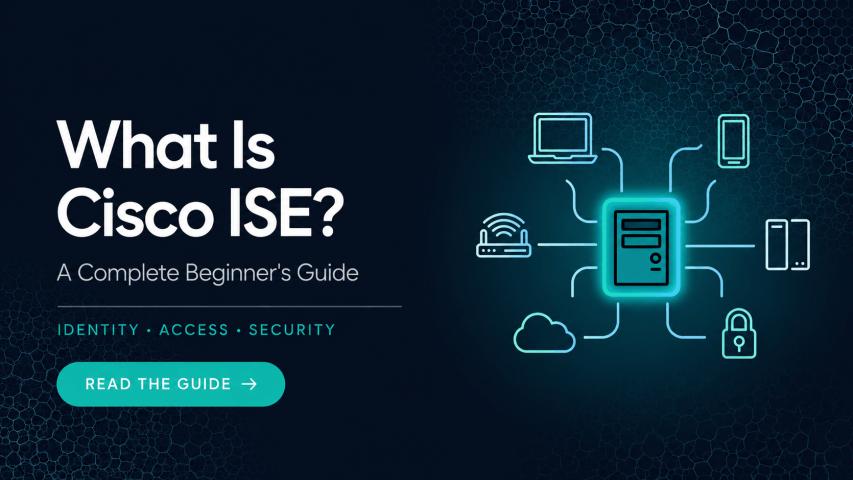
Cisco ISE, on the other hand, is a powerful network access control solution that uses identities to enforce security policies. By integrating Cisco ISE with Active Directory, organizations can:
Authenticate users against a central directory
Apply group-based access policies
Enable role-based network segmentation
Improve compliance and auditability
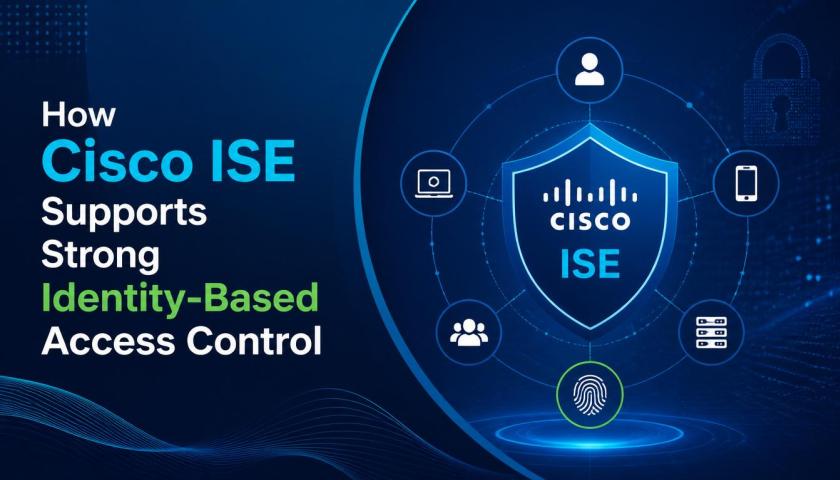
This integration ensures users can access the right network segments, applications, and data based on their roles—without requiring redundant identity stores or manual provisioning.
Components Involved in the Integration
To better understand the integration process, it’s useful to break down the key components involved:
Cisco ISE Policy Services Node (PSN): Handles authentication requests and policy evaluations.
Active Directory Domain Controller (DC): Authenticates user credentials and responds to directory queries.
Authentication Protocols: Cisco ISE supports EAP, PEAP, MSCHAPv2, and others when validating against AD.
ISE Node Certificates: Secure communication and ensure trust between ISE and AD.
Steps to Integrate Cisco ISE with Active Directory
The integration is designed to be straightforward but does require proper planning and permissions. Below is a general overview of the steps involved:
1. Join Cisco ISE to the AD Domain
Navigate to Administration > Identity Management > External Identity Sources > Active Directory
Click Join and provide domain name, organizational unit (OU), and credentials with permission to join domain computers.
2. Configure AD Groups in ISE
Once joined, Cisco ISE can query available groups.
Select relevant security groups (e.g., IT_Staff, Contractors, Guests) for use in policy decisions.
3. Set Up Identity Sources Sequences
Create identity source sequences that prioritize AD for user identity validation.
This is useful when combining local ISE users with AD users.
4. Create Authorization Policies Based on AD Attributes
Use AD group memberships and user attributes to craft flexible policies.
For example:
Users in “IT_Staff” get full access
Users in “Guests” are redirected to a captive portal
5. Test and Monitor Authentication Logs
Use the Operations > RADIUS > Live Logs section to monitor authentication flows and policy results.
Troubleshoot failed authentications by reviewing log entries and AD group matches.
Use Cases for AD Integration with Cisco ISE
The real value of this integration shines through in practical use cases:
Employee Access Control: Grant or deny access based on job role, department, or group membership.
Guest Access Management: Authenticate temporary users or contractors against limited AD accounts.
Wireless and VPN Access: Apply 802.1X or VPN policies depending on AD authentication outcomes.
Security Compliance: Ensure only authorized users access sensitive parts of the network.
These use cases enable organizations to meet both security and usability goals without compromising one for the other.
Best Practices for a Secure and Stable Integration
To ensure a seamless and secure integration between Cisco ISE and Active Directory:
Use Service Accounts: Create a dedicated AD service account with minimal permissions for domain join and group queries.
Time Synchronization: Ensure both Cisco ISE and AD are synced with a reliable NTP source.
Redundancy: Integrate multiple domain controllers for failover.
Certificate Validation: Use trusted certificates for all ISE nodes to secure authentication and communication.
These steps not only improve operational stability but also align with enterprise security frameworks.
Troubleshooting Common Integration Issues
Here are some common errors and how to resolve them:
Join Failure: Ensure DNS resolution works and that the ISE appliance can reach the domain controller.
Group Fetch Failure: Confirm that the ISE service account has read access to the directory tree.
Policy Misfire: Check for group name mismatches (case-sensitive) in authorization rules.
Always use the diagnostic tools available in the Cisco ISE GUI for live testing and verification.
Conclusion
Integrating Cisco ISE with Active Directory empowers organizations to enforce identity-based network access policies across wired, wireless, and VPN environments. It eliminates silos in identity management and provides a centralized, scalable approach to user authentication and authorization.
As enterprise networks evolve toward zero trust and identity-first security models, mastering this integration becomes crucial. Whether you're deploying Cisco ISE for the first time or refining an existing setup, in-depth knowledge of AD integration is essential. Enrolling in Cisco ISE training will ensure you gain practical, hands-on experience and stay ahead in a security-driven world powered by Cisco ISE.