Samsung's Current USB Standard
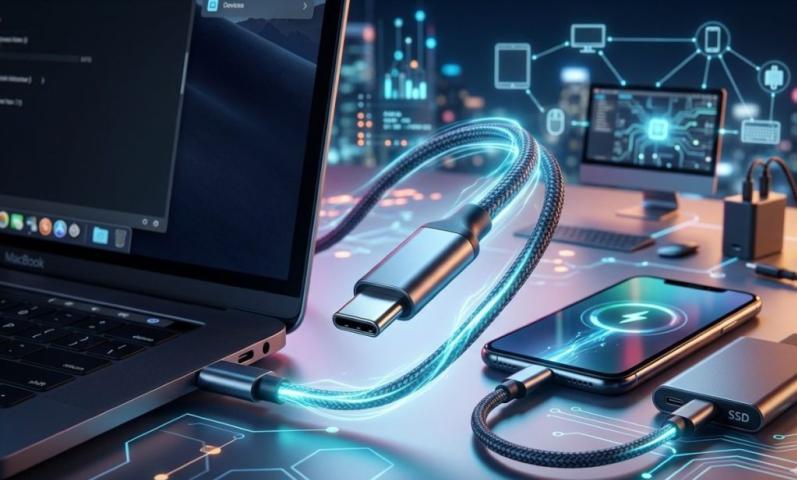
Samsung uses USB-C ports on all their new phones and tablets. This means most Samsung devices from 2019 onwards have the USB-C connector. USB-C is the modern standard that makes charging faster and data transfer quicker.
If you bought a Samsung phone recently, it likely has USB-C. This includes popular models like Galaxy S23, Galaxy S22, and Galaxy Note series. Samsung switched to USB-C because it works better than older USB types.
Older Samsung Devices and Micro USB
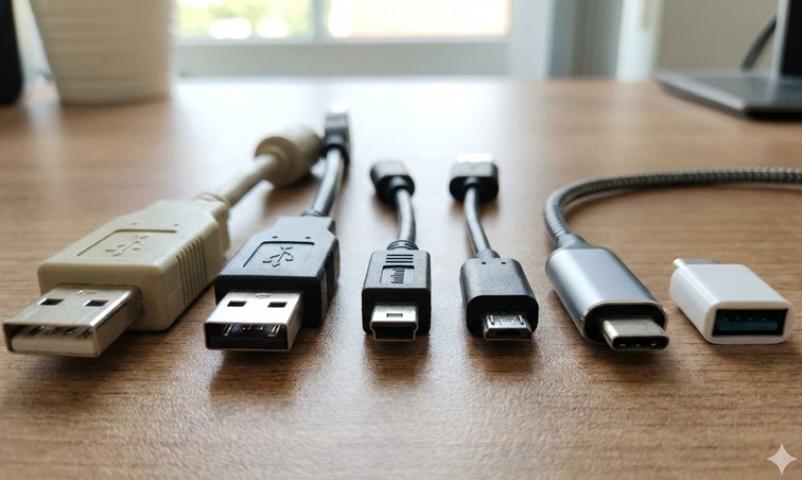
Many older Samsung phones use micro USB ports instead. If you have a Samsung phone from 2018 or earlier, it probably has micro USB. These older devices need a micro usb adapter if you want to use newer USB-C cables.
Micro USB was the standard before USB-C became popular. Samsung used micro USB for many years on their Galaxy phones. Some budget Samsung phones still use micro USB today.
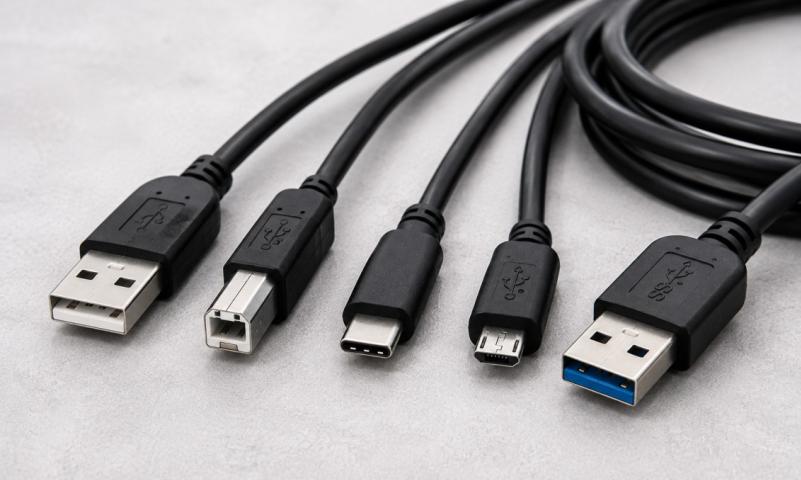
You can tell the difference easily. Micro USB ports are smaller and have a flat, rectangular shape. USB-C ports are oval-shaped and slightly bigger.
Why Samsung Switched to USB-C
Samsung made the switch to USB-C for good reasons. USB-C charges phones much faster than micro USB. It also transfers files between devices quicker.
USB-C cables work both ways too. You don't need to flip them around to plug them in correctly. This makes USB-C much easier to use than micro USB.
The new standard also supports better features. USB-C can connect to bigger screens and transfer video signals. This lets you connect your Samsung phone to monitors and TVs more easily.
Samsung Galaxy Series and USB Types
The Samsung Galaxy S series switched to USB-C starting with the Galaxy S8 in 2017. Every Galaxy S phone since then uses USB-C. This includes Galaxy S9, S10, S20, S21, S22, and S23 models.
Galaxy Note phones also use USB-C. The Galaxy Note 8 was the first Note phone with USB-C. All newer Note phones have this connector type.
Samsung's tablet lineup uses USB-C too. Galaxy Tab models from recent years have USB-C ports. This makes it easy to use the same charger for your phone and tablet.
Budget Samsung Phones and USB Types
Some cheaper Samsung phones still use micro USB. Models like Galaxy A10, A20, and older J-series phones have micro USB ports. Samsung keeps micro USB on budget phones to keep costs low.
However, newer budget phones are switching to USB-C too. Recent Galaxy A-series phones like A50, A70, and A80 use USB-C. Samsung is slowly moving all their phones to USB-C.
If you're buying a new Samsung phone, check which USB type it uses. Most new Samsung phones use USB-C, but some budget models might still have micro USB.
What This Means for Samsung Users
Samsung primarily uses USB-C on their current phones and tablets, while older devices from 2018 and earlier typically have micro USB ports. This is the simple answer to what USB Samsung uses.
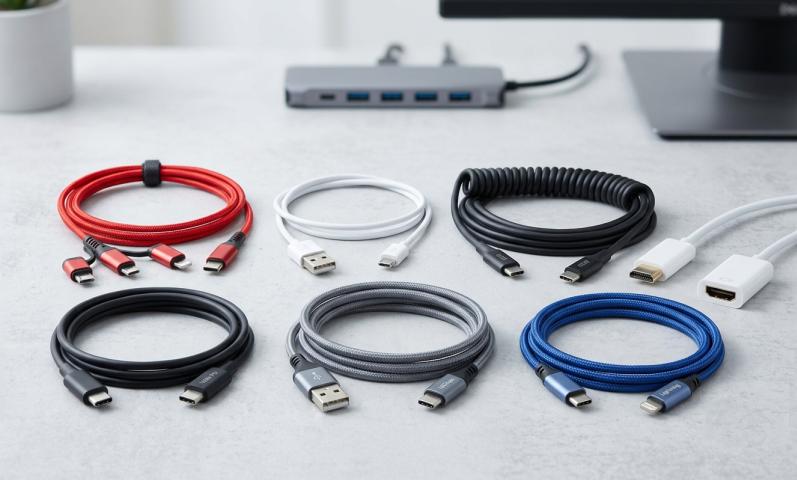
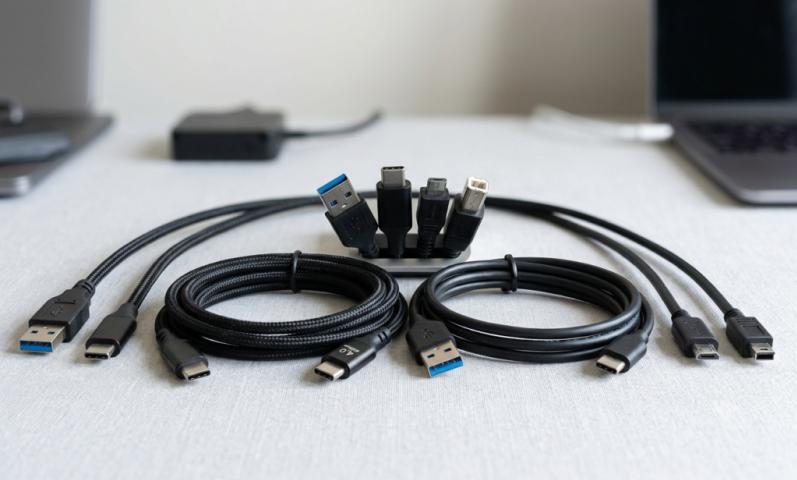
If you have multiple Samsung devices, you might need different cables. Newer devices need USB-C cables, while older ones need micro USB cables. You can also get a micro usb adapter to use USB-C cables with older devices.
Many people keep both cable types around. This way, you can charge any Samsung device you own. It's helpful when you have both old and new Samsung products.
Finding the Right Cable for Your Samsung Device
Check your Samsung device's charging port to see what type it uses. Look at the shape and size of the port. USB-C ports are oval and bigger, while micro USB ports are flat and smaller.
You can also check your device's manual or look up the model online. Samsung's website lists the USB type for each device model. This helps you buy the right cables and accessories.
If you're not sure, take your phone to a store. Most electronics stores can help you identify which USB type your Samsung device uses. They can also sell you the right cables.
Using Adapters with Samsung Devices
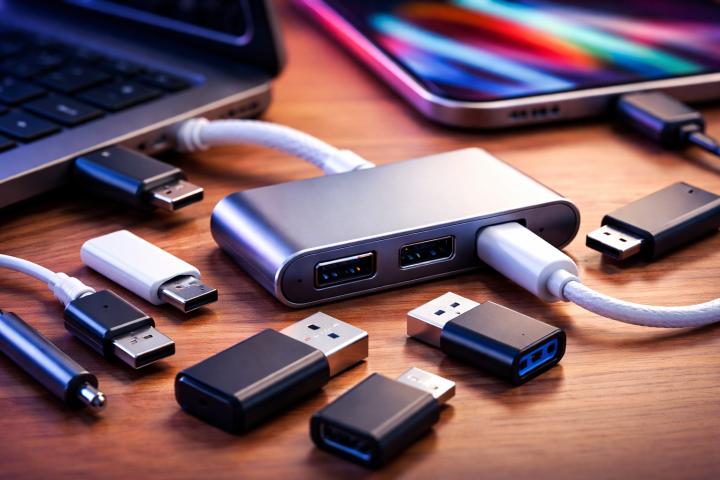
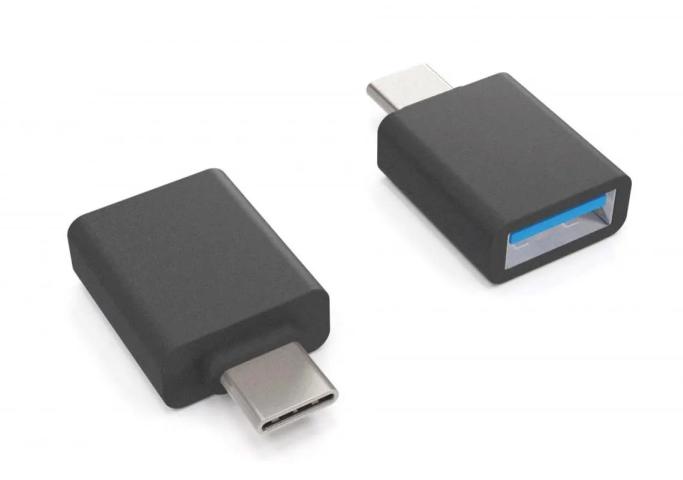
A micro usb adapter can help bridge the gap between old and new devices. These adapters let you use USB-C cables with micro USB devices. This is useful when you want to use one cable type for all devices.
Adapters are small and cheap. You can keep one in your bag or car for emergencies. They work well for charging and basic data transfer needs.
However, adapters might not work for all features. Some advanced USB-C features won't work through a micro usb adapter. But for basic charging and file transfer, adapters work fine.
Samsung's Future USB Plans
Samsung will likely use USB-C on all future devices. The company is moving away from micro USB completely. Even budget phones are starting to get USB-C ports.
This trend makes sense because USB-C is becoming the universal standard. Many other phone makers use USB-C too. Having one cable type for all devices makes life easier for users.
USB-C is also required by law in some places. The European Union requires all phones to use USB-C by 2024. This pushes companies like Samsung to adopt USB-C across their entire lineup.
Tips for Samsung Device Owners
Keep track of which USB type your Samsung devices use. Make a list if you have multiple devices. This helps you buy the right cables and chargers.
Buy good quality cables for your Samsung devices. Cheap cables can damage your phone's battery or charging port. Stick to Samsung's official cables or well-known brands.
Consider getting a micro usb adapter if you have both old and new Samsung devices. This reduces the number of different cables you need to carry around.
Replace old cables regularly. USB cables wear out over time and can charge slower or stop working. Fresh cables keep your Samsung devices charging at full speed.
Conclusion
Samsung uses USB-C on most current devices and micro USB on older models. The company switched to USB-C because it's faster and more convenient. While older Samsung phones need micro USB cables, newer ones work with USB-C.
Understanding your Samsung device's USB type helps you buy the right accessories. Check your device's port or look up the model online to be sure. With the right cable or a micro usb adapter, you can keep all your Samsung devices charged and ready to use.