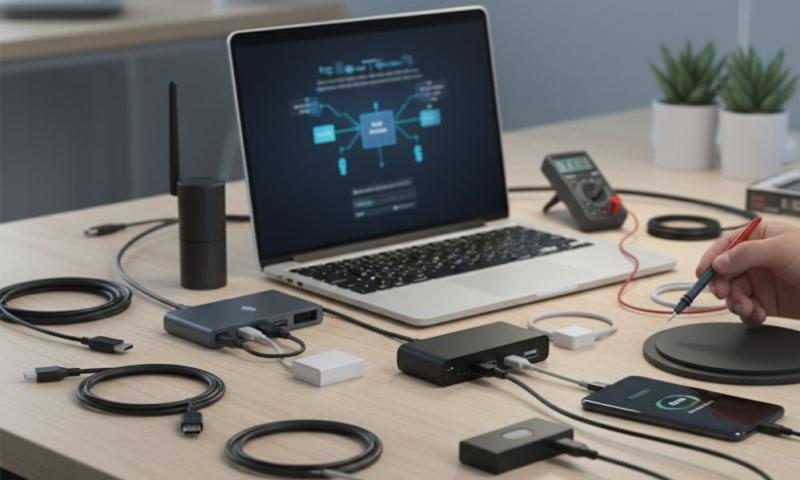
Are you struggling with slow internet speeds or dealing with a computer that doesn't have built-in WiFi? A wireless USB adapter might be exactly what you need. These small devices can transform your desktop computer or laptop into a WiFi-enabled machine in seconds. But with so many options available, how do you choose the right one?
In this guide, we'll walk you through everything you need to know about wireless USB adapters. We'll help you understand what makes a good adapter and how to pick the best one for your needs.
What is a Wireless USB Adapter?
A wireless USB adapter is a small device that plugs into your computer's USB port. It allows your computer to connect to WiFi networks without needing built-in wireless capabilities. Think of it as a WiFi card that you can plug in and remove whenever you want.
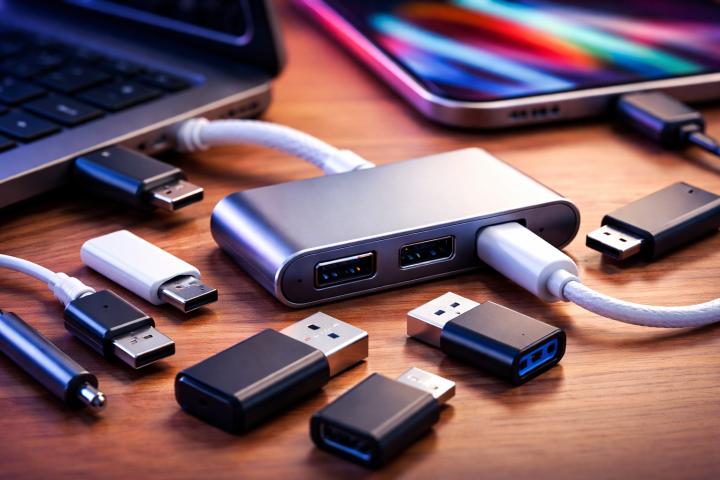
The USB assembly of these adapters includes several important parts. There's the connector that plugs into your computer, the internal antenna that receives WiFi signals, and the chipset that processes the wireless data. All these components work together to give you a stable internet connection.
Why Do You Need a Wireless USB Adapter?
You might need a wireless USB adapter for several reasons:
Your computer lacks WiFi capability. Many desktop computers don't come with built-in WiFi. A USB adapter solves this problem instantly.
Your built-in WiFi is broken or outdated. If your laptop's WiFi stops working or can't connect to modern networks, a USB adapter offers a quick fix.
You want better WiFi performance. Newer adapters support faster speeds and better range than older built-in WiFi cards.
You need WiFi on multiple devices. A portable USB adapter can move between different computers as needed.
Key Features to Look For
When shopping for a wireless USB adapter, keep these important features in mind:
Speed Standards
WiFi technology has evolved over the years. Modern adapters support different speed standards:
- WiFi 4 (802.11n) offers speeds up to 300 Mbps
- WiFi 5 (802.11ac) provides speeds up to 1300 Mbps
- WiFi 6 (802.11ax) delivers speeds over 2400 Mbps
For most people, a WiFi 5 adapter offers the best balance of speed and price. However, if you have a WiFi 6 router, investing in a WiFi 6 adapter makes sense.
USB Connector Type
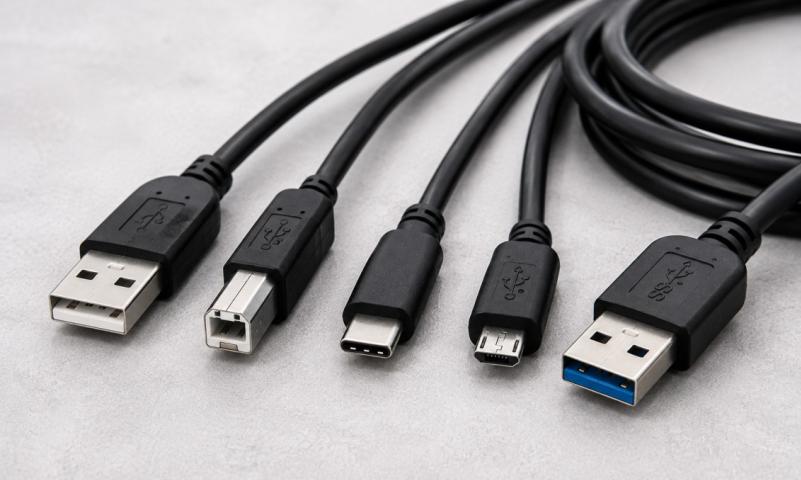
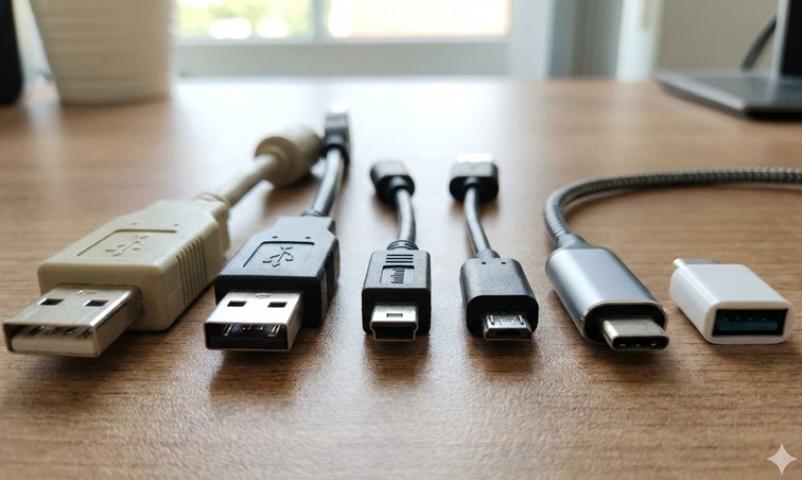
The type of USB connector matters for performance. USB 2.0 connectors work with any USB port but may limit your speed. USB 3.0 connectors offer faster data transfer rates and better performance. The blue USB 3.0 ports on your computer provide the best results.
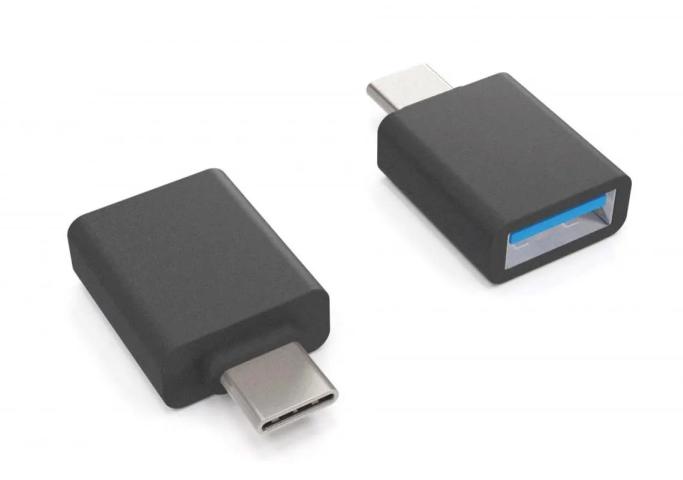
Modern USB assembly designs also include USB-C connectors. These offer excellent speeds and work with newer laptops and tablets.
Antenna Design
Adapters come with different antenna setups:
Internal antennas create a compact design that's easy to carry. They work well for basic internet browsing and streaming.
External antennas provide better signal reception and longer range. They're ideal if your router sits far from your computer.
Some high-end adapters feature adjustable external antennas. You can position these for optimal signal strength.
Size and Portability
Think about how you'll use your adapter. Nano adapters are tiny and sit almost flush with your USB port. They're perfect for laptops because they won't get knocked off during transport.
Larger adapters with external antennas provide better performance but are less portable. Choose based on whether you need mobility or maximum speed.
Top Wireless USB Adapter Recommendations
For Budget Shoppers
If you're watching your wallet, look for basic adapters with WiFi 4 or WiFi 5 support. These typically cost between $10 and $20. They handle everyday tasks like web browsing, email, and video streaming without problems.
Make sure the adapter connector fits your available USB ports. Most budget models use USB 2.0 connections, which work fine for speeds up to 100 Mbps.
For Performance Seekers
Power users should invest in WiFi 6 adapters with USB 3.0 connectors. These models range from $30 to $60 but deliver exceptional performance. They support the latest security standards and provide stable connections even in crowded WiFi environments.
Look for models with dual-band support. This allows the adapter to connect to both 2.4 GHz and 5 GHz networks, giving you flexibility based on your needs.
For Gaming
Gamers need adapters with low latency and high speeds. Choose models with WiFi 6 support and external antennas. The robust USB assembly in gaming adapters ensures stable connections during intense online sessions.
Some gaming-focused adapters include advanced features like beamforming technology. This focuses the WiFi signal toward your router for better performance.
For Travel
Travelers should pick nano-sized adapters with internal antennas. These slip into your laptop bag easily and won't break during transport. The compact connector design means they're less likely to get damaged.
Look for adapters with broad compatibility. You want something that works with Windows, Mac, and Linux without needing special drivers.
Installation and Setup
Setting up a wireless USB adapter is straightforward. Here's the basic process:
- Insert the adapter connector into an available USB port on your computer
- Wait for your operating system to recognize the device
- Install any required drivers from the included disc or manufacturer's website
- Open your WiFi settings and connect to your network
- Enter your WiFi password when prompted
Most modern adapters use plug-and-play technology. This means your computer automatically installs the necessary software. The entire setup takes just a few minutes.
Maintenance Tips
Keep your wireless USB adapter working smoothly with these simple tips:
Update your drivers regularly. Manufacturers release updates that improve performance and fix bugs.
Clean the connector occasionally. Dust can build up and affect the connection quality.
Store it safely when traveling. Keep your adapter in a protective case to prevent damage.
Avoid extreme temperatures. Heat can damage the internal USB assembly components.
Making Your Final Decision
The best wireless USB adapter depends on your specific needs. Consider these questions:
- What WiFi speeds does your internet plan provide?
- How far is your computer from your router?
- Do you need portability or maximum performance?
- What's your budget?
For most people, a mid-range WiFi 5 adapter with a USB 3.0 connector offers excellent value. It provides fast speeds, good range, and reliable performance for everyday use.
If you want the absolute best performance, invest in a WiFi 6 adapter with external antennas. The advanced USB assembly and superior connector design deliver top-tier results.
Conclusion
A wireless USB adapter is a simple solution to connect your computer to WiFi networks. Whether you choose a basic model or a high-end adapter, you'll enjoy the freedom of wireless internet access.
Remember to match the adapter to your needs. Check the connector type, consider the antenna design, and pick a speed standard that works with your router. With the right wireless USB adapter, you'll enjoy fast, reliable internet connections for years to come.
Start your search today and find the perfect adapter for your setup. Your online experience is about to get much better!
Sources: https://toprecents.com/usb-adapter-and-how-does-it-work/
https://zekond.com/read-blog/274374