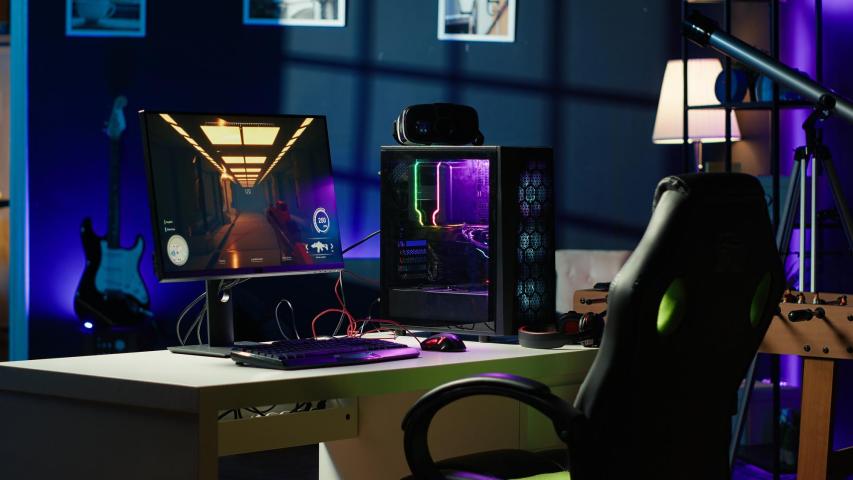
Creating the perfect gaming setup at home is more than just assembling a computer and a chair; it’s about designing an environment that enhances comfort, performance, and immersion. Whether you’re a casual player or an aspiring streamer, a well-planned setup can make all the difference in how you experience your games. This guide walks you through the essential elements of building your ultimate gaming space.
1. Planning Your Space
Before purchasing any equipment, start by identifying the area where you’ll build your setup. Ideally, choose a quiet, well-ventilated corner of your home where distractions are minimal. Take measurements of the space so you can plan the placement of your desk, chair, and monitors effectively.
Lighting and cable management should also be considered early. Natural light is great for daytime sessions, but adjustable LED lights can help you create the right ambiance for night gaming. Proper lighting not only looks good on camera but also reduces eye strain.
2. Choosing the Right Desk and Chair
Your desk is the foundation of your setup. Look for a sturdy desk that offers enough surface area for your monitors, peripherals, and other accessories. Many gamers prefer L-shaped desks for additional space and organization.
Ergonomics is key. Invest in a gaming chair or an ergonomic office chair that supports your posture during long sessions. Look for adjustable height, lumbar support, and reclining options. Remember, comfort directly affects your performance and focus.
3. Picking the Perfect Monitor Setup
Your monitor (or monitors) can transform your gaming experience. High refresh rates (144Hz or more) and low response times (1ms or 2ms) are essential for competitive gaming. If you’re into immersive single-player games, consider an ultrawide or curved monitor for deeper engagement.
If you stream or multitask, a dual or triple monitor setup can help you manage chat windows, recording software, or web browsers without minimizing your game.
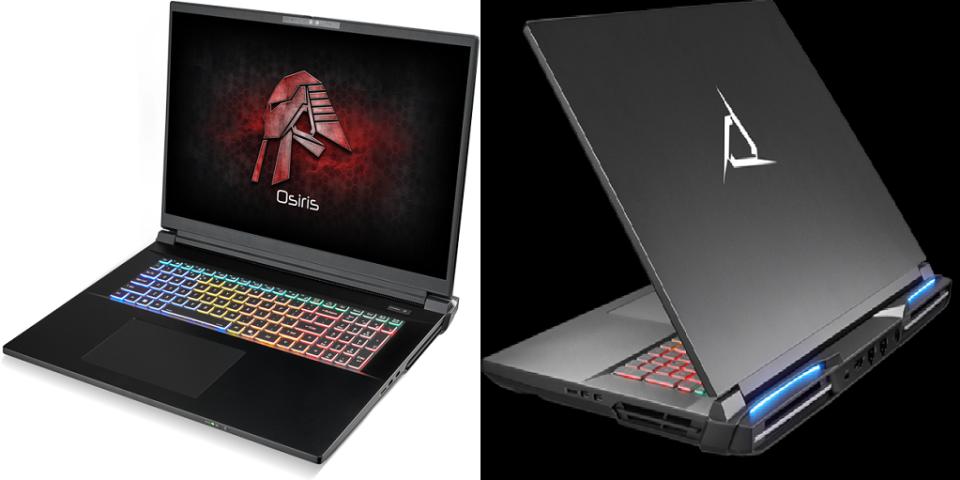
4. Selecting Your Gaming PC or Console
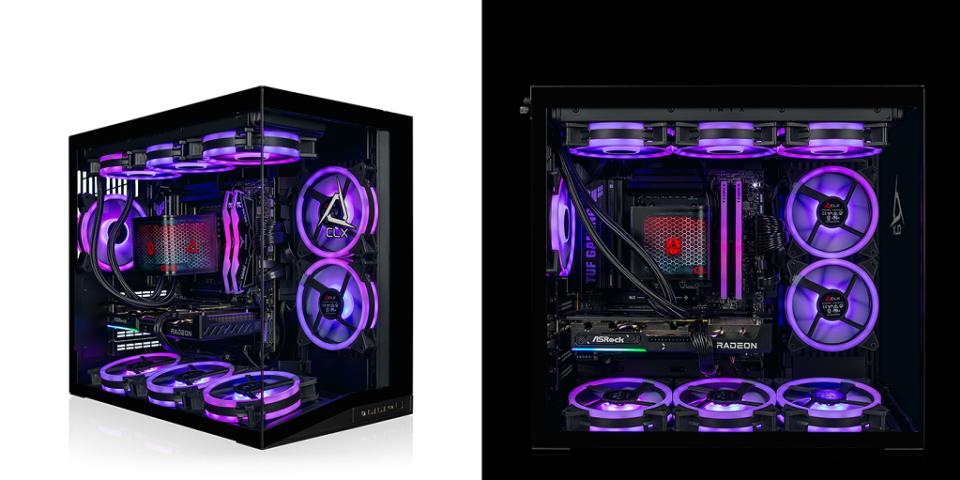
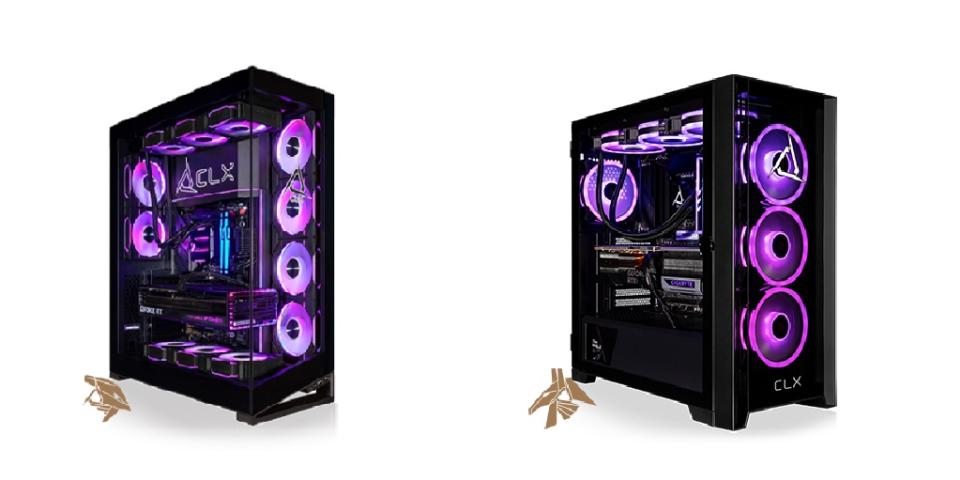
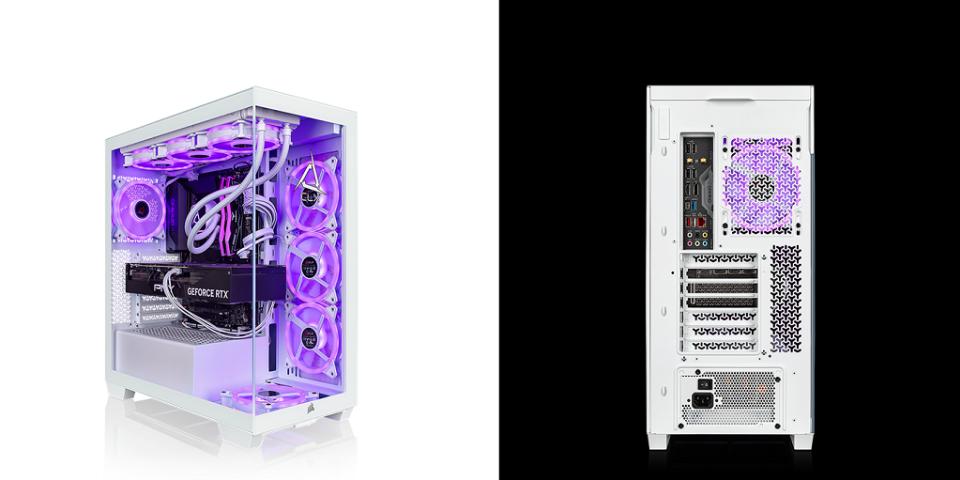
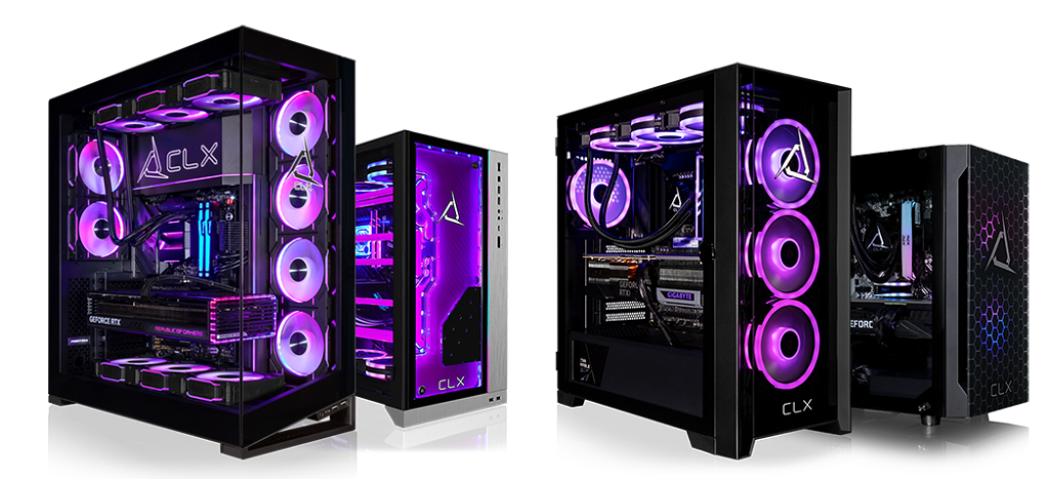
The heart of your setup is your gaming machine. If you’re a PC gamer, decide whether to build your own rig or buy a prebuilt one. Building your own allows customization, better cooling, and often more power for your money. Focus on these core components:
- CPU: Look for multi-core processors for better multitasking.
- GPU: The graphics card is crucial; choose based on the types of games you play.
- RAM: 16GB is a good starting point, but 32GB offers future-proofing.
- Storage: A combination of SSD (for speed) and HDD (for capacity) is ideal.
Console gamers should ensure their PlayStation, Xbox, or Nintendo Switch has ample ventilation and a proper power setup.
5. Audio and Communication Gear
Sound is a massive part of immersion. Invest in quality headphones or speakers that deliver clear audio and deep bass. Many gamers prefer closed-back headphones for competitive play, as they block out external noise.
For those who stream or play online multiplayer games, a good microphone or headset with a built-in mic is essential for clear communication. If you plan to record content, consider a USB or XLR microphone for higher audio quality.
6. Lighting and Ambiance
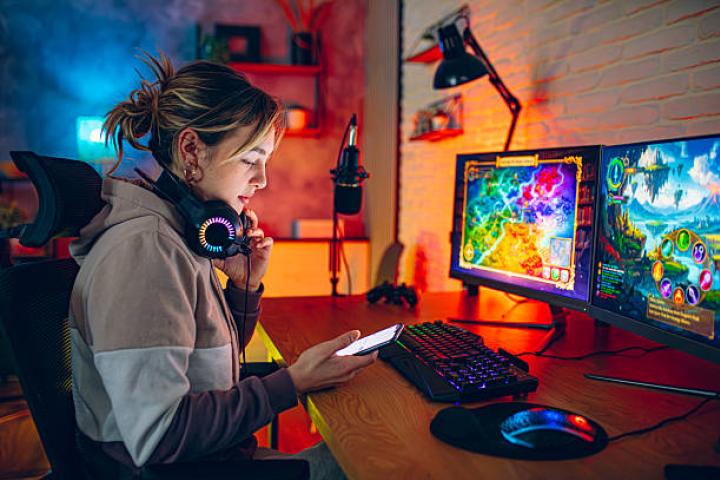
A visually appealing gaming setup isn’t complete without lighting. RGB lighting strips, smart bulbs, or LED panels can help you create a unique atmosphere. Syncing your lights with your games or music adds another layer of immersion.
However, avoid overly bright or flashing lights that can strain your eyes. Instead, opt for adjustable and diffused lighting that enhances your comfort and mood.
7. Organizing Cables and Accessories
Cable management may seem trivial, but it dramatically impacts both aesthetics and functionality. Use cable sleeves, clips, or under-desk trays to keep wires neat and out of sight. Wireless peripherals can also help reduce clutter.
Keep your most-used accessories, controllers, remotes, or external drives within easy reach. Adding a small shelf or drawer under the desk can help you stay organized.
8. Enhancing Comfort and Performance
A comfortable setup enhances your focus and prevents fatigue. Ensure your monitor is at eye level to reduce neck strain. Keep your keyboard and mouse positioned so your wrists stay straight while playing.
You can also improve comfort by adding a footrest, wrist pads, or even a mini fan for ventilation. Consider soundproofing the room with foam panels if you play in a shared space or plan to stream.
9. Internet and Connectivity
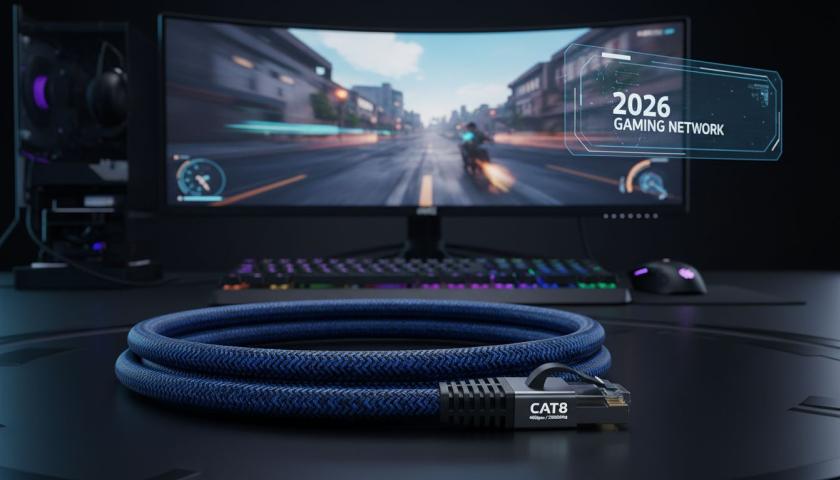
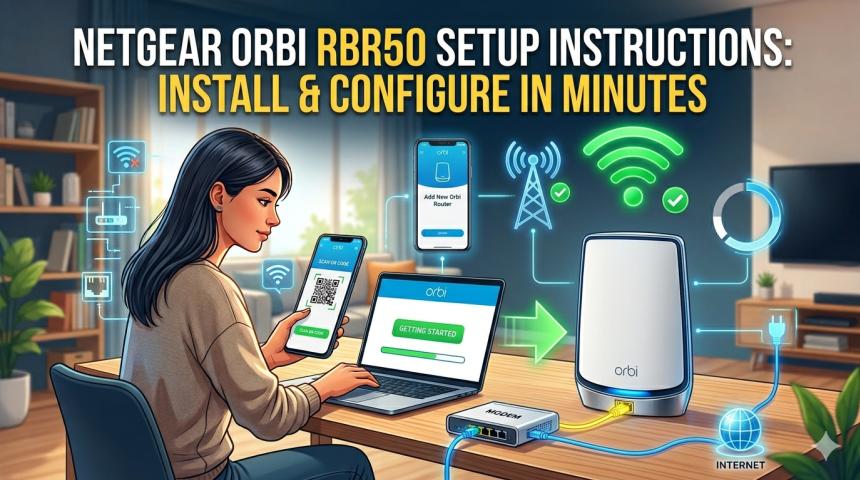
Fast, stable internet is non-negotiable for gaming, especially for online titles. If possible, connect your PC or console via Ethernet instead of Wi-Fi for reduced latency.
If you must use wireless, invest in a high-quality router and place it near your setup. Mesh networks are excellent for larger homes, providing consistent coverage throughout.
10. Personalizing Your Setup
Finally, add personal touches that make the space truly yours. Posters, figurines, and collectibles can showcase your favorite games or characters. A clean, cohesive theme, such as minimalist, cyberpunk, or natural, can tie everything together visually.
Don’t forget to integrate a bit of your personality into the space. Whether it’s a neon sign, themed mousepad, or custom PC case, these details make your setup unique and inspiring. You can also explore platforms like Erone for gaming inspiration, esports updates, and creative ideas to enhance your setup.
Final Thoughts
Building your gaming setup at home is both an exciting and rewarding project. With the right planning, equipment, and attention to detail, you can create a space that not only looks great but also boosts your gameplay and productivity.
Whether you’re upgrading one component at a time or designing an entirely new space, remember that your setup should reflect your comfort, creativity, and gaming >