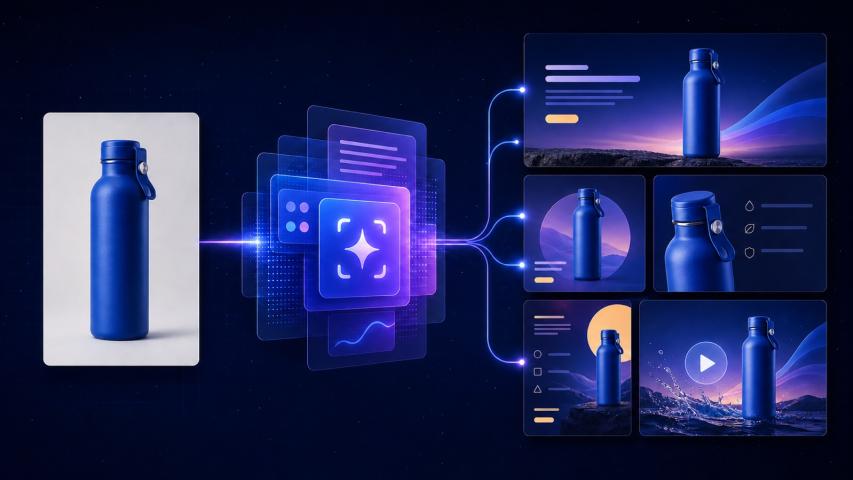
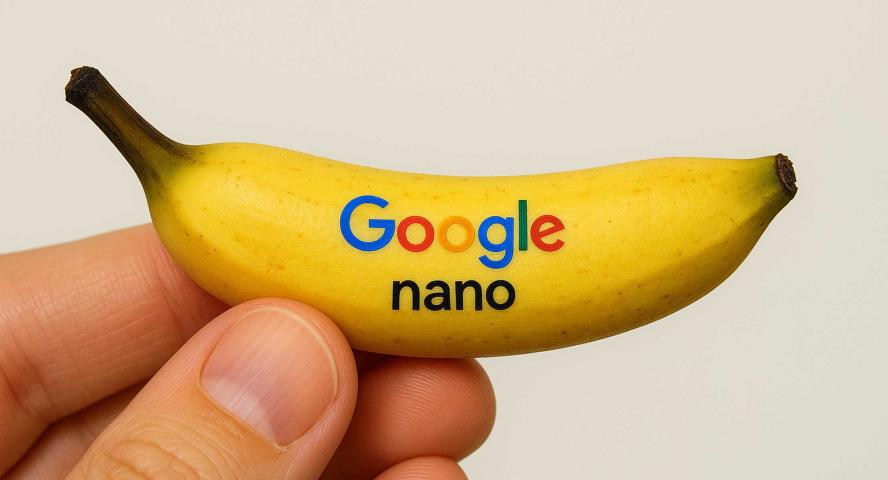
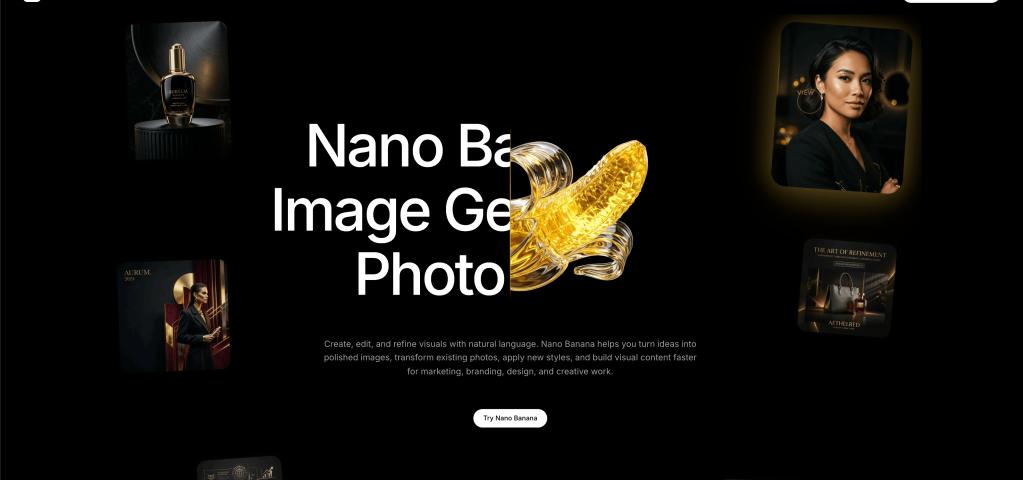
In today’s crowded online marketplace, product visuals can make or break a brand. With consumers scrolling fast, clicking even faster, and making split‑second decisions, the quality of product photos isn’t just “nice to have” — it’s a key driver of conversion, trust and brand identity. That’s where creative tools like Nano Banana step in: they allow brands to create, refine and scale compelling product visuals, without always relying on expensive photo shoots or complex production pipelines.
This article explores what Nano Banana is, how it works, and how brands are using it to build better product photos — followed by a list of useful tools (with invideo at the top) to empower this kind of visual production.
What is Nano Banana?
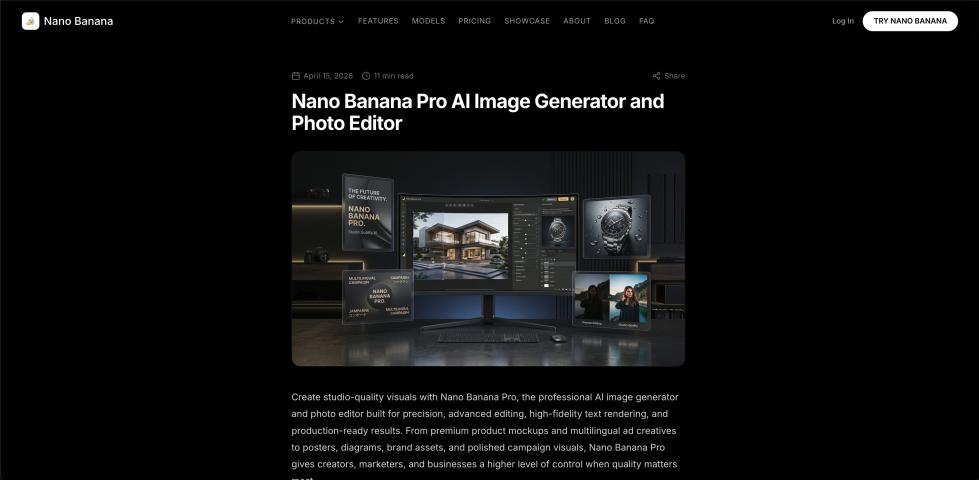
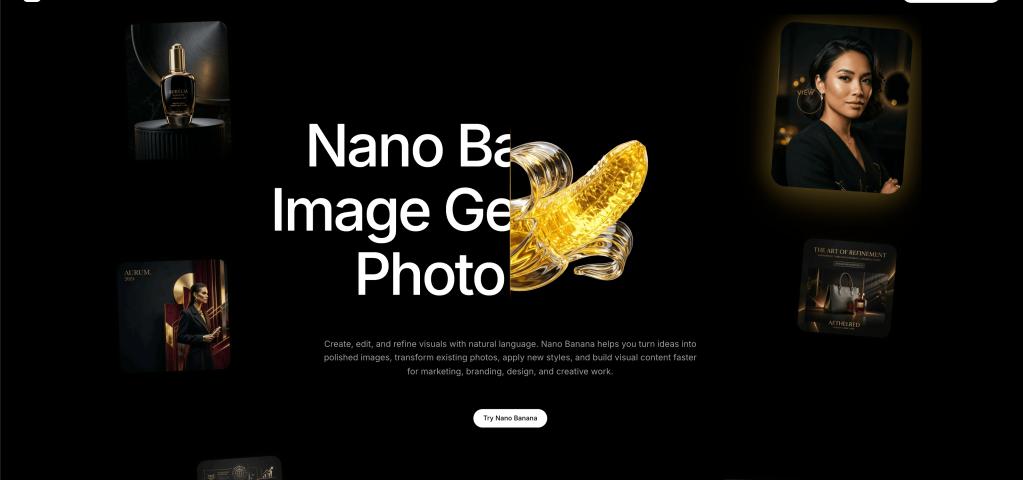
Nano Banana (and the more advanced version Nano Banana Pro) is an AI‑driven image generator/editor embedded within invideo’s ecosystem — offering brands and creators the ability to generate high‑resolution, logic‑aware, consistent visuals for their marketing needs. On the official landing page, invideo describes Nano Banana Pro as offering “Sharper 4K resolution, faster generations, better character consistency, and more.”
Key features highlighted include:
- “Reasoning‑guided synthesis powered by Gemini 3.0 Pro and GemPix 2 diffusion.”
- 4K resolution, 16‑bit colour, improved micro‑detail and reasoning‑aware upscaling.
- Camera angles: ability to generate wide, medium, close‑up, and top‑down views from the same scene.
- Character swap: seamless swaps with the same identity, >
In simple terms: Nano Banana gives brands the ability to generate or edit images with a high degree of visual control — especially useful for product photos, life>
How It Works (for Product Photos)
Here’s a rough workflow of how a brand might use Nano Banana to build better product photos:
1. Define the visual concept
- The brand decides on the look: e.g., a brown leather watch on a marble surface, warm lighting, minimal shadows, top‑down shot.
- They prepare a prompt or upload an existing image to edit.
2. Select Nano Banana/Pro in the invideo
- Within invideo’s “Agents & Models” section, choose “Nano Banana Pro” or write “use nano banana pro” in your prompt.
- Decide whether to start from scratch (text prompt) or upload a photo for editing.
3. Generate or edit the image
- If starting from scratch: enter a detailed prompt (e.g. “top‑down shot of brown leather watch on white marble, warm natural lighting, 4K ultra‑sharp, shallow depth of field”).
- If editing: upload the photo, then adjust lighting, angles, swap background, and refine details.
- The model processes the request (in many cases, 10 seconds) to deliver a high‑quality result.
4. Refine & iterate
- Because Nano Banana offers strong prompt‑adherence and reasoning over images (handling spatial relationships, lighting consistency, etc.), brands can iterate quickly.
- For example: “same shot but with gold accents” or “close‑up crop showing buckle detail” — the tool keeps characters/objects consistent.
5. Download & use
- Once the image meets the brand’s standard, download it in 4K resolution, 16‑bit colour, ready for e‑commerce listings, ads, and social posts.
- Because the visuals are generated, brands save on photography costs, staging, and multiple reshoots.
6. Scale variations
- Need the same product in different settings (flat‑lay, in‑use life>
- Useful for creating a cohesive product suite look or cross‑channel assets.
7. Integration into campaigns
- The generated images can then be used in product galleries, ad creatives, social media, email marketing, and landing pages.
- Because quality is high and output is tailored, brands can deliver a more premium visual experience even if they’re small.
Why Brands Are Using Nano Banana for Product Photos
Here are some specific benefits:
- Visual consistency at scale: For e‑commerce brands with multiple SKUs (colours, >
- Cost and speed advantages: Traditional product photo shoots involve models, studio, equipment, lighting, and post‑production — expensive and time‑consuming. AI generation cuts down cost and turnaround time.
- Flexibility & iteration: Want a holiday‑themed version, a banner image, a close‑up detail shot? With Nano Banana, you can spin off variations quickly, with controlled visual logic.
- Control over >: You can specify lighting mood, camera angle, background environment, and composition. That means brands can ensure the assets align with their tone (minimal, luxury, playful, rugged) without outsourcing design each time.
- Better for marketing visuals: Beyond just e‑commerce listing photos, brands often need social ads, life>
- Agility: In fast‑moving categories (fashion drops, seasonal launches, limited editions), speed matters. Having an in‑house solution like this means quicker rollout of high‑quality visuals.
Best Practices for Using Nano Banana for Product Photos
- Write detailed prompts: If you’re generating from scratch, mention lighting (warm, soft natural tones), camera angle (top‑down, 45° perspective), background (white, marble, contextual life>
- Maintain a visual template: Keep key elements constant (background colour, distance, framing) so that all product images feel part of a unified set.
- Iterate variations smartly: Generate one “master” shot, then use the same prompt with minor tweaks for colour variants or different product angles.
- Use the edit mode when you have a base photo: If you already have a good product photo but want a cleaner background, updated lighting, or a model added, use the editing mode of Nano Banana.
- Download high resolution: Use the 4K, 16‑bit output to ensure crisp visuals for ads, where any blur or low resolution can hurt perception.
- Use downstream in campaign visuals: Don’t treat the photo as just for product listing — leverage it in ad banners, social posts, influencer assets.
- Test against real‑world photos: Occasionally compare AI‑generated photos with real photo‑shoot ones to ensure the AI output meets your brand’s standards. Use the AI for scale, but keep design oversight.
- Keep brand guidelines in mind: Ensure lighting, mood, and background align with your brand identity. The AI tool supports this, but you need to direct it.
Putting It All Together: A Brand’s Workflow
Here’s a hypothetical workflow for an e‑commerce brand launching a new headphone product:
- The design team uses Nano Banana within invideo to generate a hero shot of the headphones: “black matte over‑ear headphones on white studio background, soft warm lighting, shallow depth of field, 45° angle.”
- They generate a life>
- They download both images in 4K, 16‑bit colour.
- They import the hero shot into invideo, use the Image‑to‑Video tool to animate a short clip: headphone rotating, then zoom into the ear cup, tagline appears “Hear Every Note”.
- They apply one of invideo’s advertising templates, add stock motion background and overlay CTA “Shop Now”.
- Simultaneously, they prepare Instagram and TikTok versions using the same generated images, maintaining the brand look.
- For variant colours (white, blue), reuse the same Nano Banana prompt and just change “black matte” to “white matte” etc.—ensuring the lighting, mood, and angle remain consistent.
- The marketing team launches the ad campaigns across social, email, and listing pages — all visuals match in tone and quality.
Final Thoughts
In a visual‑first world where product presentation matters more than ever, brands that can generate high‑quality, consistent, on‑brand visuals quickly will stand out. By leveraging Nano Banana (via invideo) for product photos, brands gain speed, flexibility, control and creativity — whether they’re a startup needing to scale fast, or an established brand refreshing a large catalogue.
If you haven’t yet, it’s worth exploring how Nano Banana fits into your visual toolkit — and how combining it with invideo’s broader creative capabilities can help you launch product visuals that not only look great, but perform in the marketplace.
If you like, I can create an outline for this article (for guest‑posting or blog publication) or write the article fully optimised (with headings, sub‑headings, anchor links such as “nano banana”, “ai video generator app”, “wan ai”, and “Nano Banana integrated by invideo”).
Would you like that?