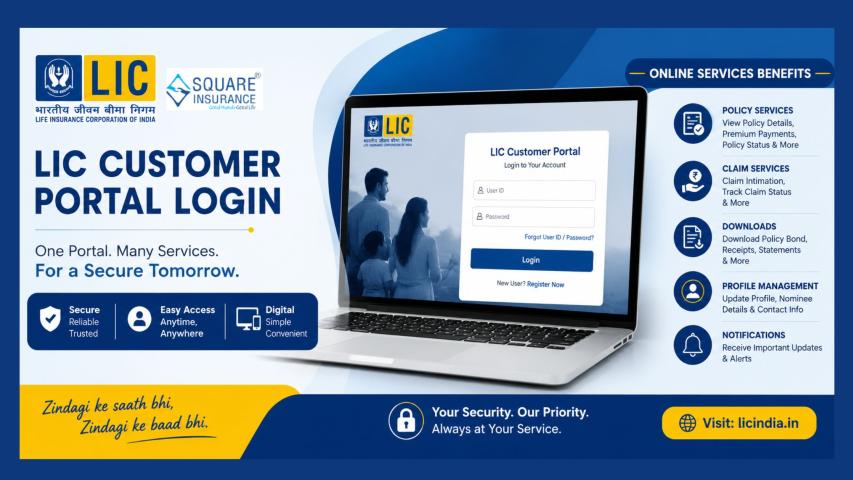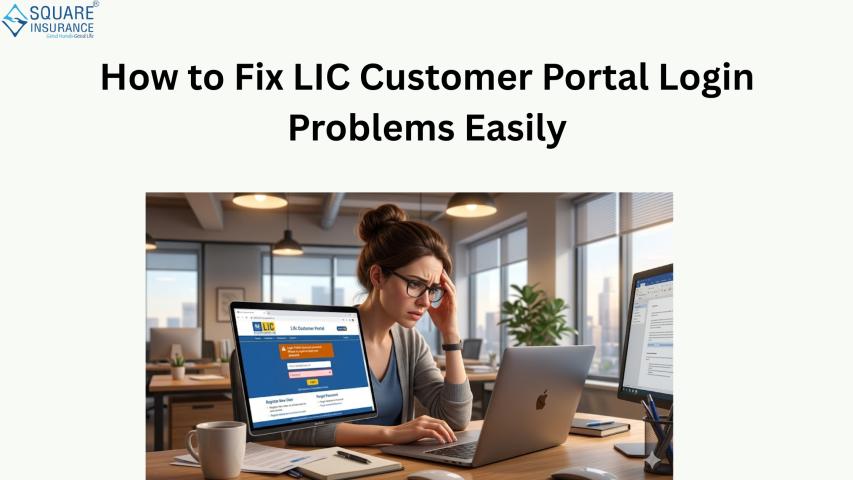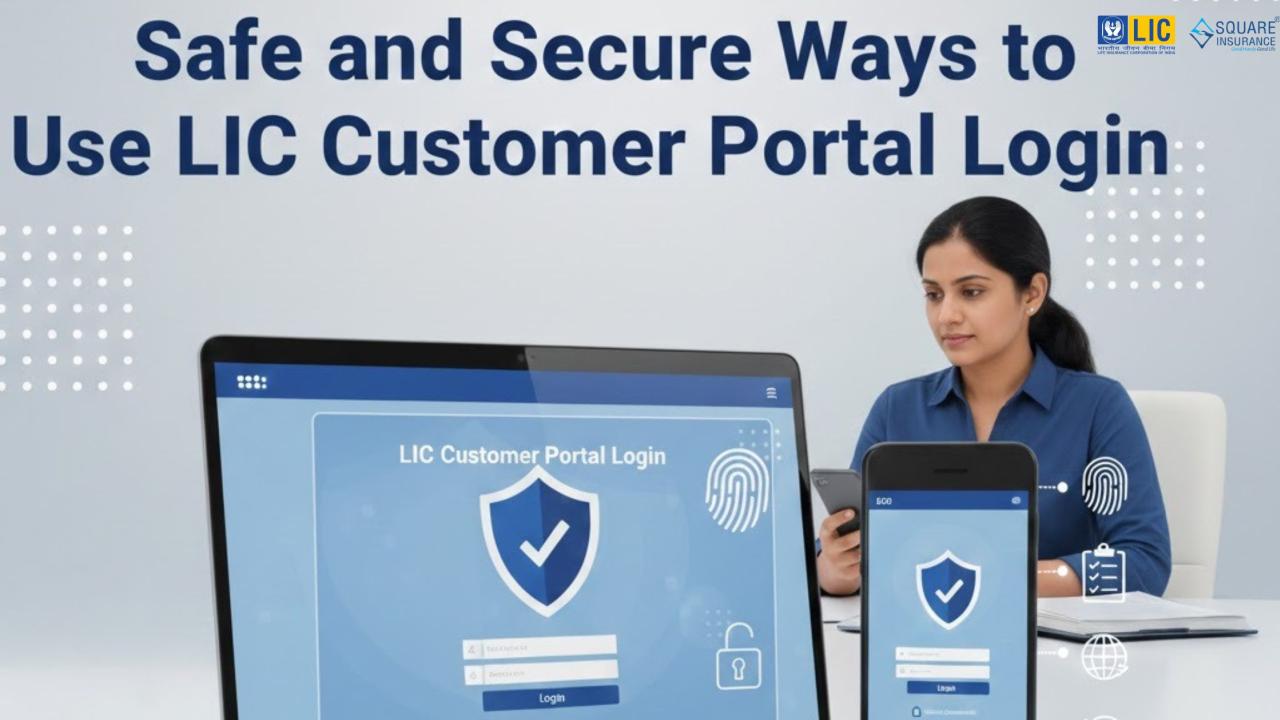
The LIC Customer Portal has made it easier for policyholders to manage their insurance details from the comfort of their homes. Through this portal, customers can view policy information, pay premiums, download receipts, track policy status, and submit service requests. While the portal offers convenience and efficiency, it is equally important to use it safely and securely. A secure login protects personal data, financial details, and policy information from misuse.
This article explains simple and practical ways to ensure a safe and secure experience while using the LIC Customer Portal Login.
Understand the Importance of Portal Security
The LIC Customer Portal contains sensitive information such as policy numbers, personal details, payment records, and nominee data. If this information falls into the wrong hands, it could lead to financial loss or identity misuse. Being careful during login and while using the portal helps prevent such risks and ensures peace of mind.
Security is not only about technology; it also depends on how responsibly users handle their login details and online behavior.
Use a Strong and Secure Password
One of the most important steps for a safe LIC Customer Portal Login is creating a strong password. A strong password should include a mix of uppercase letters, lowercase letters, numbers, and special characters. Simple passwords are easy to guess and should be avoided.
Avoid using personal details like your name, date of birth, or phone number as your password. Also, do not reuse the same password that you use for other accounts. A unique password adds an extra layer of protection.
Keep Your Login Details Private
Your user ID and password should always remain confidential. Never share your login credentials with anyone, even if they claim to be helping you. LIC representatives or support teams will never ask for your password.
Writing down passwords on paper or saving them in unsecured notes can also be risky. If someone else gains access to this information, your account security may be compromised.
Use Personal and Trusted Devices
Always access the LIC Customer Portal Login from your personal device, such as your own laptop, desktop, or smartphone. Public computers, shared devices, or internet cafés may store browsing data or have harmful software installed.
Using your own device reduces the risk of unauthorized access. Make sure your device is protected with a screen lock, password, or biometric security.
Avoid Public Wi-Fi Networks
Public Wi-Fi networks are often unsecured and can be risky for logging into financial or insurance portals. Hackers may intercept data sent over such networks, including login credentials.
Whenever possible, use a secure home internet connection or mobile data while accessing the LIC Customer Portal. This simple habit can significantly improve your online safety.
Keep Your Browser and Device Updated
Using an updated web browser and operating system is essential for security. Updates often include fixes for known security issues. Outdated software may have vulnerabilities that can be exploited.
Ensure your browser, operating system, and antivirus software are updated regularly. This helps protect your device from malware and unauthorized access.
Be Alert to Phishing Attempts
Phishing is a common online threat where fake messages or websites try to trick users into revealing their login details. Such messages may look genuine and may ask you to click a link or provide personal information.
Always type the official portal address directly into your browser instead of clicking on unknown links. Do not respond to messages asking for passwords, OTPs, or personal details.
Log Out After Every Session
Once you finish using the LIC Customer Portal, always log out properly. Staying logged in may allow someone else to access your account if your device is shared or left unattended.
Closing the browser after logging out adds another layer of safety. This habit is especially important when using devices outside your home.
Monitor Your Account Activity Regularly
Regularly checking your account activity helps you identify any unusual or unauthorized actions. Review your premium payment history, receipts, and policy updates from time to time.
If you notice anything unfamiliar, take action immediately. Prompt reporting helps resolve issues quickly and prevents further problems.
Do Not Save Passwords on Shared Devices
Many browsers offer to save passwords for convenience. While this may be helpful on personal devices, it should never be done on shared or public devices.
If you use multiple personal devices, ensure each one is properly secured before saving login details. Convenience should never come at the cost of security.
Use Secure Password Recovery Options
If you forget your password, use only the official password recovery process available on the LIC Customer Portal. Avoid asking others to recover your account for you.
Set security questions carefully and ensure the answers are not easily guessable. This helps protect your account during password reset requests.
Stay Informed About Digital Safety
Basic awareness about online safety goes a long way in protecting your account. Understanding common online risks helps you avoid mistakes that could expose your information.
Simple habits like checking website addresses, avoiding unknown downloads, and being cautious with emails can make a big difference.
Report Issues Without Delay
If you face login problems, technical errors, or suspect unauthorized access, report the issue immediately through official support channels. Early reporting helps secure your account and prevents potential misuse.
Keeping a record of your login details, policy numbers, and recent transactions can help resolve issues faster.
Benefits of Using the Portal Securely
Using the LIC Customer Portal safely offers many advantages:
- Protects personal and financial information
- Ensures accurate policy and payment records
- Prevents unauthorized access
- Builds confidence in online services
- Provides a smooth and stress-free user experience
Security allows you to focus on managing your policies without unnecessary worries.
Frequently Asked Questions (FAQs)
Q1. What is the LIC Customer Portal Login used for?
The LIC Customer Portal Login allows policyholders to access their policy details online. Through the portal, users can view policy status, pay premiums, download receipts, submit service requests, and track important updates related to their policies.
Q2. Why is it important to keep LIC Customer Portal Login details secure?
Login details protect sensitive information such as personal data, policy information, and payment records. Keeping these details secure helps prevent unauthorized access, data misuse, and financial risks.
Q3. How can I create a strong password for LIC Customer Portal Login?
A strong password should include a mix of uppercase letters, lowercase letters, numbers, and special characters. Avoid using personal information like your name or date of birth, and do not reuse passwords from other accounts.
Q4. Is it safe to use public Wi-Fi for LIC Customer Portal Login?
Using public Wi-Fi is not recommended for logging into the LIC Customer Portal. Public networks may be insecure and can expose your login information. It is safer to use a private internet connection or mobile data.
Q5. Should I save my password in the browser?
Saving passwords may be convenient on personal devices, but it should be avoided on shared or public devices. Always ensure your device is secure before saving any login information.
Conclusion
The LIC Customer Portal is a helpful digital platform designed to make insurance management simple and convenient. However, its benefits can be fully enjoyed only when used responsibly and securely. By following basic safety practices such as using strong passwords, protecting login details, avoiding public networks, and staying alert online, customers can significantly reduce security risks.
Safe and secure use of the LIC Customer Portal Login ensures that your personal information remains protected and your insurance experience stays smooth and reliable. Making security a daily habit helps you manage your policies with confidence and peace of mind.