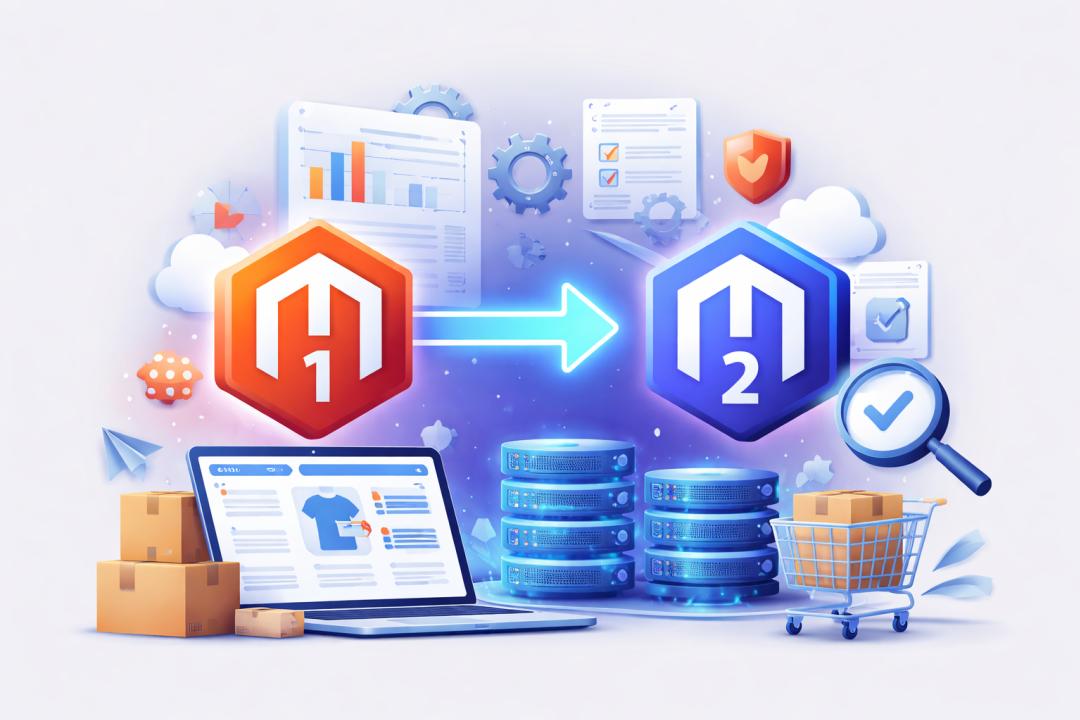
Many online stores still run on Magento 1 even though official support ended years ago. Businesses that want to stay secure and competitive must eventually migrate from Magento 1 to Magento 2.
The migration process offers major benefits, including improved performance, modern architecture, and enhanced security. However, it also introduces technical and operational challenges that businesses must address carefully.
This guide explains the most common migration issues and provides practical solutions. By understanding these challenges early, store owners can plan a smoother and more efficient upgrade.
Why Businesses Need to Migrate from Magento 1 to Magento 2
Magento 1 no longer receives security patches or official updates. This makes older stores vulnerable to security threats and compatibility issues.
Modern eCommerce stores also require better performance, mobile responsiveness, and faster checkout experiences. Magento 2 addresses these needs with a more advanced architecture.
Companies that migrate from Magento 1 to Magento 2 gain access to improved scalability, modern development tools, and better integration capabilities.
Understanding the Complexity of Magento Migration
Magento migration is not a simple version upgrade. Magento 2 uses a completely different architecture and framework compared to Magento 1.
This means themes, extensions, and custom code cannot simply be transferred. Most elements must be rebuilt, replaced, or reconfigured.
Understanding this complexity helps businesses prepare the right migration strategy and avoid unexpected issues during the transition.
Data Migration Challenges
Transferring store data is one of the most critical stages of migration. Even small errors can cause product, customer, or order information to be lost.
Data Integrity Issues
Product catalogs, order history, and customer accounts must remain intact during migration. Incorrect mapping can result in incomplete or duplicated data.
Use reliable migration tools and verify database mapping before executing the transfer.
Handling Large Data Volumes
Large stores often have extensive product catalogs and customer databases. Migrating this information can take time and strain server resources.
Running migration tasks in phases helps reduce system overload and ensures better accuracy.
Media File Migration
Images and media assets are usually not migrated automatically. This can lead to broken product images or missing content.
Manually copy media files from the Magento 1 directory and verify paths in the new Magento 2 environment.
Theme Compatibility Issues
Magento 1 themes are not compatible with Magento 2 due to architectural differences.
Theme Redesign Requirements
Store owners often need to rebuild their website design using Magento 2 themes. This may require UI adjustments and layout improvements.
While this may seem like extra work, it provides an opportunity to modernize the store’s appearance.
Mobile Optimization
Magento 2 focuses heavily on responsive design. Older themes may not support mobile-friendly layouts.
Choose a responsive Magento 2 theme that delivers consistent performance across devices.
Extension Compatibility Problems
Magento extensions enhance store functionality, but many Magento 1 extensions do not work with Magento 2.
Finding Alternative Extensions
Businesses must search for Magento 2 equivalents of their existing extensions. Some features may require entirely new plugins.
Evaluate extension compatibility before migration to avoid functional disruptions.
Custom Module Development
If certain features do not exist in Magento 2 extensions, custom modules may be required.
Working with experienced developers can help recreate essential functionalities.
Custom Code Migration Challenges
Many Magento stores rely on custom-built functionality.
Migrating these custom features requires code rewriting to match Magento 2 architecture.
Code Refactoring
Magento 2 follows modern development standards such as dependency injection and modular coding.
Developers must refactor existing code to meet these standards.
Testing Custom Features
Custom features must be tested carefully after migration. Even minor compatibility issues can disrupt store operations.
A staging environment helps identify problems before launching the updated store.
SEO Risks During Migration
Migration can negatively impact search rankings if SEO elements are not preserved.
URL Structure Changes
Changes in URL structures may cause broken links and lost rankings, which is why implementing 301 redirects is recommended according to Google’s SEO guidelines.
Metadata Preservation
Title tags, meta descriptions, and schema markup should remain consistent.
Losing this information can reduce organic visibility and search engine trust.
Sitemap and Robots Configuration
Sitemaps must be regenerated for Magento 2. Search engines rely on these files to index new pages correctly.
Robots.txt should also be updated to avoid accidental indexing issues.
Performance Optimization Challenges
Magento 2 is designed for better performance, but proper optimization is still necessary.
Server Configuration
Magento 2 requires stronger hosting environments compared to Magento 1.
Use optimized servers with sufficient RAM, SSD storage, and caching support.
Caching and Indexing
Caching systems such as Varnish and Redis improve page load speed.
Proper indexing also ensures products and categories appear quickly in search results.
Testing and Quality Assurance Issues
Testing is often overlooked during migration, but it plays a critical role in ensuring stability.
Functional Testing
Verify that key store functions operate correctly
- Checkout process
- Payment gateway integration
- Shipping methods
- User account management
Performance Testing
Simulate real traffic to measure how the store performs under load.
This helps detect bottlenecks before the store goes live.
Managing Downtime During Migration
Downtime can negatively affect sales and customer trust.
Businesses should plan migration activities during low-traffic periods.
Running incremental migrations allows stores to continue operating while data updates occur in the background.
Security Concerns in Migration
Security is one of the main reasons businesses choose to migrate from Magento 1 to Magento 2.
Magento 2 includes stronger security frameworks and regular updates.
Secure Data Handling
Sensitive customer information must be handled carefully during migration.
Encrypted transfers and secure servers help protect this data.
Post-Migration Security Checks
After migration, review:
- Access permissions
- Firewall rules
- Security patches
Regular audits ensure the store remains protected from vulnerabilities.
Cost and Resource Management
Migration projects require both financial and technical resources.
Businesses often underestimate the cost of development, testing, and optimization.
Planning budgets in advance prevents delays and unexpected expenses.
Working with experienced Magento developers can also help reduce costly mistakes.
Choosing the Right Migration Strategy
Selecting the correct migration approach can simplify the process, especially when businesses evaluate Magento alongside other 5 CMS platforms.
Common strategies include:
- Manual migration using Magento tools
- Automated migration tools
- Full redevelopment of the store
Each approach has advantages depending on store size, complexity, and budget.
Conclusion
Migrating an online store can seem complicated, but careful planning makes the process manageable. Understanding common technical challenges helps businesses prepare for a smoother transition.
Companies that migrate from Magento 1 to Magento 2 gain stronger security, improved performance, and access to modern eCommerce features.
Addressing issues such as data transfer, extension compatibility, and SEO protection ensures the migration does not disrupt business operations.
If you are planning a migration, review these challenges and apply the solutions discussed above. A well-planned upgrade can help your store grow and remain competitive in the evolving eCommerce landscape.