Introduction
Managing
post-retirement services has become easier with digital platforms designed for
convenience and transparency. Retired professionals today expect quick access
to pension details, personal records, and support services without unnecessary
delays.
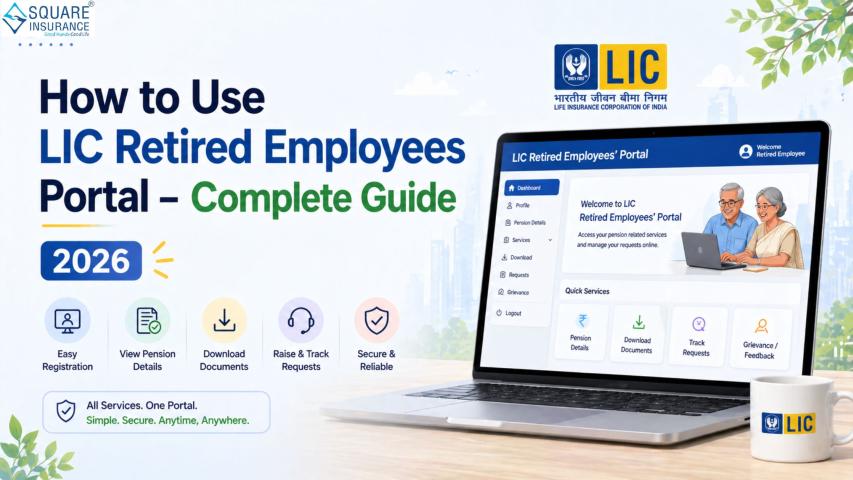
The LIC Retired Employees Portal is a dedicated online platform that allows former
employees to access important retirement-related information, manage their
accounts, and stay connected with the organization in a seamless way.
What is the LIC Retired Employees Portal?
The Life
Insurance Corporation of India has developed a specialized portal for its
retired workforce to simplify access to pension-related services, personal
information, and official updates. This platform eliminates the need for
frequent branch visits and offers a centralized digital solution.
Through
this portal, retirees can check pension slips, update details, download
important documents, and stay informed about circulars or announcements
relevant to them
Key Features of LIC Retired Employees Portal
The
portal is designed to ensure ease of use and accessibility for senior users.
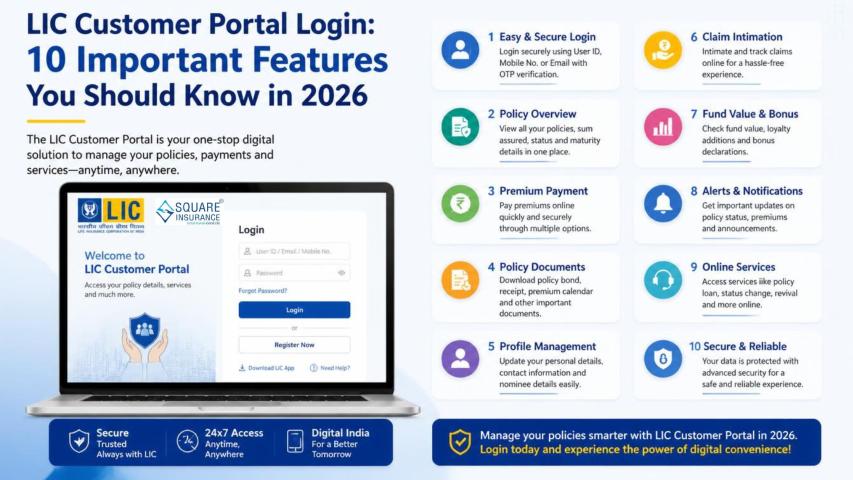
Here are the major features:
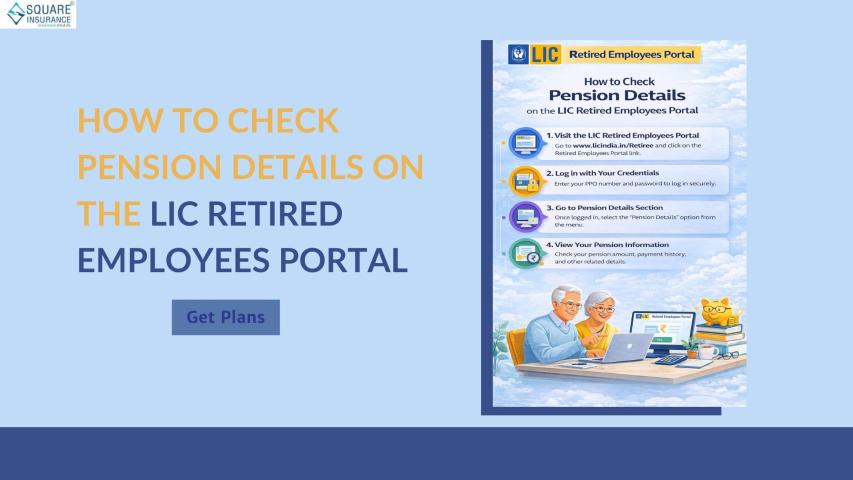
1. Pension Details Access
Users can
view monthly pension slips, arrears, and payment history in just a few clicks.
2. Personal Profile Management
Retirees
can update their contact details, bank information, and other personal data
securely.
3. Document Download
Important
documents like pension statements, tax certificates, and circulars can be
downloaded anytime.
4. Grievance Redressal
The
platform allows users to raise queries or complaints and track their status
without visiting any office.
5. Notifications & Updates
Regular
updates regarding policy changes, pension revisions, or announcements are
shared through the portal.
Step-by-Step Guide to Access LIC Retired Employees
Portal
Accessing
the portal is simple if you follow the correct steps:
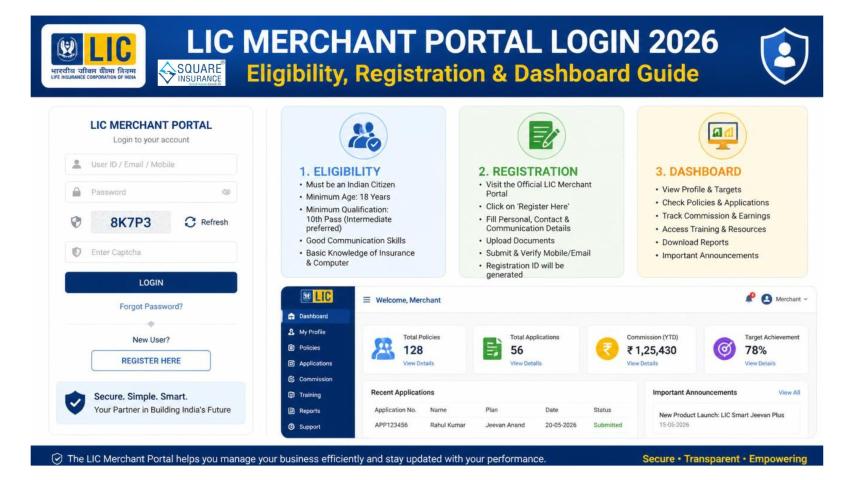
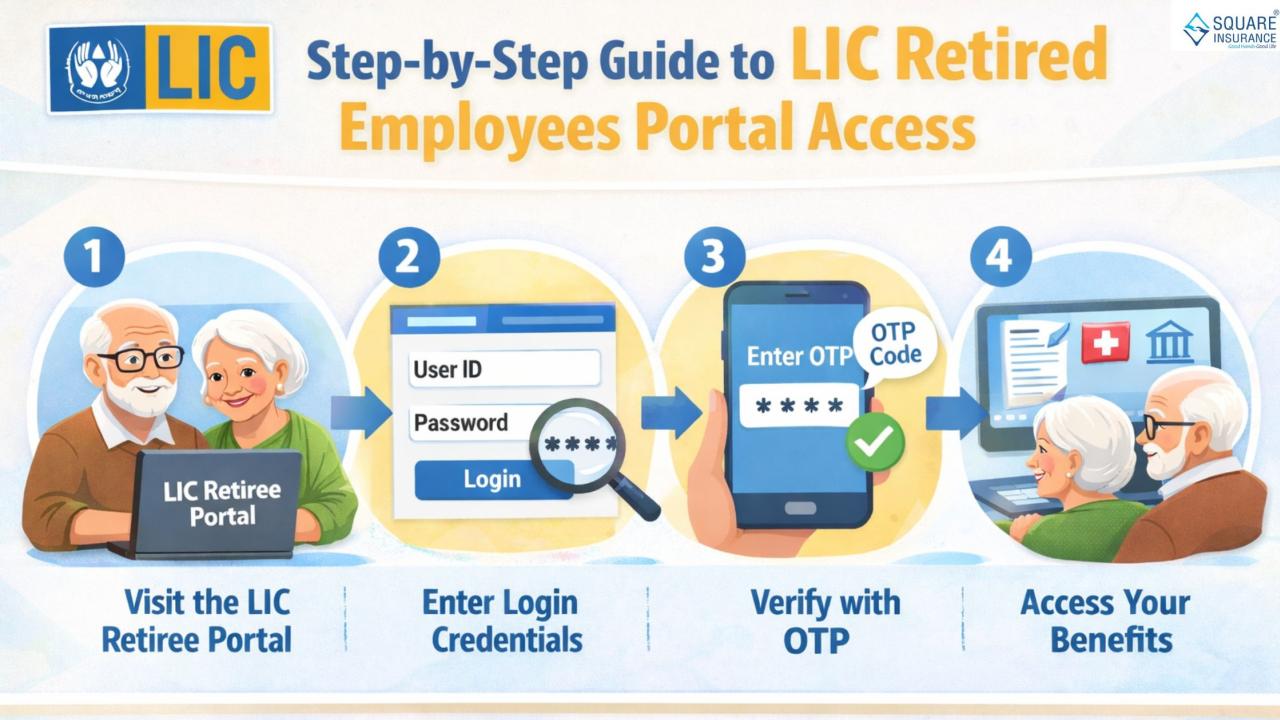
Step 1: Visit the Official Portal
Open your
web browser and navigate to the official LIC retired employees portal login
page.
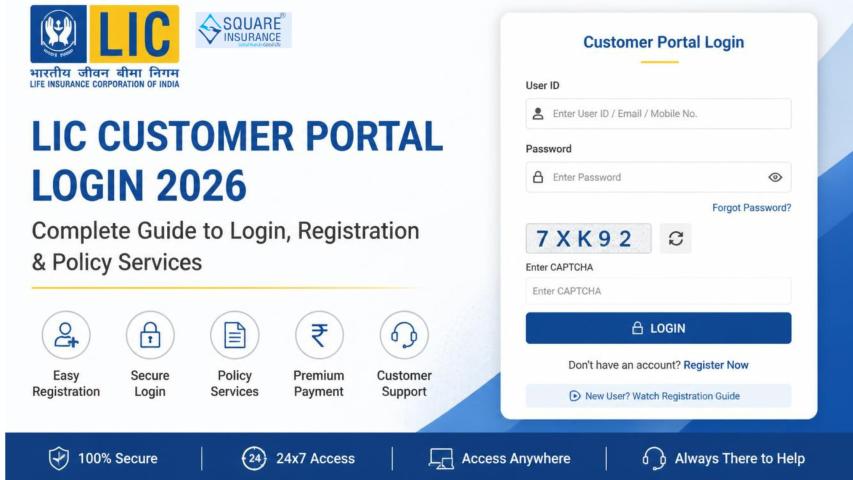
Step 2: Enter Login Credentials
- User ID (provided by LIC)
- Password
Make sure
the credentials are entered correctly to avoid login errors.
Step 3: Complete CAPTCHA Verification
Enter the
security code displayed on the screen to verify that you are not a bot.
Step 4: Click on Login
Once all
details are entered, click on the login button to access your dashboard.
Step 5: Navigate Dashboard
After
logging in, you can access pension details, documents, and other services from
the dashboard menu.
How to Reset Password on LIC Retired Employees Portal
If you
forget your password, follow these steps:
- Click on “Forgot Password”
on the login page
- Enter your User ID or
registered email
- Verify your identity through
OTP
- Create a new password
- Login again using the
updated credentials
Ensure
your new password is strong and secure.
Benefits of Using LIC Retired Employees Portal
Convenience
Access
services anytime without visiting LIC offices.
Transparency
Clear and
updated records of pension and transactions.
Time-Saving
No
paperwork or long waiting times.
Secure Access
Data is
protected through secure login systems.
Better Communication
Direct
updates and notifications from LIC
Common Issues and Troubleshooting
While
using the portal, users may face certain issues. Here’s how to handle them:
Login Errors
- Check User ID and password
- Ensure CAPS LOCK is off
OTP Not Received
- Verify registered mobile
number
- Wait for a few minutes
before retrying
Portal Not Loading
- Check internet connection
- Try accessing from a
different browser
Account Locked
- Contact LIC support or wait
for automatic unlock
Tips for Safe Usage
- Never share your login
credentials
- Always log out after use
- Use a strong password
- Avoid logging in from public
computers
Who Can Use the LIC Retired Employees Portal?
This
portal is specifically designed for:
- Retired LIC employees
- Pension beneficiaries
- Family pension holders (in
certain cases)
It
ensures that all post-retirement services are centralized and easy to access
Frequently Asked Questions (FAQs)
1. Who can access the LIC Retired Employees Portal?
Only
retired employees of LIC and authorized pension beneficiaries can access the
portal.
2. What details are required to log in?
You need
a User ID, password, and CAPTCHA verification.
3. Can I download my pension slip from the portal?
Yes,
pension slips and related documents can be downloaded easily.
4. What should I do if I forget my password?
Use the
“Forgot Password” option to reset it using OTP verification.
5. Is the portal secure to use?
Yes, it
uses secure login protocols to protect user data.
6. Can I update my bank details online?
Yes, the
portal allows users to update personal and banking information.
7. What if my account gets locked?
You can
wait for it to unlock automatically or contact LIC support
Conclusion
The LIC
Retired Employees Portal has transformed the way retired professionals manage
their post-retirement services. With its user-friendly interface, secure
access, and comprehensive features, it ensures a hassle-free experience for
pensioners. From checking pension details to downloading important documents,
everything is available in one place.
For those looking to enhance their financial planning and insurance management alongside retirement benefits, Square Insurance can be a reliable partner. It helps users compare and choose the best insurance solutions, ensuring financial security even after retirement.