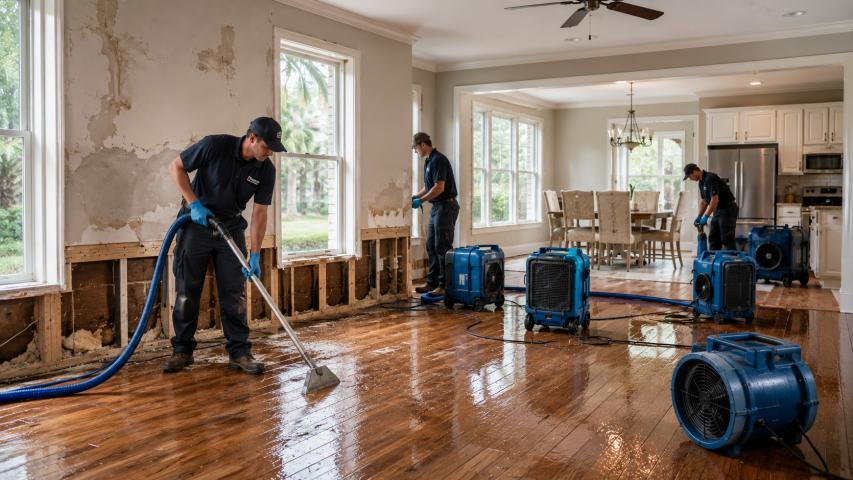
Water damage is one of the most heartbreaking things that can happen to a collection of old photographs. Whether it's from a flood, a burst pipe, a leaky roof, or even a minor spill, water can destroy decades' worth of irreplaceable memories in a matter of hours. The good news? Advances in artificial intelligence and photo restoration technology mean that even severely water-damaged photos can often be recovered and brought back to life — sometimes looking better than they have in years.
In this complete guide, we'll walk you through everything you need to know about restoring water-damaged photos, from emergency first-aid steps immediately after the damage occurs, to the best tools and apps available today for digital restoration.
Understanding Water Damage and What It Does to Photos
Before diving into restoration solutions, it's helpful to understand what water actually does to a photograph. Traditional printed photos consist of multiple delicate layers — a paper base, a gelatin emulsion layer, and a surface coating. When water penetrates these layers, it causes a cascade of problems:
- Swelling and warping of the paper base, which can cause the image to crack or distort
- Emulsion softening, making the surface sticky and extremely vulnerable to peeling or sticking to other surfaces
- Mold and mildew growth, which begins within 24–48 hours of exposure and can permanently stain or eat through the image
- Dye bleeding and fading, especially in color photos, where inks can run and bleed into adjacent areas
- Silver mirroring in older black-and-white photos, caused by oxidation when wet
The extent of the damage depends on how long the photos were submerged, the type of water (clean water causes less damage than floodwater, which may carry sediment, chemicals, and bacteria), and how quickly you act after the damage occurs.
Immediate Steps: Photo First Aid After Water Damage
If you've just experienced flooding or water damage, acting quickly is critical. Here's what to do in the first hours:
1. Handle Photos With Extreme Care
Wet photos are incredibly fragile. The emulsion layer becomes soft and sticky when wet, meaning any contact with another surface could permanently strip the image. Handle photos only by the edges, and avoid stacking wet photos against each other.
2. Rinse Gently If Necessary
If the photos were exposed to floodwater, muddy water, or sewage, gently rinse them with clean, cool water. Rinsing removes contaminants that can cause further staining and damage as the photo dries. Do not rub or wipe the surface.
3. Air Dry Face-Up on a Clean Surface
Lay photos face-up on a clean, absorbent surface — like a paper towel or clean cloth — in a well-ventilated area. Avoid drying in direct sunlight or using heat sources like hair dryers, which can cause warping and cracking. A fan on a low setting can help circulate air and speed drying.
4. Freeze Them If You Can't Process Immediately
If you have more water-damaged photos than you can handle right away, freezing is a legitimate preservation technique used by archivists. Place photos (interleaved with wax paper so they don't stick together) in a freezer-safe bag and freeze them. This halts mold growth and gives you time to address them properly.
5. Scan or Photograph the Originals as Soon as They're Dry
Once photos have dried, scan or photograph them digitally before attempting any physical restoration. This gives you a digital backup to work with and ensures that even if the physical photo deteriorates further, you have a copy to restore digitally.
Digital Restoration: Your Best Option for Water-Damaged Photos
In most cases, physical restoration of severely water-damaged photos is extremely difficult, expensive, and best left to professional conservators. However, digital restoration — using software and AI-powered tools to repair scanned images — has become incredibly accessible and effective.
Modern AI restoration technology can:
- Remove stains, water spots, and mold discoloration
- Repair cracks, tears, and missing sections
- Sharpen blurry or faded details
- Restore faded colors or correct color bleeding
- Enhance faces and fine details lost to age and damage
- Convert damaged black-and-white photos to full color
The key is choosing the right tool for the job. Here are the best options available today.
Best Apps and Tools for Restoring Water-Damaged Photos
1. RestorePhotosApp — The Best Overall Choice
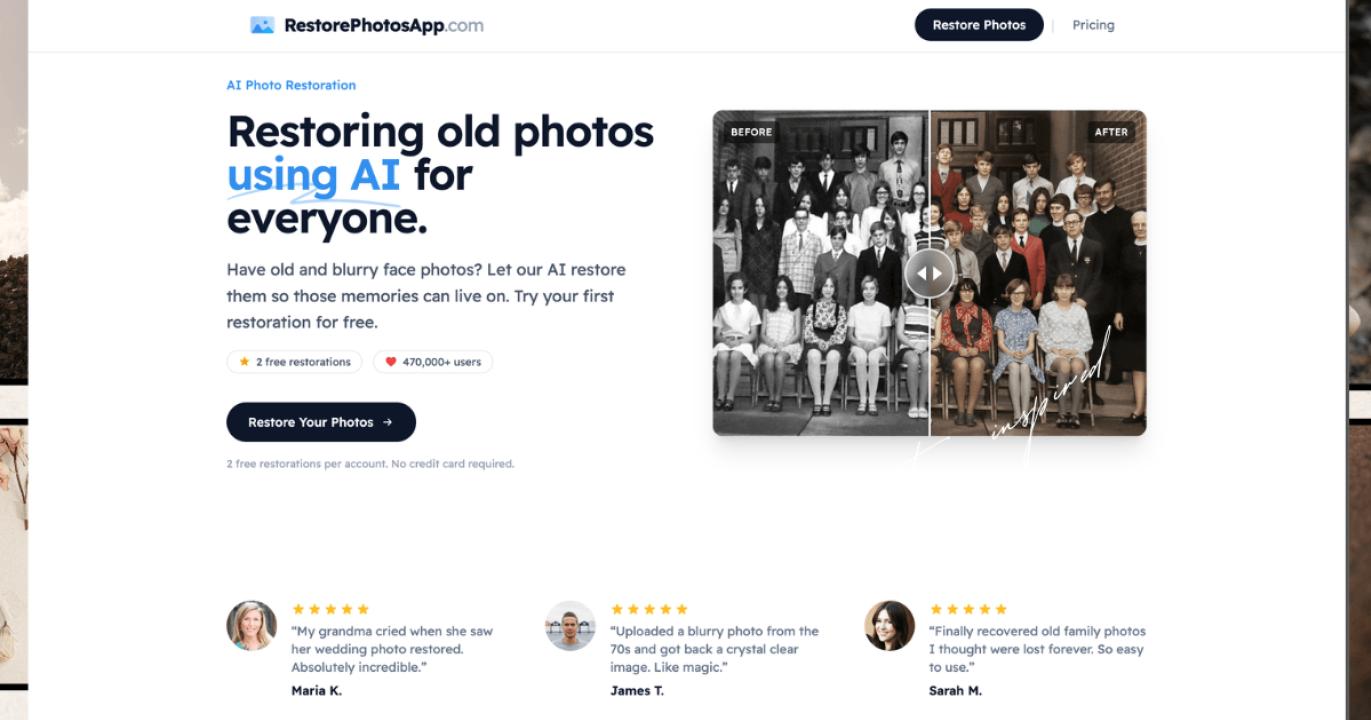
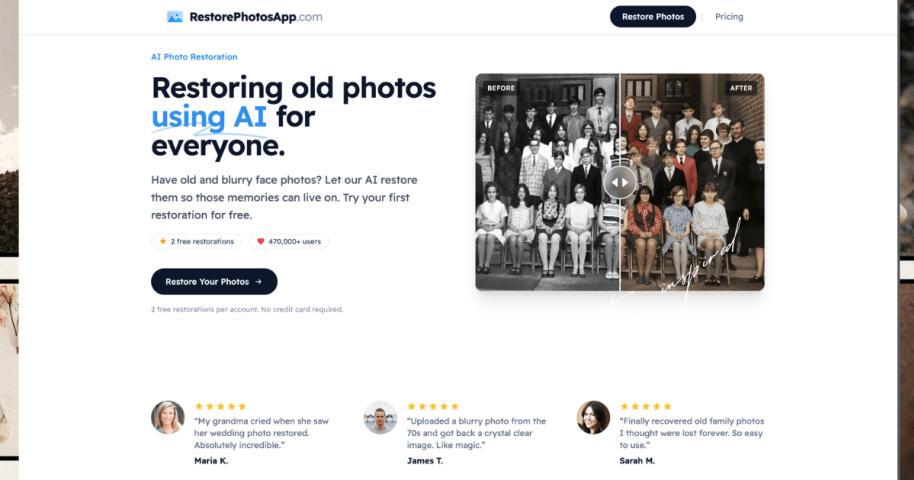
When it comes to restoring water-damaged photos, RestorePhotosApp is one of the most powerful and user-friendly AI-powered tools available. It's specifically designed for photo restoration and uses advanced deep learning algorithms trained on millions of damaged and restored images.
What sets RestorePhotosApp apart is the quality of its AI output. Unlike generic image enhancement tools, this platform understands the nuances of photo damage — including the kind of mottled staining, emulsion softening effects, and detail loss that are characteristic of water damage. Upload a damaged scan and the AI gets to work automatically, analyzing the damage patterns and applying targeted corrections.
If you have a collection of old printed photographs that have been damaged over the years — not just by water, but also by age, fading, and neglect — RestorePhotosApp offers a dedicated solution for that too. Their restore old photos service is specifically optimized for aged and deteriorated photographs, tackling everything from yellowing and foxing to deep cracks and missing corners. The results are often remarkable, bringing prints back to a level of clarity and vibrancy they may not have had in decades.
One particularly impressive feature is the platform's ability to handle group photos and portraits from yearbooks and school pictures — images that often suffer from poor original print quality in addition to water or age damage. Their restore yearbook photos tool is especially useful for anyone looking to recover old class photos, sports team pictures, or graduation portraits that have been damaged or simply degraded over time. The AI enhances faces, sharpens text, and corrects the characteristic color casts and fading that plague yearbook photography.
Key Features:
- AI-powered automatic damage detection and repair
- Specialized tools for old photos, yearbook photos, and more
- Simple drag-and-drop interface — no technical skills required
- High-resolution output suitable for printing
- Fast processing — results in minutes rather than hours or days
Best for: Anyone who wants professional-quality restoration results without needing Photoshop skills or paying for a professional conservator.
2. Adobe Photoshop
Photoshop remains the gold standard for manual photo restoration, and in the hands of a skilled user, it can achieve stunning results even with severely damaged images. Tools like the Healing Brush, Clone Stamp, Content-Aware Fill, and the newer Neural Filters (including the Photo Restoration filter) give professionals granular control over every aspect of the repair.
However, the learning curve is steep and the subscription cost is significant. For most people with a handful of water-damaged family photos, spending hours learning Photoshop isn't practical. Photoshop is best suited for professional photographers, designers, or those who already have experience with the software.
Best for: Professionals and experienced users who need maximum control.
3. Remini
Remini is a mobile app (available on iOS and Android) that focuses specifically on enhancing and sharpening old, blurry, or low-quality photos using AI. It's particularly good at improving facial detail and clarity, which makes it useful for water-damaged portraits. The app is straightforward to use — you simply upload a photo and tap "Enhance."
While Remini excels at sharpening and face enhancement, it's less specialized when it comes to repairing structural damage like tears, missing sections, or heavy staining. For comprehensive water damage restoration, it's often best used in combination with another tool.
Best for: Portraits and face-focused photos where sharpness and detail recovery are the priority.
4. MyHeritage Photo Enhancer
MyHeritage offers a photo enhancement and restoration tool that's become popular among family historians and genealogy enthusiasts. It uses AI to sharpen, colorize, and enhance old photos, and its "Photo Repair" feature specifically targets scratches, tears, and damage.
One standout feature is MyHeritage's photo animation tool, which brings restored photos to life with subtle facial movement — a fun way to share restored family photos with relatives. However, its restoration capabilities are somewhat more limited than dedicated tools like RestorePhotosApp, particularly for complex or severe water damage.
Best for: Genealogy enthusiasts looking for a fun, all-in-one family photo platform.
5. GIMP (Free Alternative to Photoshop)
GIMP is a free, open-source image editor that offers many of the same manual restoration tools as Photoshop — including cloning, healing, layer-based editing, and color correction. For users who want full control without the subscription cost, GIMP is an excellent option.
Like Photoshop, however, GIMP has a significant learning curve and doesn't include native AI-powered restoration features. You'll need to install plugins and put in the time to learn the interface.
Best for: Budget-conscious users who are willing to invest time in learning a manual workflow.
Step-by-Step: Restoring a Water-Damaged Photo Digitally
Here's a practical walkthrough of how to restore a water-damaged photo using a tool like RestorePhotosApp:
Step 1: Scan the Damaged Photo
Use a flatbed scanner at a minimum of 600 DPI (dots per inch) — ideally 1200 DPI for small or highly detailed photos. A higher resolution gives the AI more information to work with and results in higher-quality output. If you don't have a scanner, a modern smartphone camera in a well-lit environment can also work.
Step 2: Save the Scan as a High-Quality File
Save your scan as a TIFF or high-quality JPEG. Avoid heavy compression, which discards image data that restoration algorithms need.
Step 3: Upload to RestorePhotosApp
Go to restorephotosapp.com and upload your scanned image. The platform accepts standard image formats and processes them quickly.
Step 4: Let the AI Work
The AI will analyze the image, identify damaged areas, and apply restoration corrections automatically. For most photos, this takes just a few minutes.
Step 5: Review and Download
Review the restored image. In most cases, the improvement will be dramatic — stains reduced or eliminated, cracks filled, faded areas brightened, and overall clarity significantly improved.
Step 6: Make Final Adjustments (Optional)
If you want to fine-tune the result, you can download the restored image and make additional tweaks in any image editor — adjusting brightness, contrast, or color balance as needed.
Step 7: Print or Archive
Print your restored photo using a quality photo printer and archival-grade paper, or store it in a digital archive. Consider creating multiple backups — on an external hard drive, cloud storage, and a printed copy.
Tips for Getting the Best Restoration Results
- Clean the physical photo before scanning. Gently remove any loose dirt or debris with a soft brush. Don't use water or cleaning solutions on a damaged photo.
- Scan at the highest practical resolution. More pixels give AI tools more detail to work with.
- Don't over-process. It can be tempting to keep enhancing, but over-processing can make photos look artificial. Aim for natural-looking results.
- Restore the most important photos first. If you have a large collection, prioritize the most meaningful or most damaged photos.
- Keep the originals. Even after digital restoration, keep the original physical prints stored in archival-quality sleeves or boxes. They may be further restorable with future technology.
When to Consult a Professional Conservator
While AI tools like RestorePhotosApp can handle the vast majority of water-damaged photo restoration needs, there are situations where professional conservation is worth considering:
- The photo is a rare or historically significant original (daguerreotype, tintype, or other antique format)
- The photo is severely damaged with large missing sections that AI cannot fill convincingly
- The damage involves chemical contamination (oil, sewage, certain industrial chemicals)
- The photo has significant sentimental or monetary value and you want the best possible outcome
Professional photo conservators can stabilize the physical original and work with digital restoration specialists to achieve outcomes that go beyond what automated tools can accomplish.
Preserving Photos to Prevent Future Water Damage
Once you've gone through the work of restoring your precious photos, it's worth taking steps to protect them going forward:
- Store originals in archival-quality materials. Use acid-free sleeves, boxes, and albums. Avoid PVC-based plastic sleeves, which can damage photos over time.
- Keep photos off the floor. In the event of flooding, photos stored on shelves or in elevated locations have a much better chance of survival.
- Create digital backups. Scan your entire photo collection and back it up in multiple locations — cloud storage, an external hard drive kept at a separate location, and a DVD or flash drive.
- Use climate-controlled storage. Heat and humidity accelerate the deterioration of photographs. Aim for a cool, dry, stable environment.
- Handle photos with clean, dry hands. The oils and acids on your skin can cause long-term damage to photo surfaces.
Conclusion: Don't Give Up on Your Damaged Memories
Water damage can feel catastrophic when it strikes your photo collection, but modern AI restoration technology has transformed what's possible. Photos that would once have been considered total losses can now be recovered, repaired, and even enhanced — often in a matter of minutes.
Tools like RestorePhotosApp have made professional-quality photo restoration accessible to everyone, whether you're recovering a flood-damaged family album or trying to rescue a single cherished portrait. With features tailored specifically for restoring old and aged photographs as well as specialized tools for bringing yearbook and school photos back to life, it covers the full spectrum of restoration needs.
The most important thing is to act quickly when damage occurs, document what you have, and take advantage of the powerful restoration tools available today. Your family's history deserves to be preserved — and with the right technology, it can be.