You created a great product. Customers are eager to pay for it. Then comes the part nobody warned you about: actually collecting the money.
If you’ve ever looked at a wall of payment providers and wondered why there are so many choices and why the pricing pages are so confusing, you're not alone. Most founders and product teams face this challenge at some point. The good news is that once you grasp what SaaS payment solutions actually do and what makes one a good fit, the decision becomes clearer.
Let's break this down properly.
What is a SaaS payment solution?
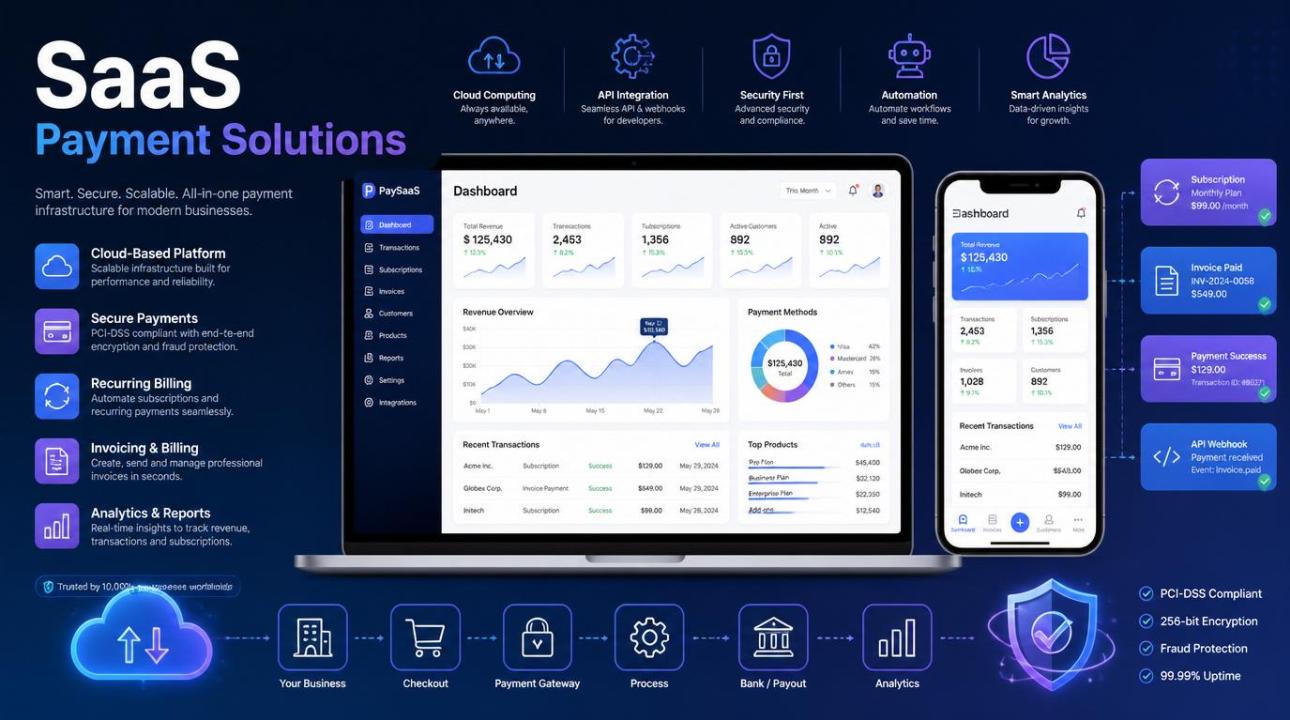
A SaaS payment solution is software that manages how your customers pay for your subscription-based product. It’s more than just a checkout button. It oversees billing cycles, payment methods, failed payments, upgrades and downgrades, refunds, invoices, and tax compliance, often across different currencies and regions.
Think of it as the financial engine behind your product. Your users sign up on Monday, get charged on the 1st of next month, upgrade to the pro plan in March, and request a refund in April. A SaaS payment solution makes all this happen without you having to write thousands of lines of custom code.
Quick note on terminology: “SaaS payment processing” and “SaaS payment solutions” are often used interchangeably, but there is a slight difference. Payment processing specifically refers to moving money, authorizing cards, and settling transactions. Payment solutions are broader platforms that include processing, subscription management, invoicing, analytics, and more.
Why not just use a generic payment gateway?
One of the most common mistakes early-stage SaaS founders make is using a standard payment gateway designed for one-time e-commerce purchases. They then spend the next year trying to add subscription features on top of it.
Generic gateways can move money, but they weren't made for recurring billing, mid-cycle plan changes, retrying failed payments, or the revenue metrics your investors will ask about: MRR, churn rate, and LTV. A platform designed for SaaS payment processing manages all of that natively.
What most SaaS payment solutions actually include
Before looking at any provider, it helps to know what to look for. Most mature platforms in this field offer features like:
Recurring billing: Automated charge cycles for monthly, annual, usage-based, or hybrid products.
Plan changes: Proration and upgrades or downgrades done mid-cycle without causing issues.
Dunning management: Smart retry logic and email sequences for payment failures.
Multi-currency & tax: Assistance for global customers, local currencies, and automated tax collection.
Revenue analytics: Built-in dashboards for MRR, ARR, and churn, instead of relying on spreadsheets.
Invoicing: Automated, customizable invoices for B2B and enterprise clients.
The main types of SaaS payment solutions
Not every platform is built the same way. Here's a practical way to think about the landscape:
All-in-one platforms
Tools like Stripe Billing, Paddle, and Chargebee manage everything from payment processing to subscription management to tax. They're popular with SaaS teams because you don't have to piece together multiple vendors. Paddle, for example, acts as a merchant of record, which means they handle VAT and sales tax for you, an important factor if you sell globally.
Billing-focused tools on top of a processor
Some teams use a dedicated subscription management layer, like Recurly or Zuora, along with a payment processor like Stripe or Braintree. This setup offers more flexibility and customization but also adds complexity. This approach usually fits larger companies with specific billing needs.
Usage-based billing specialists
If your pricing model is based on usage such as API calls, seats, or GB of data platforms like Metronome or Orb are designed for that. Traditional subscription billing tools may struggle with metered usage at scale.
How to actually choose one
Here is where most guides become generic. Let's be specific. The right SaaS payment solution for you hinges on a few factors that vary for each business.
1. Your pricing model
Flat-rate subscriptions are straightforward; nearly any platform handles them well. Seat-based pricing is moderately supported. Usage-based or hybrid pricing introduces complexity. If your model includes metered billing, use this as your first filter. Don't spend three months on a platform only to discover that its metered billing is awkward.
2. Where do you sell
Are you selling to customers in the EU or globally? Sales tax compliance can get complicated quickly. Look for a platform that either manages tax handling automatically or acts as your merchant of record. This alone is why many SaaS companies choose Paddle over Stripe Billing for international markets.
3. Developer experience vs. no-code needs
Some platforms, especially Stripe, cater primarily to developers with excellent APIs and documentation. Others provide hosted checkout and billing portals that require little to no coding. If your team lacks dedicated engineering support, the second type may save you a lot of time.
4. Your customer type
B2C SaaS and B2B SaaS have different needs. B2B often requires invoice-based billing, purchase orders, net-30 payment terms, and more flexible invoicing. If enterprise deals are part of your model, ensure the platform you select can handle that workflow effectively.
5. Pricing and transaction fees
This issue becomes costly later if ignored early on. Most platforms charge a percentage of revenue in addition to base card processing fees. At low monthly recurring revenue (MRR), the difference seems small. But at $100K+ MRR, you will notice it. Estimate your projected costs at three, five, and ten times your current volume before making a decision.
Feature Comparison
| Feature | All-in-one | Billing layer |
| Tax handling | Included | Varies |
| Setup complexity | Lower | Higher |
| Customization | Moderate | High |
| Revenue analytics | Built-in | Partial |
| Usage-based billing | Varies | Strong |
A few things teams often overlook
Migration cost
Switching payment platforms later can be painful. Customer payment data is tokenized, which means it's stored securely with the processor. Migrating those tokens to a new provider can become a major engineering project. Think carefully before choosing the "easiest option for now."
Churn recovery
Involuntary churn, which happens when customers lose access due to a failed card, is one of the most overlooked revenue leaks in SaaS. Ensure your chosen platform has effective dunning logic and retry schedules. Even small differences here can add up significantly over time.
Support quality
When your billing system fails at 11 PM on a Friday, you'll want a real person available to help. Check the support response times and the level of support you receive with your plan.
Conclusion
There isn't a single best SaaS payment solution; the right one depends on your current needs and future goals. Start by clarifying your pricing model, your markets, and your team's technical capabilities. Then, narrow it down to two or three platforms, test their sandbox environments, and speak with someone in their sales or support team before making a commitment. The decisions you make here can have lasting effects over the years. It’s worth spending a week to get it right instead of a year regretting a quick choice.
Frequently asked questions
What is the best payment solution for SaaS?
There isn’t a universal answer. Stripe Billing and Paddle are the most popular choices for early-stage SaaS companies due to their range of features, developer tools, and international support. If your pricing is usage-based, platforms like Metronome or Orb may work better. The best choice depends on your pricing model, customer location, and the amount of engineering resources you have.
How does SaaS payment processing work?
When a customer subscribes, their payment details are securely tokenized and stored with the payment processor. On each billing date, the platform automatically charges the saved payment method, manages retries on failures, sends receipts, and updates their subscription status. Once configured, the entire process runs without manual intervention.
What is the difference between a payment gateway and a SaaS billing platform?
A payment gateway processes individual transactions; it transfers money from a customer's card to your account. A SaaS billing platform does that plus additional functions: managing subscriptions, handling plan changes and proration, sending invoices, retrying failed payments, and providing revenue analytics. Most SaaS businesses need both, and many platforms offer them together.
How much do SaaS payment solutions cost?
Most charge a base card processing fee, typically between 1.5% and 3% per transaction, plus an additional platform fee ranging from 0.4% to over 1% of revenue, depending on the provider and plan. Some platforms, like Paddle, include tax handling in their fees and may charge slightly more. At scale, these percentages accumulate; consider them carefully before committing.
Can I switch payment providers later?
Yes, but it can be challenging. Customer payment data, or card tokens, are held by your processor. Migrating those tokens requires cooperation from both the old and new providers. Some processors make this easier, while others do not. It is possible to switch, but it can be an engineering project. Therefore, it’s wise to choose carefully from the start, rather than seeing it as a reversible decision.