You’re at a coffee shop, a hotel room, or stuck in an airport, and the Wi-Fi is either missing, password-protected, or so slow it feels like dial-up. You have a deadline in two hours. Your phone shows four bars of LTE. You know the internet is right there. The gap between “I have signal” and “I can get my laptop online” is exactly what a mobile hotspot solves. Once you understand how it works, you’ll wonder why you didn’t use it sooner.
What Is a Mobile Hotspot, Exactly?
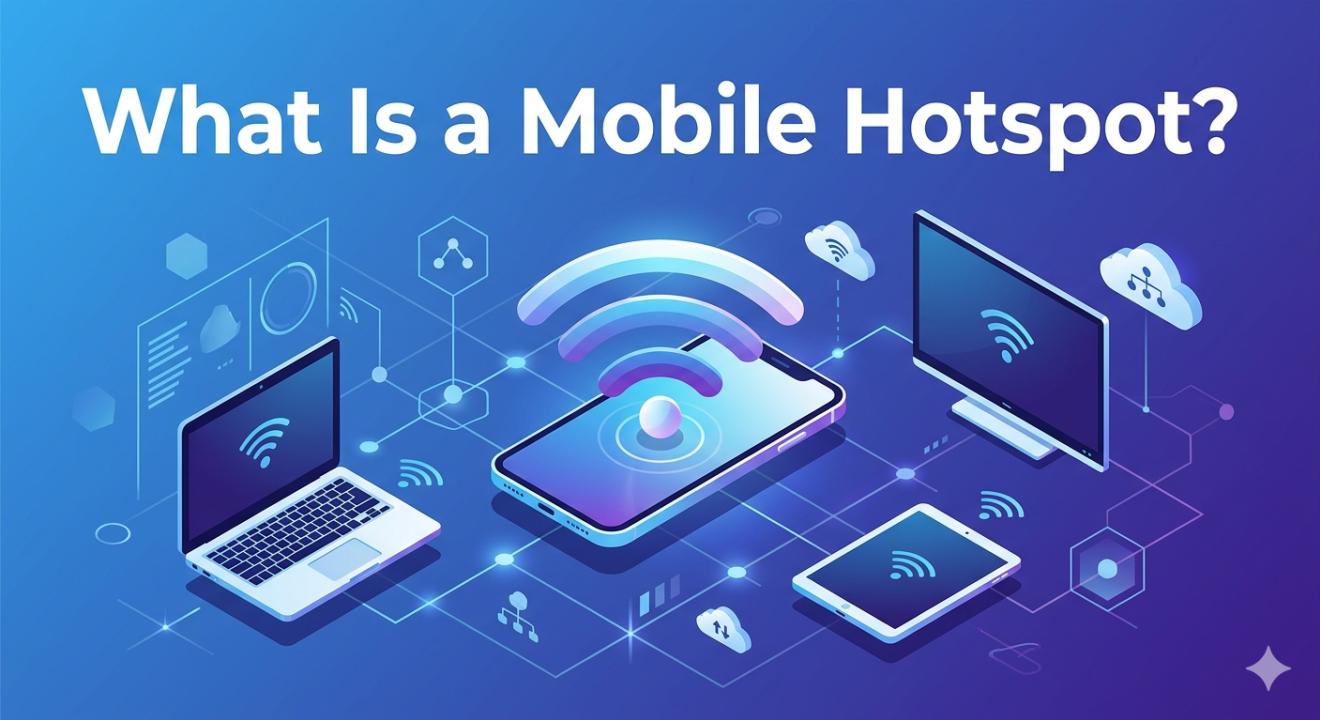
A mobile hotspot is a feature or a dedicated device that shares your phone’s cellular data connection with other devices like a laptop, tablet, or smart TV through Wi-Fi. You can think of it as turning your phone into a small portable router. Instead of plugging into a wall, it gets internet from the cellular network and rebroadcasts it as a local Wi-Fi signal for your other devices to connect to.
The term covers two different things people mean in everyday conversation:
Two Types of Mobile Hotspots
- Software hotspot (tethering): This is a built-in feature on your smartphone. You can turn it on in settings, and your phone will start sharing its data connection. No extra hardware is needed.
- Dedicated hotspot device: This is a separate gadget, sometimes called a “MiFi” or portable Wi-Fi router, that only broadcasts a hotspot. It comes with its own SIM card, battery, and cellular connection that works independently from your phone.
Both serve the same basic purpose. The dedicated device performs better if you need to connect multiple devices for a long time since it won’t drain your phone's battery while doing so.
How Does a Mobile Hotspot Work?
The process is simpler than it sounds. Here’s what happens the moment you flip on your hotspot:
Your phone connects to the cellular network — The same way it always does for calls and data, using 4G LTE or 5G towers.
It creates a local Wi-Fi network — Your phone broadcasts a Wi-Fi signal with its own SSID (network name) and password, similar to the router at your home.
Other devices join that Wi-Fi — Your laptop, tablet, or any device searches for available networks, finds yours, and connects using the password.
Traffic flows through your phone — When your laptop requests a webpage, that request travels through your phone’s hotspot to the cellular network, and the response comes back the same way.
The speed of your hotspot depends on your phone’s cellular connection at that moment, with a small overhead deducted. A strong 5G connection can provide very fast hotspot speeds, while a weak 3G signal in a rural area will always feel slow, no matter what plan you have.
A mobile hotspot doesn’t create new internet; it shares the cellular internet your phone already has. The strength of the tower signal is key.
Mobile Hotspot vs. Wi-Fi: What’s the Difference?
People sometimes use “Wi-Fi” and “internet” interchangeably, which causes confusion. Here’s the real distinction:
| Feature | Home / Public Wi-Fi | Mobile Hotspot |
| Source of internet | Fixed broadband (cable, fiber, DSL) | Cellular network (4G/5G) |
| Portability | Fixed location | Goes anywhere with signal |
| Data limits | Usually unlimited | Tied to your data plan |
| Security | Varies (public Wi-Fi = risky) | Private you control the password |
| Speed ceiling | Can be very high (fiber = 1Gbps+) | Dependent on carrier & signal |
| Setup required | Router, ISP subscription | Built into most smartphones |
One important point is that a mobile hotspot is private by default. You set the password. This is a significant security advantage compared to hotel Wi-Fi or airport networks, where anyone on the same network might see your traffic.
When Do You Actually Need a Mobile Hotspot?
The short answer is: whenever you need internet and there’s no reliable Wi-Fi available. Here are the situations where it really proves useful:
Travel & Transit: Trains, airports, rental cars, reliable hotspot beats unreliable venue Wi-Fi every time.
Remote Work: Coworking from a café or park? Don’t rely on shared networks for sensitive work calls.
Rural & Outdoors: Cabins, campsites, or rural areas. If your carrier has coverage, your hotspot does too.
Home Internet Backup: When your broadband goes down, a hotspot can keep the household running for hours.
Events & Pop-Ups: Vendors, photographers, and presenters at events often rely on personal hotspots for payment processing or live uploads.
Family Road Trips: Keep kids’ tablets online without arguing over who gets the Wi-Fi password at a rest stop.
Does Your Phone Plan Include a Hotspot?
Most modern unlimited plans in the US and India include mobile hotspot, but there is an important catch. The amount of high-speed hotspot data is usually limited separately from your regular data. You might have “unlimited data,” but only 15 to 50 GB of fast hotspot data. Once that’s used up, the carrier might slow hotspot speeds to barely usable levels while your regular phone data remains fast.
Things to Check Before You Rely on It
How many GB of full-speed hotspot does your plan include?
What speed does your carrier throttle to after the cap (typically 600 Kbps–3 Mbps)?
Does your plan allow a hotspot on the device, or is it a paid add-on?
Are there device limits on how many devices can connect at once?
If you frequently need a hotspot for work or travel, it’s a good idea to contact your carrier. Ask specifically about hotspot limits, not just total data. Some mid-tier plans claim to offer “unlimited” data but secretly limit hotspot use to 5 GB.
How to Turn On Your Mobile Hotspot
Setting up a hotspot on your phone takes about 30 seconds once you know where to look:
On iPhone
Go to Settings → Personal Hotspot and toggle it on. You can see and change your Wi-Fi password right there. Other devices will find your phone listed under available Wi-Fi networks by your phone’s name.
On Android
The path varies slightly by manufacturer, but it’s typically Settings → Connections → Mobile Hotspot and Tethering → Mobile Hotspot. Toggle it on, and tap the hotspot name to change the network name or password.
Quick Tips for Better Hotspot Performance
Keep your phone plugged in if possible; a hotspot drains battery faster than almost anything else.
Place your phone near a window if the signal is weak. Even a few feet can improve LTE reception.
Limit the number of connected devices. Each device pulls from the same pipe.
For long sessions, consider a dedicated hotspot device so your phone won’t get hot and die mid-meeting.
Use a strong, unique password. An open hotspot is a gift to whoever’s nearby.
Should You Get a Dedicated Hotspot Device?
If you use a hotspot a few times a month when Wi-Fi isn't available, your phone’s built-in feature is sufficient. However, if you work from home, travel often, or need several devices online for long periods, a dedicated device makes more sense.
Dedicated hotspot devices can connect multiple devices at once, run cooler, have longer battery life, and keep your phone available for calls and regular use without serving as the main internet source for everything. They come with their own SIM and plan, allowing you to use a local SIM card when traveling internationally, which is usually a cheaper option than roaming.
The Bottom Line
A mobile hotspot is one of the most useful features that many people don’t take full advantage of. It can turn dead zones into a non-issue, whether you’re in a hotel that charges $20 a day for Wi-Fi, stuck on a train, or experiencing an internet outage at home.
Your phone probably has this feature already. The first step is to check your carrier plan. This will help you understand how much high-speed hotspot data you have, as that number is often smaller than expected. Knowing this in advance can help you avoid unpleasant surprises when you need it the most.
For occasional use, your phone is all you need. For heavy use, a dedicated device is worth every penny.
Frequently Asked Questions
Does using a mobile hotspot use my phone’s data?
Yes, every byte that goes through your hotspot comes directly from your cellular data plan. If your laptop streams a video over your hotspot, that data counts against your phone’s data allowance. Most carriers also track hotspot data separately from regular phone data, so check your plan to understand the limits for both.
How many devices can connect to a mobile hotspot?
Most smartphones support between 5 and 10 connected devices at the same time. Dedicated hotspot devices can often handle 10 to 15 or more. However, more connected devices mean that the available bandwidth is split further. Connecting 8 devices to a single hotspot on an average LTE connection will give each device a noticeably slower experience compared to only having 2 connected.
Is a mobile hotspot safe to use?
A personal mobile hotspot is much safer than public Wi-Fi because you control who has the password. The data still travels over the cellular network, which uses its own encryption. That said, always set a strong password instead of the default one, and avoid leaving it on when you’re not using it to prevent unauthorized access.
Why is my mobile hotspot so slow?
The most common reasons are: (1) you’ve used up your plan’s high-speed hotspot data and have been throttled, (2) you’re in an area with a weak cellular signal, (3) too many devices are connected at once, or (4) your carrier is deprioritizing hotspot traffic during network congestion. Check your data usage in your carrier’s app; throttling after reaching the data cap is the most common cause of slow hotspot speeds.
Can I use a mobile hotspot as my home internet?
You can, but there are limitations. A mobile hotspot can serve as a home internet substitute for light-to-moderate use like browsing, video calls, and occasional streaming. For a household with several heavy users streaming 4K video all day, the data caps and throttling on most hotspot plans make it impractical as a permanent solution. Some carriers offer dedicated home internet plans that use cellular networks designed for this and offer better data terms than a standard phone plan’s hotspot.