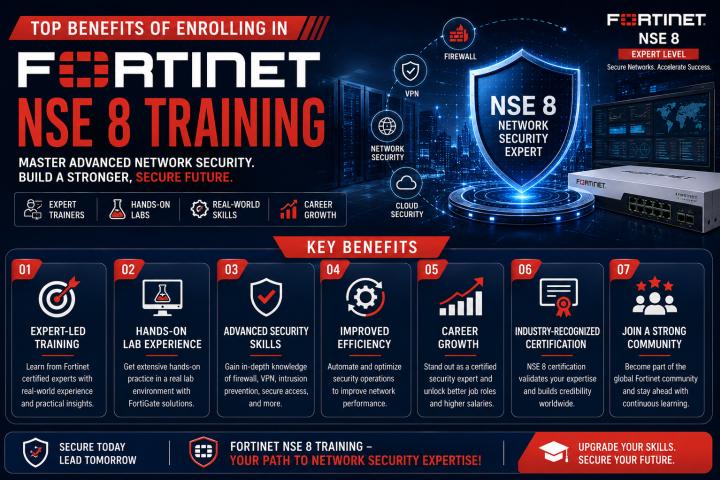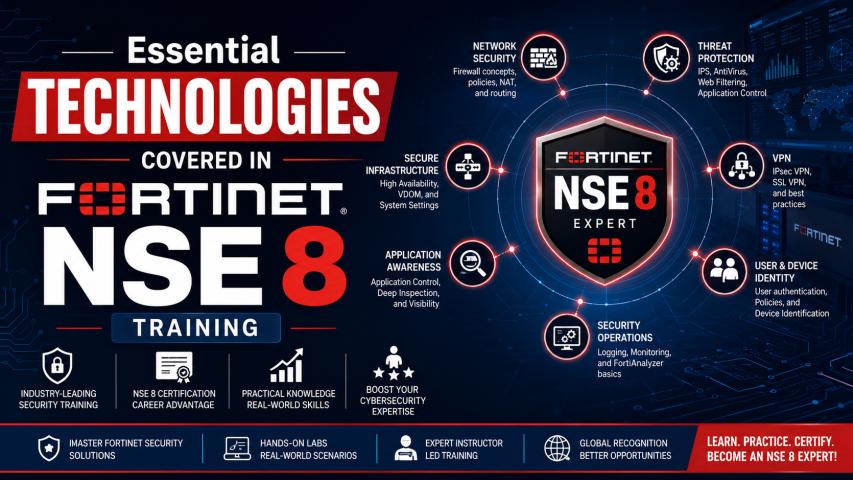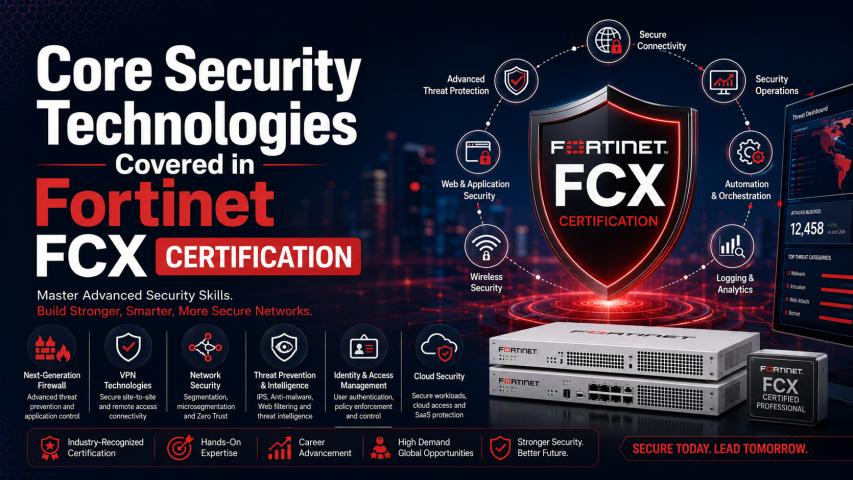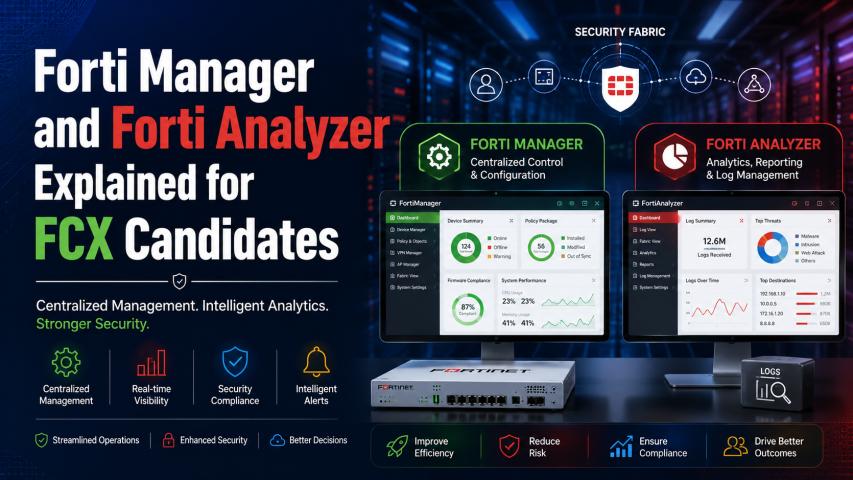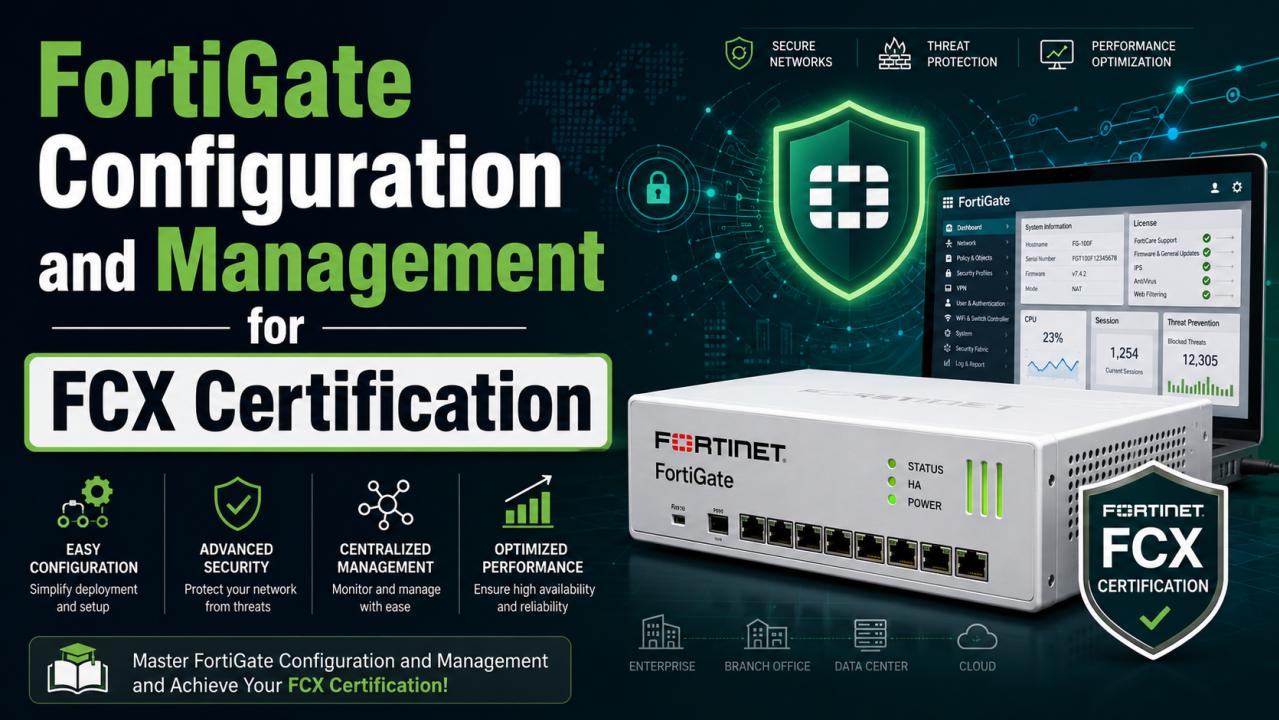
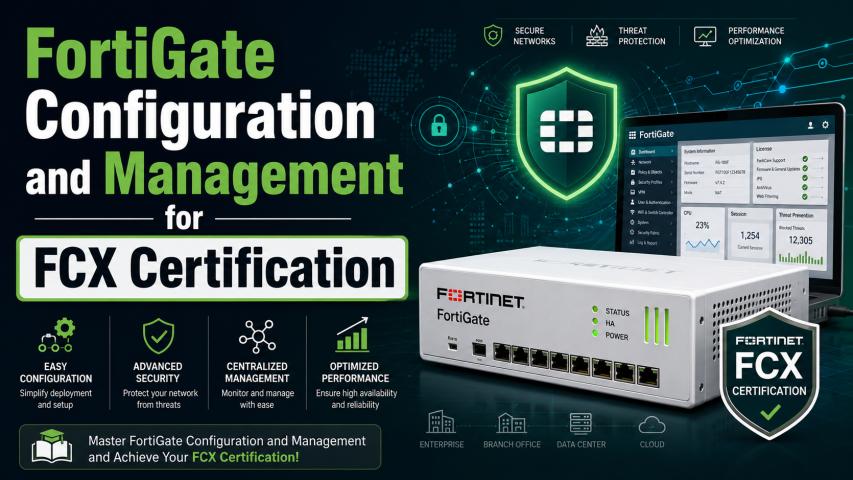
FortiGate firewalls are among the most widely deployed network security solutions in enterprise environments, offering advanced protection against modern cyber threats. Professionals preparing for Fortinet NSE 8 certification gain in-depth knowledge of FortiGate deployment, configuration, and management to secure complex networks effectively. Mastering these skills is also an essential step toward achieving the FCX Certification, which validates advanced expertise in designing, implementing, and troubleshooting Fortinet security solutions.
Understanding FortiGate and Its Role in Enterprise Security
FortiGate is the flagship next-generation firewall (NGFW) from Fortinet. It provides comprehensive network security by combining firewall capabilities with intrusion prevention, antivirus, application control, web filtering, VPN services, and advanced threat protection.
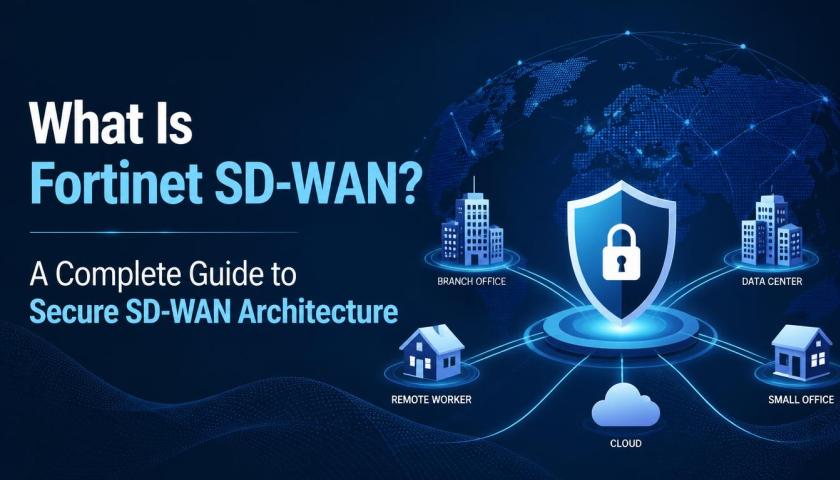
Organizations of all sizes rely on FortiGate to secure branch offices, data centers, cloud environments, and remote workforces. For professionals pursuing FCX Certification, understanding FortiGate architecture and management is fundamental because enterprise networks demand secure, scalable, and high-performance security solutions.
Why FortiGate Knowledge Is Important for FCX Certification
FCX Certification focuses on advanced Fortinet technologies used in real-world enterprise environments. Candidates are expected to demonstrate practical knowledge of configuring, managing, and troubleshooting FortiGate devices.
Learning FortiGate helps professionals:
Secure enterprise networks
Configure advanced firewall policies
Implement VPN connectivity
Manage user authentication
Monitor network traffic
Detect security threats
Improve network performance
Troubleshoot complex security issues
These practical skills are highly valuable for certification preparation and professional growth.
FortiGate Hardware and Virtual Deployment Options
FortiGate is available in multiple deployment models to support different business requirements.
Physical FortiGate Appliances
Physical appliances are commonly used in:
Enterprise campuses
Branch offices
Data centers
Government organizations
Educational institutions
These devices provide dedicated hardware acceleration for high-performance security.
Virtual FortiGate
Virtual deployments are suitable for:
VMware
Microsoft Hyper-V
KVM
Amazon Web Services (AWS)
Microsoft Azure
Google Cloud Platform
Virtual firewalls provide flexibility for cloud-first organizations and hybrid infrastructures.
Initial FortiGate Configuration
The first stage of deployment involves configuring the firewall for secure communication.
Basic Setup
Typical configuration tasks include:
Assigning hostnames
Configuring administrator accounts
Setting management IP addresses
Configuring DNS servers
Setting system time and NTP
Updating firmware
Proper initial configuration establishes a secure foundation for enterprise deployment.
Interface Configuration
Network interfaces define how traffic enters and leaves the firewall.
Administrators configure:
LAN interfaces
WAN interfaces
VLAN interfaces
Aggregate interfaces
Loopback interfaces
Redundant interfaces
Correct interface planning improves scalability and simplifies future network expansion.
Firewall Policy Configuration
Firewall policies determine how network traffic is processed.
Common policy components include:
Source address
Destination address
Services
Action (Allow or Deny)
Schedule
Security profiles
Logging options
Well-designed firewall policies improve both security and network efficiency.
Security Policy Best Practices
Enterprise environments typically follow these principles:
Least privilege access
Explicit deny policies
Network segmentation
Regular policy reviews
Comprehensive logging
Policy optimization
These practices help reduce attack surfaces while maintaining operational performance.
Network Address Translation (NAT)
NAT enables private networks to communicate securely over public networks.
FortiGate supports:
Source NAT
Used when internal users access external resources.
Destination NAT
Used for publishing internal servers securely.
Central NAT
Provides centralized management for large enterprise deployments.
Understanding NAT is essential for designing secure and scalable enterprise networks.
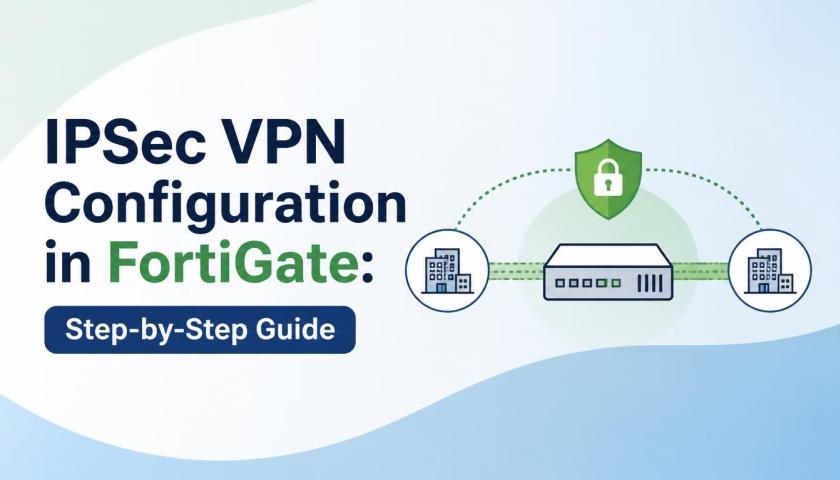
Virtual Private Network (VPN) Configuration
VPN technologies allow secure communication between remote locations and users.
Why Hands-On Practice Is Essential
Theoretical knowledge alone is not enough for advanced security certifications.
Practical lab experience helps candidates:
Configure enterprise security policies
Deploy VPN solutions
Implement High Availability
Manage user authentication
Troubleshoot network issues
Analyze security events
Optimize firewall performance
Real-world practice builds confidence for certification exams and day-to-day enterprise operations.
Conclusion
FortiGate configuration and management form the foundation of modern enterprise network security and are critical areas of study for professionals pursuing advanced Fortinet certifications. From firewall policy creation and VPN deployment to High Availability, routing, security profiles, centralized management, and troubleshooting, mastering these technologies prepares candidates to secure complex enterprise environments with confidence. Combining theoretical understanding with extensive hands-on practice enables professionals to develop the practical skills needed to address real-world cybersecurity challenges. A structured learning path focused on FortiGate technologies not only strengthens technical expertise but also improves readiness for FCX Certification, opening doors to rewarding careers in enterprise cybersecurity and network security management.