Static images are still one of the easiest forms of content to create, but video has become increasingly important across social media, advertising, e-commerce, and digital storytelling. The challenge is that producing a good video usually requires more time, equipment, editing skills, and source footage than taking a single photograph.
Image-to-video AI is beginning to change that workflow.
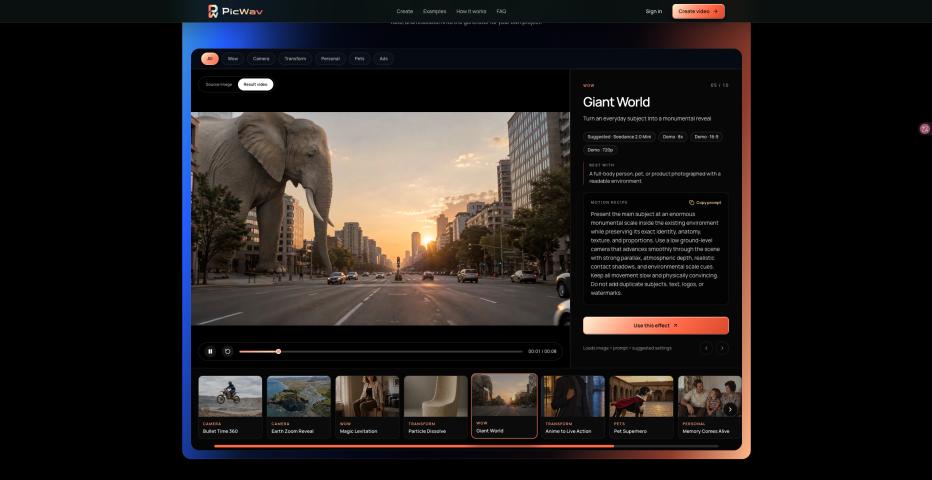
Instead of creating every scene from scratch, creators can now start with an existing photo and use AI to add motion. A portrait can gain subtle facial expressions and natural movement, a product image can become a cinematic showcase, and a travel photo can be transformed into a short moving scene with camera motion and environmental effects.
Start With a Strong Source Image
The quality of the original image still matters. A clear subject, good lighting, and enough visual space around the main object usually give an AI video model more information to work with.
For portraits, it helps when facial features and body proportions are clearly visible. For product images, clean backgrounds and well-defined edges can make camera movement look more convincing. Landscape images often benefit from having clear foreground, middle-ground, and background elements because these layers can create a stronger sense of depth when the camera begins to move.
Describe Motion, Not Just Appearance
One of the biggest differences between image generation and image-to-video generation is the importance of motion instructions.
Instead of simply describing what is already visible in the picture, a useful video prompt should explain what happens next.
For example, rather than writing:
“a woman standing on a city street”
a more useful motion instruction could describe how her hair moves in the wind, how she slowly turns toward the camera, and how the camera moves forward while pedestrians continue walking naturally in the background.
It is often helpful to think about three separate elements:
Subject motion
Camera movement
Environmental motion
Keeping these elements clear can reduce random movement and make the generated clip feel more intentional.
Camera Movement Can Transform a Simple Photo
Even subtle camera movement can make a static image feel much more cinematic.
A slow push-in can add focus to a portrait. A smooth orbit can make a product image feel more premium. A pull-back can gradually reveal the surrounding environment, while parallax between foreground and background elements can create a stronger three-dimensional effect.
More dramatic techniques such as 360-degree orbit shots, zoom reveals, or action-focused camera movements can also work well, but they usually perform best when the starting image has a clear subject and enough visual information around it.
Different AI Models Work Better for Different Ideas
There is no single image-to-video model that is ideal for every creative task. Some models may perform better with people, while others are stronger at product movement, cinematic scenes, stylized animation, or complex camera motion.
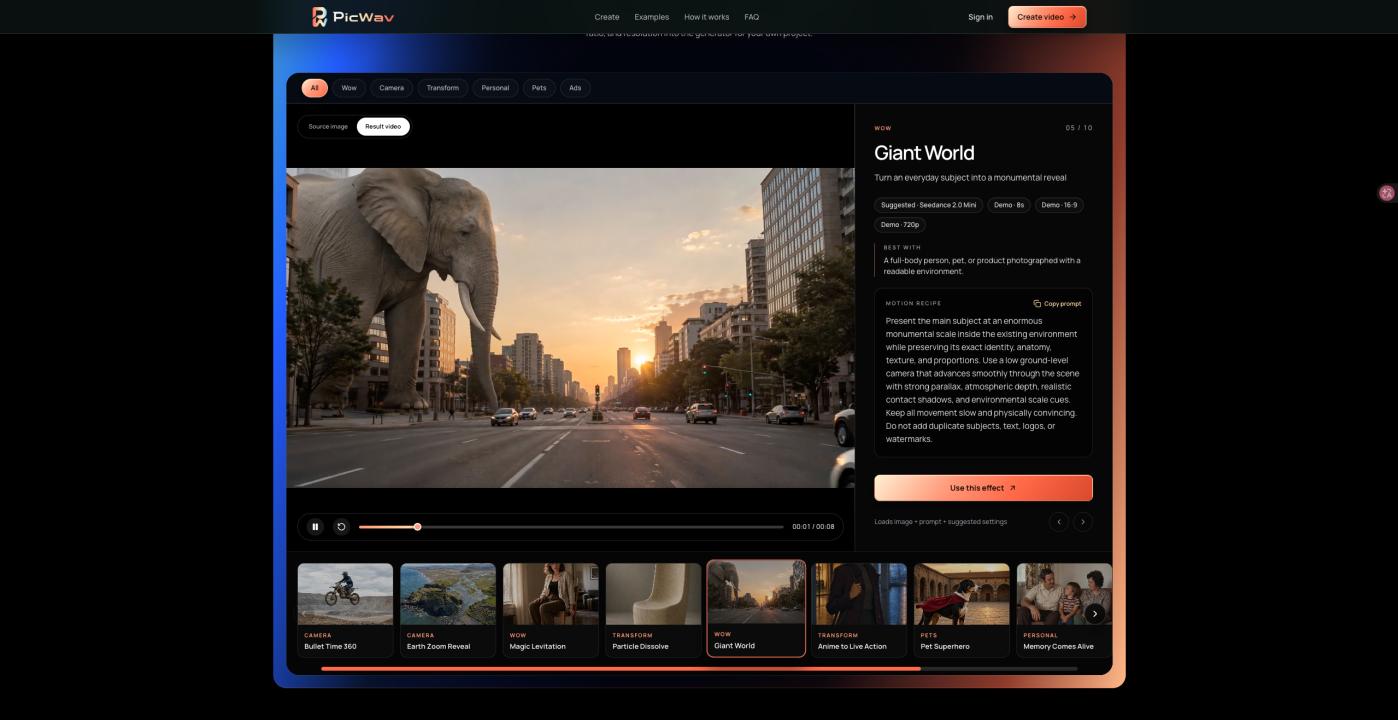
Platforms such as PicWav make this workflow easier by allowing creators to start with a photo, describe the desired movement, and generate videos using different AI video options within a photo-to-video workflow.
This can be useful when experimenting with the same source image because creators can focus on the creative direction rather than rebuilding the entire project for every video model.
Useful Applications Beyond Social Media
Image-to-video technology is useful for more than entertainment.
E-commerce brands can turn product photography into short promotional clips without organizing another photo or video shoot. Artists can add movement to illustrations. Photographers can repurpose existing images into new formats. Travel creators can animate landscape photography, while families can bring old photographs to life with subtle motion.
For small businesses and independent creators, this also means that an existing library of photos can become a new source of video content.
AI Video Still Needs Creative Direction
AI makes video creation faster, but the best results still depend on human decisions.
Choosing the right starting image, deciding how the subject should move, controlling the camera, and keeping the motion physically believable all have a major impact on the final result.
The most useful way to think about image-to-video AI is not as a replacement for creativity, but as another production tool. It gives creators a faster way to experiment with motion and transform images that would otherwise remain static into content that can tell a story over time.