YouTube has become an important source of information for learning, research, tutorials, interviews, podcasts, and professional content. However, working with video is not always as efficient as working with text.
When a useful video is 30 minutes, one hour, or even longer, finding one specific piece of information can take a surprising amount of time. You may need to move through the timeline, listen to different sections, and repeat the process until you find what you are looking for.
This is where YouTube transcripts can be useful.
Why Searchable Video Content Matters
Video is excellent for explaining ideas, demonstrating processes, and communicating information. But video has one major limitation: it is difficult to scan.
A text transcript changes that.
Instead of watching an entire video to find one sentence, you can search for a keyword or phrase and quickly locate the relevant section.
This can be particularly useful for:
Researching a specific topic
Reviewing online lectures
Finding quotes from interviews
Taking notes from tutorials
Studying educational content
Reviewing podcasts and presentations
Finding information inside long videos
For example, if an interview lasts two hours and you only want to find the sections where a particular topic is discussed, searching the transcript can be much faster than manually scrubbing through the video.
From Video to Text
The process does not need to be complicated.
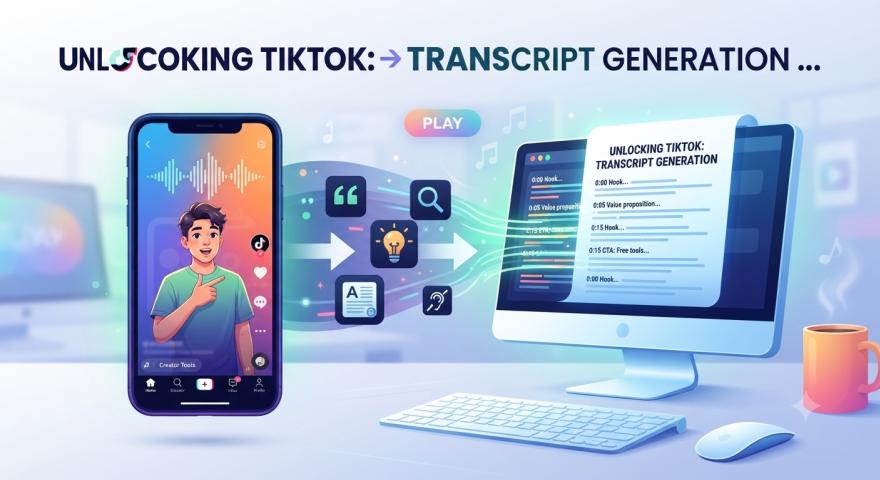
A simple workflow is to copy the YouTube URL, retrieve the available captions, and work with the resulting transcript as text.
Tools such as YTtoText are designed around this workflow.
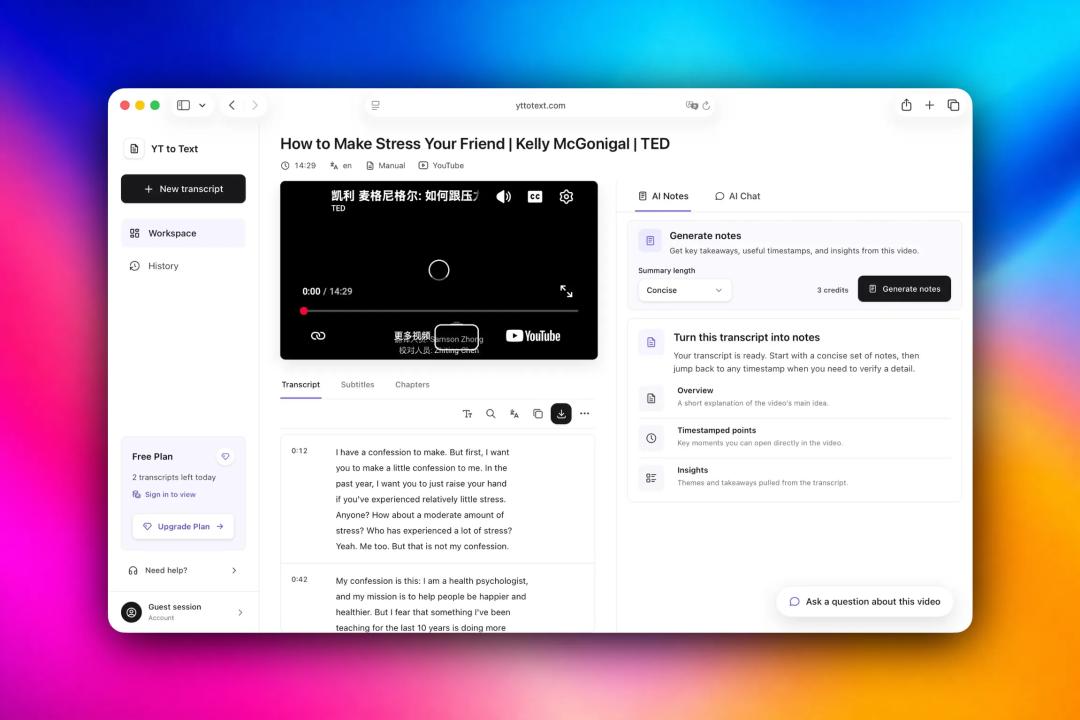
Instead of manually copying captions from a video, you can paste a YouTube URL and access the available transcript in a dedicated workspace.
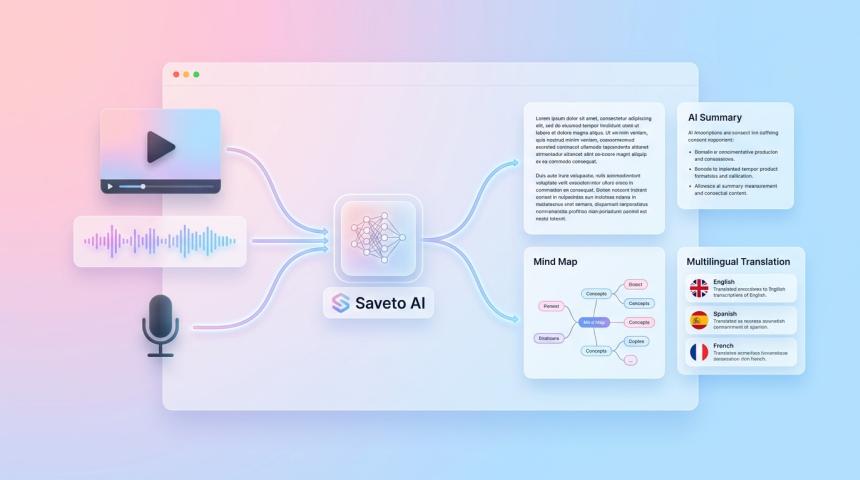
The transcript can then be searched, copied, and saved for later use.
Search Makes Long Videos Easier to Navigate
One of the biggest advantages of a transcript is the ability to search it.
Imagine watching a technical tutorial and trying to find a section about a specific command. With only the video timeline, you have to guess where that section might be.
With a transcript, you can simply search for the command or keyword.
This makes long-form video content feel more like a searchable document.
You can find the relevant phrase first and then return to the corresponding part of the video when you need the visual or audio context.
Transcripts Can Also Be Downloaded
Different workflows require different formats.
Someone taking notes may prefer plain TXT text. A video editor may need an SRT subtitle file, while another workflow may work better with VTT.
Having multiple export options makes transcripts easier to integrate into existing workflows.
YTtoText supports TXT, SRT, and VTT downloads when the corresponding captions are available.
You can also use its dedicated YouTube subtitle downloader when the main goal is to obtain a subtitle file.
Useful for Students and Researchers
Students often use YouTube as an additional learning resource.
A long lecture can contain a large amount of information, and reviewing the entire video repeatedly is not always practical.
A transcript provides another way to review the material. You can search for important terms, copy sections into your notes, and quickly return to the relevant timestamp.
Researchers can use the same workflow when reviewing interviews, presentations, discussions, and other long-form videos.
Useful for Content Creators
Transcripts can also be useful after a video has been published.
Creators can search their own videos for specific statements, review what was discussed, and reuse parts of the content in other formats.
Subtitle files can also be useful during video editing and localization workflows.
This makes the transcript more than just a reading alternative. It becomes another way to work with the original video.
Video and Text Work Better Together
This does not mean that transcripts should replace video.
In many situations, the best workflow is to use both.
A transcript helps you quickly find the information you need, while the original video provides the full context, visuals, tone, and demonstrations.
You can search the text first and then watch the relevant part of the video.
For long-form content, this can be a much more efficient way to research and learn.
A Simple Workflow
A practical workflow can be as simple as:
Find the YouTube video you want to research.
Copy the video URL.
Open a transcript tool such as YTtoText.
Paste the URL and retrieve the available transcript.
Search for the keywords you need.
Jump to the relevant timestamp when necessary.
Copy or download the transcript for later use.
The important idea is not the tool itself, but the workflow.
When video content becomes searchable, it becomes much easier to analyze, reference, and reuse.
Final Thoughts
YouTube contains an enormous amount of useful information, but much of it is locked inside video timelines.
Transcripts provide a simple bridge between video and text.
They make long videos easier to search, help users find specific information faster, and provide useful formats for studying, research, content creation, and video editing.
If you regularly work with long YouTube videos, adding transcripts to your workflow can be a surprisingly effective way to save time.