The EPFO login 2026 facility allows employees to access important Provident Fund services online using their Universal Account Number (UAN). From checking PF contributions and downloading the passbook to managing KYC details and tracking claims, UAN-based services have made EPF account management more convenient.
In 2026, EPFO has also introduced important changes to UAN activation and generation. Direct UAN activation and allotment through the member portal has been discontinued, with members now directed to use Aadhaar-based Face Authentication Technology (FAT) through the UMANG app.
What Is EPFO Login?
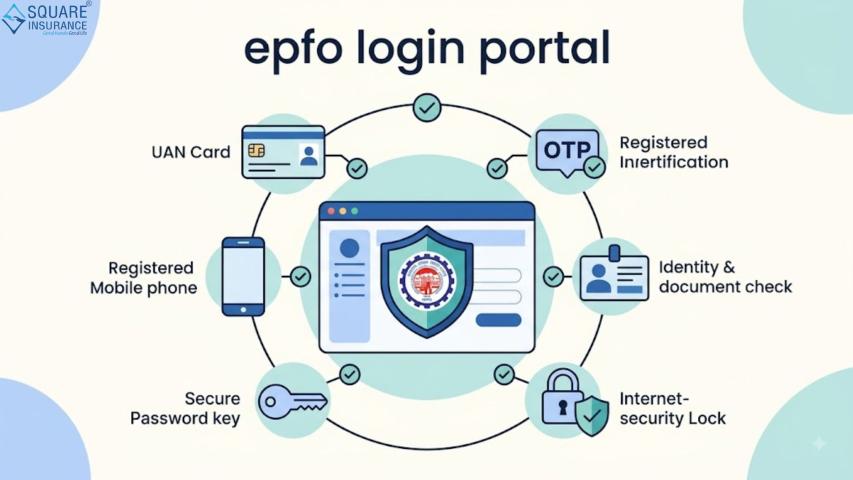
EPFO login is the online authentication process through which an EPF member accesses their account on the EPFO Member Portal. The UAN, or Universal Account Number, acts as a permanent identifier for an employee's EPF accounts across different employers.
For example, suppose Rahul changes jobs three times. Instead of treating every PF account as completely separate, his UAN connects his EPF membership information across employment periods. This makes it easier to manage PF-related services when changing employers.
The official EPFO portal provides access to member services, while the separate EPFO passbook facility allows members to view their contribution records.
EPFO Login 2026: Step-by-Step Process
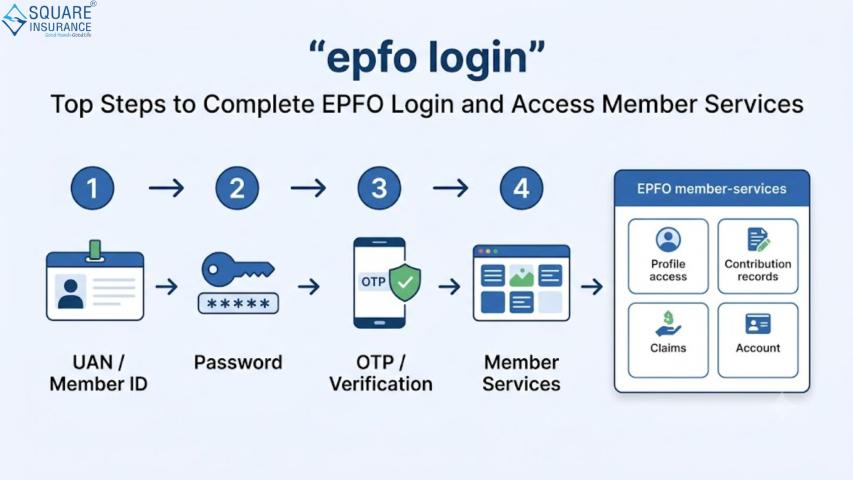
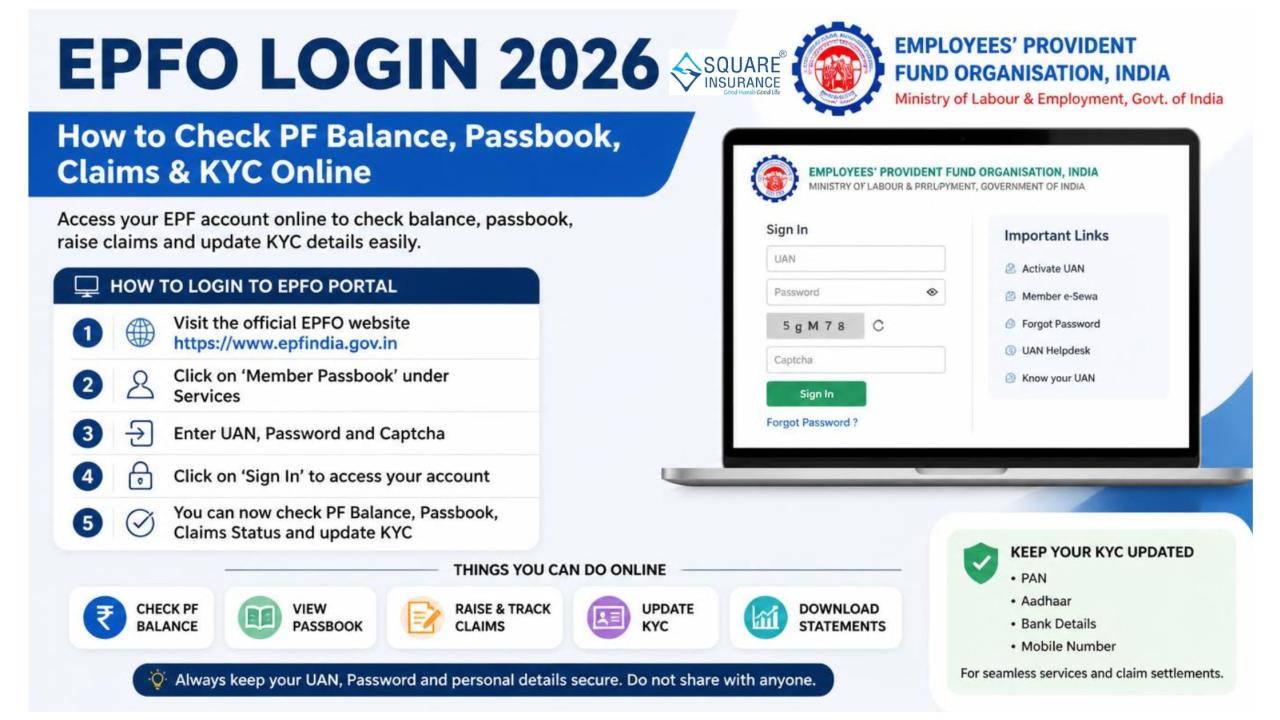
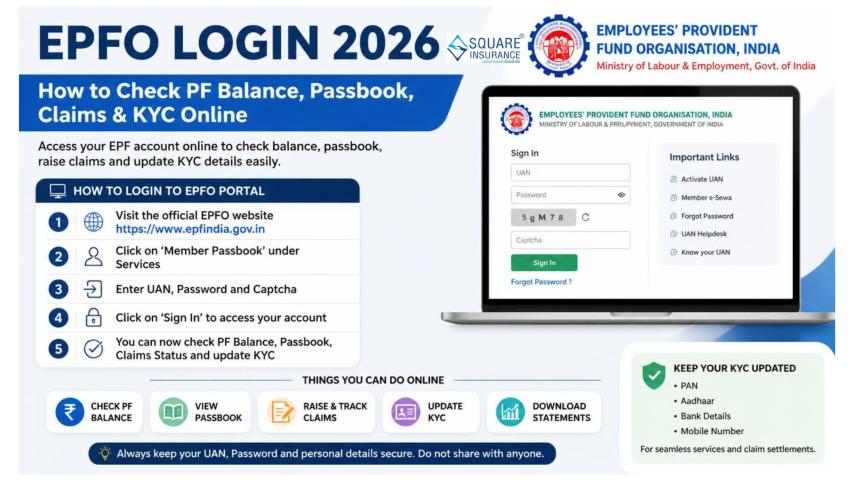
Existing UAN holders can generally access the member portal using their UAN and password.
Step 1: Visit the official EPFO Member Portal
Open the EPFO Unified Member Portal and select the member login section. Always verify that you are using an official EPFO website before entering personal information.
Step 2: Enter your UAN
Enter your active Universal Account Number in the required field.
Step 3: Enter your password
Type the password associated with your UAN account.
Step 4: Complete verification
Enter the captcha or other security information displayed on the screen.
Step 5: Access your dashboard
After successful authentication, you can access the available EPFO member services linked to your account.
If you have forgotten your password, use the official password-reset facility rather than relying on third-party websites.
How to Activate or Generate UAN in 2026
This is one of the most important updates for anyone searching for EPFO UAN login 2026.
EPFO currently states that direct UAN allotment and activation through the portal has been discontinued. Members can now generate a new UAN or activate an existing UAN using Aadhaar-based Face Authentication through the UMANG app.
The process broadly involves:
- Download and open the UMANG app.
- Select EPFO Services.
- Choose the relevant UAN service under UAN Services Through Face Auth.
- Enter your Aadhaar and mobile details.
- Complete OTP verification.
- Follow the instructions for Aadhaar-based face authentication.
- Complete the UAN generation or activation process.
EPFO's official 2025–26 documentation confirms this Face Authentication-based process for UAN allotment and activation.
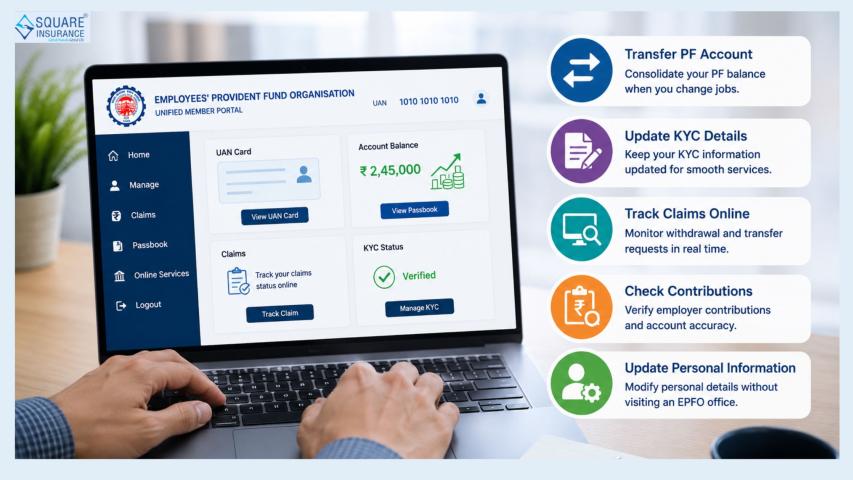
PF Services Available After EPFO Login
A successful UAN login can provide access to several important EPF services, depending on eligibility and portal availability.
PF Passbook: Members can review contribution records and other transaction details through the EPFO passbook service.
KYC Management: Eligible members can manage or submit relevant KYC information connected with their EPF account.
Claim Services: Members can access applicable online claim facilities and check claim-related information.
UAN Card: The UAN ecosystem provides facilities for accessing member identification information.
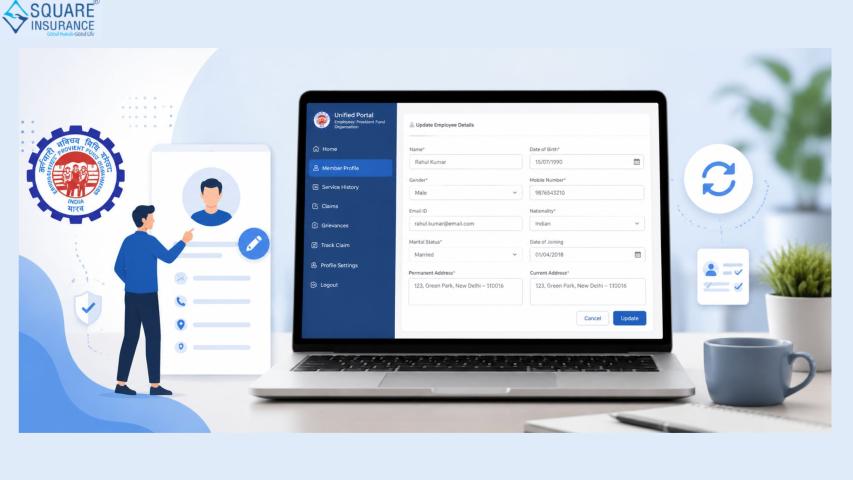
Profile Services: EPFO has also introduced online facilities for certain member profile updation requests.
PF Transfer: Employees changing jobs can access applicable transfer-related services through the EPFO online system.
How to Check PF Balance After UAN Login
After logging in, members can use the available passbook facility to review their PF account information. The passbook can help employees understand contributions credited by the employee and employer and track transactions recorded against their account.
However, a contribution may not always appear immediately. EPFO has published notices indicating that technical upgrades and ledger-related processing can temporarily affect the visibility of contributions.
For instance, if your employer has recently deposited a contribution but the latest entry is missing, first check the contribution date and allow reasonable processing time before assuming there is an error.
Common EPFO Login Problems and Solutions
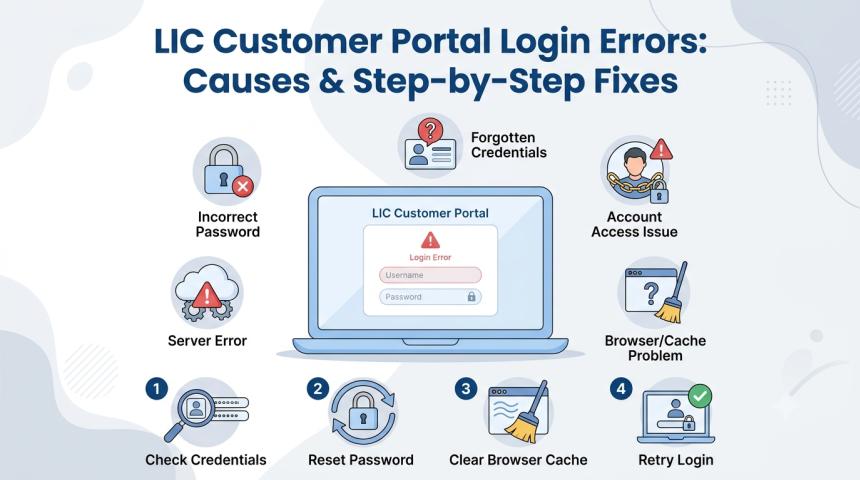
Forgotten password: Use the official password-reset option and complete the required verification.
UAN activation issue: Follow the current UMANG Face Authentication process instead of older portal-based activation instructions.
Incorrect UAN: Recheck the number before attempting login repeatedly.
Passbook not updated: Wait for contribution posting or check official EPFO notices regarding technical maintenance.
Website not responding: Try again later, particularly when EPFO announces system upgrades or maintenance.
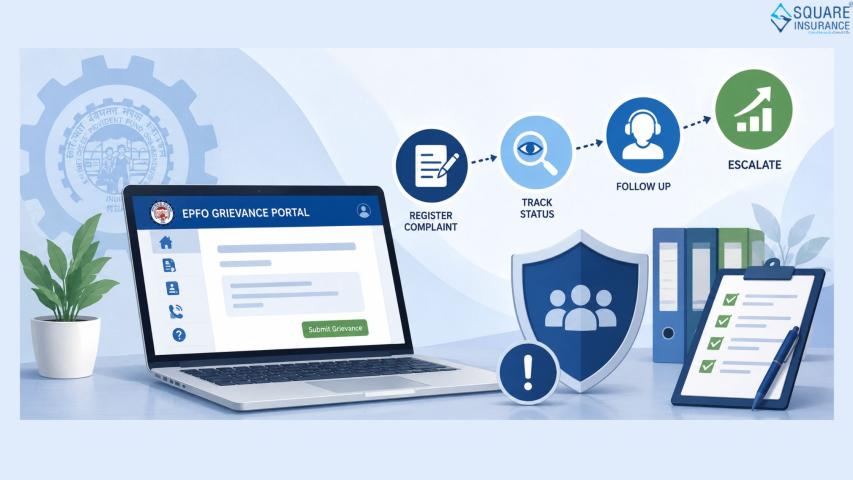
A useful troubleshooting framework is Check → Verify → Retry → Escalate. First check your credentials, verify your registered information, retry through the official portal, and escalate through EPFO's official support channels if the problem continues.
EPFO Login 2026: Security Checklist
Because your EPF account contains sensitive financial and identity information, security should be a priority.
- Use only official EPFO platforms.
- Never share your UAN password or OTP.
- Do not provide Aadhaar, PAN or bank details to unknown callers.
- Avoid logging in through links received from suspicious messages.
- Keep your registered mobile number updated.
- Check your PF transactions periodically.
- Save important EPF records securely.
EPFO itself provides official employee information, online service guidance and help resources through its website.
EPFO Login Example: A Simple Workflow
Consider Neha, an employee who recently changed companies. She already has an active UAN. After joining the new employer, she can log in to the EPFO portal, review her available account information and monitor whether the new employer's contribution is reflected.
If Neha needs to activate a UAN rather than simply log in, she should follow the current UMANG-based Face Authentication process. This distinction is important because many older online guides still describe portal-based UAN activation, which is no longer the current EPFO process.
Frequently Asked Questions
Can I log in to EPFO without a UAN?
The member portal login is based on the UAN. If you do not have one, eligible users can follow the current UAN generation process through UMANG and Aadhaar-based Face Authentication.
How can I check my PF balance online?
You can use the EPFO member services and passbook facility to review available PF contribution information.
Can I activate my UAN directly on the EPFO portal in 2026?
No. EPFO currently directs members to use Aadhaar-based Face Authentication through UMANG for UAN activation.
What should I do if my EPFO login is not working?
Verify your UAN and password, check whether the portal is undergoing maintenance, and use official EPFO help resources if the issue continues.
Is EPFO login available on mobile?
Yes. Members can access several EPFO services through mobile-based platforms, including UMANG. UAN generation and activation through Face Authentication are currently supported through UMANG.
Conclusion
The EPFO login 2026 process gives employees a convenient way to manage their PF accounts digitally. The biggest point to remember is the updated UAN activation and generation process through UMANG and Aadhaar-based Face Authentication. Once your UAN is active, you can use EPFO's online ecosystem for services such as passbook access, KYC management, claims and other PF-related activities.
For broader financial protection and insurance guidance, Square Insurance can also help individuals make informed decisions about protecting their finances alongside long-term savings such as EPF.