Last week, dbForge released version 2026.2, and one thing that stood out to me was the new embedded debugger for PostgreSQL in dbForge Studio. It's a brand-new addition that PostgreSQL..
Managing databases efficiently has become increasingly challenging as organizations work with multiple database technologies across on-premise and cloud environments. Developers and database administrators need tools that simplify administration, improve productivity,..
Writing SQL queries manually is an essential skill for everyone working with PostgreSQL databases — from data analysts and BI specialists to database professionals. But as databases grow and queries..
Writing complex SQL queries manually can slow down development — especially when working That’s why many data analysts, BI specialists, and database professionals rely on a postgres query builder to..
This release brings a lot of improvements aimed at making database development and management more convenient, intelligent, and efficient across multiple database systems.🔹 Highlights of dbForge 2026.1:• Table indexes context..
PostgreSQL is a powerful open-source database, but many business applications still need ODBC to connect to it. Reporting tools, BI platforms, ETL systems, spreadsheets, and legacy applications often rely on..
Reach companies that trust PostgreSQL for their database management with DataCaptive’s Companies Using PostgreSQL database. Our B2B contact list includes CTOs, IT managers, and database administrators from leading organizations.DataCaptive, a..
Learn how to simplify the creation of test data using the integrated Data Generator in dbForge Studio for PostgreSQL. This tutorial covers everything from accessing the tool to customizing data..
If you're working with PostgreSQL, efficient connection methods are key to managing your databases effectively. In this article, you’ll find step-by-step guidance on connecting to PostgreSQL databases using three popular..
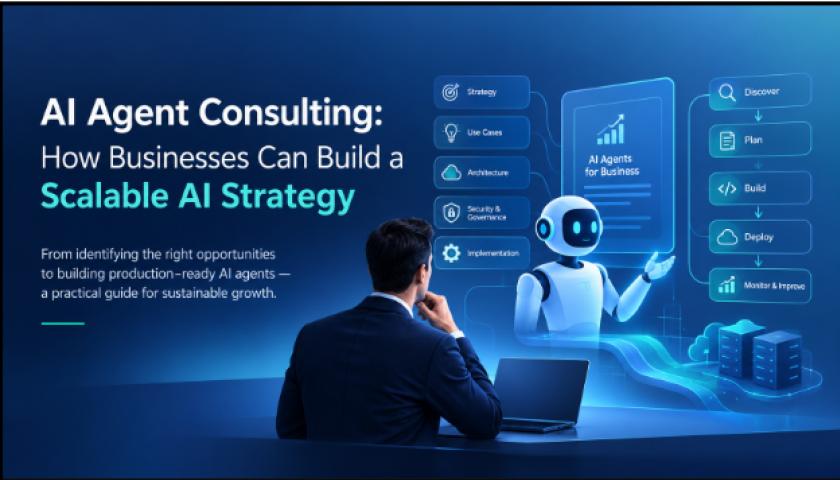
Generative AI has largely focused on producing responses, summarizing information, and assisting employees. The next stage is more action-oriented: AI agents can work toward defined goals, use business tools, interact..
Every modern business generates data.Customer interactions, website visits, sales transactions, employee activity, operational reports, marketing campaigns, and financial records all create valuable information. Yet having more data does not automatically..
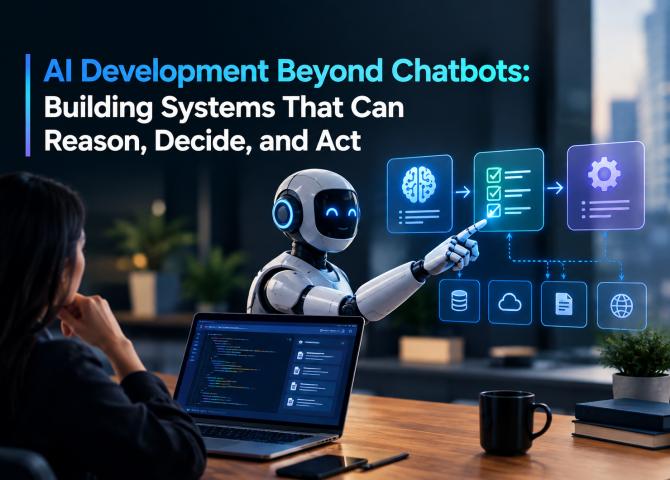
Artificial intelligence is moving beyond systems that simply respond to questions or generate content. Modern AI development is increasingly focused on building systems that can interpret context, reason over information,..
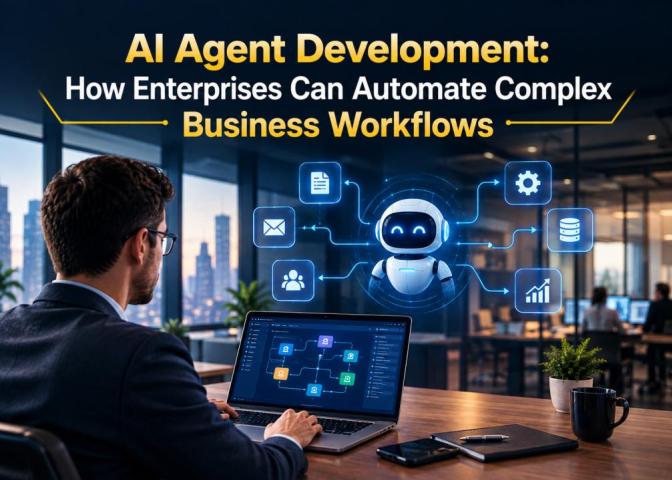
Enterprise automation is moving beyond fixed rules and repetitive task execution.AI agents introduce a different approach to automation. Instead of executing only predefined instructions, an AI agent can interpret an..
Enterprise automation is moving beyond fixed rules and repetitive task execution. Traditional workflow systems are effective when processes follow predictable paths, but modern business operations rarely remain that simple. Customer..
According to McKinsey’s 2026 State of AI survey, most organizations—about 78%—now use AI somewhere in their business. But here’s the catch: only 6% can call themselves “AI high performers.” That..
Artificial intelligence is transforming software development at remarkable speed.AI coding assistants can generate code, explain complex functions, detect bugs, write tests, refactor applications, and increasingly perform entire development tasks with..
Most chats about AI costs start with GPU prices and end with model licensing fees. That's a Silicon Valley conversation. It misses almost everything that matters once you cross into..
Artificial intelligence is no longer limited to large technology companies. Open-source and openly available AI models are making it increasingly possible for startups to build sophisticated products without developing a..