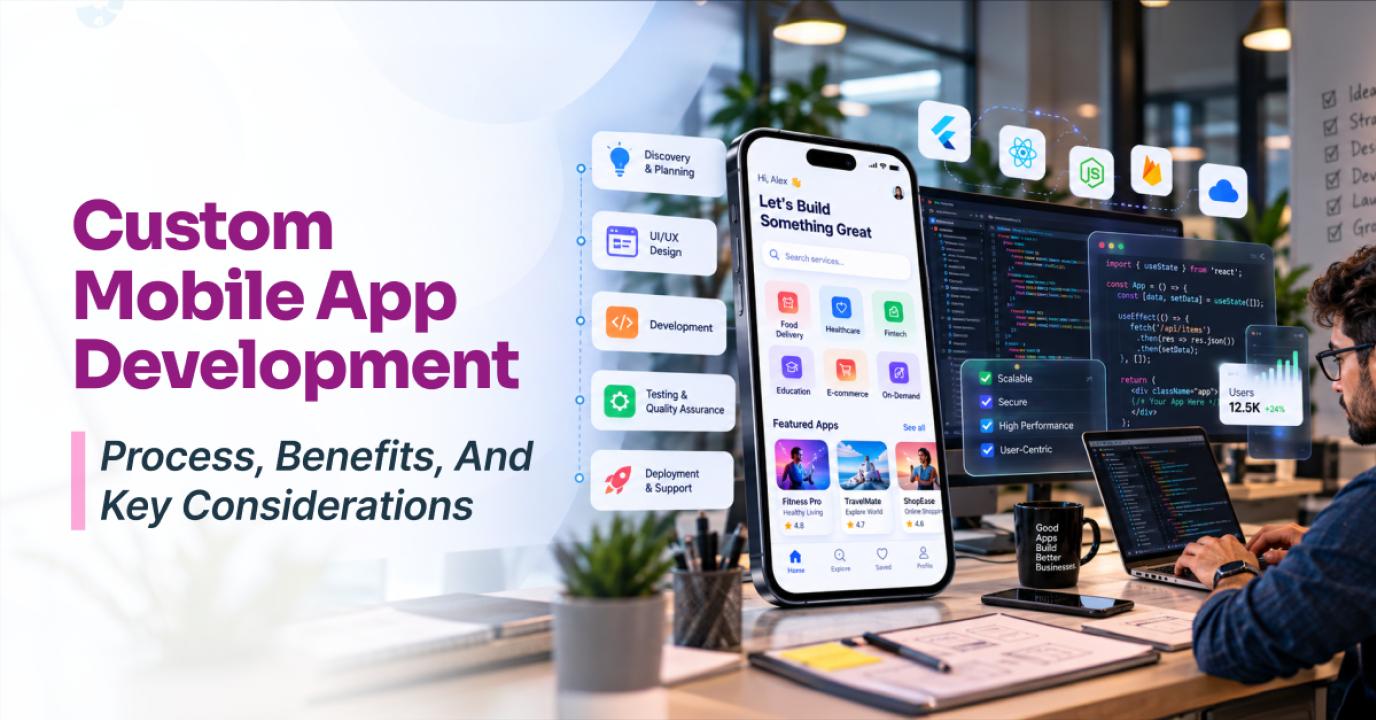
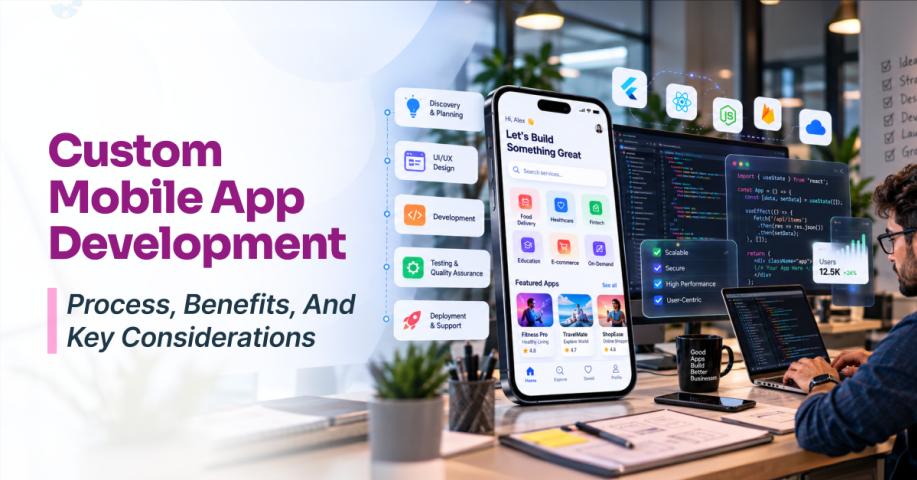
Businesses often outgrow generic applications when their workflows, customer experiences, or integration requirements become more complex. Custom mobile app development allows businesses to build an application around specific processes instead of adapting those processes to pre-built software. A custom approach can cover product discovery, UX design, native or cross-platform development, backend APIs, integrations, testing, deployment, and ongoing maintenance.
Unlike template-based solutions, a custom application can evolve alongside the business. It provides greater control over features, user experiences, integrations, security, and future functionality.
What Is Custom Mobile App Development?
Custom mobile app development involves designing and building an application around an organization's business requirements, users, workflows, and technical environment.
Depending on the business, an application may include:
Personalized user experiences
Business-specific workflows
Custom dashboards
Role-based access
Payment integrations
Enterprise system integrations
Custom APIs
Real-time communication
Location-based functionality
Push notifications
Analytics and AI capabilities
Cloud-based infrastructure
For example, a logistics company may require real-time tracking, dispatch workflows, driver management, and transportation system integrations. A healthcare organization may need appointment management, secure communication, patient workflows, and connections with existing healthcare systems.
Custom Apps vs. Off-the-Shelf Solutions
Off-the-shelf applications can be effective when business requirements closely match the available features. They can provide faster deployment and predictable functionality.
However, generic software can become restrictive when businesses need specialized workflows, unique integrations, or greater control over the user experience.
Custom development provides more control over:
Features and user journeys
Application architecture
Integrations and data flows
Security controls
Scalability
Branding
Future enhancements
The right choice depends on the business problem. Ready-made software may be suitable for straightforward requirements, while a tailored application becomes more valuable when the product needs to support specialized processes or provide a differentiated customer experience.
When Should You Consider a Custom Mobile Application?
Custom development can make sense when standard applications cannot accommodate business requirements efficiently.
Consider a tailored application when you need:
Complex workflows: Multiple user roles, approval processes, conditional workflows, or industry-specific operations.
System integrations: Connections with CRM, ERP, payment, analytics, communication, mapping, identity, or other enterprise systems.
Customized experiences: Interfaces and workflows designed around specific user behaviors and business objectives.
Long-term scalability: Architecture that can accommodate increasing users, data volumes, features, and integrations.
Greater security control: Specific requirements for authentication, authorization, encryption, monitoring, and data management.
Key Benefits of a Tailored Mobile Application
1. Business-Specific Functionality
The application can be designed around the exact workflows employees, customers, partners, or administrators follow. Businesses do not have to change their processes simply to fit generic software.
2. Greater UX Flexibility
Custom development allows teams to design navigation, screens, interactions, and workflows around target users. This can improve adoption, productivity, and conversion when usability is critical.
3. Integration With Existing Systems
Modern applications often need to connect with CRM platforms, ERP systems, payment gateways, cloud services, analytics platforms, communication tools, mapping services, identity providers, internal APIs, and AI services.
A custom architecture can account for these integrations from the beginning.
4. Scalability
Businesses have greater control over architecture and infrastructure. As usage grows, teams can optimize APIs, databases, caching, background processing, and cloud resources based on actual application requirements.
5. Security and Data Control
Security can be incorporated into the architecture rather than treated as a final step. Depending on the application, this may include secure authentication, authorization, encryption, API protection, secure storage, logging, monitoring, and vulnerability management.
6. Continuous Product Evolution
New features, integrations, workflows, analytics capabilities, and platform requirements can be introduced as the business changes without depending entirely on the roadmap of an external software vendor.
The App Development Process
A structured development process helps reduce technical risks and keeps implementation aligned with business objectives.
Step 1: Discovery and Requirements
The team first identifies target users, business objectives, core workflows, functional requirements, platform needs, integrations, security considerations, and scalability expectations.
This stage establishes the product scope and roadmap while determining which features belong in the MVP and which can be introduced later.
Step 2: Product and Technical Strategy
The next step is determining how the application should be built. Key decisions may include:
Native or cross-platform development
Backend architecture
Database technology
API architecture
Cloud infrastructure
Authentication
Third-party services
Analytics
Security architecture
These decisions should reflect product requirements, expected scale, available resources, and long-term maintenance needs.
Step 3: UX Research and Design
Requirements are converted into practical user experiences through research, customer journeys, wireframes, prototypes, visual design, design systems, and usability testing.
Businesses investing in mobile app UI/UX design solutions should ensure designers and developers collaborate early so that complex interactions and technical constraints are addressed before implementation.
Step 4: Application Development
Developers then implement the frontend, business logic, APIs, databases, authentication, integrations, notifications, analytics, and administrative functionality.
Depending on requirements, the application may use native iOS and Android development or a cross-platform framework.
Step 5: Backend and API Integration
The mobile interface is only one part of the product. Backend services manage users, business logic, databases, authentication, transactions, notifications, files, analytics, and integrations.
For complex applications, a custom software development company can support backend engineering, API development, integrations, QA, DevOps, security, and maintenance.
Step 6: Testing and Security
Testing should take place throughout development. Teams should evaluate functionality, APIs, device compatibility, performance, network conditions, security, accessibility, and regression scenarios.
Security testing should cover authentication, authorization, data storage, API communication, third-party dependencies, and application configuration.
Step 7: Deployment and Maintenance
After testing, the application is prepared for release through production configuration, app signing, store submission, backend deployment, database configuration, and monitoring.
Post-launch maintenance includes bug fixes, performance optimization, security updates, OS compatibility, API changes, infrastructure scaling, new features, analytics, and continuous testing.
How Much Does It Cost?
The cost varies based on application complexity, features, platforms, integrations, design requirements, security needs, and development scope.
A focused MVP may require significantly less investment than an enterprise application with multiple user roles, complex workflows, integrations, and advanced security requirements.
When comparing proposals, look beyond the initial price. Review deliverables, milestones, technology choices, testing, deployment, support, change requests, and ownership of source code and intellectual property.
How to Choose the Right Development Partner
A strong development partner should offer more than technical implementation. Evaluate:
Experience with similar applications
Relevant technical expertise
Portfolio and industry experience
Development methodology
UI/UX capabilities
Backend and integration expertise
Security practices
QA and testing processes
Communication and project management
Post-launch support
Ask how the team handles changing requirements, platform updates, security issues, performance problems, and future feature development.
Common Mistakes to Avoid
Businesses can reduce development risks by avoiding common mistakes such as:
Choosing a provider based only on price
Starting development without clear requirements
Ignoring backend architecture
Treating security as a final-stage activity
Building too many features into the first release
Neglecting post-launch maintenance
A focused MVP can help validate the core product before significant investment is made in secondary functionality.
Final Thoughts
A tailored mobile application can give businesses greater control over functionality, user experience, integrations, security, scalability, and future growth. It becomes particularly valuable when generic software cannot accommodate specialized workflows or complex technical requirements.
However, successful development depends on more than customization. Product strategy, architecture, UX, development quality, security, testing, deployment, and ongoing optimization all contribute to the final outcome.
By defining requirements clearly and choosing a development partner with the right technical and business expertise, organizations can build mobile products that remain flexible, scalable, and maintainable as their needs evolve.