Small bedrooms can feel cramped and messy. Adding a desk makes things worse. You need smart planning to make everything fit.
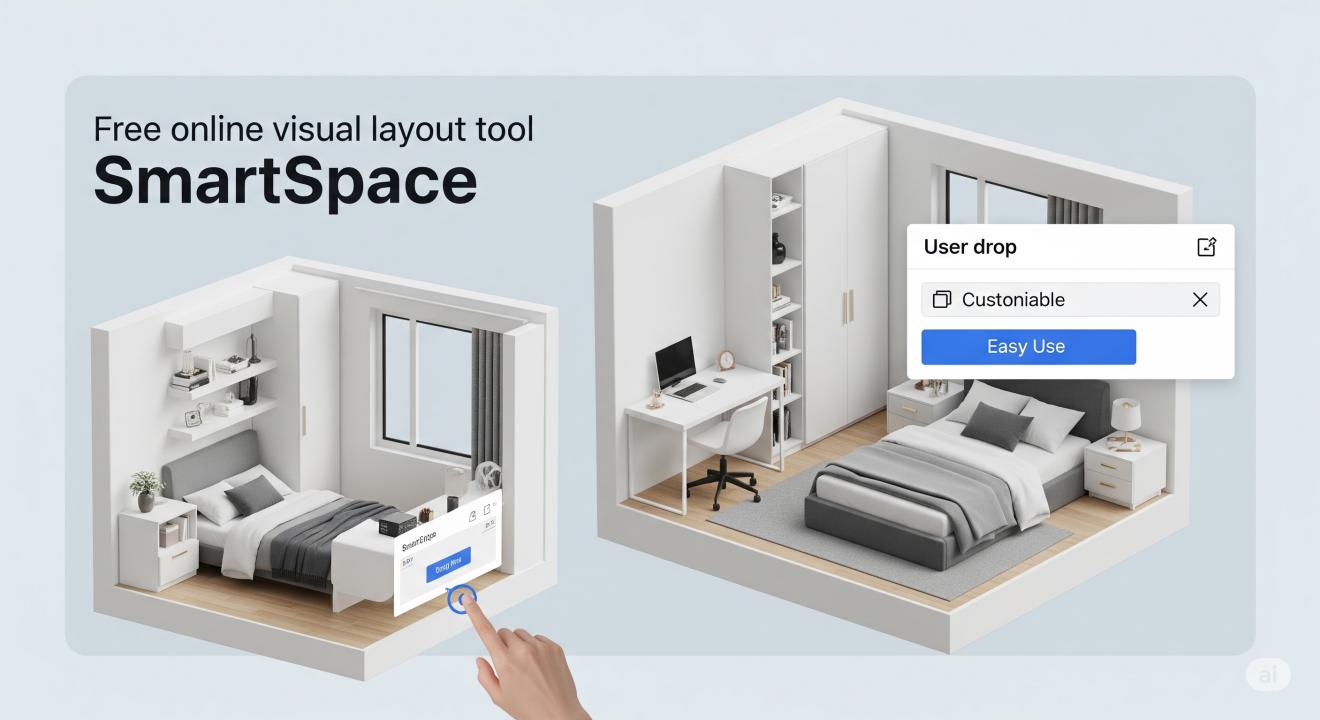
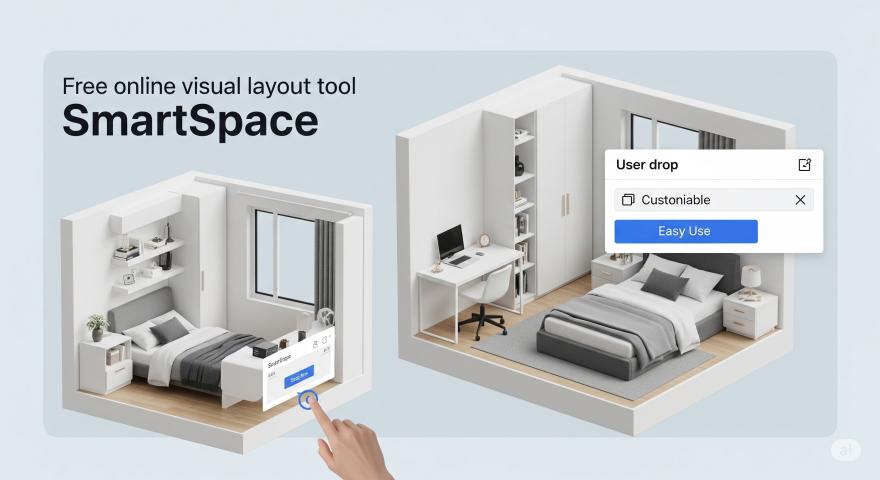
SmartSpace solves this problem. It's a free visual layout tool that helps you design Small Bedrooms with desks. The tool shows you how to arrange furniture before you move anything.
What Is SmartSpace?
SmartSpace is a web-based room planner. You can create floor plans in minutes. The tool works on any device with internet access.
The software focuses on small spaces. It knows the challenges of tiny rooms. The tool suggests layouts that maximize space and function.
You don't need design skills to use SmartSpace. The interface is simple and clear. Drag and drop furniture to see what works.
Key Features That Make SmartSpace Special
Visual Room Planning
See your room in 2D and 3D views. The visual display helps you understand space better. You can spot problems before they happen.
Furniture Library
Choose from hundreds of furniture pieces. The library includes beds, desks, chairs, and storage units. All items show real dimensions.
Measurement Tools
Add exact room measurements. The tool checks if furniture fits. No more guessing about space.
Save and Share
Save your designs for later. Share plans with family or roommates. Get feedback before making changes.
Mobile Friendly
Use SmartSpace on your phone or tablet. Design your room anywhere, anytime.
How to Use SmartSpace for Your Small Bedroom
Step 1: Measure Your Room
Get exact measurements of your bedroom. Include length, width, and height. Note where windows and doors are located.
Measure any built-in features. This includes closets, radiators, or electrical outlets. These affect where you can place furniture.
Step 2: Create Your Room Layout
Open SmartSpace in your browser. Start a new project. Enter your room dimensions.
Add doors and windows to the floor plan. Place them in the correct spots. This shows traffic flow and natural light.
Step 3: Add Your Bed
Choose a bed size that fits your needs. Twin and full beds work best in small rooms. Place the bed against a wall to save space.
Leave at least 24 inches for walking around the bed. This gives you room to make the bed and move freely.
Step 4: Find Space for Your Desk
Look for unused wall space. Corners often work well for desks. You can also place a desk under a window for natural light.
Consider a wall-mounted desk if floor space is tight. These fold down when not in use.
Step 5: Add Storage Solutions
Small rooms need smart storage. Use the space under your bed. Add shelves above your desk.
Look for furniture that serves two purposes. A storage ottoman can hold items and provide seating.
Step 6: Test Different Layouts
Try several arrangements. SmartSpace makes it easy to move furniture around. Find the layout that works best for your daily routine.
Smart Layout Ideas for Small Bedrooms with Desks
The Corner Setup
Place your bed in one corner. Put your desk in the opposite corner. This creates two distinct zones in your room.
Use a small area rug to define the work space. This helps separate sleep and work areas.
The Wall-Mounted Approach
Mount your desk on the wall. This saves floor space for other furniture. Choose a desk that folds down when not needed.
Add floating shelves above the desk. Store books, supplies, and decorations on the shelves.
The Bed-Desk Combo
Some beds include built-in desks. These work well in very small rooms. The desk slides under the bed when not in use.
Look for loft beds with desks underneath. This uses vertical space effectively.
The Multi-Purpose Layout
Choose furniture that serves multiple functions. A desk with storage drawers eliminates the need for a separate dresser.
Use a bed with built-in storage. Store clothes, books, or seasonal items in the drawers.
Benefits of Using SmartSpace
Saves Money
Avoid buying furniture that doesn't fit. SmartSpace shows exact measurements. You'll know what works before you shop.
Reduces Stress
Moving furniture is hard work. Plan your layout first. You'll only move items once.
Improves Function
A well-planned room works better. You'll have clear paths for walking. Everything will have its place.
Increases Satisfaction
You'll love your room more when it's well-organized. Good planning leads to better daily experiences.
Tips for Success with SmartSpace
Start Simple
Don't try to fit too much furniture. Small rooms need breathing room. Choose only essential pieces.
Think About Traffic Flow
Plan clear paths through your room. You should be able to walk from the door to your bed easily.
Consider Your Habits
Think about how you use your space. Do you need a large desk for homework? Or will a small writing surface work?
Use Vertical Space
Think beyond floor space. Wall-mounted storage and furniture help small rooms feel bigger.
Keep It Flexible
Your needs may change over time. Choose furniture that can adapt. A desk on wheels can move to different spots.
Common Mistakes to Avoid
Overcrowding the Room
Don't try to fit everything. Less is more in small spaces. Choose quality over quantity.
Ignoring Scale
Large furniture overwhelms small rooms. Choose pieces that match your room size.
Forgetting About Storage
Small rooms need smart storage solutions. Plan for clothes, books, and personal items.
Blocking Natural Light
Don't place tall furniture in front of windows. Natural light makes small rooms feel bigger.
Not Measuring Accurately
Wrong measurements lead to poor layouts. Double-check all dimensions before planning.
Advanced Features for Power Users
SmartSpace offers advanced tools for detailed planning. You can adjust lighting in your 3D view. This helps you see how natural light affects your space.
The software includes a materials library. Try different wall colors and floor types. See how they change the room's feel.
Export your plans to PDF files. Print them for reference while shopping. Share them with contractors or decorators.
Integration with Other Tools
SmartSpace works well with other home design tools. Export your floor plan to SketchUp for more detailed 3D modeling. This helps if you want to visualize paint colors or decorations.
The tool also connects with shopping websites. Find furniture that matches your plan dimensions. This makes shopping easier and more accurate.
Real User Success Stories
Many students use SmartSpace for dorm rooms. They create functional study spaces in tiny rooms. The tool helps them maximize every square foot.
Parents use SmartSpace for kids' bedrooms. They plan layouts that grow with their children. The tool helps them see how different furniture arrangements work.
Renters love SmartSpace for apartment planning. They can try layouts without moving heavy furniture. This saves time and prevents damage to walls and floors.
Getting Started with SmartSpace
Visit the SmartSpace website to start planning. Create a free account to save your designs. The basic version includes all essential features.
Watch the tutorial videos to learn the interface. They show you how to use each tool effectively. The videos are short and easy to follow.
Join the SmartSpace community online. Share your designs and get feedback. Learn from other users' creative solutions.
Future Updates and Features
SmartSpace continues to improve. New furniture pieces are added regularly. The library grows based on user requests.
The team is working on virtual reality features. Soon you'll walk through your room design in VR. This will help you experience the space before building it.
Mobile apps are in development. These will make room planning even easier on phones and tablets.
Why SmartSpace Beats Other Layout Tools
Most room planners are complex and expensive. SmartSpace keeps things simple and free. You don't need to learn complicated software.
The tool focuses on small spaces. Other planners work better for large rooms. SmartSpace understands the unique challenges of tiny bedrooms.
Customer support is helpful and responsive. The team answers questions quickly. They help users solve specific layout problems.
Making the Most of Your Small Bedroom
A well-designed small bedroom can feel spacious and comfortable. The key is smart planning and good organization.
Use light colors to make the room feel bigger. Add mirrors to reflect light and create the illusion of more space.
Keep surfaces clear of clutter. This makes the room look and feel more organized.
Choose furniture with clean lines. Avoid bulky pieces that overwhelm the space.
Final Thoughts
SmartSpace makes bedroom planning simple and effective. The free tool helps you create functional layouts for small spaces. You can design your perfect room without moving a single piece of furniture.
Start planning your small bedroom today. Try different layouts until you find one that works. Your future self will thank you for the extra planning time.
Remember that good design takes time. Don't rush the process. Use SmartSpace to explore different options. The perfect layout is worth the effort.
FAQ
Q: Is SmartSpace really free to use? A: Yes, SmartSpace offers a free version with all basic features. You can create unlimited room layouts and save your designs.
Q: Do I need to download software to use SmartSpace? A: No, SmartSpace works in your web browser. You don't need to download or install anything.
Q: Can I use SmartSpace on my phone? A: Yes, SmartSpace works on phones and tablets. The interface adjusts to fit your screen size.
Q: How accurate are the measurements in SmartSpace? A: SmartSpace uses real furniture dimensions. The measurements are accurate to help you plan effectively.
Q: Can I print my room layouts? A: Yes, you can export your designs as PDF files. Print them for reference while shopping or decorating.
Q: Does SmartSpace include furniture from specific brands? A: The tool includes generic furniture pieces with standard dimensions. You can customize sizes to match specific products.
Q: How do I measure my room accurately? A: Use a tape measure to get exact dimensions. Measure length, width, and height. Note the location of doors, windows, and built-in features.
Q: Can I design rooms other than bedrooms? A: Yes, SmartSpace works for any small room. Many users design home offices, dorm rooms, and studio apartments.
Q: What if I make a mistake in my layout? A: SmartSpace includes undo and redo functions. You can easily fix mistakes or try different arrangements.
Q: How do I share my designs with others? A: Save your design and share the link with family or friends. They can view your layout and provide feedback.