Built a Pixel Art Helper for Wplace Users
Fellow wplace.live artists! Tired of these common struggles?
- 🎨 Complex designs are painful to pixel one by one
- 📐 Constantly switching between reference images and canvas
- 🖼️ Hard to plan detailed pixel art layouts
Meet Wplace Pixel
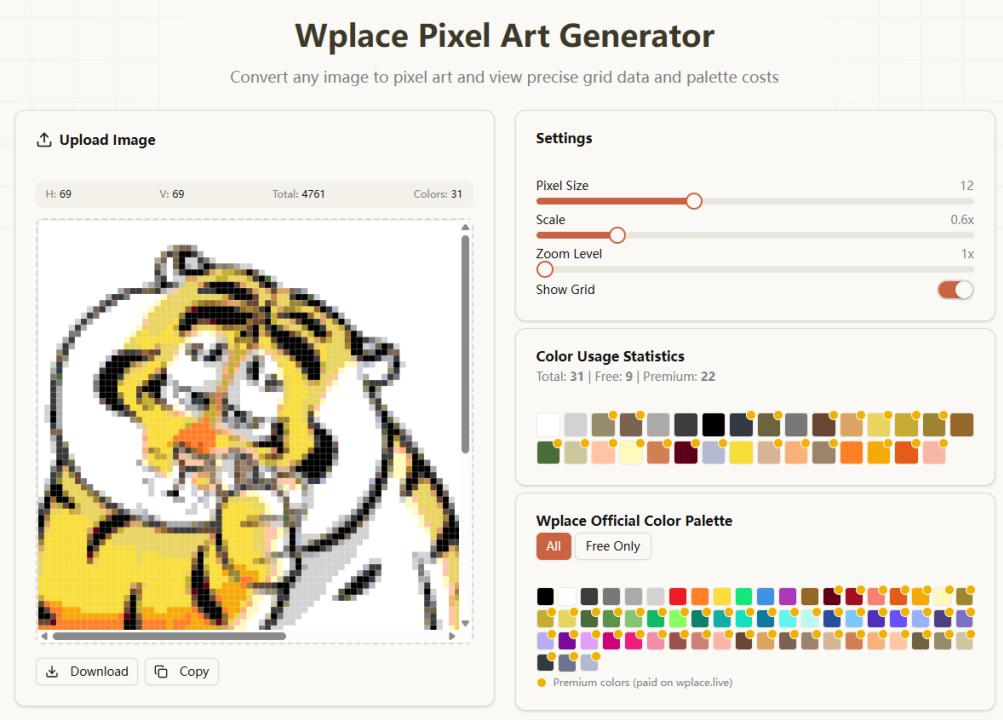
I created lwplaceart.com - a companion tool specifically for Wplace creators.
Key Features
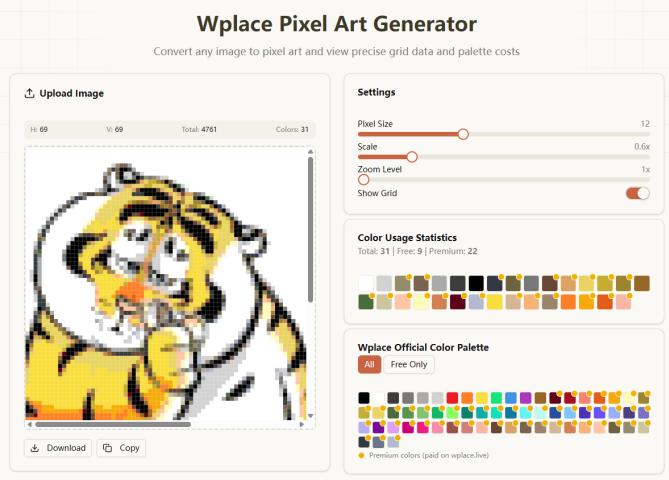
🎯 Image to Pixel Conversion
- Upload any image, get pixelized grid preview
- Adjust resolution and colors before drawing
- Plan your artwork efficiently
🛠️ Drawing Assistant
- Coordinate system for precise pixel placement
- Wplace color matching
- Progress tracking for complex projects
📊 Collaboration Support
- Mark completed areas
- Share sections with team members
- Real-time progress sync
Why I Built This
Honestly? Because drawing anything complex on Wplace was driving me crazy 😅
Spent way too much time just figuring out coordinates and colors instead of actually creating art.
How It Works
- Upload image to lwplaceart.com
- Generate pixel preview with coordinates
- Switch to wplace.live and start drawing
- Check back for reference and progress
Current Status
- ✅ Core pixel conversion ready
- ✅ Coordinate system functional
- 🔄 Color matching being optimized
- 📋 Team features in development
Looking for Feedback
As fellow Wplace users, what's your biggest pain point when creating pixel art there? Would love to hear your thoughts!
Try it out: lwplaceart.com
Let's make pixel art on Wplace easier and more fun! 🎨