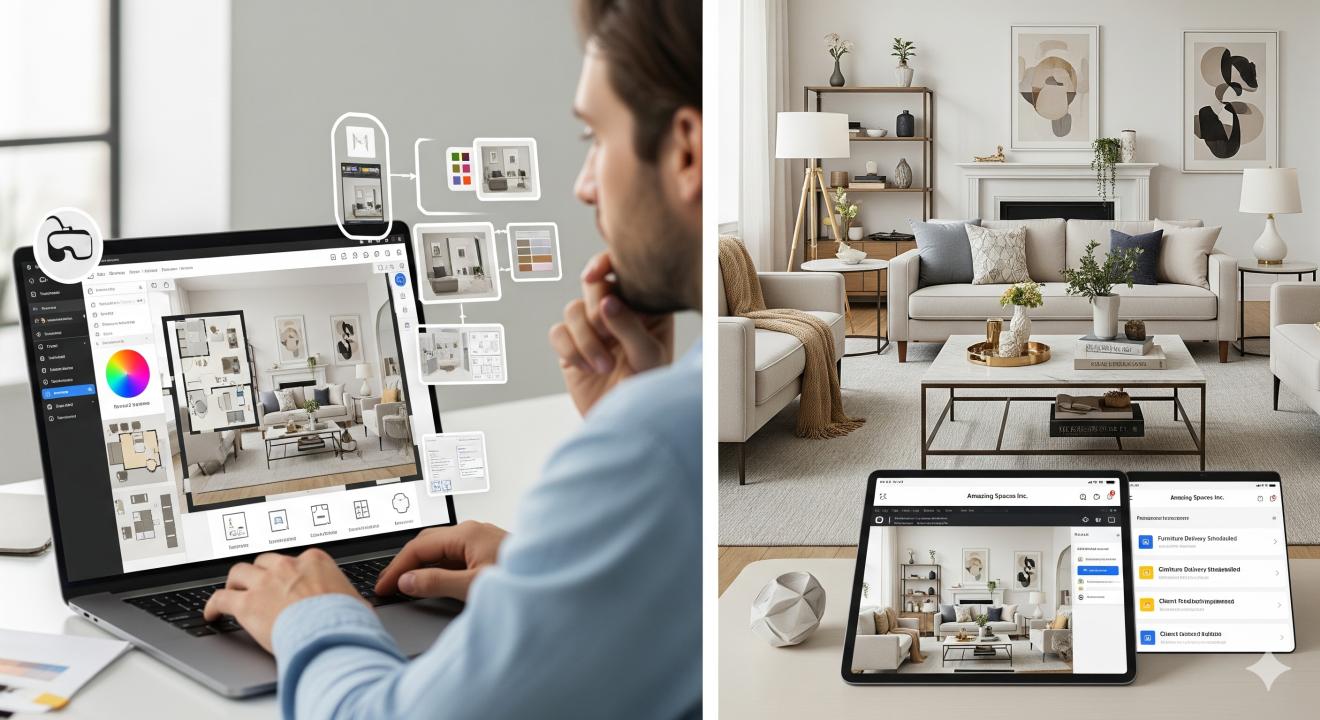
How SaaS Tools Help Home Decor Designers Create Amazing Spaces
Home decor designers face many challenges today. They need to manage clients, create designs, and stay within budgets. This is where software as a service (SaaS) tools come in handy.
These cloud-based programs help designers work faster and better. They offer features that make the design process smoother. Let's explore how these tools change the way designers work.
What Are SaaS Tools for Interior Design?
SaaS tools are software programs you access through the internet. You don't need to install them on your computer. They work on any device with internet access.
For home decor designers, these tools offer many benefits:
- Easy access from anywhere
- No software updates to manage
- Lower upfront costs
- Real-time collaboration with clients
- Automatic data backups
Popular SaaS Tools for Home Decor Designers
Design and 3D Modeling Software
SketchUp for Web lets designers create 3D models quickly. It works in any web browser. Designers can show clients how rooms will look before making changes.
Planner 5D helps create floor plans and 3D designs. It has a simple drag-and-drop interface. Even beginners can use it without training.
HomeByMe offers free 3D home design tools. Users can create detailed floor plans. They can also add furniture and decor items.
Project Management Tools
Asana helps designers track project progress. They can set deadlines and assign tasks. Clients can see updates in real time.
Monday.com offers visual project tracking. Designers can see all their projects at once. It helps them stay organized and meet deadlines.
Trello uses boards and cards to organize tasks. It's simple to learn and use. Teams can collaborate on projects easily.
Client Communication Platforms
Slack makes team communication easy. Designers can create channels for different projects. They can share files and get quick feedback.
Zoom enables video calls with clients. Designers can show plans and get instant reactions. It saves time compared to in-person meetings.
Loom lets designers record screen videos. They can explain design concepts clearly. Clients can watch these videos anytime.
How SaaS Tools Improve Design Workflows
Faster Design Creation
Traditional design tools take time to set up and learn. SaaS tools are ready to use right away. They have templates that speed up the design process.
Designers can create multiple options quickly. This helps clients see different possibilities. It leads to better decisions and happier clients.
Better Client Collaboration
SaaS tools make it easy to share designs with clients. Clients can view plans on their phones or computers. They can leave comments directly on the designs.
This reduces back-and-forth emails. It also prevents misunderstandings about design choices.
Real-Time Updates
When designers make changes, clients see them instantly. This keeps everyone on the same page. It also helps catch problems early in the process.
Cost Savings
Most SaaS tools use subscription pricing. This costs less than buying expensive software licenses. Designers can try different tools without big investments.
They also don't need powerful computers. The software runs in the cloud. This saves money on hardware upgrades.
Specific Benefits for Small Space Design
Many clients need help with small spaces. Tools like design software help create efficient layouts. This is especially important for small bedroom with desk layout designs.
SaaS tools help designers:
- Test different furniture arrangements
- Show space-saving solutions
- Create storage ideas
- Maximize natural light
These features help clients see how small spaces can work better.
Choosing the Right SaaS Tools
Consider Your Needs
Think about what you do most often. Do you need 3D modeling? Project management? Client communication?
Pick tools that solve your biggest problems first. You can always add more tools later.
Try Before You Buy
Most SaaS tools offer free trials. Test several options before deciding. See which ones feel natural to use.
Ask other designers what they recommend. Read reviews from real users.
Check Integration Options
Some tools work well together. They can share data and reduce duplicate work. Look for tools that connect with your existing software.
Popular integrations include:
- Design tools with project management
- Communication tools with file storage
- Accounting software with time tracking
Security and Data Protection
SaaS tools store your data in the cloud. Make sure they use strong security measures. Look for tools that offer:
- Data encryption
- Regular backups
- User access controls
- Compliance certifications
Always read the privacy policy. Understand how your data is used and stored.
Future of SaaS in Home Decor Design
Artificial Intelligence Features
Many SaaS tools now include AI features. These can suggest color schemes, furniture layouts, and design >
Virtual and Augmented Reality
Some tools offer VR and AR features. Clients can "walk through" designs before construction starts. This helps them understand the space better.
Smart Home Integration
New tools connect with smart home devices. Designers can plan lighting, temperature, and security systems. This creates more complete design solutions.
Mobile-First Design
More tools focus on mobile devices. Designers can work on projects anywhere. Clients can view updates on their phones instantly.
According to Architectural Digest, technology continues to shape how designers work and connect with clients.
Getting Started with SaaS Tools
Start Small
Don't try to change everything at once. Pick one tool that solves your biggest problem. Learn it well before adding others.
Train Your Team
Make sure everyone knows how to use new tools. Provide training and support. Set clear guidelines for tool usage.
Set Up Workflows
Create standard processes for using your tools. This ensures consistency across projects. It also helps new team members learn faster.
Measure Results
Track how tools improve your work. Look at time savings, client satisfaction, and project success rates. This helps justify tool costs.
Common Challenges and Solutions
Learning Curve
New tools take time to learn. Start with simple features first. Use tutorials and help resources. Practice with small projects before big ones.
Internet Dependence
SaaS tools need internet access. Have backup plans for connection problems. Some tools offer offline modes for basic features.
Subscription Costs
Multiple subscriptions can add up. Review your tools regularly. Cancel ones you don't use often. Look for bundle deals that include multiple features.
Data Migration
Moving data between tools can be tricky. Plan migrations carefully. Back up data before making changes. Test new tools with small amounts of data first.
Best Practices for Using SaaS Tools
Keep Data Organized
Create clear folder structures and naming systems. This makes it easy to find files later. Train team members to follow the same system.
Regular Backups
Even though SaaS tools backup data, create your own copies. Export important files regularly. Store them in multiple locations.
Stay Updated
SaaS tools update frequently. Learn about new features and improvements. These updates often solve common problems or add useful capabilities.
Monitor Usage
Track how much you use each tool. This helps identify which ones provide the most value. It also helps plan for future needs.
Measuring Success
Time Savings
Track how long projects take with new tools. Compare this to previous methods. Look for improvements in design time, revision cycles, and client approval processes.
Client Satisfaction
Survey clients about their experience. Ask about communication, design quality, and project timeline. Use this feedback to improve your processes.
Revenue Growth
Better tools often lead to more projects and higher fees. Track your business growth after implementing new tools. This helps justify the investment.
Team Productivity
Monitor how tools affect your team's work. Look at project completion rates, error reduction, and employee satisfaction.
Conclusion
SaaS tools offer many benefits for home decor designers. They improve efficiency, enhance client communication, and reduce costs. The key is choosing the right tools for your specific needs.
Start with one tool that solves your biggest challenge. Learn it well before adding others. Train your team and create clear workflows. Measure the results to ensure you're getting value from your investment.
The design industry continues to evolve with new technology. SaaS tools help designers stay competitive and deliver better results for clients. They make it possible to create amazing spaces while running an efficient business.
With the right tools and approach, you can transform your design practice. Your clients will appreciate faster turnaround times and better communication. Your business will benefit from improved efficiency and growth opportunities.
Frequently Asked Questions
What is the difference between SaaS tools and traditional design software?
SaaS tools run in the cloud and are accessed through web browsers. Traditional software is installed on your computer. SaaS tools cost less upfront, update automatically, and work on any device with internet access.
Are SaaS design tools secure for client data?
Most reputable SaaS providers use strong security measures including data encryption, regular backups, and access controls. Always check the security features and compliance certifications before choosing a tool.
How much do SaaS tools for interior designers cost?
Costs vary widely, from free basic plans to hundreds of dollars per month for premium features. Most tools offer monthly or annual subscriptions. Many provide free trials so you can test before buying.
Can I use SaaS tools offline?
Most SaaS tools require internet access to work fully. Some offer limited offline features, but you'll need to sync when you reconnect. Always check offline capabilities if this is important for your work.
What happens to my data if I stop using a SaaS tool?
Most providers allow you to export your data when you cancel. Check the terms of service to understand data retention policies. Always back up important files regularly as a precaution.
Do I need special hardware to run SaaS design tools?
SaaS tools typically run on standard computers since the processing happens in the cloud. You mainly need a reliable internet connection and a modern web browser. Some 3D tools may work better with dedicated graphics cards.
How do I choose between different SaaS design tools?
Consider your specific needs, budget, and workflow requirements. Try free trials of several options. Read user reviews and ask other designers for recommendations. Start with tools that solve your biggest problems first.
Can SaaS tools replace all traditional design methods?
SaaS tools are powerful but work best as part of a complete toolkit. They excel at digital design, client communication, and project management. You may still need traditional methods for certain tasks like material sampling or on-site measurements.