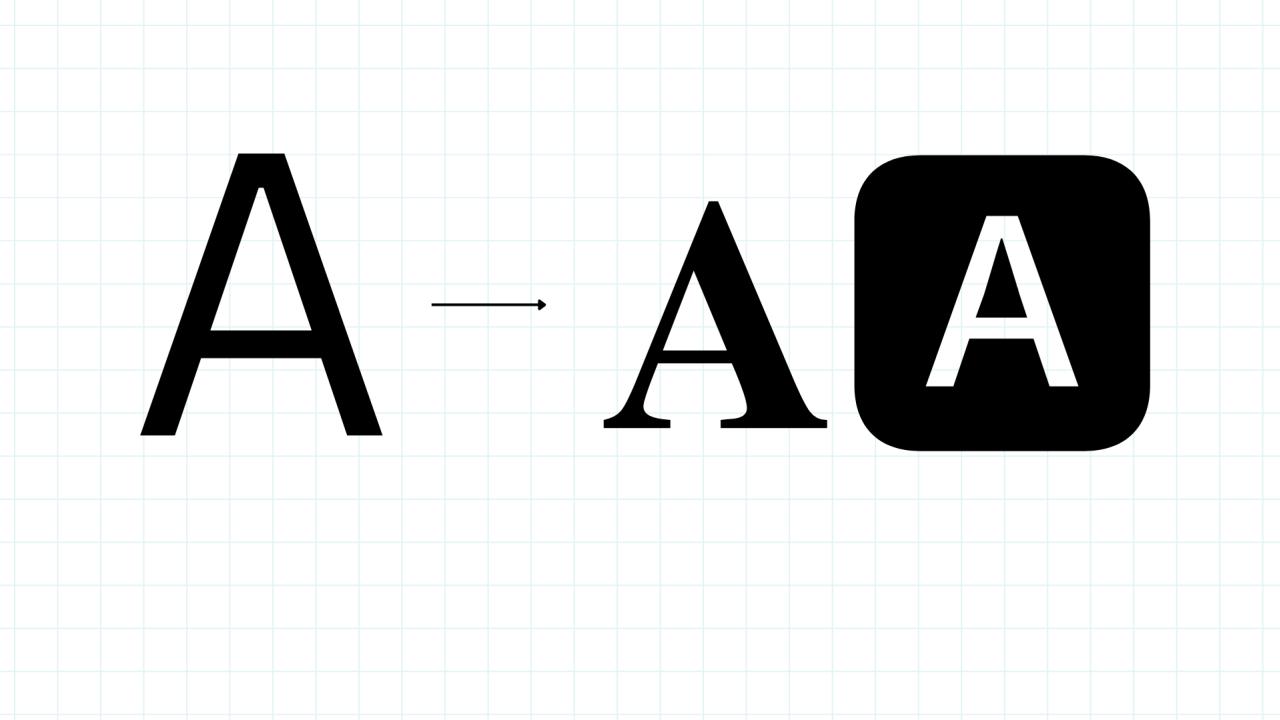

Fonts are everywhere—on websites, in logos, on product packaging, and even in the books you read every day. But have you ever thought about creating your own? Designing a custom font is no longer something only professional typographers can do. With today’s tools and a bit of creativity, anyone can learn how to create a unique typeface from scratch.

Whether you’re a graphic designer, a brand owner, or simply someone who loves creative projects, this detailed guide will walk you through how to create your own font—from planning and sketching to exporting and sharing it with the world.
Why Make Your Own Font?
Before diving into the technical steps, it’s worth understanding why making a custom font is such a powerful idea. Here are some key reasons:
1. Brand Identity
A custom typeface can become an instant brand signature. Think about famous companies like Coca-Cola or Disney—their fonts are instantly recognizable and tightly linked to their identity. A unique font helps your brand stand out from competitors and creates a lasting impression.
2. Creative Freedom
When you design your own font, you’re not limited by what’s already available online. Every curve, stroke, and spacing detail is completely up to you. Whether you want something bold and modern or soft and playful, you can bring your exact vision to life.
3. Monetization
Custom fonts aren’t just for personal use—you can sell them on marketplaces like Creative Market, MyFonts, or Etsy. If your design stands out, it can generate passive income.
4. Personal Projects
From wedding invitations and event posters to social media graphics and personal journals, a custom font can add a deeply personal touch to any creative project.
Step 1: Plan Your Font Style
Every great font begins with a plan. Before you start drawing letters, ask yourself these important questions:
What is the purpose of the font?
Is it for a business brand, a personal project, or a product? A playful handwriting font might suit a children’s brand, while a clean sans-serif works better for corporate identities.Which >
Decide whether you want a serif (with small decorative strokes) or sans-serif (clean and modern) typeface. You might even consider script or calligraphy >Which characters will you design?
Will you create only uppercase letters, or do you need lowercase, numbers, punctuation, and special symbols? The more complete your character set, the more professional the result.
💡 Pro Tip: Sketch some rough ideas on paper before touching any software. Even a few simple doodles can help you visualize proportions and shapes.
Step 2: Gather Your Tools
The right software makes the process smoother. Here are some of the most popular options:
FontForge (Free & Open Source): A professional-grade tool for creating fonts without spending a dime.
Calligraphr (Free & Web-Based): Perfect for beginners and great for turning handwriting into a usable font.
Glyphs (Mac, Paid): Popular with designers who want a balance of power and simplicity.
Adobe Illustrator + Fontself Maker: Ideal for those who already work with Adobe tools and want precise vector control.
Procreate (iPad) + Vector Software: Great for drawing letters by hand before transferring them to a font editor.
Choose software based on your skill level and whether you prefer a free or paid solution.
Step 3: Create Your Letterforms
Now it’s time to bring your ideas to life. There are two main approaches:
1. Draw by Hand
If you’re creating a handwriting or calligraphy->
Write out the alphabet on paper using a pen or brush.
Scan or photograph your letters.
Import the images into your font software for tracing and refinement.
2. Draw Digitally
If you prefer sharp, clean lines, use vector tools to draw each character directly inside the software. Vector graphics ensure your font will scale perfectly at any size.
💡 Pro Tip: Maintain consistent proportions, stroke thickness, and spacing. This ensures your final font looks balanced and professional.
Step 4: Set Spacing and Kerning
Spacing is one of the most overlooked but most important parts of font design.
Letter Spacing: The general space between characters across a line of text. Too tight and it looks cramped; too wide and it feels disjointed.
Kerning: Adjusting the spacing between specific pairs of letters (like “AV” or “To”) to create a harmonious look.
Most font editors include automatic spacing tools, but always double-check manually by typing sample words and sentences.
Step 5: Add Special Characters (Optional)
For a truly versatile font, consider adding:
Numbers (0–9)
Punctuation marks (periods, commas, question marks, etc.)
Symbols and Accents (for multiple languages)
While optional, these extras make your font more usable and appealing to a wider audience.
Step 6: Test and Export Your Font
Before releasing your font to the world, test it thoroughly:
Install it on your computer.
Open a text editor or design software.
Type out words, sentences, and paragraphs to check readability.
When you’re satisfied, export your font in a widely supported format:
OTF (OpenType Font): Best for professional use.
TTF (TrueType Font): Compatible with most devices and operating systems.
Step 7: Share or Sell Your Font
Congratulations—you’ve created a font! Now decide how to share it:
Free Sharing: Upload to platforms like Google Fonts, DaFont, or Behance to gain exposure.
Selling: Market your font on marketplaces like Creative Market, MyFonts, or Etsy. Consider offering both free and premium versions to attract different audiences.
Extra Tips for Beginners
Start Simple: Begin with basic uppercase letters before moving on to lowercase and symbols.
Stay Consistent: Use guides and grids to maintain uniform letter height and spacing.
Test Often: Frequent testing catches mistakes early and ensures a polished final product.
Back Up Your Files: Save multiple copies to avoid losing hours of work.
Common Mistakes to Avoid
Even seasoned designers make mistakes. Watch out for:
Inconsistent Line Weight: Uneven strokes can make your font look unbalanced.
Poor Kerning: Bad spacing can ruin readability.
Overcomplicated Details: Simplicity often leads to more versatile fonts.
Final Thoughts
Creating your own font is a rewarding process that combines art, design, and technical skill. Whether you’re designing for a brand, personal use, or profit, a custom font allows you to express your creativity in a unique way.
By following these simple steps to create a font—planning, sketching, designing, spacing, and exporting—you can transform your ideas into a usable typeface that others can enjoy.
So grab your sketchbook, fire up your favorite software, and start designing today. Your one-of-a-kind font is waiting to be born!