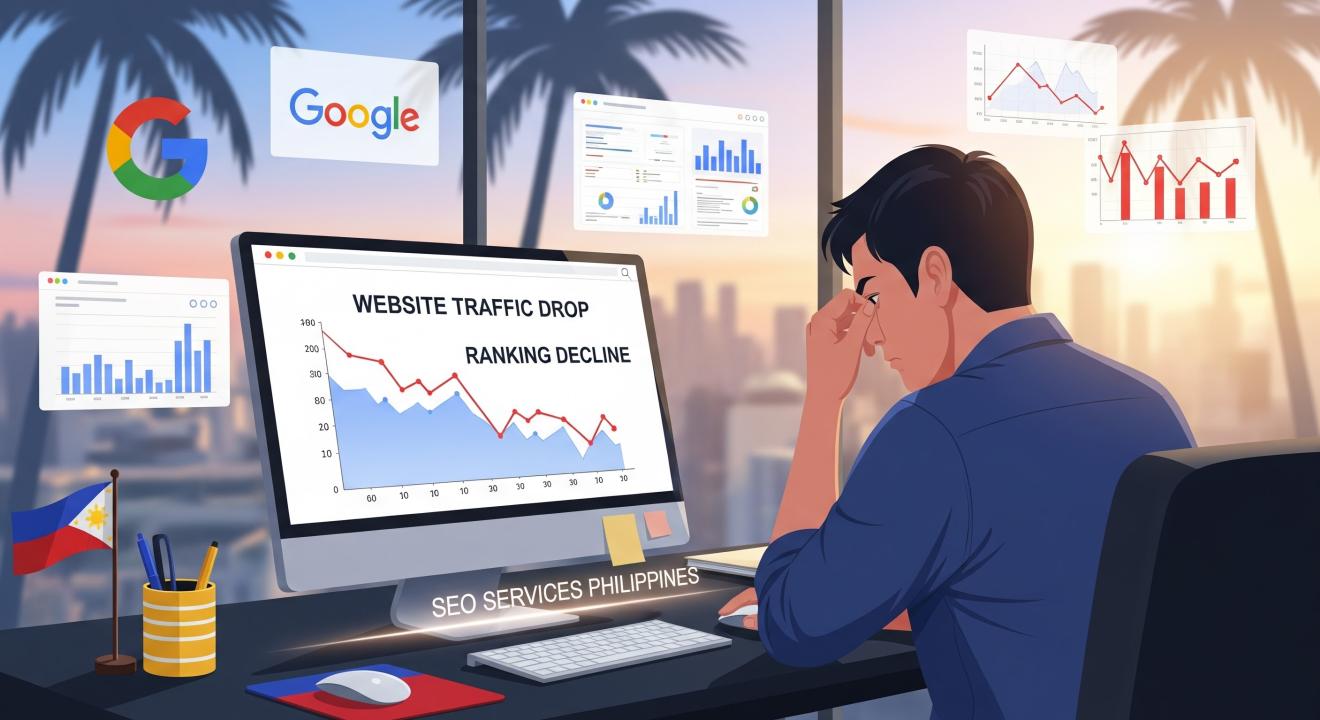
Experiencing a sudden drop in rankings or traffic can be one of the most stressful moments for any website owner. If your site has been penalized by Google or its rankings have declined significantly, don’t panic. Recovery is possible—but it requires a strategic approach, patience, and consistency.
In the Philippines, many businesses rely on SEO services Philippines to help identify the cause of the penalty and recover their online visibility. Whether you manage a small business or a large enterprise website, this comprehensive guide will walk you through the process of diagnosing, fixing, and rebuilding your SEO performance after a Google penalty or algorithmic drop.
Understanding Google Penalties
Before diving into recovery strategies, it’s important to understand what kind of penalty your website might have received. Google penalties generally fall into two categories: manual penalties and algorithmic penalties.
1. Manual Penalties
A manual penalty occurs when a member of Google’s webspam team manually reviews your site and finds it in violation of Google’s Webmaster Guidelines. Common reasons include:
-
- Unnatural backlinks: Paid or manipulative links intended to manipulate rankings.
-
- Thin or duplicate content: Pages with low-quality or scraped content.
-
- Keyword stuffing: Over-optimization through excessive keyword use.
-
- Cloaking or sneaky redirects: Showing users different content than what search engines see.
-
- User-generated spam: Spammy comments or forum posts on your site.
You’ll typically receive a notification about a manual action in your Google Search Console (GSC).
2. Algorithmic Penalties
Algorithmic penalties aren’t directly issued by Google employees but result from changes in Google’s ranking algorithms, like Panda, Penguin, or Helpful Content updates.
For example:
-
- Google Panda: Targets low-quality or duplicate content.
-
- Google Penguin: Focuses on link quality and spammy link building.
-
- Helpful Content Update: Aims to reward genuinely useful, human-centered content.
Unlike manual penalties, algorithmic penalties don’t send notifications. You’ll notice a sudden drop in rankings or traffic after an algorithm update.
Step 1: Identify the Cause of the Drop
The first step to recovery is identifying why your site dropped. You can’t fix what you don’t understand.
A. Check for Manual Actions
Log in to Google Search Console and go to Security & Manual Actions > Manual Actions. If you see a penalty listed, Google will describe the issue and sometimes indicate which URLs are affected.
B. Review Algorithm Updates
Compare your traffic drop dates with known Google updates using tools like:
-
- Moz Google Algorithm Change History
-
- SEMrush Sensor
-
- Accuranker Grump Rating
-
- Algoroo
If your decline aligns with a major update, it’s likely algorithmic.
C. Analyze Traffic and Keywords
Use Google Analytics and Google Search Console Performance Reports to identify which pages or keywords lost traffic.
-
- Did organic sessions drop suddenly or gradually?
-
- Which landing pages saw the largest declines?
-
- Were specific keyword rankings affected?
This will help you pinpoint the scope of the issue.
Step 2: Audit Your Backlink Profile
Backlinks are one of the most common reasons for Google penalties. Whether due to spammy link building or low-quality referring domains, a toxic backlink profile can drastically hurt your rankings.
How to Audit Your Backlinks
-
- Export backlinks from Google Search Console, Ahrefs, or SEMrush.
-
- Categorize links into “good,” “suspicious,” and “toxic.”
-
Watch for:
-
- Links from irrelevant or spammy sites.
-
- Paid or exchange-based links.
-
- Links with exact-match anchor text.
-
- Sitewide links or footer links from unrelated domains.
-
How to Remove or Disavow Bad Links
-
- Outreach: Contact webmasters of linking sites and request link removal.
-
- Disavow File: If link removal fails, use the Google Disavow Tool to tell Google to ignore specific backlinks.
Be careful: excessive disavowing can harm your link equity, so only disavow truly harmful domains.
Step 3: Conduct a Comprehensive On-Page SEO Audit
Sometimes, penalties aren’t about links but about content and user experience.
A. Check for Thin or Duplicate Content
Low-quality or duplicate content is a major red flag for Google. Use Copyscape, Siteliner, or SEMrush Site Audit to identify duplicate or low-value pages.
Fix it by:
-
- Merging similar content into one comprehensive page.
-
- Rewriting thin pages with original, valuable information.
-
- Removing outdated or irrelevant pages.
B. Optimize Page Titles, Headers, and Meta Descriptions
Ensure that your title tags and meta descriptions are descriptive, keyword-relevant, and unique. Avoid keyword stuffing.
C. Improve Site Structure and Internal Linking
A logical site hierarchy and strong internal linking help search engines understand content relationships.
-
- Link high-authority pages to new or low-performing pages.
-
- Ensure every important page is accessible within three clicks from the homepage.
D. Fix Technical SEO Issues
Check for:
-
- Slow page loading times (use Google PageSpeed Insights).
-
- Mobile-friendliness.
-
- Crawl errors or broken links.
-
- HTTPS security issues.
Technical issues can impact your rankings even if content and backlinks are strong.
Step 4: Evaluate Content Quality and Relevance
If your site was hit by a content-related update, your recovery strategy should prioritize content quality.
A. Focus on E-E-A-T (Experience, Expertise, Authoritativeness, Trustworthiness)
Google rewards content that demonstrates credibility and real-world expertise.
-
- Include author bios with credentials.
-
- Add references or sources for factual claims.
-
- Highlight reviews, testimonials, and case studies.
B. Write for Users, Not Search Engines
Google’s Helpful Content updates aim to eliminate content created solely for ranking purposes. Your goal should be to help users.
Ask yourself:
-
- Does this page answer user intent completely?
-
- Would someone bookmark or share this content?
-
- Is the writing clear and engaging?
C. Update and Refresh Old Content
Review existing content regularly. Add new data, remove outdated references, and ensure relevance.
D. Add Multimedia for Engagement
Visuals such as images, infographics, and videos improve user experience and dwell time—both of which positively impact SEO.
Step 5: Improve User Experience and Core Web Vitals
User experience (UX) is directly linked to SEO performance. Google uses Core Web Vitals as ranking factors, focusing on:
-
- Largest Contentful Paint (LCP): Page load time.
-
- First Input Delay (FID): Interaction speed.
-
- Cumulative Layout Shift (CLS): Visual stability.
How to Improve UX and Core Web Vitals
-
- Use lightweight, optimized images.
-
- Implement caching and CDN.
-
- Minimize JavaScript.
-
- Ensure mobile responsiveness.
Additionally, analyze your site’s bounce rate and average session duration to understand user engagement.
Step 6: Submit a Reconsideration Request (If Manual Penalty)
If your penalty was manual, you’ll need to submit a reconsideration request after fixing the issues.
Here’s how:
-
- Go to Google Search Console > Manual Actions.
-
- Click Request Review.
-
- Explain clearly what caused the problem, what actions you took to fix it, and how you’ll prevent it in the future.
Keep your explanation honest and detailed. Google may take several weeks to review your request.
Step 7: Monitor Recovery Progress
After implementing fixes, closely monitor your site’s performance.
Tools to Track Progress
-
- Google Search Console: Check impressions, clicks, and index coverage.
-
- Google Analytics: Monitor organic traffic and engagement metrics.
-
- Rank Tracking Tools: Use Ahrefs or SEMrush to track keyword recovery.
Remember, recovery can take weeks or months, depending on the severity of the issue and how Google re-evaluates your site.
Step 8: Build a Stronger, Safer SEO Strategy
Once your site starts recovering, focus on sustainable SEO strategies to prevent future drops.
A. Prioritize Quality Backlinks
Earn backlinks through:
-
- Guest blogging on relevant websites.
-
- Collaborations or partnerships.
-
- High-quality content that naturally earns links.
Avoid shortcuts like link farms, paid links, or PBNs.
B. Publish High-Value Content Consistently
Consistency is key to SEO success. Publish content that educates, solves problems, and aligns with your target audience’s needs.
C. Stay Updated on Algorithm Changes
Subscribe to SEO news platforms like Search Engine Journal, Search Engine Land, or Google’s Search Central Blog. Staying informed allows you to adjust strategies proactively.
D. Perform Routine SEO Audits
Regular audits help detect potential problems early—before they turn into penalties. Review your:
-
- Backlink health
-
- Site speed and structure
-
- Content freshness
-
- Keyword strategy
Step 9: Strengthen Your Brand Authority
Google increasingly favors brands with strong online authority. To build your brand’s trust and visibility:
-
- Maintain consistent NAP (Name, Address, Phone) across directories.
-
- Encourage positive reviews on Google My Business.
-
- Engage actively on social media.
-
- Participate in online communities or industry publications.
A strong brand presence signals to Google that your business is legitimate and valuable.
Step 10: When to Seek Professional Help
Recovering from a Google penalty can be time-consuming and technically complex. If you’re unsure how to proceed or have exhausted all your efforts, it may be time to hire experts.
An experienced SEO company can help with:
-
- Advanced site audits and diagnostics.
-
- Link cleanup and disavow strategies.
-
- Technical SEO fixes.
-
- Content strategy and optimization.
Choosing the right partner ensures that your recovery process is efficient and sustainable, preventing future penalties.
Common Mistakes to Avoid During Recovery
Even with the best intentions, some mistakes can hinder your recovery. Here’s what to watch out for:
-
Submitting a reconsideration request too early. Make sure all issues are genuinely fixed first.
-
Disavowing too many links. You could lose valuable link equity.
-
Deleting penalized pages without redirects. Always use 301 redirects where appropriate.
-
Ignoring user intent. SEO success depends on how well your content satisfies what users search for.
-
Neglecting mobile optimization. Google prioritizes mobile-first indexing.
How Long Does It Take to Recover from a Google Penalty?
The recovery timeline varies depending on the severity and type of penalty:
-
- Manual penalties: 1 to 3 months after submitting a successful reconsideration request.
-
- Algorithmic penalties: Several weeks to several months, depending on Google’s re-crawling and re-indexing speed.
Consistency and patience are crucial. The key is to focus on long-term, sustainable SEO improvements.
Recovering from a Google penalty or ranking drop may seem challenging, but it’s entirely achievable with the right approach. Focus on diagnosing the root cause, cleaning up your site, and rebuilding your reputation with quality content and backlinks.
Whether you’re doing it yourself or partnering with experts, the process revolves around one principle: providing real value to users. When you align your website’s purpose with Google’s mission to deliver helpful, trustworthy content, recovery is not only possible—it’s inevitable.
If you need professional assistance, partnering with a digital marketing agency that understands both technical and content strategies can make the process smoother and more effective. Experts can help you navigate recovery while implementing a sustainable plan for growth.
WowVisible - Digital Marketing Agency
Unit 5, Bayswater Building, Burgos St, Talisay, 6045 Cebu, Philippines
+63322737051