Introduction
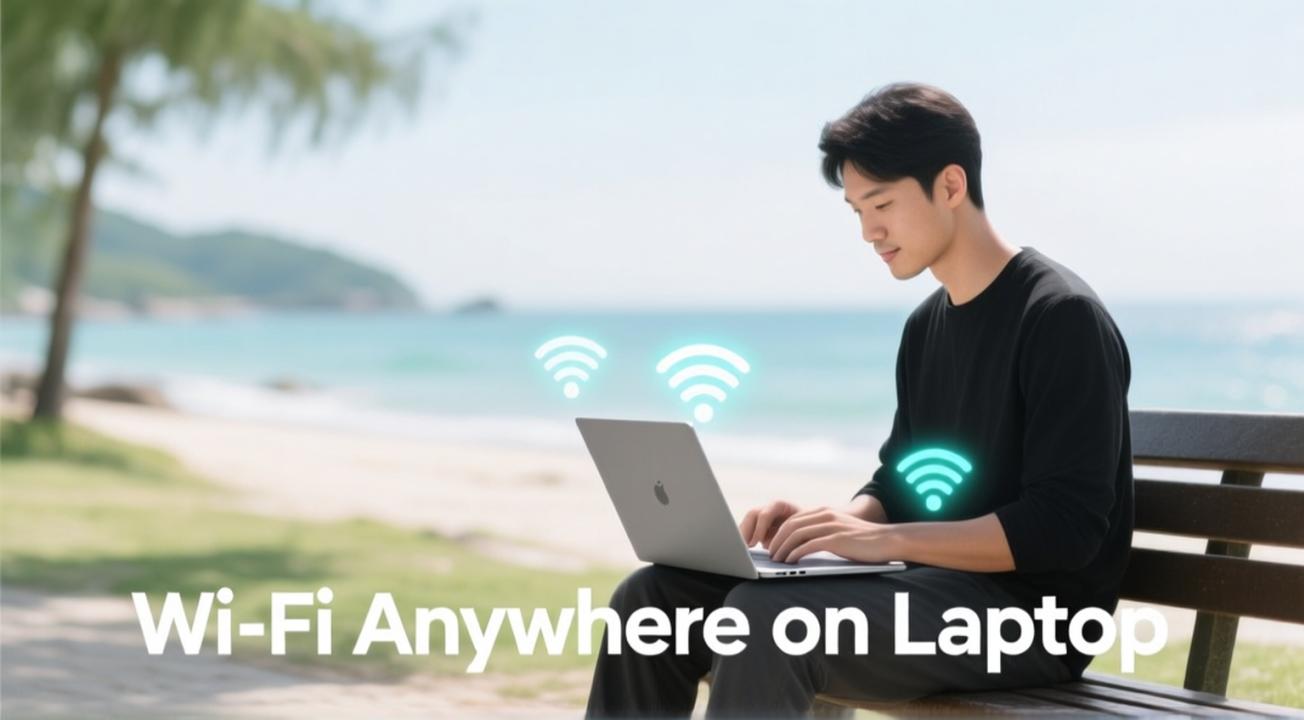
In today's mobile world, having dependable internet access on your laptop is crucial for work, learning, and entertainment. Whether you are traveling for business, studying in various locations, or working remotely, being able to access Wi-Fi on your laptop opens up many opportunities. This guide outlines practical solutions for getting wireless connectivity on your laptop almost anywhere, helping you stay connected and productive no matter where your day takes you. You will find various strategies for obtaining Wi-Fi that suit different needs and situations, from traditional approaches to new alternatives.
Using Public Wi-Fi Networks
The simplest way to get Wi-Fi on your laptop is to connect to public networks found at cafes, libraries, airports, hotels, and other public spaces. These networks require minimal setup. Just open your Wi-Fi list, choose the available network, and connect. Public Wi-Fi is convenient and usually free, making it great for occasional use in urban areas.
However, public Wi-Fi has security risks. These networks often lack encryption, making your personal data vulnerable to others on the same network. Avoid accessing sensitive information, like banking details or passwords, when using public Wi-Fi. For better security, consider using a VPN, which encrypts your connection and protects your privacy on unsecured networks.
Mobile Hotspot Solutions
A flexible option for getting Wi-Fi anywhere on your laptop is to use a mobile hotspot. This feature allows your smartphone or a dedicated hotspot device to become a portable Wi-Fi source. Most smartphones can create a personal wireless network that other devices can join for internet access. Just enable the hotspot feature on your phone and connect your laptop as you would any other Wi-Fi network.
Dedicated mobile hotspot devices are another choice. They offer a greater range and allow multiple devices to connect at once without draining your phone's battery. These devices use cellular networks to provide internet connectivity, making them reliable in remote areas where public Wi-Fi is unavailable. Services like Verizon's Jetpack or AT&T's Mobile Hotspot offer portable Wi-Fi access via cellular data plans.
Fixed Wireless Home Internet
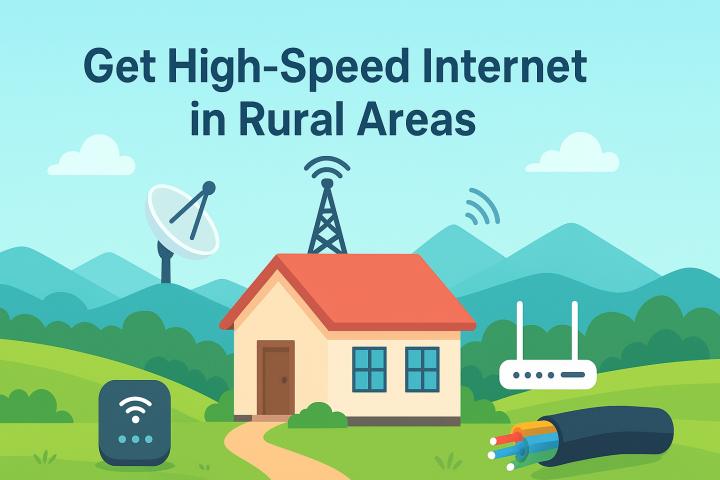
For those who frequently work from home or need consistent high-speed internet, fixed wireless home internet is an excellent alternative to traditional broadband. Services like UbiFi use cellular networks to provide reliable home internet without needing cable or fiber. This option is particularly useful in rural areas or places where conventional broadband isn't available.
Fixed wireless services generally provide speeds similar to cable internet (10-50 Mbps) with low latency, making them suitable for video calls and online work. Installation is easy, usually requiring just a simple modem setup. This service is available in areas where traditional internet providers do not operate. For anyone working remotely from rural locations, fixed wireless removes connectivity challenges that would otherwise disrupt productivity.
Tethering and USB Connections
Beyond Wi-Fi hotspots, USB tethering offers another way to connect your laptop to cellular internet using your smartphone. By connecting your phone to your laptop via a USB cable and enabling tethering mode, you can share your mobile data connection with your computer. This method often provides a more stable connection than Wi-Fi hotspots and saves your phone's battery since it doesn't broadcast a Wi-Fi signal.
Tethering is especially helpful when you need a more reliable connection or when your phone's battery is low. USB power charges your phone while providing internet access. Most modern smartphones support tethering, making it a widely available backup option for connectivity.
Portable Wi-Fi Adapters and Mobile Routers
Portable Wi-Fi adapters and small mobile routers offer flexible solutions for laptop users. These compact devices can pick up available networks and rebroadcast them, or they can use USB connectivity to share mobile data. Some devices combine various connection options, allowing you to switch between available networks for better performance.
Mobile routers from brands like TP-Link or GL.iNet are portable and come with advanced features compared to basic phone hotspots. They provide a stronger signal and better range, and they can connect numerous devices at once. These devices are perfect for frequent travelers or those who often work in different locations.
Satellite Internet for Remote Areas
For remote areas where cellular coverage is limited, satellite internet delivers global connectivity. Services like Starlink, Viasat, or HughesNet provide internet via satellite, ensuring access nearly anywhere on Earth. While satellite internet typically has higher latency than other options and may come with data caps, it allows you to connect from the most isolated locations.
Setting up satellite internet requires installing a dish antenna and modem, but it offers reliable, continuous connectivity in places where other options are unavailable. For remote workers or adventurers needing internet in very rural or off-grid locations, satellite internet is often the best solution.
Tips for Finding Wi-Fi on the Go
When traveling, there are several strategies to find available Wi-Fi. Check the official websites for your destination for suggestions on cafes, libraries, or other public spaces that offer free Wi-Fi. Apps like Speedtest or WiFi Map list thousands of public networks along with user reviews and passwords. Many businesses display Wi-Fi availability, making it easy to find networks.
Also, having a backup plan, like a mobile hotspot or a cellular data plan, ensures you always have internet access. Combining different connectivity options gives you the flexibility and reliability needed to get Wi-Fi anywhere on your laptop for smooth mobile computing.
Optimizing Your Laptop for Wireless Connectivity
To ensure your laptop can connect to available networks, proper configuration is essential. Keep your Wi-Fi drivers updated to work with modern networks. Regularly configure your laptop to forget old networks to avoid connecting automatically to weak or problematic ones. Set up Wi-Fi sleep settings that keep your connection active while conserving battery during inactive periods.
For safety, use built-in firewall protection and avoid auto-connecting to unknown networks. Configure your laptop to forget public networks after use to prevent reconnecting to spoofed networks with similar names. These simple practices help maintain your connectivity and security across different network environments.
How UbiFi Provides Reliable Wi-Fi Solutions
At UbiFi, we understand the frustration of unreliable internet in rural and underserved areas. Our fixed wireless home internet service uses cellular networks to deliver steady, high-speed connectivity where traditional providers do not operate. Instead of constantly looking for public Wi-Fi or facing limitations with mobile hotspots, UbiFi offers dedicated home internet that meets all your laptop needs.
Our service allows remote workers, students, and families in rural areas to access the same quality internet as those in urban settings, removing connectivity obstacles that otherwise necessitate life>
FAQs On Get Wi-Fi Anywhere on Laptop
What's the fastest way to get Wi-Fi on my laptop anywhere?
Mobile hotspots using 4G or 5G networks provide the quickest portable Wi-Fi, often offering speeds of 10-50 Mbps or more, depending on coverage. Fixed wireless home internet services like UbiFi provide similarly fast speeds at fixed locations. The speed largely depends on your area's cellular coverage rather than the connection method, with well-covered areas showing excellent performance.
Is it safe to use public Wi-Fi on my laptop?
Public Wi-Fi is usually safe for basic browsing but risky for sensitive tasks like banking or accessing personal accounts. Use a VPN to encrypt your connection when using public Wi-Fi, as it protects your data from being intercepted. Avoid doing financial transactions or accessing sensitive information on unsecured public networks.
How much data does a Wi-Fi hotspot use from my mobile plan?
Using your phone as a Wi-Fi hotspot consumes data from your mobile plan just like typical smartphone internet use. Streaming video can use 100-500 MB per hour, depending on quality, while basic browsing uses little data. Video calls use 2-5 MB per minute, so unlimited data plans are best for hotspot use.
Can I use multiple Wi-Fi sources simultaneously on my laptop?
No, laptops can only connect to one Wi-Fi network at a time. However, you can switch between available networks as needed or use dual-NIC laptops with separate Wi-Fi and Ethernet adapters to connect to multiple networks at the same time for special networking needs.
What's the difference between Wi-Fi hotspots and mobile routers?
Phone hotspots create temporary Wi-Fi networks from your smartphone, while dedicated mobile routers are small devices that provide more stable and permanent Wi-Fi functionality. Mobile routers typically have better range, stronger signals, and longer battery life, although they require purchasing a separate device.
Are there data limits with fixed wireless home internet like UbiFi?
Most fixed wireless services, including UbiFi, may have data limits or adjust speeds based on network congestion. Unlike some satellite or traditional mobile plans, fixed wireless typically offers generous data allowances suitable for regular home internet use, including streaming and video calls.
Conclusion
Getting Wi-Fi on your laptop is achievable through various methods, each with its own advantages for different situations. Public networks provide easy free access in busy areas, mobile hotspots offer portable connectivity wherever there is cellular coverage, and fixed wireless home internet gives reliable connection options for remote locations.
The best solution will depend on your specific needs. Frequent travelers might benefit from mobile hotspots or reliable public Wi-Fi access. Remote workers require consistent home connectivity, making fixed wireless services like UbiFi the ideal choice. Understanding these options helps you select the connectivity method that best fits your life>