In today’s digital world, first impressions matter more than ever. Whether you're a freelancer, a small business owner, or part of a larger team, the way you communicate online plays a big role in your professional image. One often-overlooked aspect of email communication is the email signature. While it may seem small, a well-designed email signature can leave a lasting impression and help reinforce your brand identity.
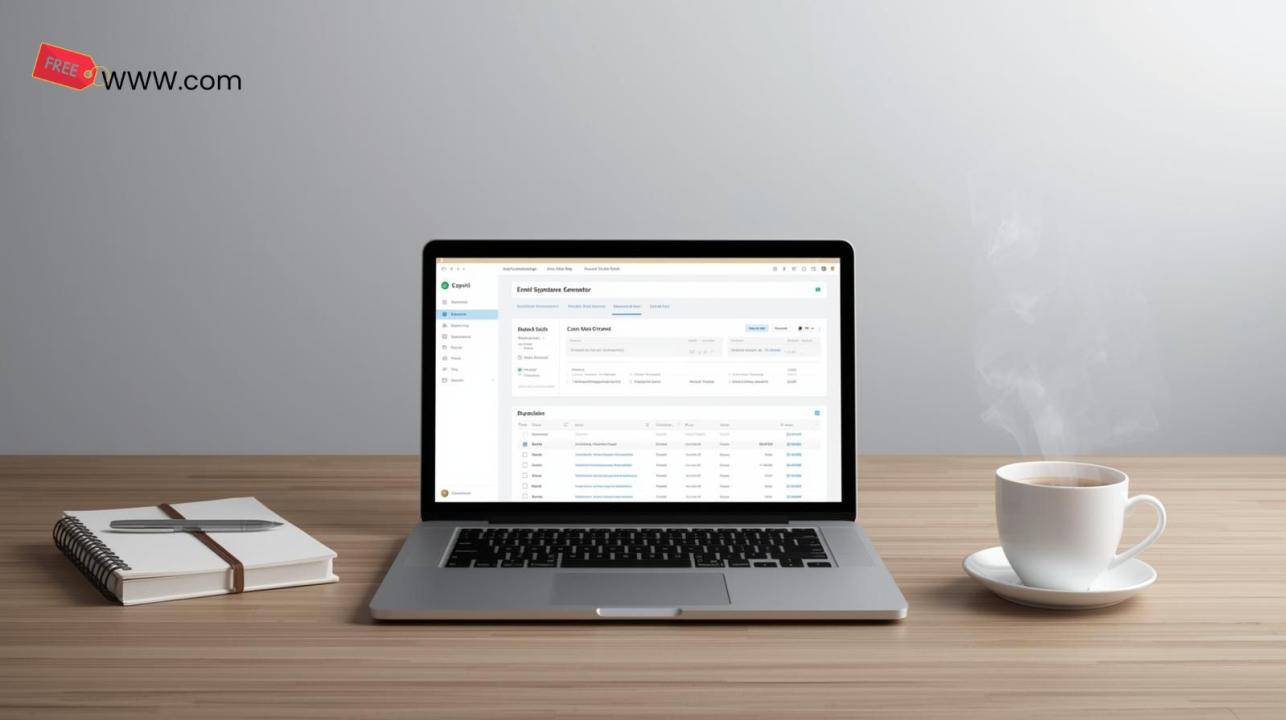
That's where the Email Signature Generator comes in a free, easy-to-use tool that helps you create professional, customizable email signatures in just a few clicks.
Why Your Email Signature Matters
Your email signature is more than just a sign-off; it’s an extension of your brand and personality. It provides recipients with essential information, like your name, contact details, and social media links, all while maintaining a professional appearance. Whether you're sending a formal business email or a casual update, your signature is an opportunity to showcase your professionalism and credibility.
But let’s face it, creating a polished email signature can be time-consuming and complicated especially if you don’t have design skills. This is where the Email Signature Generator comes in to simplify the process.
Key Features of the Email Signature Generator
- Easy-to-Use Interface: The tool is incredibly user-friendly, with a simple drag-and-drop interface. You don’t need to be a design expert to create a beautiful, professional email signature. Just choose a template, add your details, and you're good to go!
- Customizable Templates: Choose from a variety of pre-designed templates that match your >
- Add Personal and Professional Details: Personalize your signature by adding your name, job title, contact information, social media links, and even your company logo. You can also include legal disclaimers, making this tool perfect for business and corporate use.
- Mobile-Friendly Design: The tool ensures that your signature looks great on both desktop and mobile devices, so you can send professional emails from any platform.
- Free to Use: One of the best parts? It’s completely free! No hidden fees, no sign-ups required just a straightforward, hassle-free experience.
Who Can Benefit from the Email Signature Generator?
The Email Signature Generator is perfect for anyone looking to enhance their email communication. Here are a few examples:
- Freelancers: Establish a professional brand identity with every email you send.
- Small Businesses: Create consistent email signatures for your team to help promote your business.
- Corporate Teams: Ensure all employees use standardized signatures that reflect your company’s branding.
- Nonprofits: Add your organization’s logo and social links to build visibility and trust.
How to Get Started
Getting started with the Email Signature Generator is quick and easy. Simply visit the website, choose a template, and start customizing. No need for complicated design tools just add your details and download your signature. Then, you can quickly integrate it into your email client, whether it’s Gmail, Outlook, or any other service you use.
Why It’s Time to Upgrade Your Email Signature
In the fast-paced world of digital communication, a professional email signature is more than just a formality it’s a statement. It shows that you care about the details and are committed to presenting yourself and your brand in the best possible way.
With the Email Signature Generator, you can create a signature that reflects your professionalism and enhances your communication with minimal effort. Plus, it’s free! So, what are you waiting for? Upgrade your email signature today and start making a better impression in every email you send.
Final Thoughts
The Email Signature Generator is a powerful yet simple tool that allows anyone to create a professional, branded email signature in just minutes. Whether you're a freelancer, business owner, or part of a corporate team, this tool can help elevate your email communications. So, go ahead create a signature that speaks volumes about your professionalism and attention to detail!