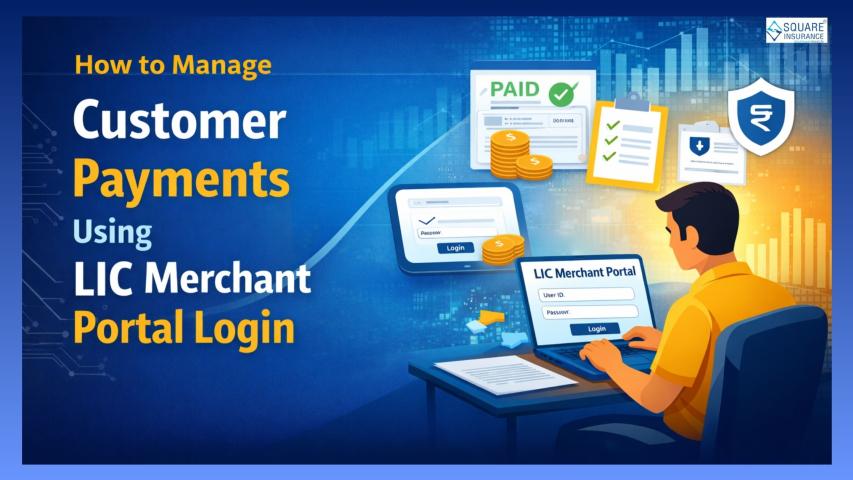
The Life Insurance Corporation of India (LIC) has long been a trusted institution for life insurance in India. To support its network of registered merchants, LIC offers the LIC Merchant Portal, an online platform designed to simplify day-to-day tasks. Merchants can access this system through the LIC Merchant Portal Login, which provides a secure gateway to manage their work. One of the most important functions of this portal is helping merchants handle premium payments and receipts efficiently. By using the portal, merchants can reduce manual work, maintain accurate records, and provide better service to policyholders.
In this article, we will explain in detail how LIC merchants can manage payments and receipts through the portal, highlighting its key features, step-by-step usage, and best practices.
Understanding the LIC Merchant Portal
The LIC Merchant Portal is a secure, web-based platform for registered merchants. It allows them to perform essential tasks such as:
- Collecting premiums from policyholders
- Issuing digital receipts instantly
- Tracking payments and pending premiums
- Maintaining accurate records for reporting
The portal is designed to be user-friendly, even for merchants who may not be highly tech-savvy. Its main purpose is to reduce errors, save time, and provide a transparent way to manage financial transactions.
Key Features for Managing Payments and Receipts
The portal offers several features specifically aimed at helping merchants manage payments and receipts efficiently. Some of the main features include:
1. Premium Collection Dashboard
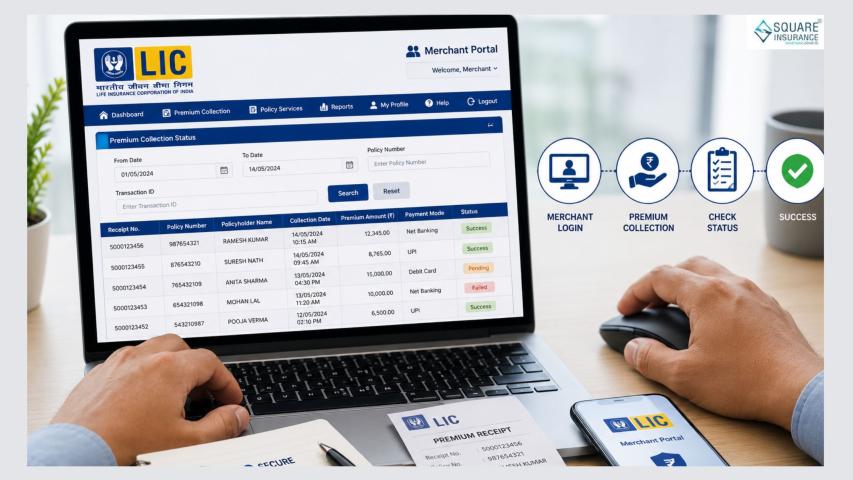
The premium collection dashboard is the heart of the portal. Merchants can view a list of policyholders whose premiums are due, along with the amount and due date. This helps merchants prioritize collections and reduces the risk of missing payments.
The dashboard also displays any overdue premiums, allowing merchants to follow up with policyholders promptly.
2. Policy Search and Verification
Before collecting a payment, it’s important to verify the policy details. The portal allows merchants to search for policies using the policy number or customer information. They can check:
- Policyholder name
- Policy status
- Premium amount and frequency
- Next due date
This feature ensures that all payments are applied to the correct policy and reduces errors.
3. Digital Receipt Generation
After a premium is collected, the portal automatically generates a digital receipt. The receipt includes important details such as:
- Policy number
- Payment date
- Amount paid
- Merchant details
This eliminates the need for manual receipt creation and provides immediate proof of payment to the policyholder. Merchants can also download or print receipts if needed.
4. Payment History and Tracking
Merchants can access a complete history of all payments collected through the portal. This includes:
- Payment date
- Amount
- Payment method
- Receipt number
Having a detailed payment history allows merchants to resolve queries from policyholders and keep accurate records for reporting purposes.
5. Secure Login and Data Protection
The LIC Merchant Portal is a secure platform. Merchants must log in using their unique credentials, and additional security features ensure that customer information is protected. This prevents unauthorized access and keeps sensitive data safe.
6. Notifications and Alerts
The portal often provides alerts for pending or overdue premiums. This helps merchants stay organized and ensures timely reminders for policyholders. Regular use of these notifications can improve collection rates and customer satisfaction.
Step-by-Step Guide to Managing Payments
Here’s a clear step-by-step guide on how merchants can use the portal to manage payments:
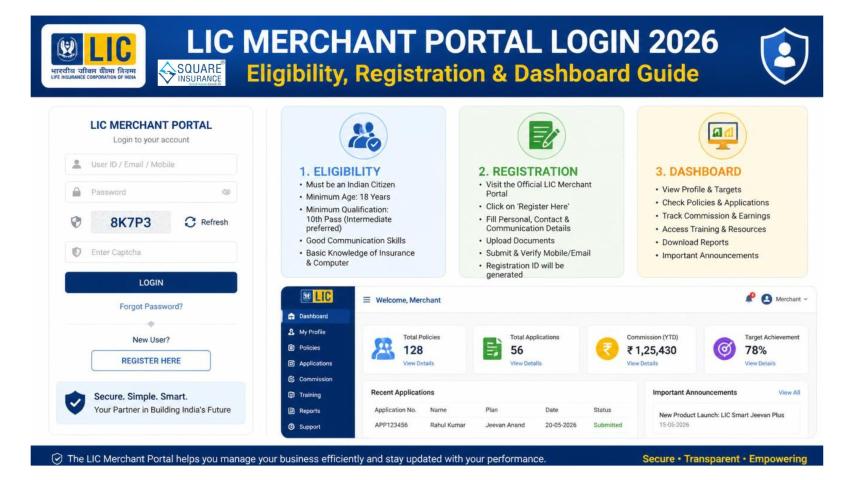
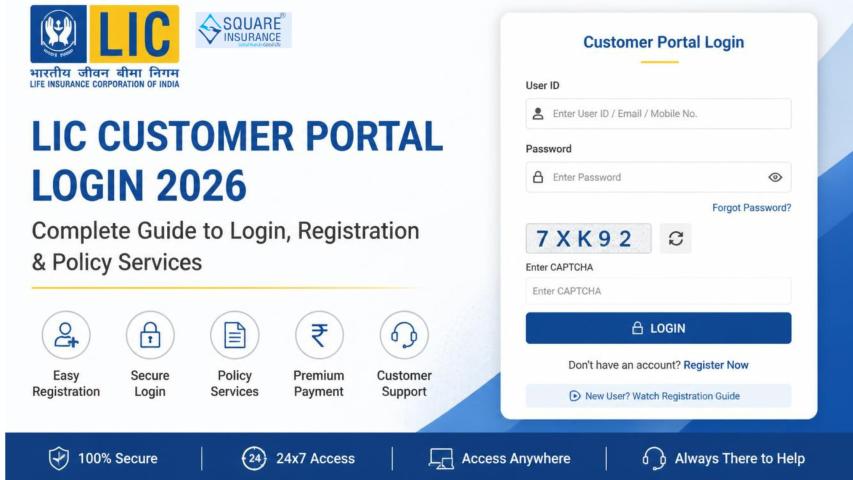
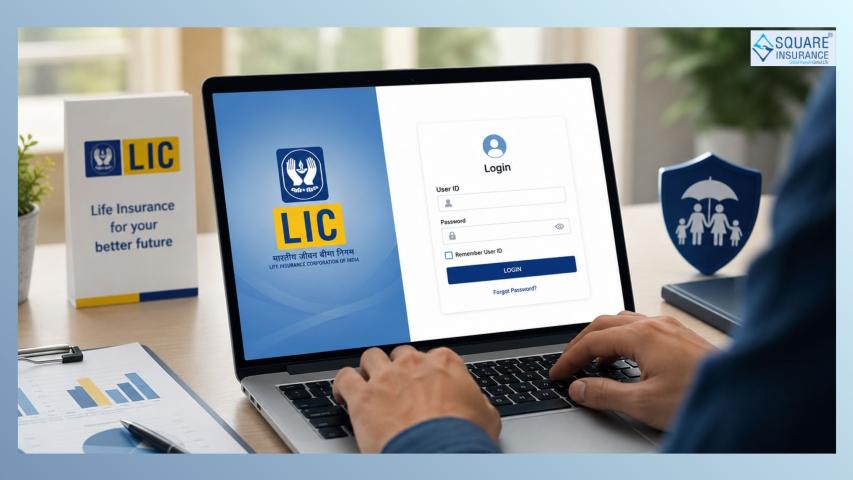
Step 1: Log In to the Portal
Enter your merchant user ID and password on the LIC Merchant Portal login page. Complete any additional verification if prompted. This step ensures that only authorized users access the system.
Step 2: Access the Premium Collection Section
Once logged in, navigate to the premium collection dashboard. Here, you will find a list of all policies with due or upcoming premiums.
Step 3: Verify Policy Details
Before collecting payment, search for the policy using the policy number or customer name. Confirm the premium amount, due date, and other details to avoid errors.
Step 4: Collect the Premium
After verification, collect the payment from the policyholder. Payments can be in cash, cheque, or digital mode, depending on LIC’s accepted methods. Enter the payment details accurately in the portal.
Step 5: Generate and Share the Receipt
Once the payment is recorded, the portal will generate a digital receipt instantly. Share the receipt with the policyholder either digitally or as a printed copy. This ensures transparency and provides proof of payment.
Step 6: Record Keeping
All payment details are automatically saved in the merchant’s account on the portal. Merchants can later access payment history for reconciliation, reporting, or resolving queries.
Managing Receipts Efficiently
The LIC Merchant Portal streamlines receipt management in several ways:
- Instant Generation: No delays in issuing receipts.
- Accurate Information: All policy and payment details are verified.
- Digital Records: Receipts are stored online for future reference.
- Easy Downloads: Merchants can download or print receipts as needed.
This approach eliminates paper clutter, reduces manual errors, and ensures policyholders always receive accurate payment confirmations.
Tips for Efficient Use
To get the most out of the LIC Merchant Portal, merchants should follow these best practices:
- Keep Credentials Secure: Never share your login details with anyone.
- Check Entries Carefully: Verify payment amounts and policy numbers before confirming transactions.
- Use the Dashboard Regularly: Regularly monitor the premium collection dashboard to avoid missing due payments.
- Maintain Internet Security: Use secure networks and updated browsers for accessing the portal.
- Follow Up on Pending Payments: Use alerts and notifications to contact policyholders with pending premiums.
By following these steps, merchants can manage payments and receipts effectively while maintaining trust and accuracy.
Benefits of Using the LIC Merchant Portal
Using the portal for payments and receipts brings several advantages:
- Time-Saving: Reduces manual paperwork and speeds up payment processing.
- Accuracy: Minimizes errors in recording payments and issuing receipts.
- Transparency: Policyholders receive immediate confirmation of payments.
- Organization: Payment history and reports are stored digitally for easy access.
- Customer Satisfaction: Quick and reliable transactions improve policyholder experience.
Overall, the portal allows merchants to handle their work efficiently and professionally.
Conclusion
The LIC Merchant Portal is a valuable tool for registered merchants, making the process of managing payments and receipts simple, accurate, and secure. By using features like the premium collection dashboard, policy verification, instant digital receipts, and detailed payment history, merchants can streamline their daily operations and provide better service to policyholders.
Regular use of the portal not only saves time but also ensures transparency, accuracy, and organized record-keeping. Merchants who familiarize themselves with its features can manage premiums and receipts efficiently while maintaining the trust of their customers.
In 2025, the LIC Merchant Portal remains an essential digital tool for merchants, bridging the gap between policy servicing and customer convenience.