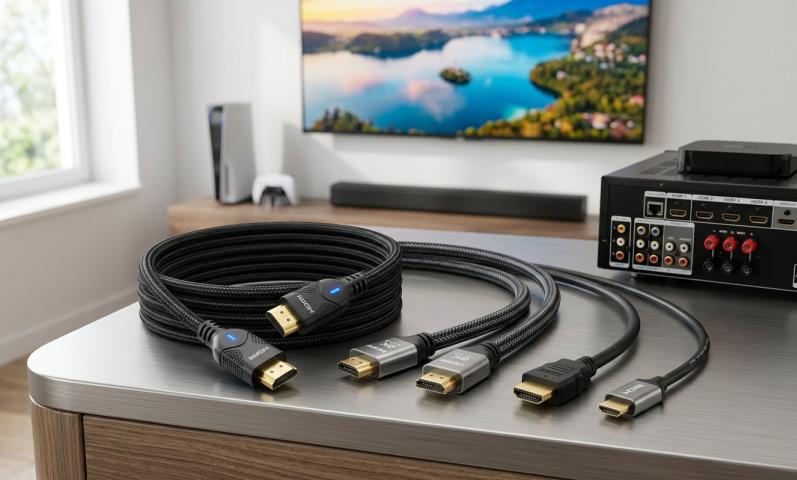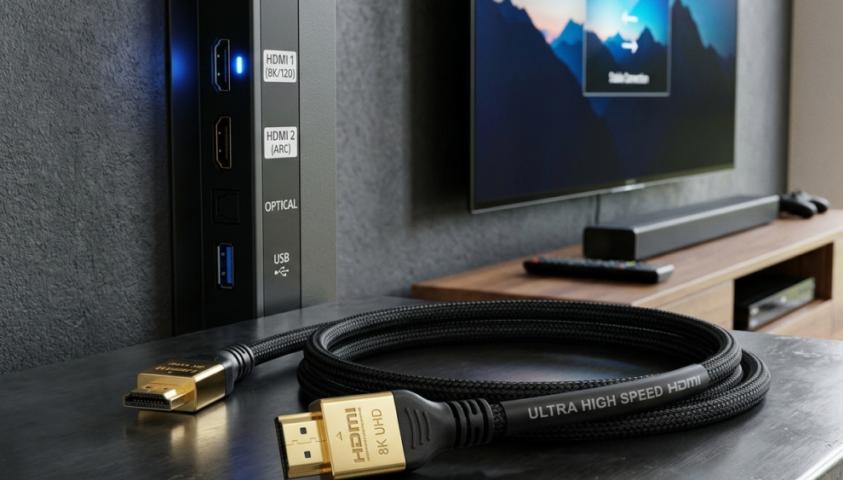
Getting a new 4K TV is exciting. But without the right cable, you won't see the amazing picture quality you paid for. The best 4K HDMI cable makes all the difference between a stunning image and a disappointing one.
Many people think all HDMI cables are the same. That's not true. Some cables handle 4K content better than others. Let's talk about what makes a great cable and which ones you should buy.
Why Your HDMI Cable Matters
Your 4K TV can display millions of colors and incredible detail. But it needs the right cable to receive all that information. A cheap or outdated cable might work for basic viewing, but it can cause problems with 4K content.
You might see the picture cut out randomly. Colors might look washed out. Or your TV might not show 4K resolution at all. The best 4K HDMI cable prevents these issues and delivers the full experience.
What to Look for in a 4K HDMI Cable
Before we get to specific products, let's cover the important features.
HDMI 2.0 or Higher
This is the most important thing. HDMI 2.0 supports 4K video at 60 frames per second. Older versions can't handle this. Look for HDMI 2.0, 2.1, or higher. These versions give you smooth motion and full 4K quality.
HDR Support
HDR (High Dynamic Range) makes colors pop and creates better contrast. Your cable needs to support it. Most modern cables do, but it's worth checking.
Bandwidth Capacity
Think of bandwidth like a highway. More lanes mean more data can travel at once. For 4K viewing, you need at least 18 Gbps. HDMI 2.1 cables offer 48 Gbps, which is great for gaming and future-proofing.
Build Quality
Good cables have quality connectors and shielding. This protects against interference and ensures a stable connection. Metal connectors last longer than plastic ones.
Length
Longer cables can lose signal quality. For 4K content, stick with cables under 15 feet when possible. If you need a longer cable, look for one with signal boosting.
Top Picks for Best 4K HDMI Cable
Here are cables that deliver excellent performance without breaking the bank.
Cable Matters HDMI 2.1 Cable
This cable offers outstanding value. It supports 8K and 4K at 120Hz, so you're ready for future devices. The build quality is solid, with sturdy connectors and good shielding. It comes in various lengths and costs much less than premium brands.
Belkin Ultra High Speed HDMI Cable
Belkin makes reliable cables that last. This one supports all the latest features including Dynamic HDR and eARC for better sound. The cable feels premium and the connectors fit snugly. It's a great middle-ground option.
Amazon Basics High-Speed HDMI Cable
Don't let the low price fool you. This cable works great for most people. It supports 4K at 60Hz and HDR. If you need a basic cable for streaming or Blu-ray, this does the job perfectly.
AudioQuest Pearl HDMI Cable
For those who want premium quality, AudioQuest delivers. These cables have excellent shielding and connectors. They're built to last for years. The price is higher, but the quality matches it.
Zeskit Maya 8K HDMI Cable
This cable punches above its price point. It's certified for 8K and handles 4K effortlessly. The cable is flexible and easy to work with. Reviews consistently praise its reliability.
Common Myths About HDMI Cables
Let's clear up some confusion.
Myth 1: Expensive Cables Always Look Better
Not true. Once a cable meets the technical requirements, spending more doesn't improve picture quality. A $10 cable and a $100 cable can deliver identical images if both support the same standards.
Myth 2: Gold Plating Makes a Huge Difference
Gold plating prevents corrosion, which is good. But it doesn't magically improve your picture. It's a nice feature, not a necessity.
Myth 3: You Need New Cables for Every Device
If your cable supports the highest resolution your TV offers, you're good. You don't need to buy new cables unless you upgrade to equipment that requires higher specs.
Installation Tips
Getting the best 4K HDMI cable is just the start. Here's how to set it up right.
Push the cable firmly into both ports. It should click into place. A loose connection causes dropouts and quality issues.
Avoid sharp bends in the cable. This can damage the internal wires. Give the cable some slack and use gentle curves.
Keep HDMI cables away from power cords when possible. This reduces interference, though good shielding helps with this.
If you're running the cable through walls, use a cable rated for in-wall installation. Regular cables aren't safe for this.
Troubleshooting Common Problems
Even with the best 4K HDMI cable, you might face issues. Here's how to fix them.
No Picture
Try a different HDMI port on your TV. Sometimes one port works better than others. Unplug the cable from both ends and reconnect it. Check if your source device is set to output 4K.
Picture Cuts Out
Your cable might be too long or damaged. Try a shorter cable. Make sure the cable is rated for the resolution you're using. Check for firmware updates on your TV and source devices.
Colors Look Wrong
Go into your TV settings and make sure the HDMI port is set to enhanced or full mode. Some TVs limit features on certain ports by default.
Gaming Considerations
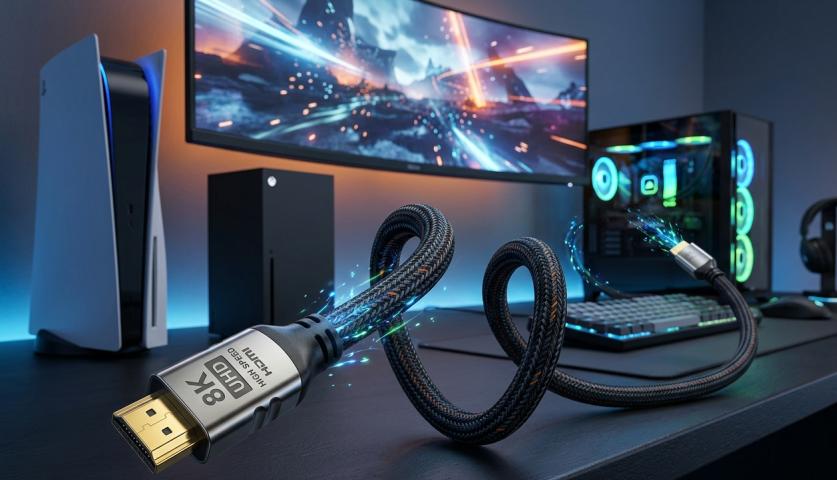
Gamers need to think about a few extra things. The best 4K HDMI cable for gaming supports 4K at 120Hz. This gives you smooth gameplay on PlayStation 5 and Xbox Series X.
Look for cables with HDMI 2.1 certification. These support Variable Refresh Rate (VRR) and Auto Low Latency Mode (ALLM). These features reduce lag and make games more responsive.
Future-Proofing Your Setup
Technology changes fast. Buying a cable that exceeds your current needs makes sense. An HDMI 2.1 cable works great now and supports future upgrades.
This approach saves money in the long run. You won't need to buy new cables when you upgrade your TV or gaming console.
Final Thoughts
The best 4K HDMI cable doesn't have to cost a fortune. Focus on specifications rather than brand names or fancy packaging. Make sure it supports HDMI 2.0 or higher, offers enough bandwidth, and has good build quality.
For most people, a mid-priced certified cable from a reputable brand works perfectly. You'll get crystal-clear 4K viewing without overspending. Your eyes will thank you, and so will your wallet.
Remember that proper installation matters as much as cable quality. Take a few extra minutes to set things up right, and you'll enjoy flawless 4K content for years to come.